Manage construction projects, track tasks, coordinate teams, and oversee materials and inspections in one centralized workspace.
Data sources supported





.svg)


Resources


Overview
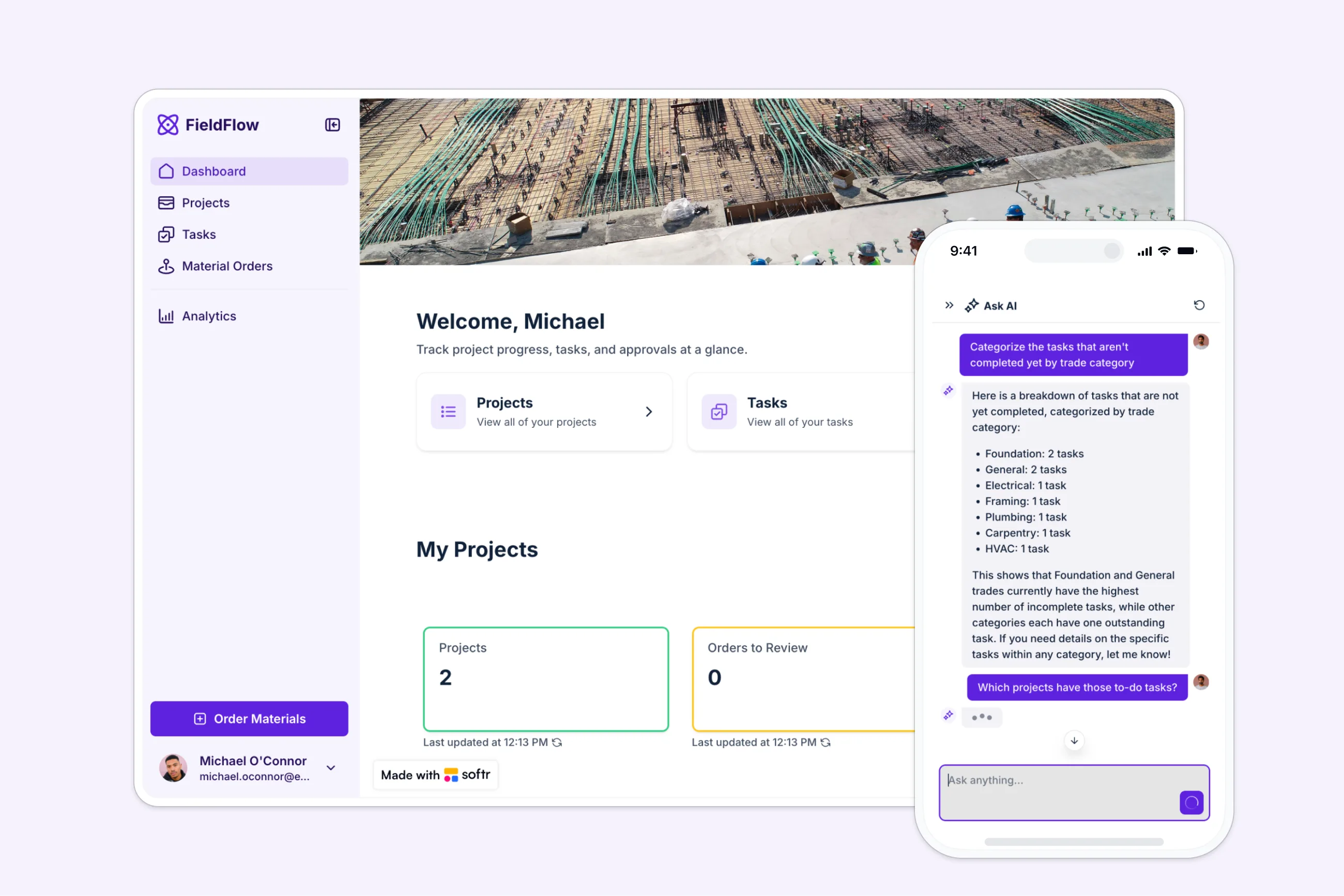
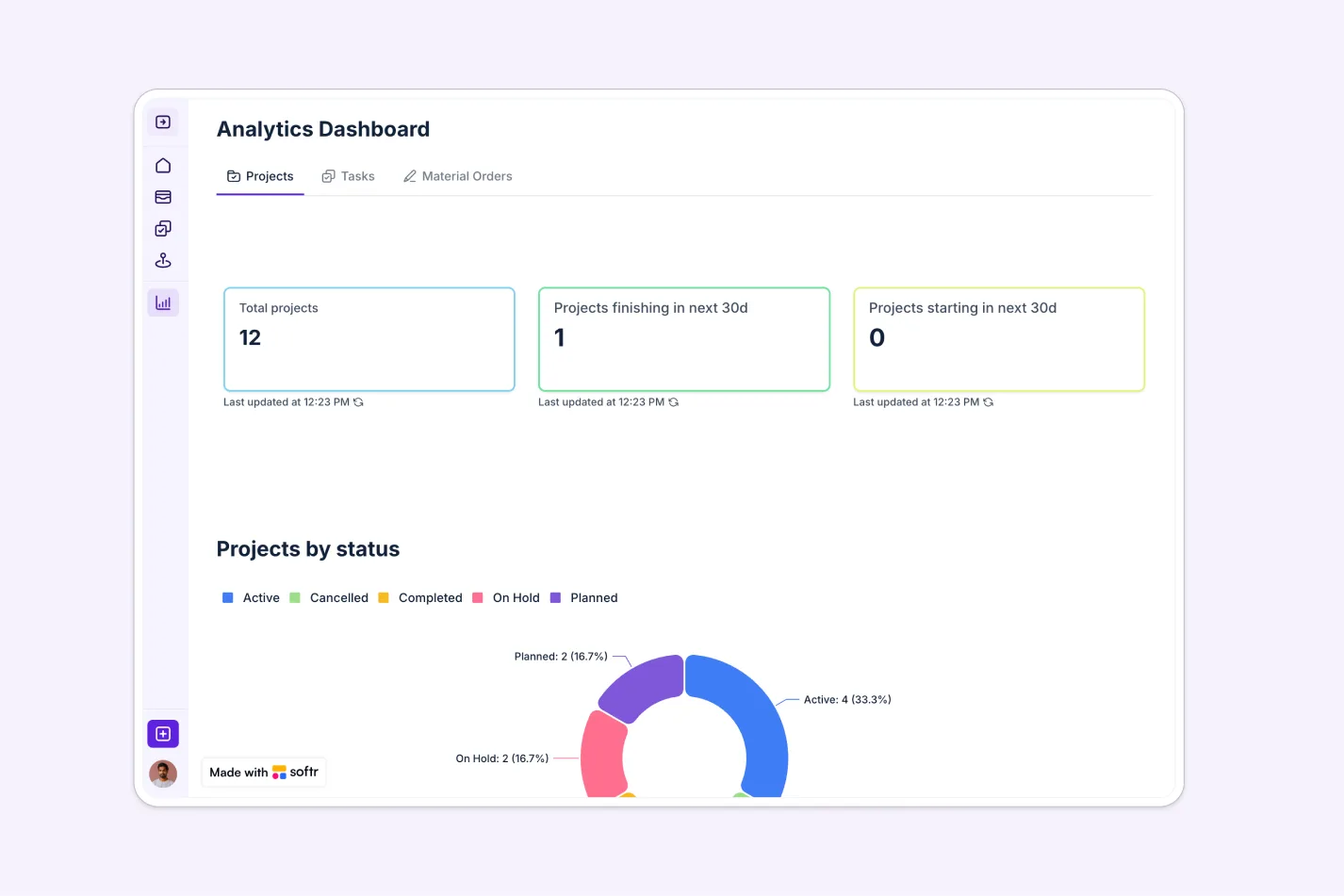
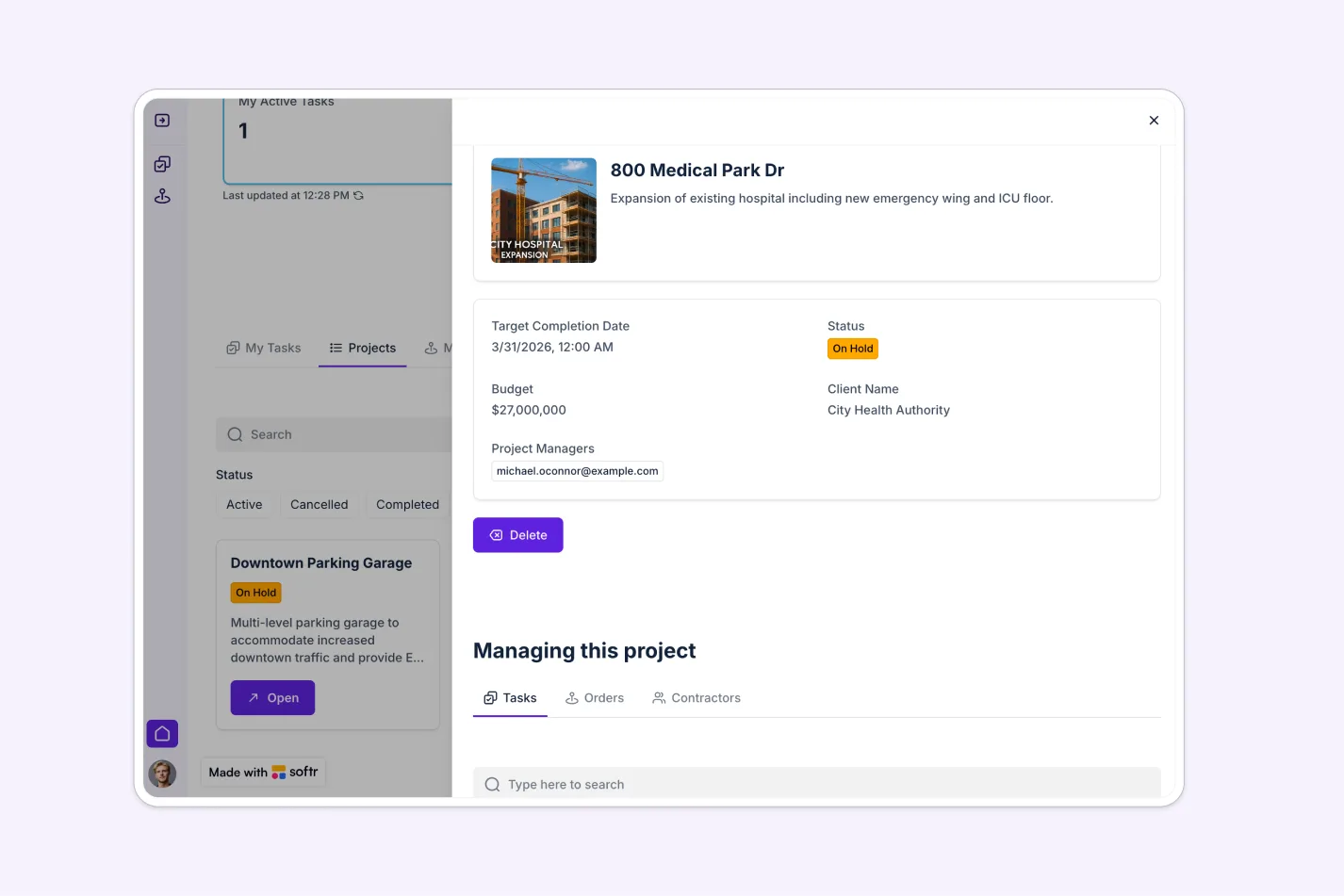
This free template helps you build a custom construction project management platform on top of your existing data, so you can eliminate scattered spreadsheets, lost documents, and miscommunication across job sites.
It includes a sample database to show how to structure your data for managing projects, tasks, materials, and documents. You can also connect to any Softr-supported source like Airtable, Google Sheets, Notion, monday.com, and more.
Why use this construction project management template
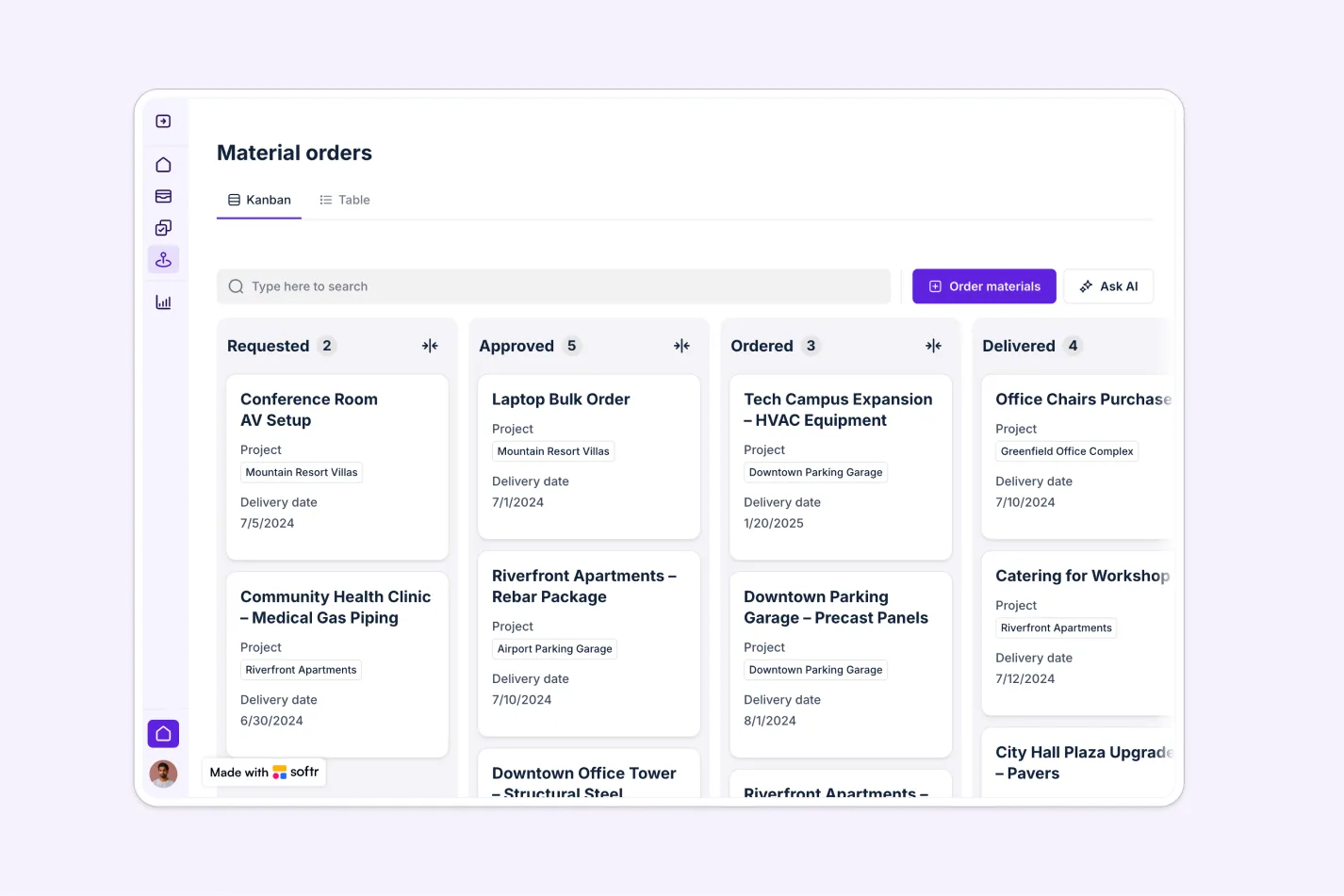
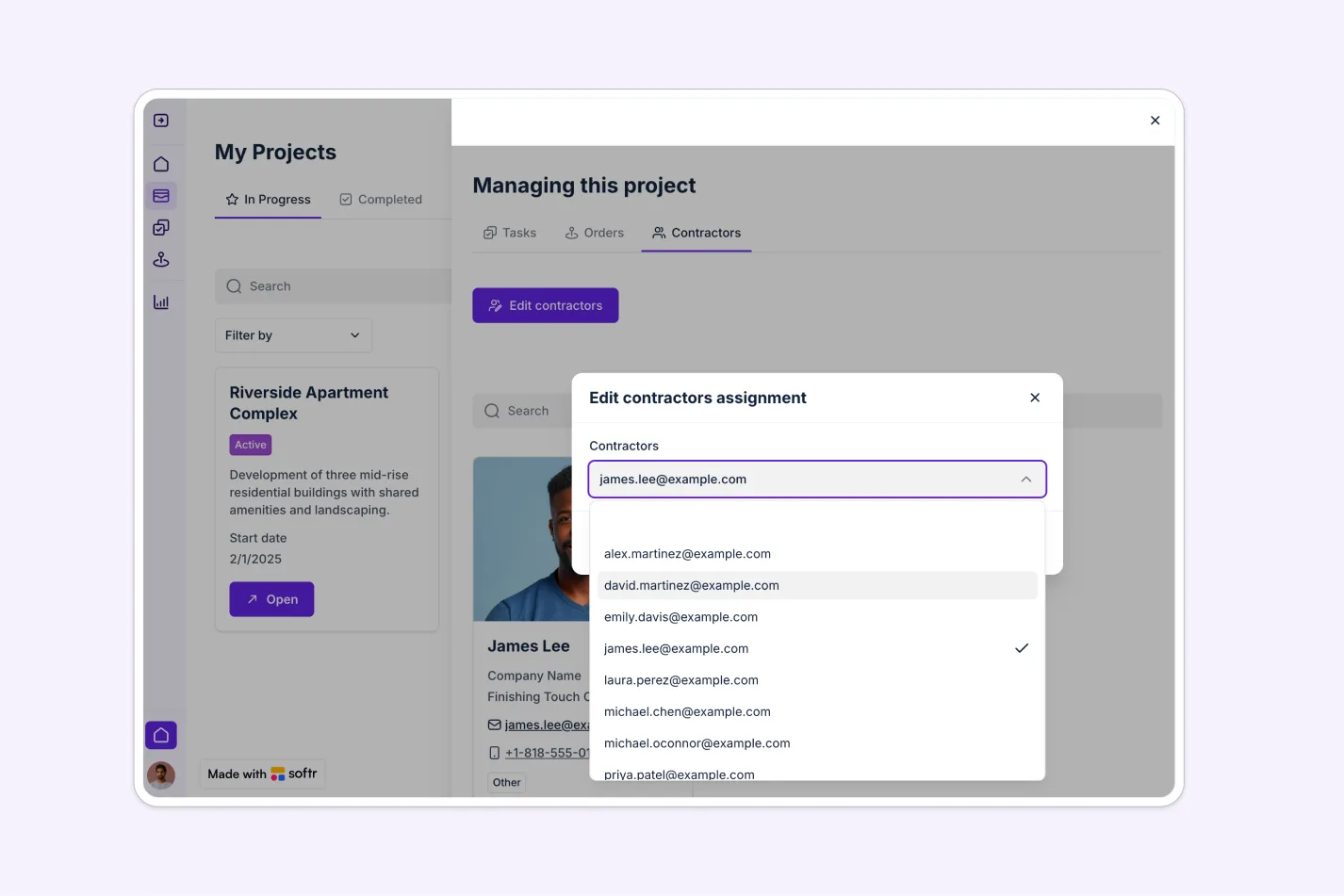
- Centralize project operations in one place: Manage tasks, materials, documents, and trade assignments in a single platform accessible from any device.
- Give each role the right access: Project Managers get full control, Contractors see their tasks and can submit requests, and Owners get read-only visibility into project status.
- Customizable for your construction workflows: Whether you're managing residential renovations, commercial builds, or multi-site projects, this template adapts to your needs.
Template features:
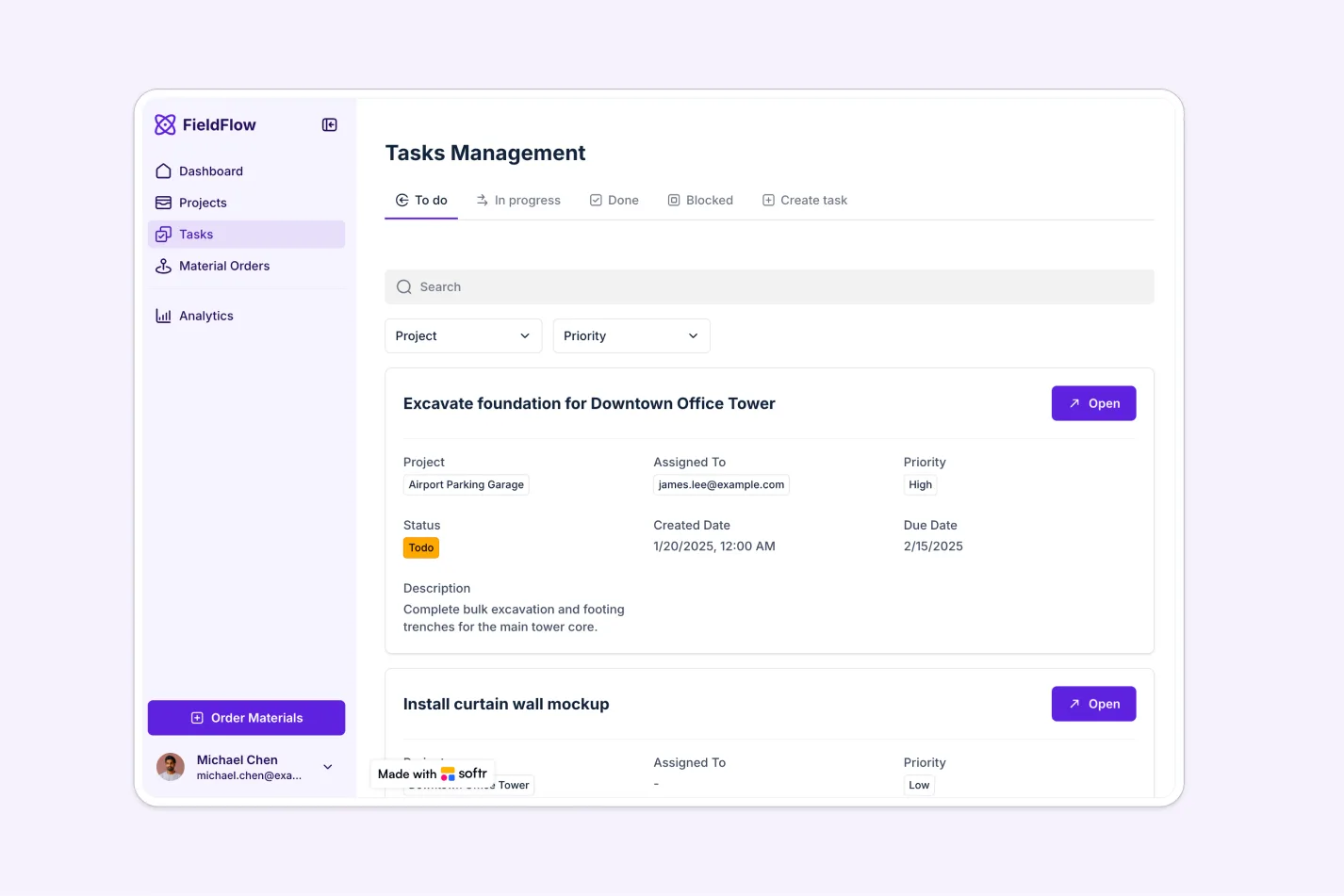
- Task Management
- Material Orders
- Document Library
- Trade-Based Task Organization
- Role-Based Dashboards
- Calendar View
- Task Communication
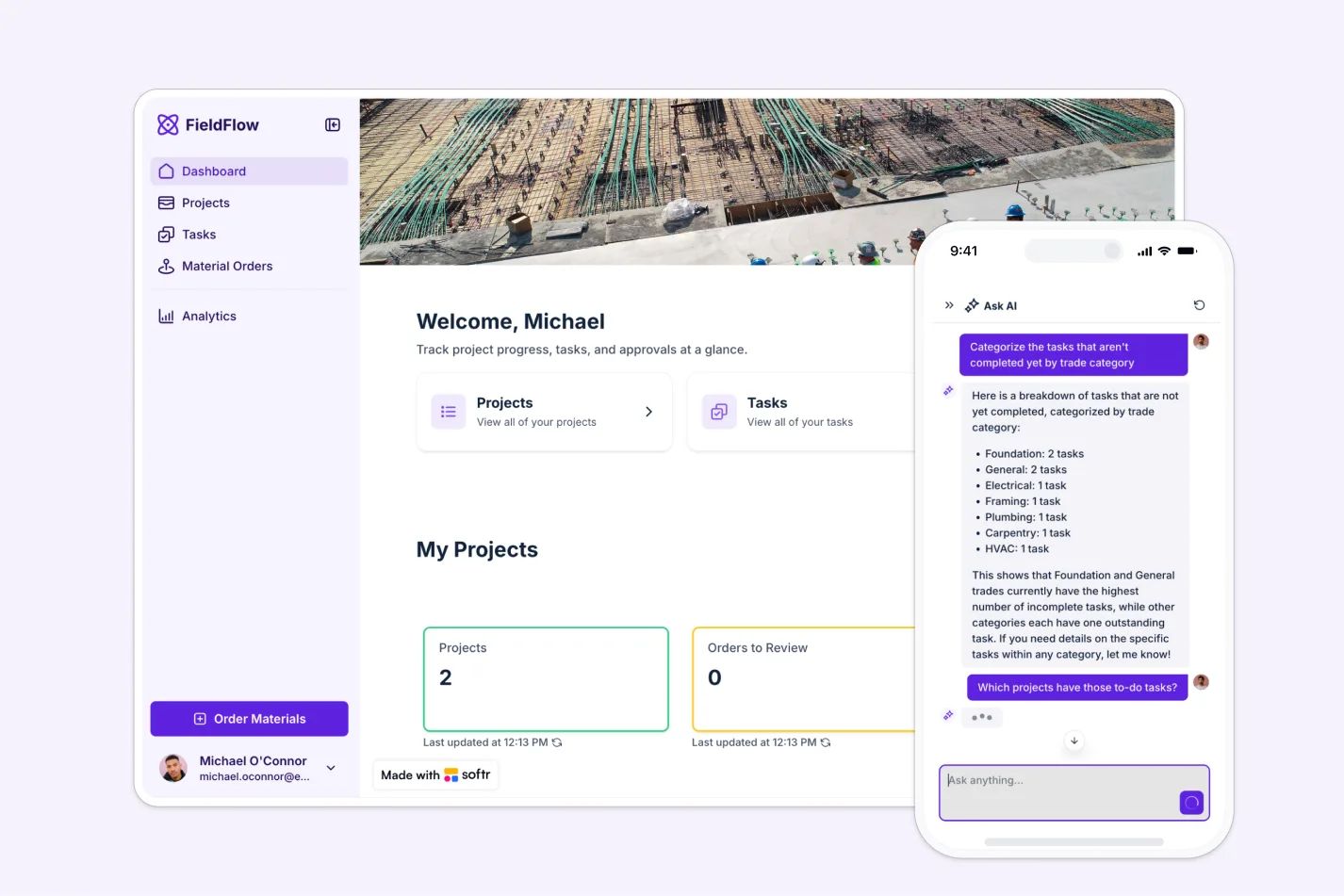
- AI-Powered Insights
Who is this construction project management template for?
This template is built for construction teams that need a centralized way to manage projects, coordinate field teams, and track materials and task progress across trades. It's a great fit for:
- General contractors: Manage multiple construction projects simultaneously with centralized task and material tracking.
- Commercial construction companies: Coordinate large teams and subcontractors across complex projects.
- Residential builders: Track custom home builds and renovations from start to finish.
- Construction project managers: Oversee progress, budgets, and deadlines in one secure platform.
- Property developers: Monitor construction progress and budgets with real-time visibility.
- Specialty trade contractors: Manage work across multiple job sites and coordinate with general contractors.
- Construction owners: Review project status and analytics without editing capabilities, ensuring transparency and oversight.


“What we love most about Softr is the instantaneous, customizable power a no-code platform allows.”

- 1
- 2
- 3
- 4
Frequently asked questions
What is construction project management software?
Why use a no-code construction management template instead of standard software?
Can I customize the task statuses and workflows?
Does this template support role-based access?
Can contractors submit material requests through the app?
Can I integrate this template with existing tools?