


Build small business scheduling software, no code required
Schedule tasks, manage appointments, and streamline operations with a flexible scheduling tool tailored for your small business.
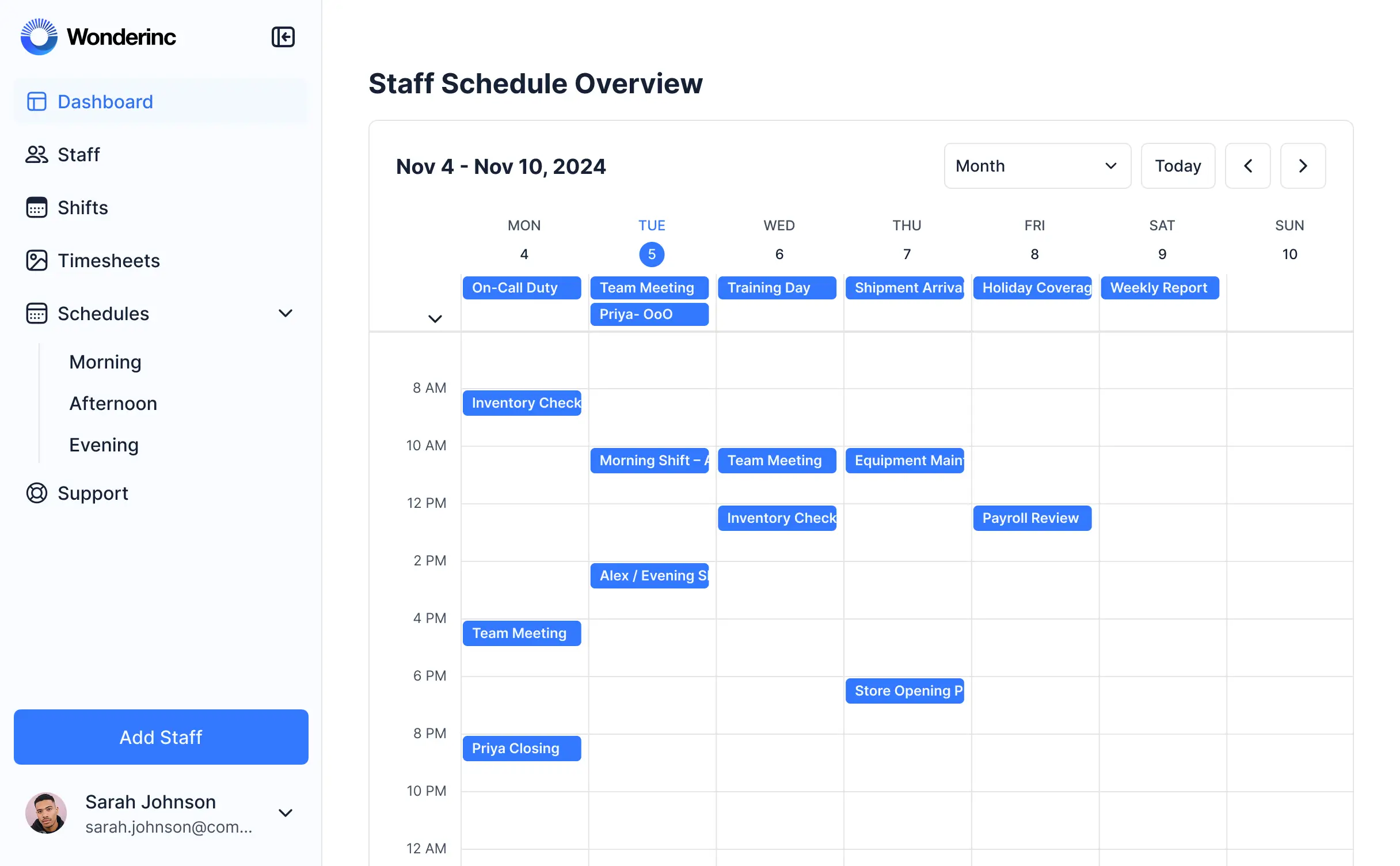
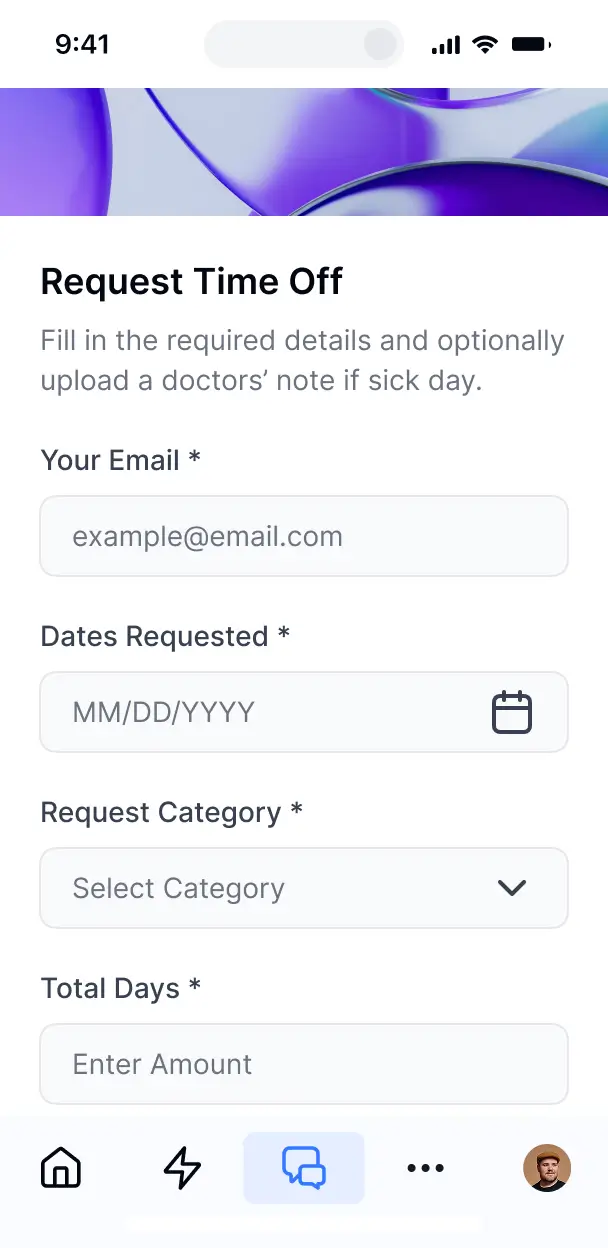


Customize your scheduling tool around your needs
Set up scheduling workflows that match how your business operates. Add only the views and features you need, and adjust as your needs change.

Client appointment booking

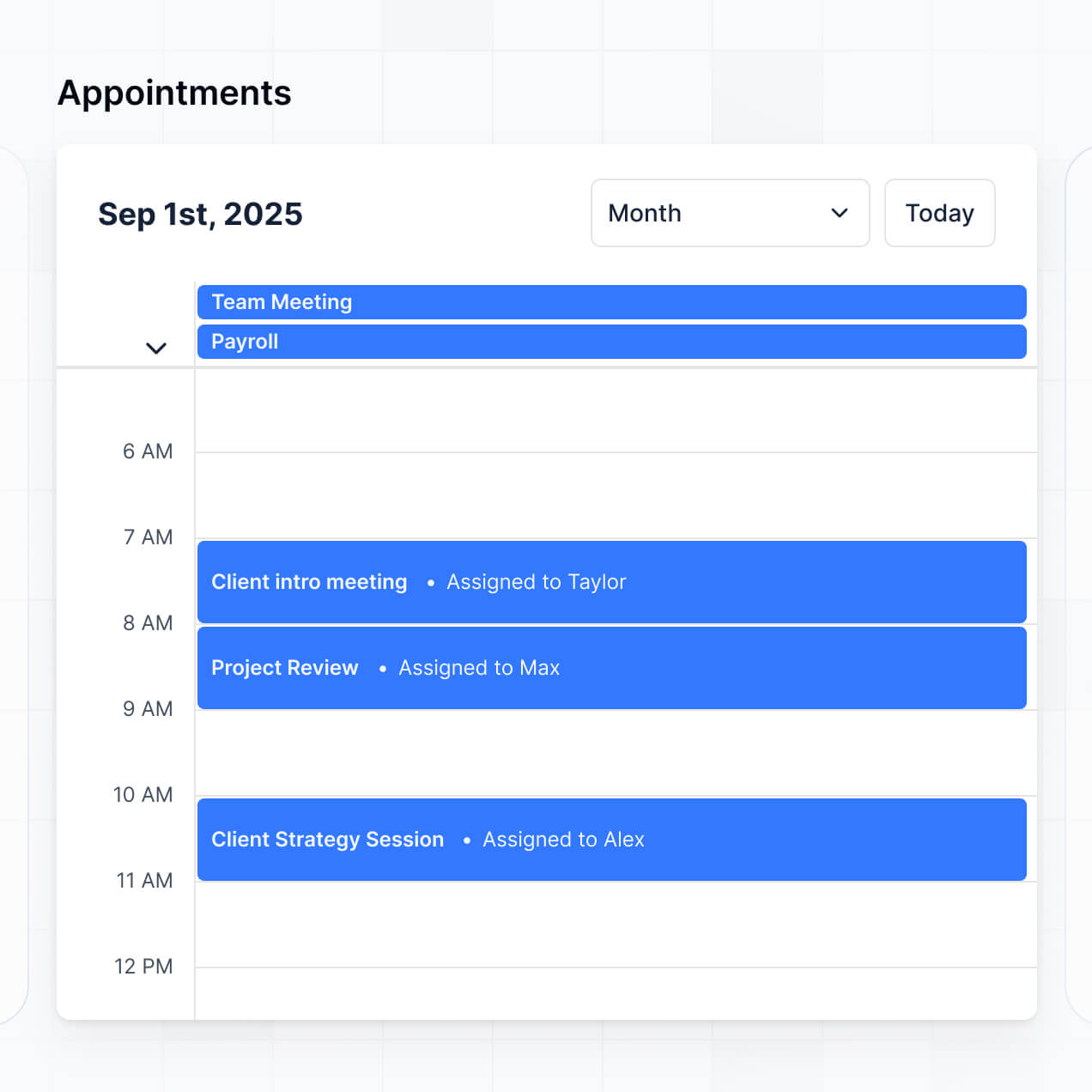

Calendar view and management
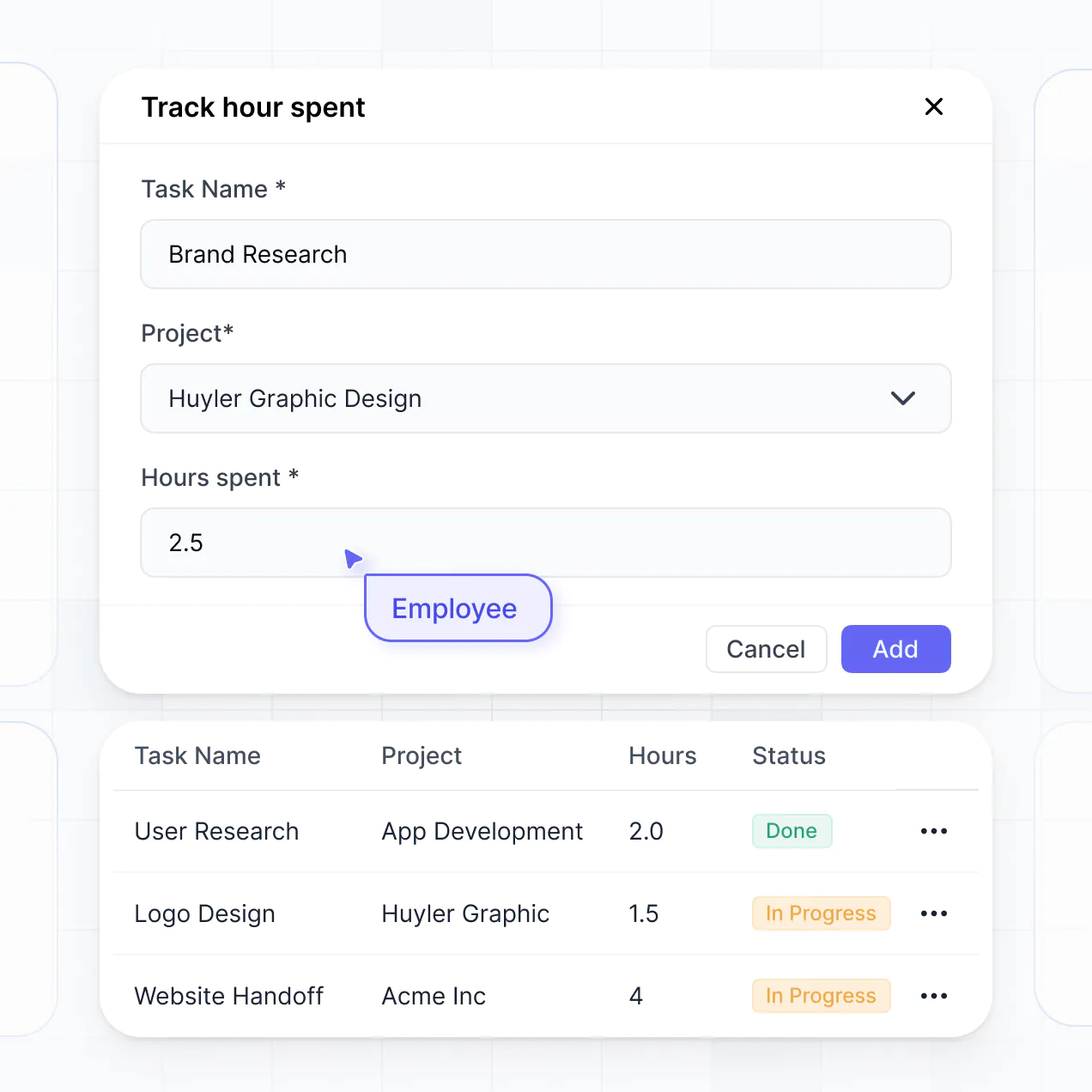
Staff availability management

Automated email confirmations
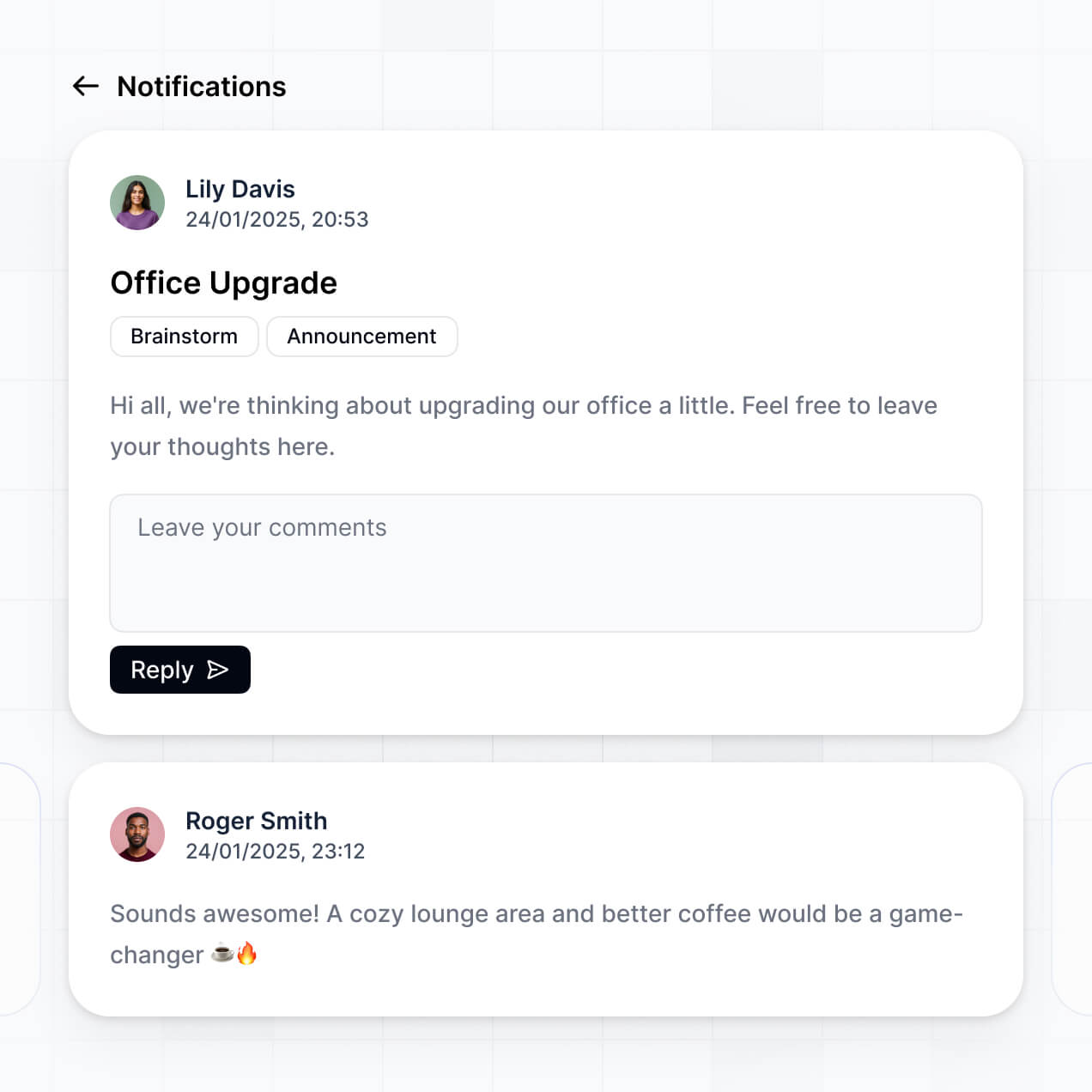

Service catalog management
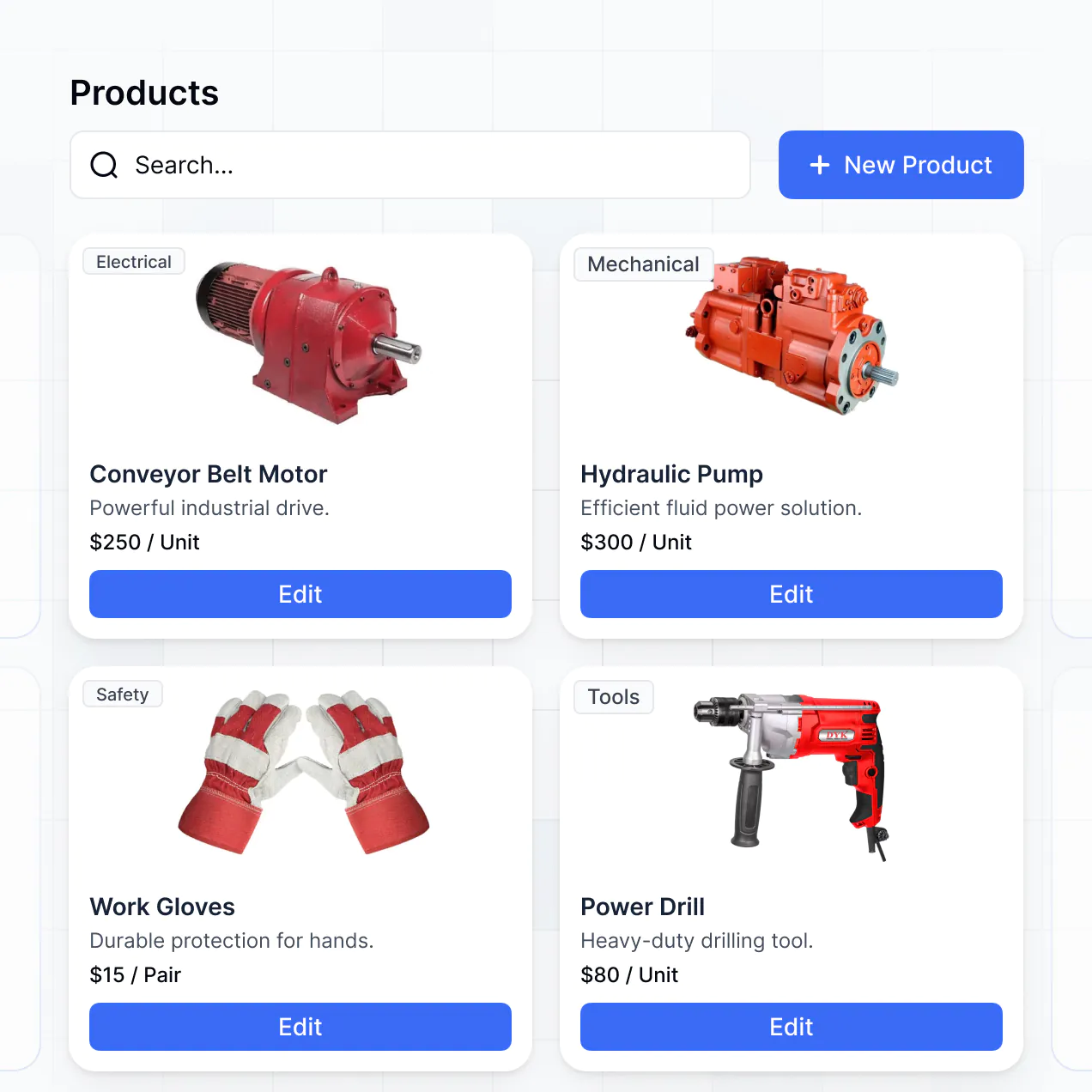

Appointment history and reporting
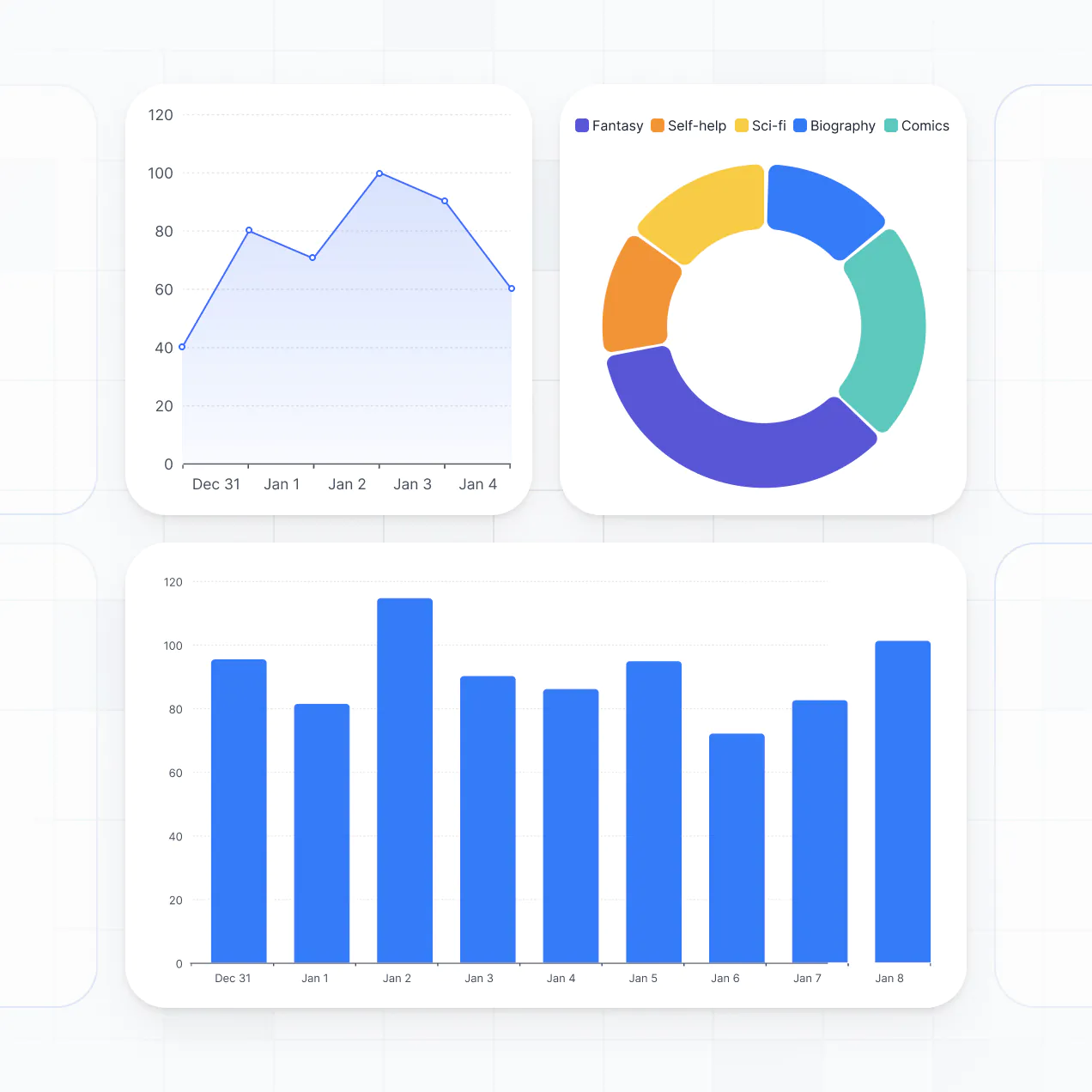

Bring all your scheduling data together in real time
Connect calendars, task managers, and other systems with real-time sync—or manage everything in Softr Databases. Create a single source of truth for your scheduling needs.


Smart scheduling for your small business.
Easily manage bookings, team access, and client appointments in one secure portal. Set up roles and permissions in minutes—no tech skills needed.

Works on any device
Connect with your calendar or CRM to automate appointment reminders, confirmations, and team notifications.

Automations
Connect with your calendar or CRM to automate appointment reminders, confirmations, and team notifications.

User groups
Assign roles for staff, managers, or clients—each gets personalized access to scheduling features they need.

Advanced permissions
Control who can view, book, or manage appointments—down to the team or service level.

Security
Keep client and booking data secure. Softr is SOC2 and GDPR compliant with strong privacy controls.

Conditional forms
Collect appointment details or client preferences using flexible form blocks tailored for your services.
.svg)
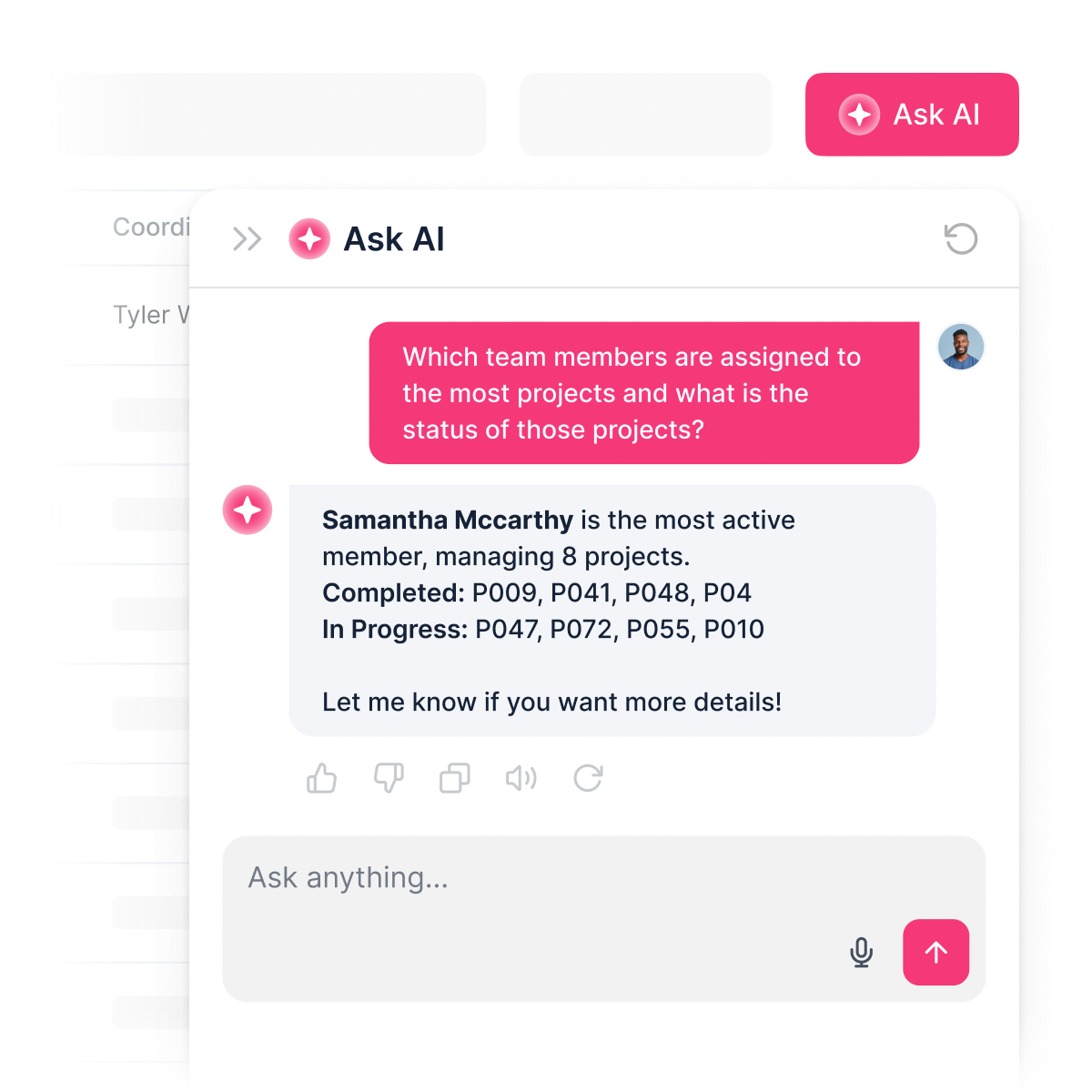
An AI assistant for schedulers
AI answers questions about bookings, staff, and changes—instantly, right inside your scheduling system with Softr.

Why Softr vs other software
No more one-size-fits-all tools or costly custom builds. Softr is easy to use and fully customizable, so you can launch faster, adapt as you grow, and skip the complexity of traditional software.

Easy, fast setup
Launch your scheduling tool in minutes using drag-and-drop blocks and ready-made templates.

Consolidate your stack
Add appointment types, reminders, or team calendars as your scheduling needs change—no rebuild required.

Flexible as you grow
Start with scheduling, then add CRM, forms, or portals—all in one place, with no extra tools.


Build a fully custom scheduling software in minutes
Connect to your data in seconds
Integrate with your spreadsheets and databases, including Airtable, SQL, Hubspot, Google Sheets, Supabase, BigQuery, and more—in just a few clicks. Your data is always secure and in sync.
Customize layout and logic
Drag and drop customizable building blocks with various views and functionalities. Granular permissions allow you to control what data each user can access, and which actions they can take.
Publish and launch
Ship applications that your team will love in minutes or hours, instead of days or weeks. Deploy on both desktop and mobile.


250+

600+


Frequently asked questions
Build your scheduling software effortlessly