


Create a custom meeting scheduler without code
Schedule meetings, manage availability, and streamline planning with a customizable app tailored to your team's workflow.
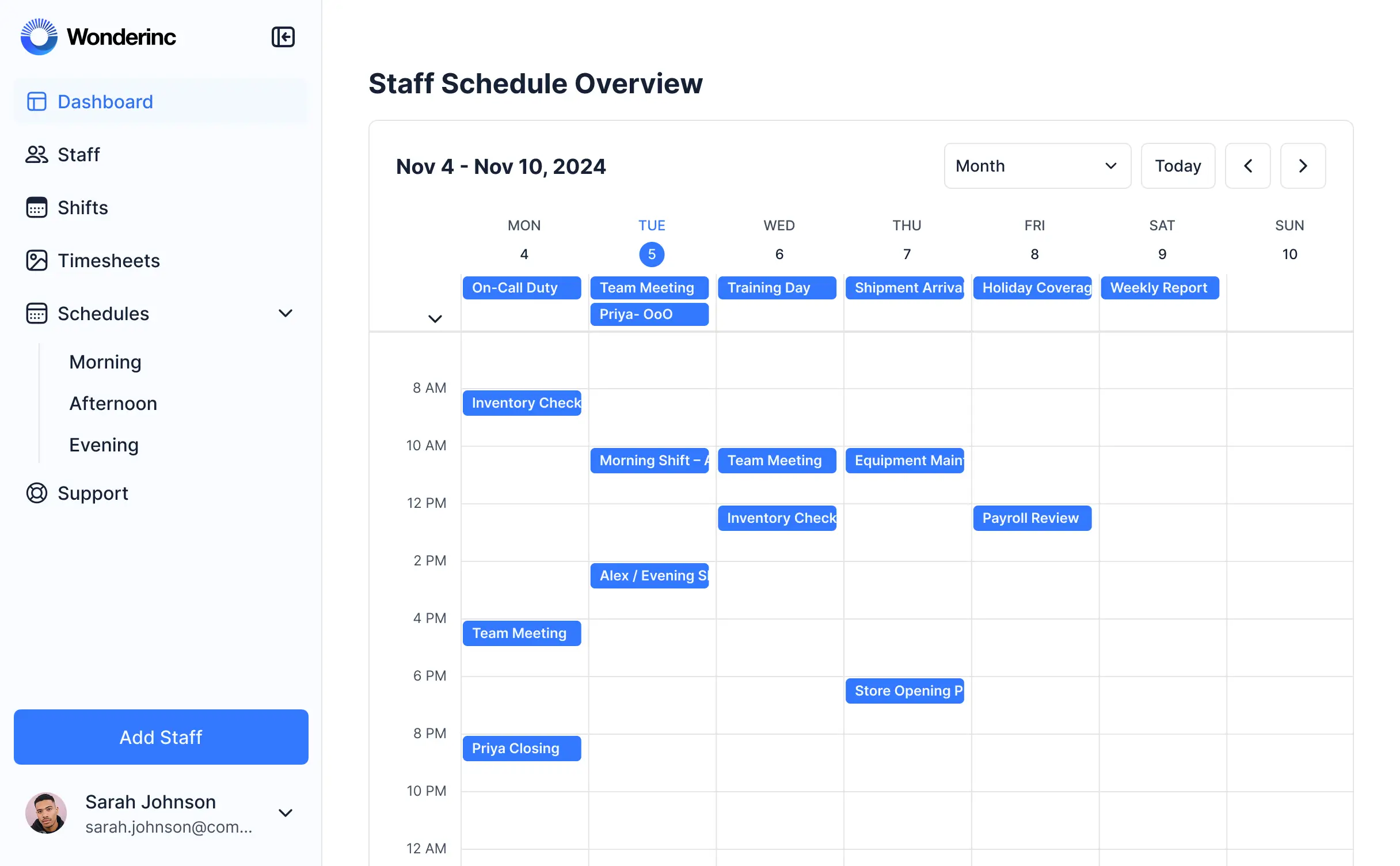
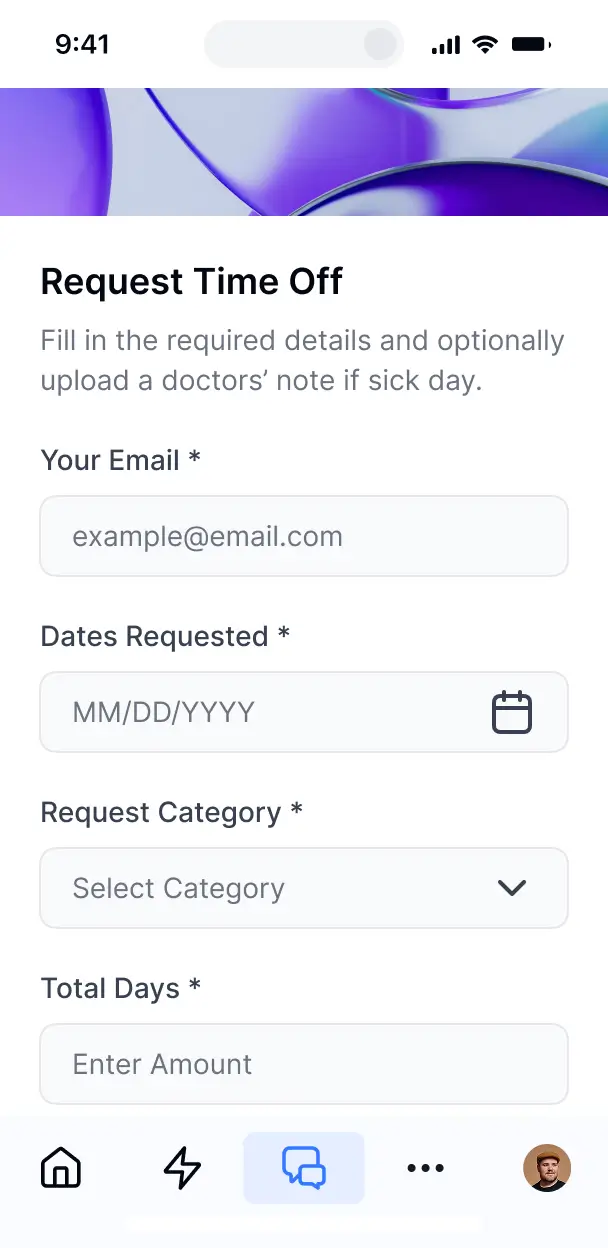


Customize your meeting scheduler to your needs
Design a meeting scheduler that fits your workflow. Add only the features you need today, and update your setup as your scheduling needs change.

Book new meetings

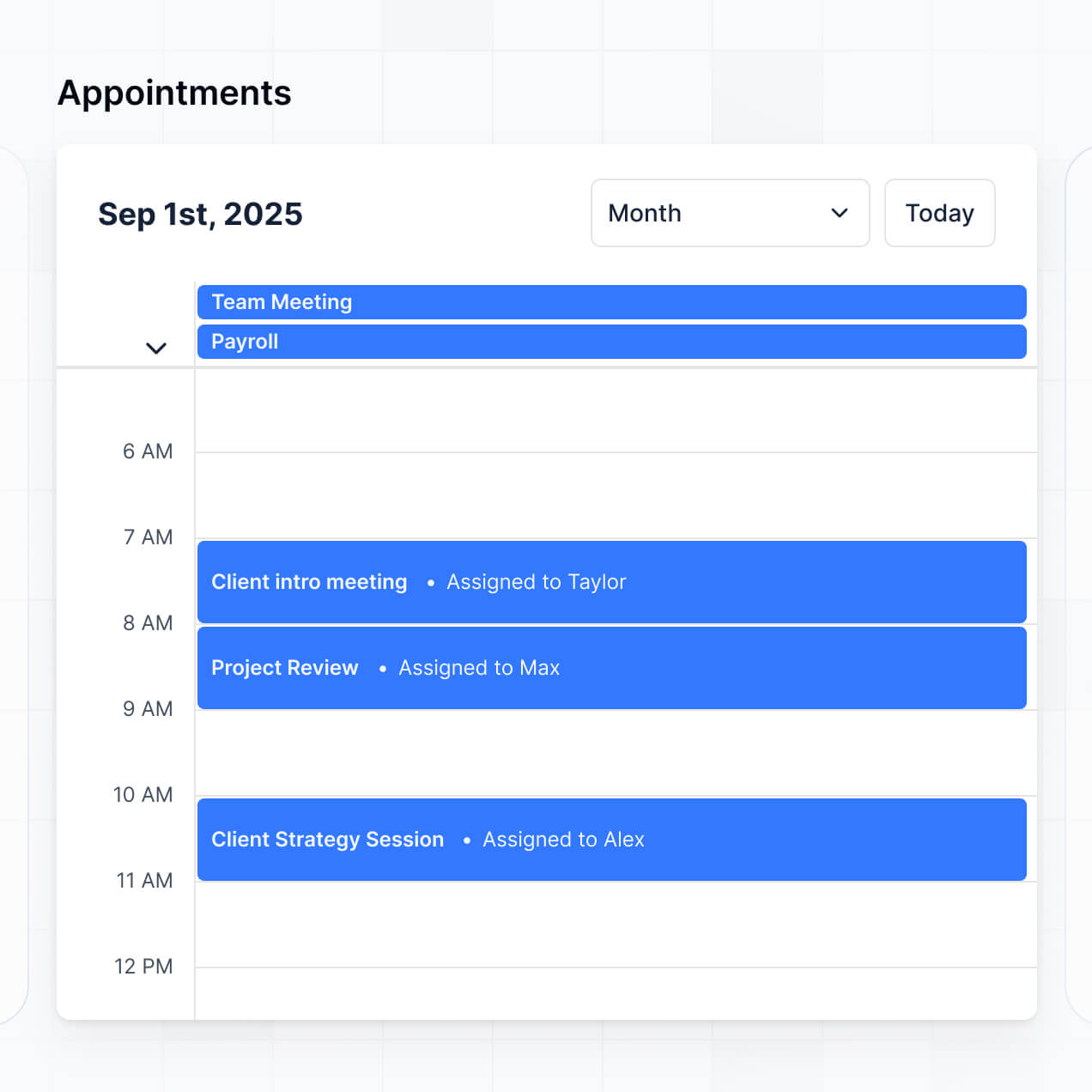

Calendar view of meetings
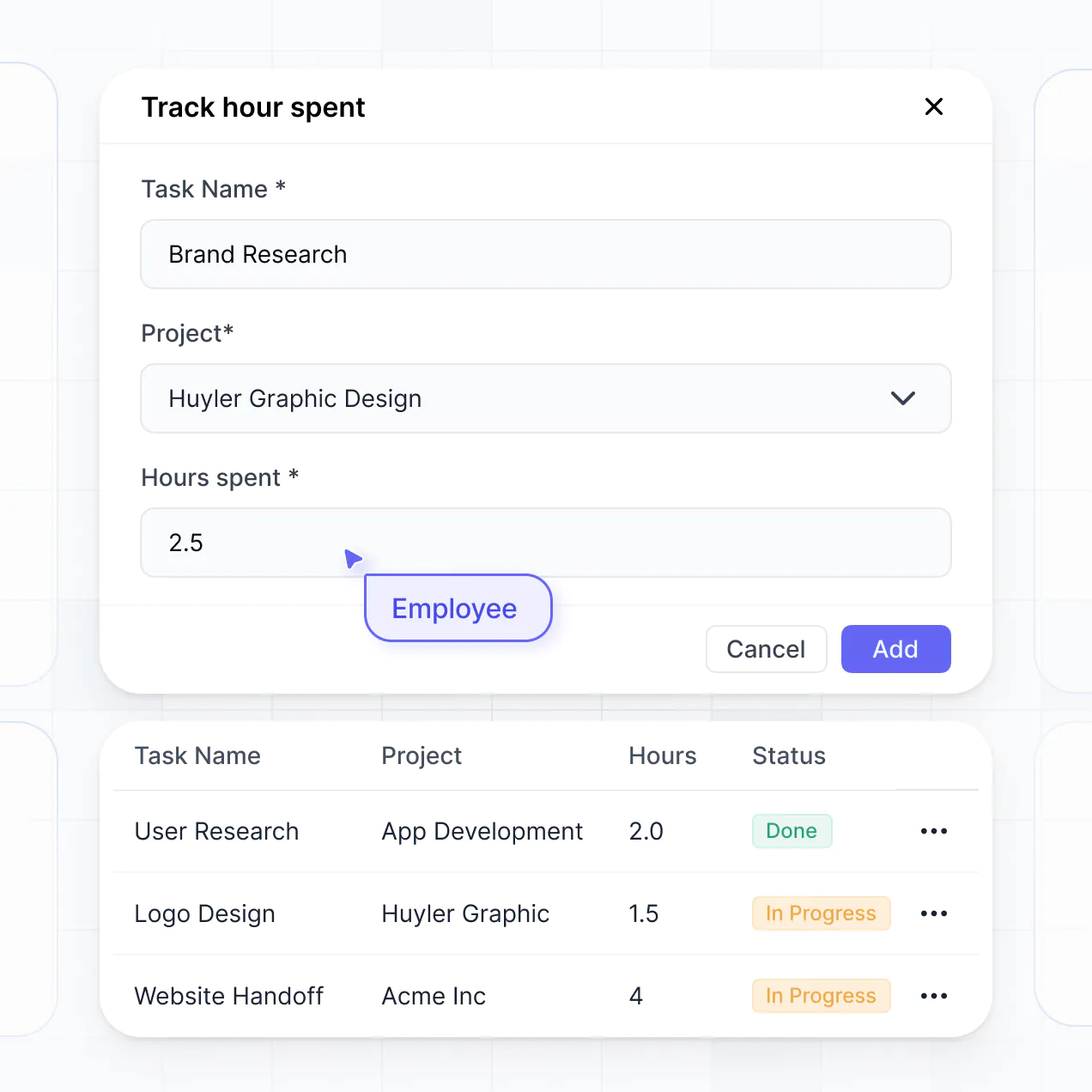

Automated attendee notifications
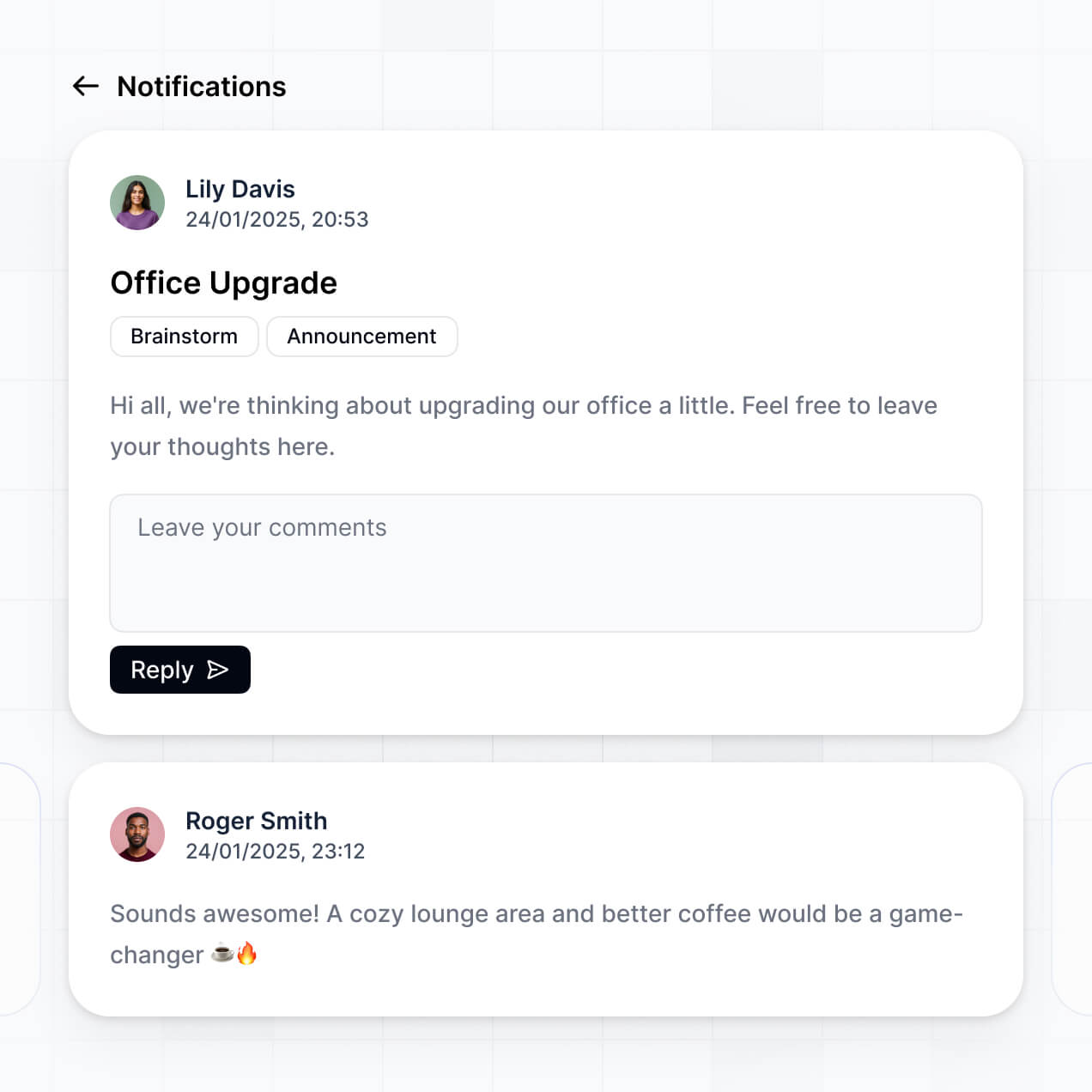
Reschedule and cancel options
Meeting type and location selection

Centralized attendee management
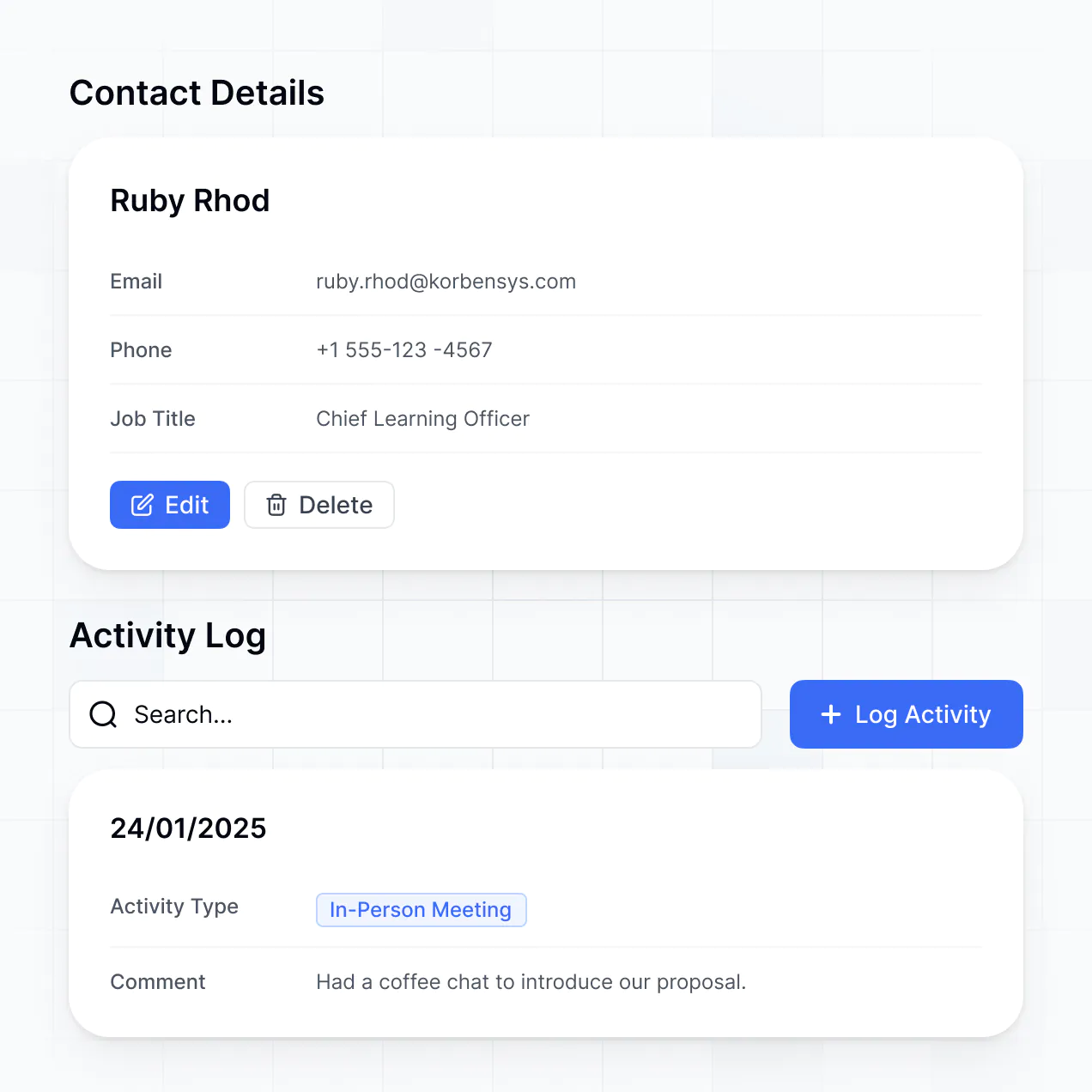

Bring all your meeting data together in real time
Connect calendars, scheduling tools, and email systems with real-time sync—or manage everything in Softr Databases. Create a single source of truth for your meetings.


Simplify scheduling with secure, custom access.
Let team members and clients book meetings through a branded, secure portal. Set up roles and permissions for seamless scheduling—no code required.

Works on any device
Automate confirmations, reminders, and calendar syncs by connecting with your existing scheduling tools.

Automations
Automate confirmations, reminders, and calendar syncs by connecting with your existing scheduling tools.

User groups
Assign roles for team members, admins, or clients—each gets access to their own meetings and schedules.

Advanced permissions
Control who can create, reschedule, or cancel meetings with granular, role-based permissions.

Security
Keep meeting details and personal info secure. Softr is SOC2 and GDPR compliant.

Conditional forms
Capture meeting preferences, agendas, or notes using flexible, customizable form blocks for each booking.
.svg)
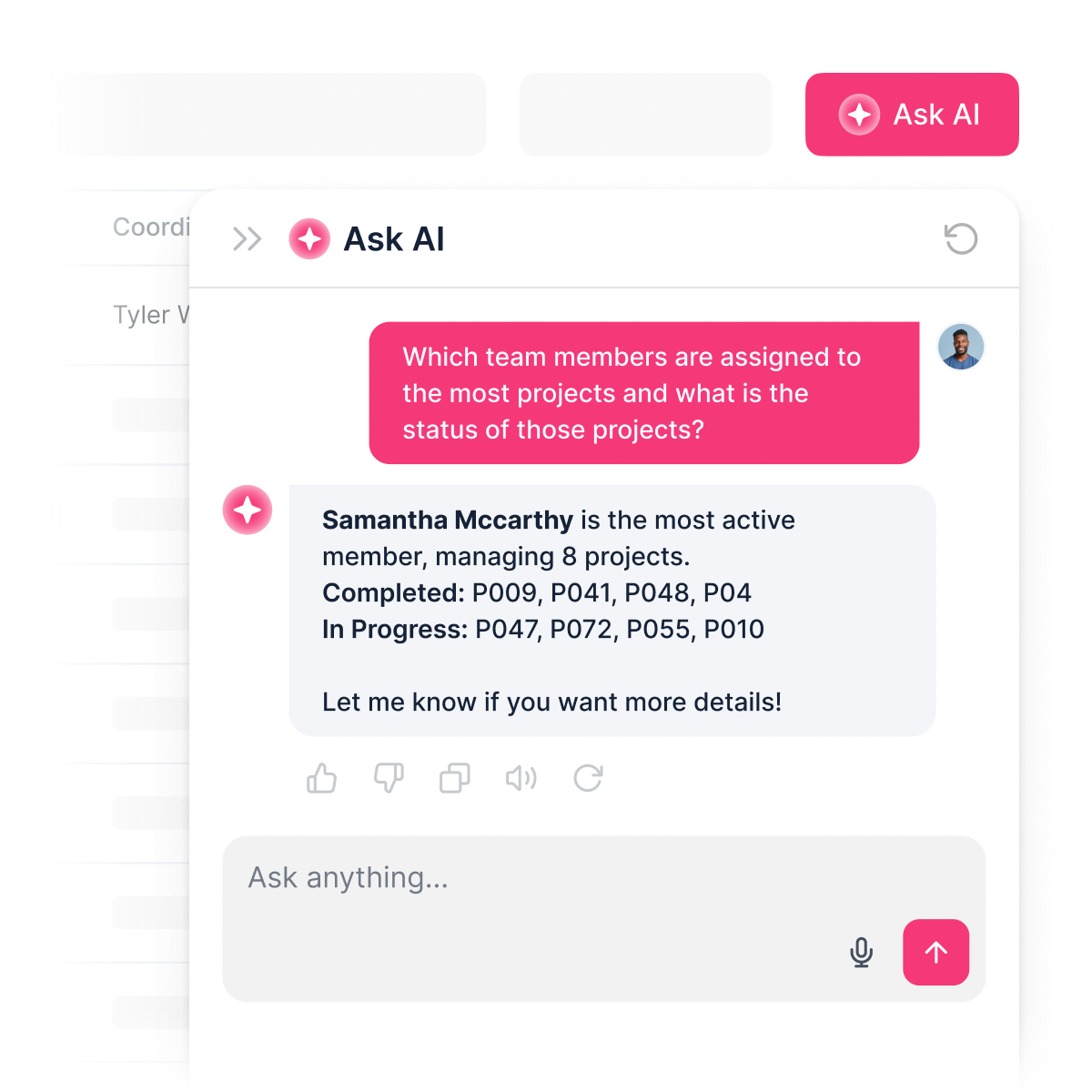
An AI assistant for scheduling
Let AI handle meeting questions and updates—users get answers fast, right in your scheduling app, powered by Softr.

Why Softr vs other software
No more one-size-fits-all tools or costly custom builds. Softr is easy to use and fully customizable, so you can launch faster, adapt as you grow, and skip the complexity of traditional software.

Easy, fast setup
Create your meeting scheduler in minutes using drag-and-drop blocks and ready-made templates.

Consolidate your stack
Add features like automated reminders or integrations as your scheduling needs change—no rebuild needed.

Flexible as you grow
Manage meetings, bookings, and team schedules all in one place, with no extra tools to buy.


Build a fully custom meeting scheduler in minutes
Connect to your data in seconds
Integrate with your spreadsheets and databases, including Airtable, SQL, Hubspot, Google Sheets, Supabase, BigQuery, and more—in just a few clicks. Your data is always secure and in sync.
Customize layout and logic
Drag and drop customizable building blocks with various views and functionalities. Granular permissions allow you to control what data each user can access, and which actions they can take.
Publish and launch
Ship applications that your team will love in minutes or hours, instead of days or weeks. Deploy on both desktop and mobile.


250+

600+


Frequently asked questions
Build your meeting scheduler in minutes