Jotform vs Typeform: Which form tool is right for you? [2026]

[.blog-callout]
✨TL;DR:
- Jotform prioritizes functionality: 20,000+ templates, conditional logic, payment processing, and extensive integrations make it great for data collection — but the interface can feel overwhelming for simple use cases.
- Typeform prioritizes experience and aesthetics: Its sleek interface, smooth animations, and one-question-per-page approach create engaging forms that feel less like forms — but features and customization are more limited.
- Softr provides more depth and value: Softr is the best free form builder with premium features like unlimited submissions, conditional logic, and a built-in database.
[.blog-callout]
Form builders may seem like fairly straightforward software, but choosing the wrong one can lead to frustrating limitations and forms that don't match your brand or use case.
Two of the most popular options are Jotform and Typeform. Despite their on-paper similarities, these online form builders have different approaches to design and user experience, as well as feature offerings that diverge significantly.
We’ve tested the platforms and broken down their strengths and weaknesses so you can determine which one aligns with your needs — and discover why Softr may be the better choice for building forms that power your business.
Jotform vs Typeform at a glance
What is Jotform?
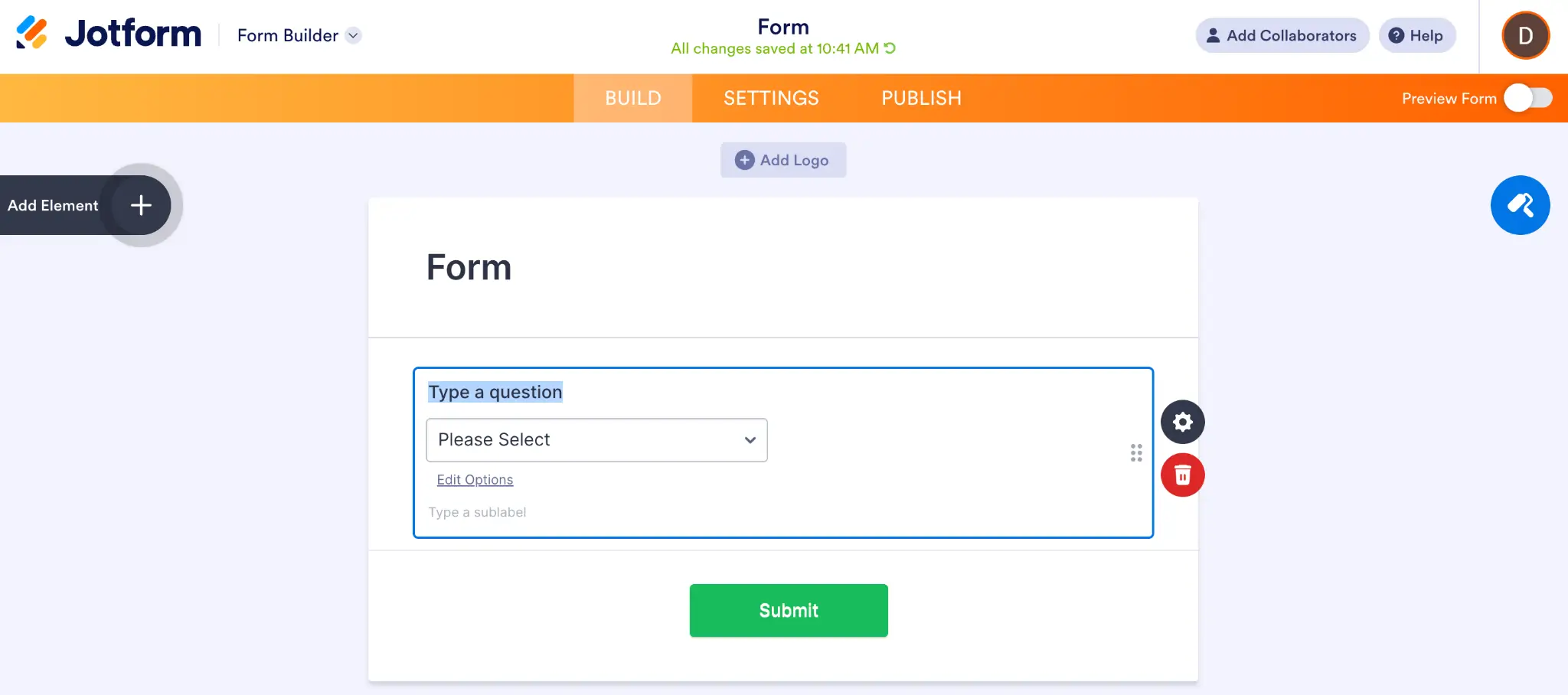
If you’ve ever looked into form builders before, you’ve probably come across Jotform. At its core, it’s a form building software with a wide range of templates, form elements, and integrations.
Jotform takes a “more is more” approach to form building. You’ll have a whopping 20,000+ templates to choose from when you get started, plus access to 150+ integrations and support for over 40 payment processors. On top of forms, the platform offers a basic database tool called Tables, an app and workflow builder, boards for task management, and several other tools.
You also get access to Jotform’s built-in AI, which you can use to generate complete forms based on your prompts or as a Copilot directly in the form editor.
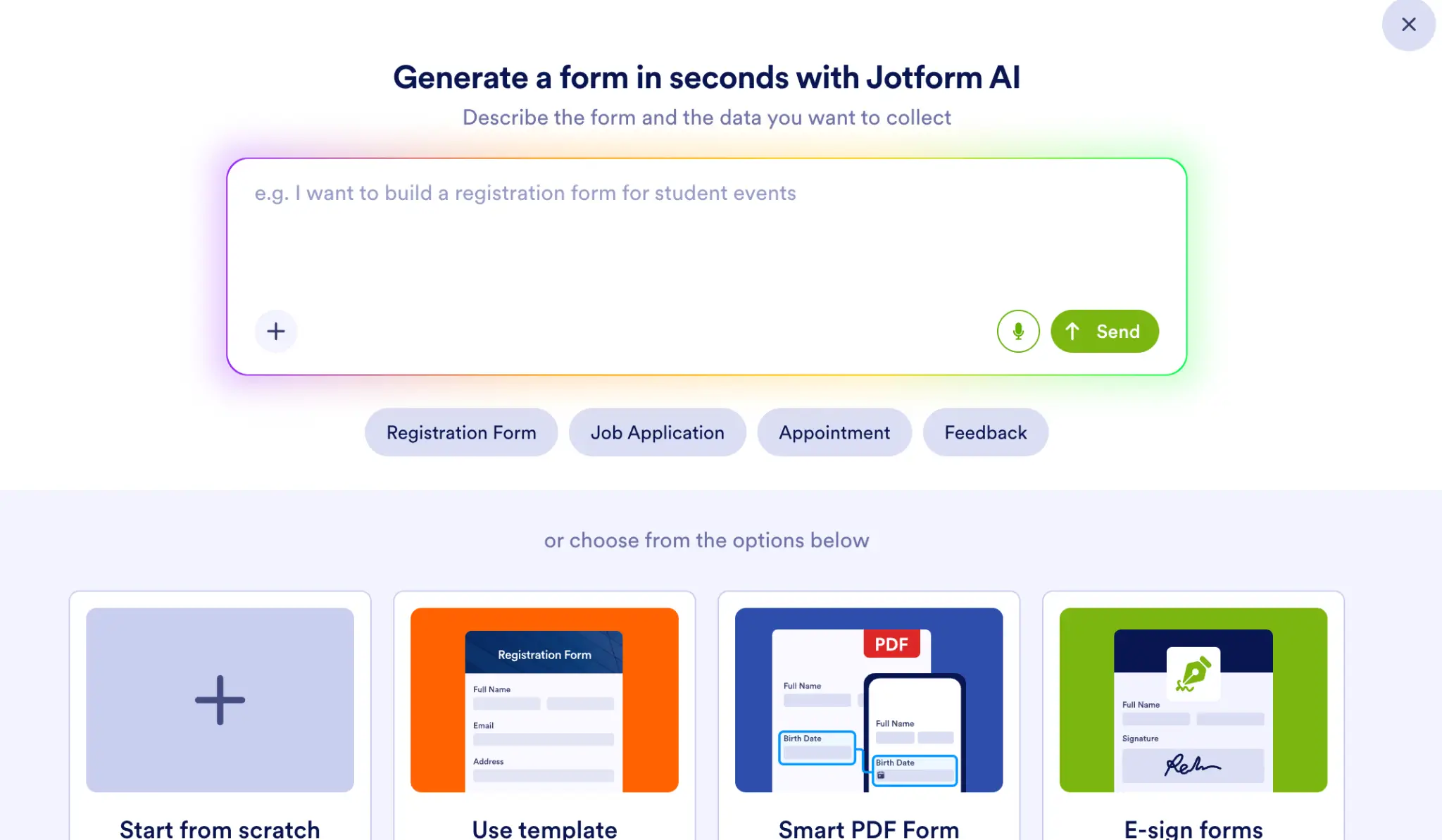
But despite all the features crowding the platform, Jotform is still quite easy to use. You can drag and drop elements and question types directly into your forms. It even lets you choose if you want to show all questions on one page (the traditional approach) or one question per page (like Typeform).
However, Jotform is a bit clunkier than Typeform, and the UI can be somewhat overwhelming when you’re getting started.
Jotform’s key features
- 20,000+ templates: Access a massive library of pre-built form templates to get started quickly across a broad variety of use cases.
- Drag-and-drop builder: The intuitive interface makes it easy to add elements, question types, images, and widgets to forms.
- Built-in AI: You’ll be greeted with Jotform AI whenever you start a new form, and you can also ask the Copilot to create conditions, customize styling, and more.
- Expansive toolkit: While you can use it solely for forms, Jotform offers other tools like Tables, AI agent and workflow builders, analytics, a PDF editor, and an email inbox for submissions.
- Payment processor integrations: Jotform currently supports 41 payment processors, making it ideal for collecting payments directly from forms.
Jotform cons
- Cluttered interface: The range of features and options can make the platform feel overwhelming, especially for users who just need simple forms without all the bells and whistles.
- Less polished design: Jotform lacks the sleekness and modern styling that Typeform offers out of the box, requiring more manual customization to achieve a premium look.
- Costs add up at scale: While initially budget-friendly, pricing can become expensive for growing businesses that need higher submission volumes and premium features.
Jotform pricing
Jotform has a simpler pricing structure than Typeform:
- Free: 100 submissions/month, 5 forms
- Bronze ($34/month): 1,000 submissions/month
- Silver ($39/month): 2,500 submissions/month
- Gold ($99/month): 10,000 submissions/month
- Enterprise: Custom pricing with unlimited seats and dedicated support
All prices shown billed annually.
What is Typeform?
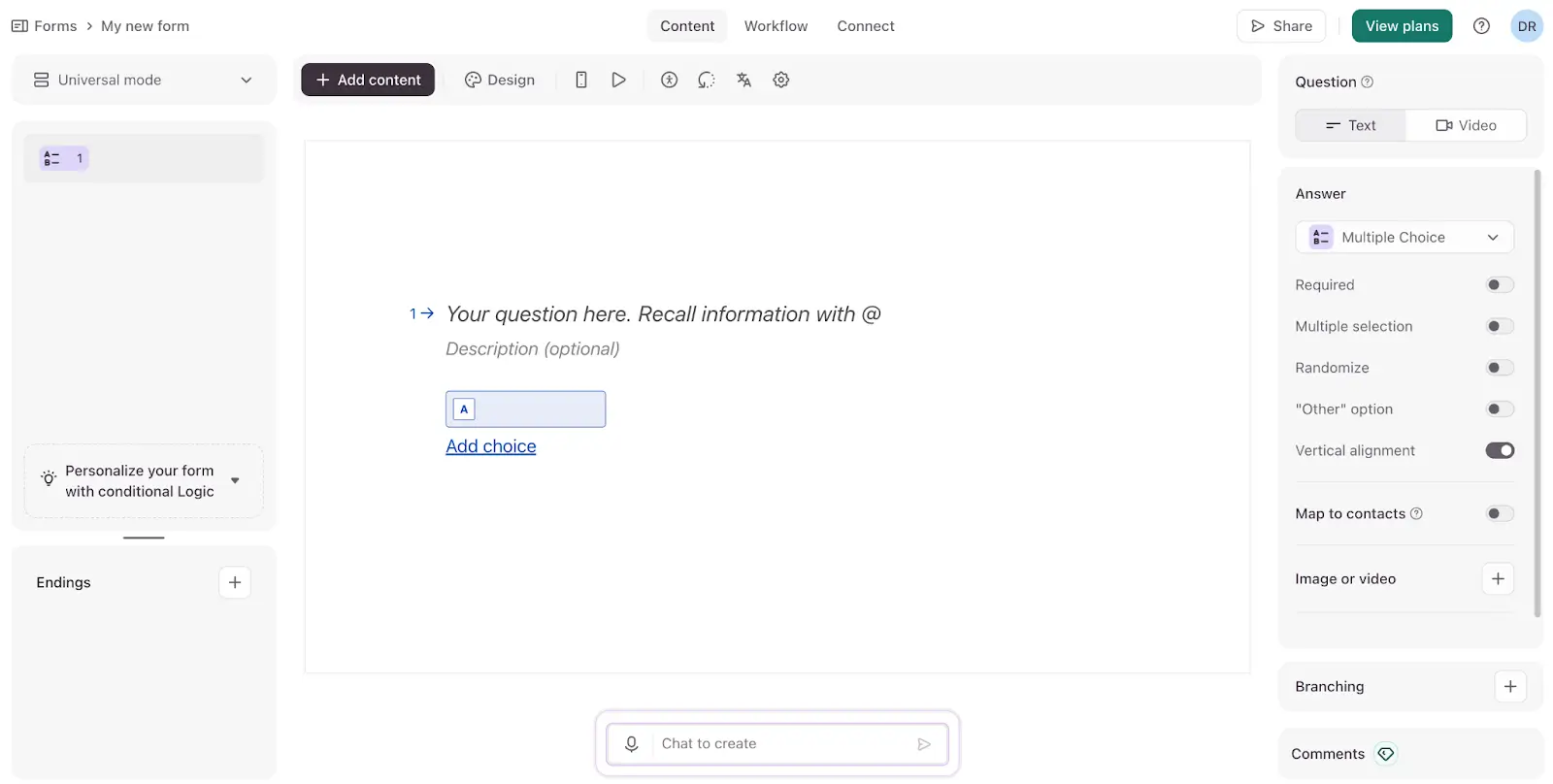
Like Jotform, Typeform is a popular form builder used to create interactive forms, surveys, and questionnaires. While both apps cover similar ground, Typeform focuses more closely on the end user’s experience with conversational, aesthetically pleasing surveys.
The platform’s top selling point is its clean “one-question-per-page” format. Instead of overwhelming respondents with 10+ questions all at once, they get to answer a single query at a time. This creates a more intentional, relaxed atmosphere compared to traditional long-form surveys.
“One-question-per-page” is Typeform’s default format, but you can add a multi-question page using the form editor.
It’s easy to design forms from scratch on Typeform, but you can also use built-in AI to generate forms with natural language prompts, or to get help creating questions and other content.
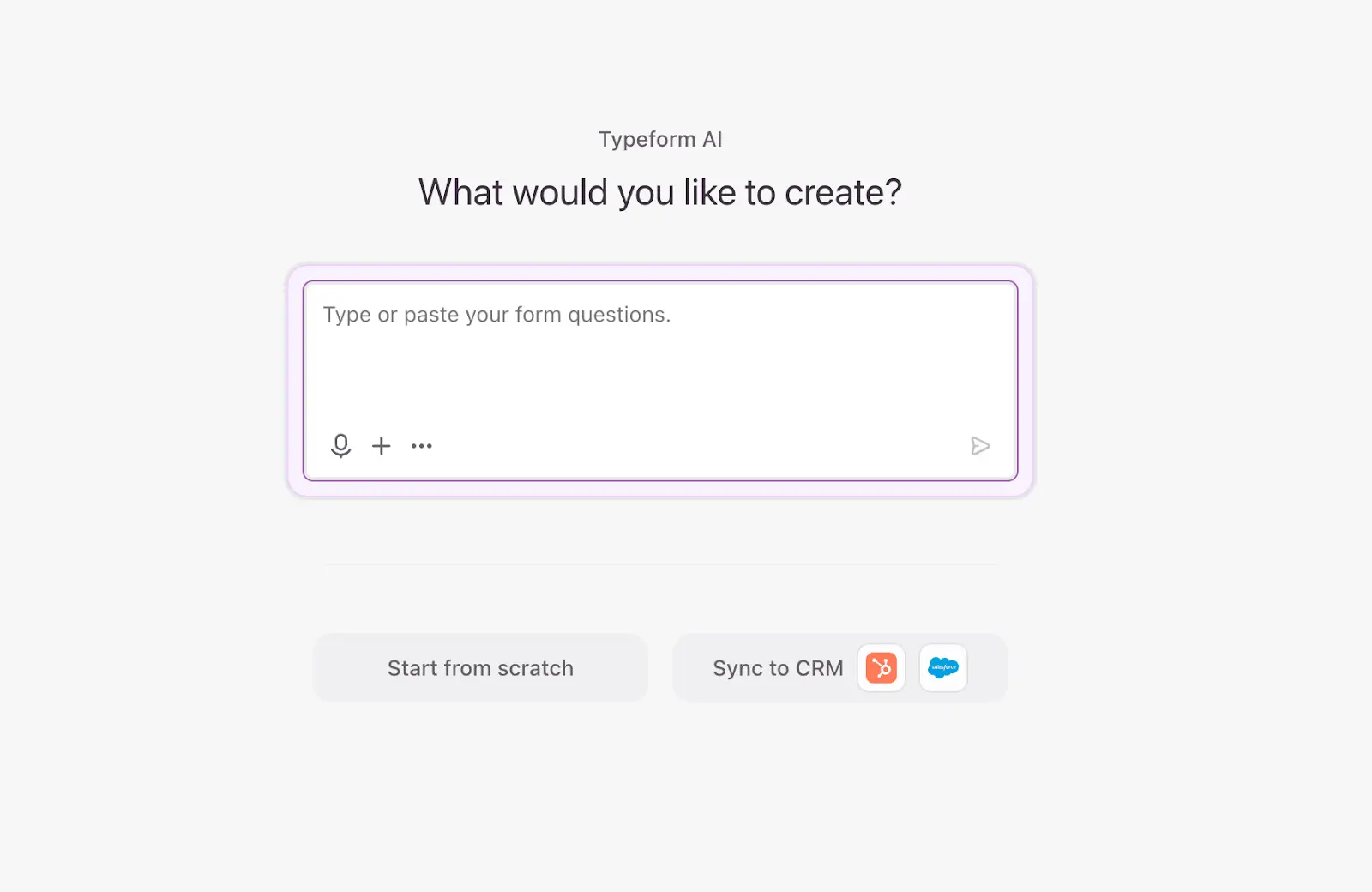
On the surface, Typeform appears much simpler than Jotform, but this is mainly due to its sleek, legible interface. Once you dive into the branching and conditional logic settings, you’ll have all the complexity you need at your fingertips. There’s even a nifty workflow builder so you can see your branching questions and logic mapped out visually.
Typeform’s key features
- One-question-per-page format: Typeform’s signature form design presents questions individually with smooth transitions between them, boosting engagement and reducing cognitive load.
- Best-in-class design: Every survey you build on Typeform will come out looking sleek and legible whether you start from scratch or from a template.
- Deeply integrated AI: Typeform AI is the first feature users see when they sign up. You can leverage it to generate entire forms or use the chatbox to ask questions and add or edit content in existing forms.
- Logic Maps: Typeform visualizes question branching and conditional logic in workflow-like maps that make even hyper-complex logic easy to digest.
- Rich media support: Typeform lets you enhance forms with images, videos, and GIFs. You can even set up video and audio responses for survey takers (on higher-tier plans).
- Extensive integrations: Typeform has over 300 integrations—including Google Sheets, Slack, HubSpot, and Zapier—so collected data can flow directly into your existing tech stack.
Typeform cons
- Limited features beyond forms: While Jotform offers Tables, Apps, and other tools, Typeform is more narrowly focused on form building. You’ll have to rely on third-party tools for data management, interfaces, and other features.
- Restrictive submission limits: The free plan is limited to just 10 form responses per month, and even the paid basic plan only gets you 100 monthly responses. You’ll have to upgrade to higher-priced plans as your form usage grows.
- Slower completion times: Typeform’s one-question-per-page forms can take longer to complete than traditional surveys, which may pose problems for time-sensitive data collection.
- Premium pricing: Typeform is generally more expensive than competitors like Jotform and Google Forms. Many key features—like removing Typeform branding and security compliance—are locked behind higher-tier plans.
Typeform pricing
Typeform’s pricing is broken down into plans for individuals, teams, and enterprises. Individuals can choose between:
- Free: 10 responses/month
- Basic ($39/month): 100 responses/month
For teams, the options are:
- Plus ($79/month): 3 seats, 1,000 responses/month
- Business ($129/month): 5 seats, 10,000 responses/month
- Talent ($169/month): For HR teams, 3 seats, 3,000 responses/month, video Q&A
- Growth Pro ($379/month): For marketing teams, 5 seats, 10,000 responses/month, video Q&A, lead enrichment, and more
Enterprise pricing is custom and by request only. Annual subscriptions across all plans save 30% compared to monthly.
Jotform vs Typeform: pricing
Jotform and Typeform both offer free plans, but their paid plans differ significantly at higher tiers. Here’s a breakdown of each form builder’s cost and pricing structure.
Key differences:
- Free plans: Jotform’s free plan allows for 100 monthly submissions compared to Typeform’s limit of 10. But Typeform lets you build 50,000 forms compared to just 5 on Jotform.
- Per-seat pricing: All of Jotform’s plans are built for single users until you hit the Enterprise tier. Typeform has set numbers of seats for its team plans, with a maximum of 5 on the Growth Pro plan. Both platforms require moving to enterprise tiers for custom seat numbers.
- Submission limits: Jotform has higher submission limits than Typeform on free and lower-tier plans. Both platforms have a 10,000 submission limit on their highest non-enterprise tiers.
- Gated features: Both apps lock certain key features—custom branding, security compliance, and automations—behind higher-tier plans.
The verdict: Jotform has a simpler pricing structure, a more generous free plan, and better value at lower tiers—making it the more budget-friendly choice for small businesses and individuals. However, Typeform bundles multiple seats into its team plans, which can provide a better value than Jotform’s single-user plans.
[.blog-callout]
✨Both Jotform and Typeform charge for premium features like unlimited responses, custom branding, and full design control. On Softr, these features (and more) are free.
[.blog-callout]
Jotform vs Typeform: on Reddit
Jotform is one of the most widely used form builders on the market, but some users complain that the costs are too high for a scaling business (and that customer support is limited unless you’re on the Enterprise plan).

Users have also shared concerns about Typeform’s strict limitations on the free plan, which doesn’t allow for custom branding or links to external sites.

Another user on Reddit reiterates the key points we made in this guide: Typeform has a better interface and design, while Jotform has broader functionality with the tradeoff of a clunkier UI.

Jotform vs Typeform: a summary
Jotform and Typeform have more in common than they do differences. Both are form builders with integrated AI, deep conditional logic, and extensive integration ecosystems. They also both become significantly more powerful (and functional) if you pay for higher-tier plans. Choosing between them, then, comes down to what your business values most.
- Jotform maximizes features and functionality. Jotform makes it easy to create any type of form with its massive template database, pre-built widgets, and drag-and-drop editor. You can also expand beyond its form building capabilities with tables, boards, and other tools. It’s just not as clean, legible, or pleasing to use as Typeform.
- Typeform focuses on design and user experience. With its sleek interface, one-question-per-page approach, and pared-back aesthetic, Typeform is a great choice for building eye-catching and engaging forms. It has a narrower use case and fewer templates than Jotform but offers a more polished overall experience.
This isn’t to say that Typeform isn’t feature-rich or that you can’t design attractive surveys on Jotform, but these are each app’s out-of-the-box strengths. Be sure to try their free plans (and look at alternatives like Softr) before making a decision.
Softr — the best free form builder for collecting and acting on submission data in one platform
Since Jotform and Typeform are both primarily form builders, there’s a lot of crossover between each app’s features and use cases. But while both platforms offer free plans, neither provides the same value or functionality as Softr.
Softr Forms is a tool that lets users create forms with conditional logic, unlimited submissions, and a built-in database — all for free. Every submission lives in a structured, relational database by default, and you can filter, update, and act on that data immediately.
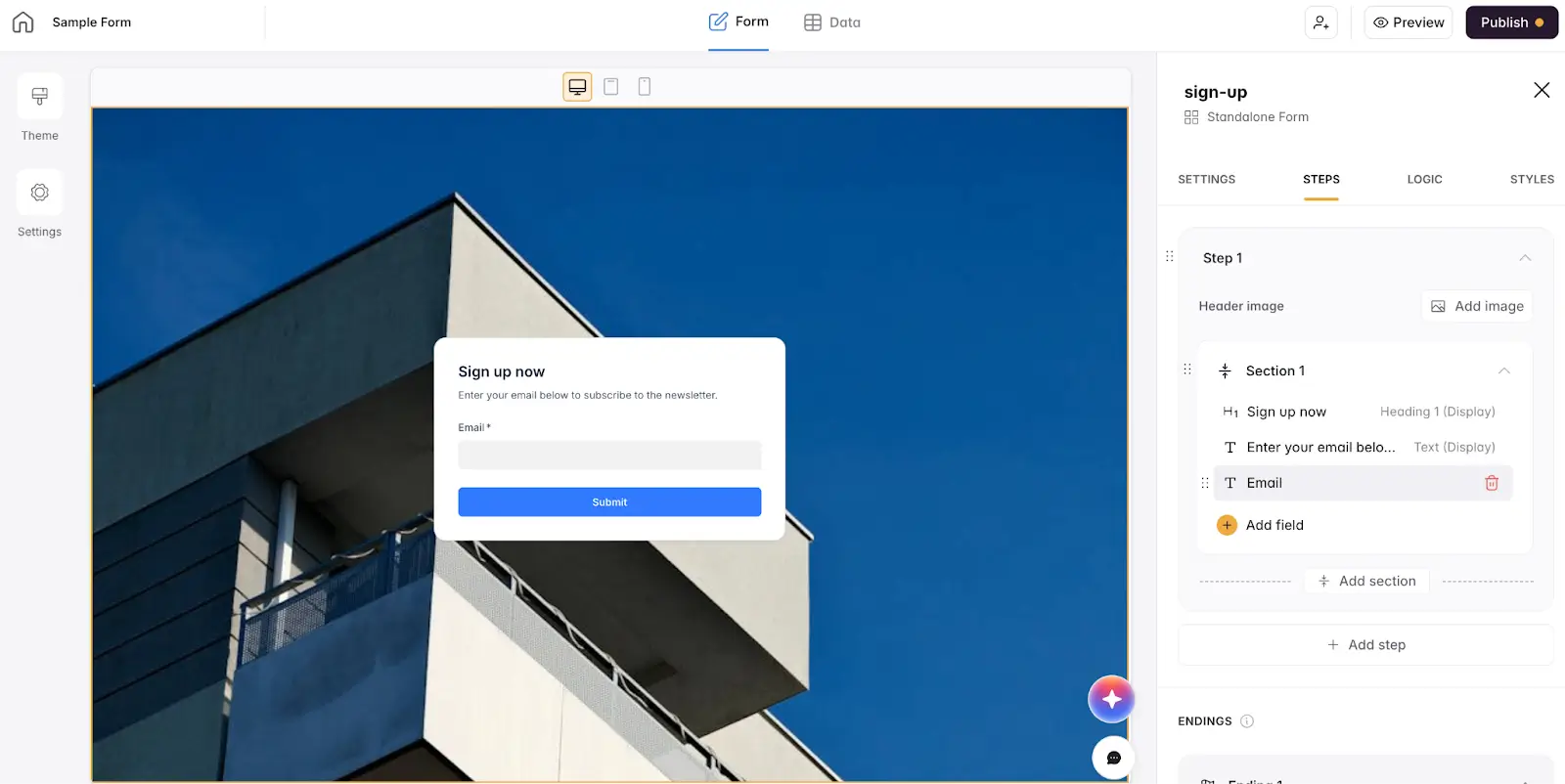
Jotform’s free plan and Typeform’s paid Basic plan are both limited to just 100 submissions per month. Once you hit that number, you’ll need to jump to a higher tier if you want your forms to remain usable. With Softr, you get unlimited forms and unlimited submissions with no catch.
Softr supports multi-step forms with tailored logic, dynamic sections, hidden fields, and custom styling. Use the intuitive visual builder to make forms as simple or complex as you need them to be, without the configuration headaches of Jotform or branding limitations of Typeform.
Once your form is set up, you can route submissions directly to Softr’s built-in database or sync them to external tools like Google Sheets, HubSpot, or Airtable. You can also trigger automated workflows when responses come in or meet specific conditions.
Best for: Teams that need to collect and act on form data in one unified platform — without hitting submission limits or paying for basic features.
Why teams choose Softr over Jotform and Typeform
- Powerful logic, without the complexity: Create conditional routing, domain restrictions, and custom validation using Softr's visual form builder.
- Built-in database that powers workflows: Forms are connected automatically to Softr’s secure, relational database. Every submission gets ingested as structured data you can act on, trumping Jotform and Typeform’s basic submission logs and limited table views.
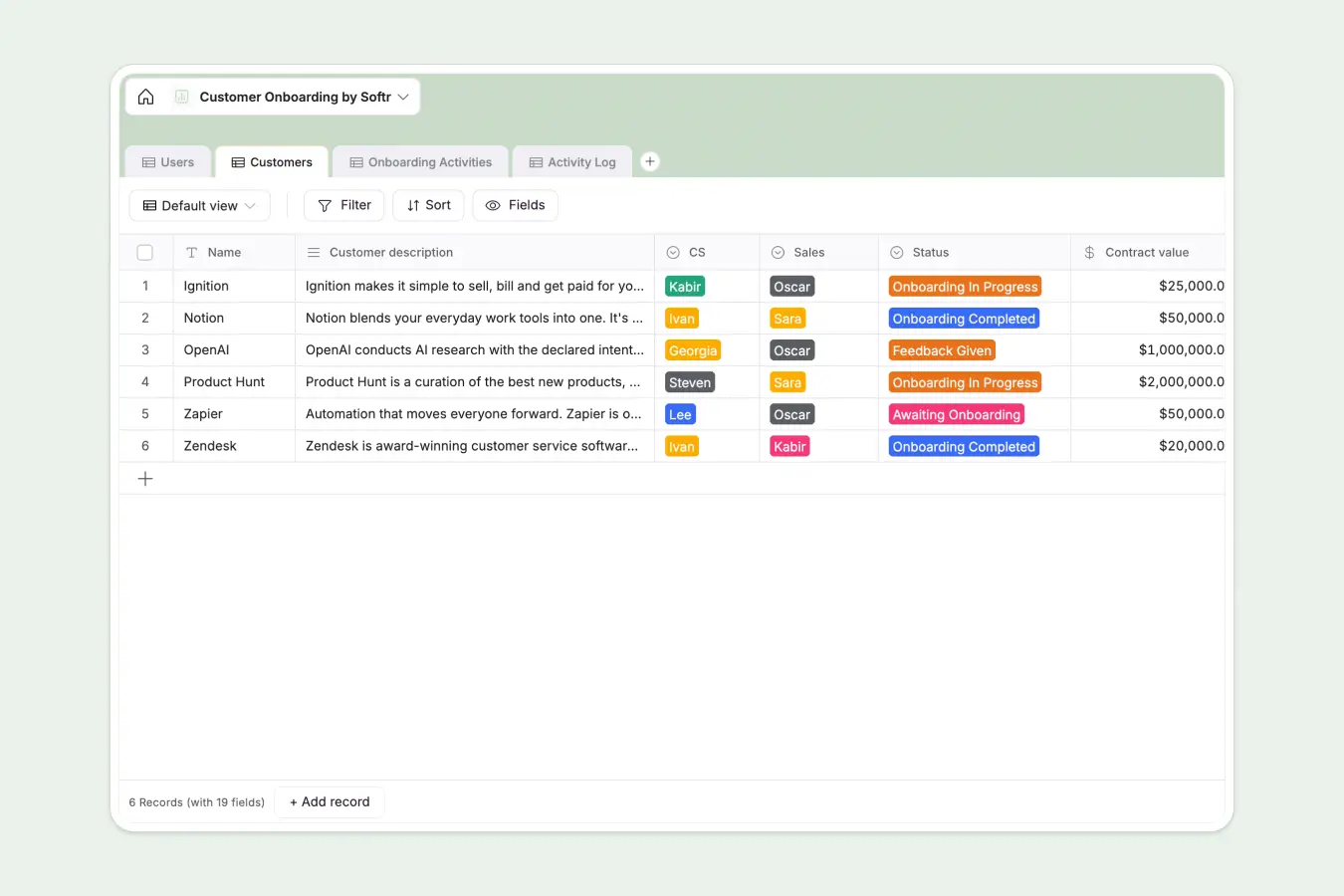
- Forms that trigger action, not just storage: With workflows, Softr can turn form responses into a new booking on your scheduling dashboard, a client added to a portal, or an approval workflow pushed to your team, all without relying on integrations with other tools.
- Full design control: Tailor forms to your use case with custom styling and branded themes. Softr gives you the design flexibility of Typeform without sacrificing functionality.
- No paywalls on features that matter: Unlike Jotform and Typeform—which lock features like custom branding and uncapped submissions behind higher tiers—Softr’s free plan offers unlimited conditional forms, unlimited responses, and custom branding.
- Granular access control: Limit who can submit forms with domain restrictions and email verification, while built-in validation rules and helpful tooltips ensure you collect clean, reliable data from the start.
Jotform, Typeform, or Softr
Jotform and Typeform cover similar form building use cases, and which tool you choose will likely come down to what you value most: features and functionality for Jotform or design and ease of use for Typeform.
But neither platform can measure up to the value or depth of Softr Forms, which nets users conditional logic, unlimited submissions, and a relational database at no charge. Put simply, it’s the best alternative to Jotform and Typeform for most use cases.
And if you want to do more than just publish forms, Softr lets you build end-to-end systems tailored to your business: production-ready software, databases, and workflow automation, all living on the same platform. Make forms one part of your larger system instead of a siloed tool.
Try Softr for free to start building forms today.
Frequently asked questions
Which is better: Jotform or Typeform?
Does Jotform have a free plan?
Does Typeform have AI features?