




v0, the AI-powered app builder from Vercel, is an excellent starting point for developers. But if you’re not technical, building a complex dashboard or customer portal gets you back code that might as well be cuneiform, small changes blast through credits, and you hit roadblocks, because v0 is primarily a frontend code generator, not a full-stack platform. This guide covers seven v0 alternatives.
Best alternatives to v0 at a glance
| Tool | Best for | Key features | Pricing |
|---|---|---|---|
| Softr | Businesses of all sizes building production-ready business apps that scale long-term without developer support | Advanced no-code visual editor with AI, built-in relational databases, granular role-based permissions, built-in workflow automation, and enterprise-grade security | Free plan available; paid plans start at $19/month |
| Lovable | Founders and product teams who want a working MVP fast, with a path to developer handoff | Full-stack generation from prompts (frontend, backend, database, auth), Supabase-powered cloud hosting, GitHub sync and export, and built-in version control | Free plan available; paid plans start at $25/month |
| Base44 | Small teams and agencies who want the fastest path from idea to lightweight internal tool | Prompt-to-app builder with a built-in database, authentication, backend functions, Stripe integration, and code export on higher tiers | Free plan available; paid plans start at $25/month |
| Replit Agent | Builders who want one place to code, run, and deploy—especially for prototypes and early MVPs | Cloud-based integrated development environment (IDE) with an AI agent, support for 50+ languages, built-in database and auth, flexible deployment, and real-time collaboration | Free plan available; paid plans start at $20/month |
| Bubble | Non-technical builders who want full app logic and database depth without writing code | Visual drag-and-drop editor, built-in database with relational data, conditional workflow builder, user authentication, and a plugin marketplace | Free plan available; paid plans start at $69/month |
| Cursor | Developers who want AI-assisted coding with full codebase awareness | Built on VS Code (a popular software editor) with natural- language editing, codebase-aware chat, multi-file editing, terminal integration, and SOC2 privacy mode | Free plan available; paid plans start at $20/month |
| Bolt | Builders who want to go from idea to running app in the browser—without local setup | Full-stack app generation from one prompt with a built-in Supabase database and auth, WebContainers browser runtime, GitHub sync, and one-click deployment | Free plan available; paid plans start at $25/month |
Note: The prices described here apply to monthly billing cycles. Most of these tools offer discounts if you go with an annual plan, so be sure to check their pricing pages for the latest information.
What to look for in a v0 alternative
A strong v0 alternative should let you move beyond UI sketches into software that’s easy to build. And the app should actually work, of course, once people start using it.
Here are key features to prioritize in your search:
- All-in-one building: Look for a tool that builds more than just an interface. It should build the “brain,” too—the database that powers your app—so it can store and manage data from day one.
- Built-in authentication and roles: Most v0 projects require you to manually set up login systems. A good alternative offers drag-and-drop user permissions, so you can control who sees what without touching any code.
- Data source flexibility and automation: Some tools lock you into their ecosystem. Look for platforms that host your data natively but still connect to apps your business already uses. And make sure native workflow automation is baked in, so you can do things like trigger emails or move data without wiring up a separate tool, like Zapier or Make.
- Non-technical maintenance: If your app generates React code, but you’re not technical, you’ll eventually need a developer’s help. Prioritize tools with a visual editor for making changes after AI does the initial heavy lifting.
- Predictable pricing: Credit-based systems charge you for every prompt. That can get pricey. Flat monthly plans let your team iterate freely without dreading the bill at the end of the month.
Note: Every tool in this guide features a natural-language-first interface. That means you can build, edit, and deploy business apps by writing prompts in plain English.
1. Softr — Best for teams building production-ready business apps
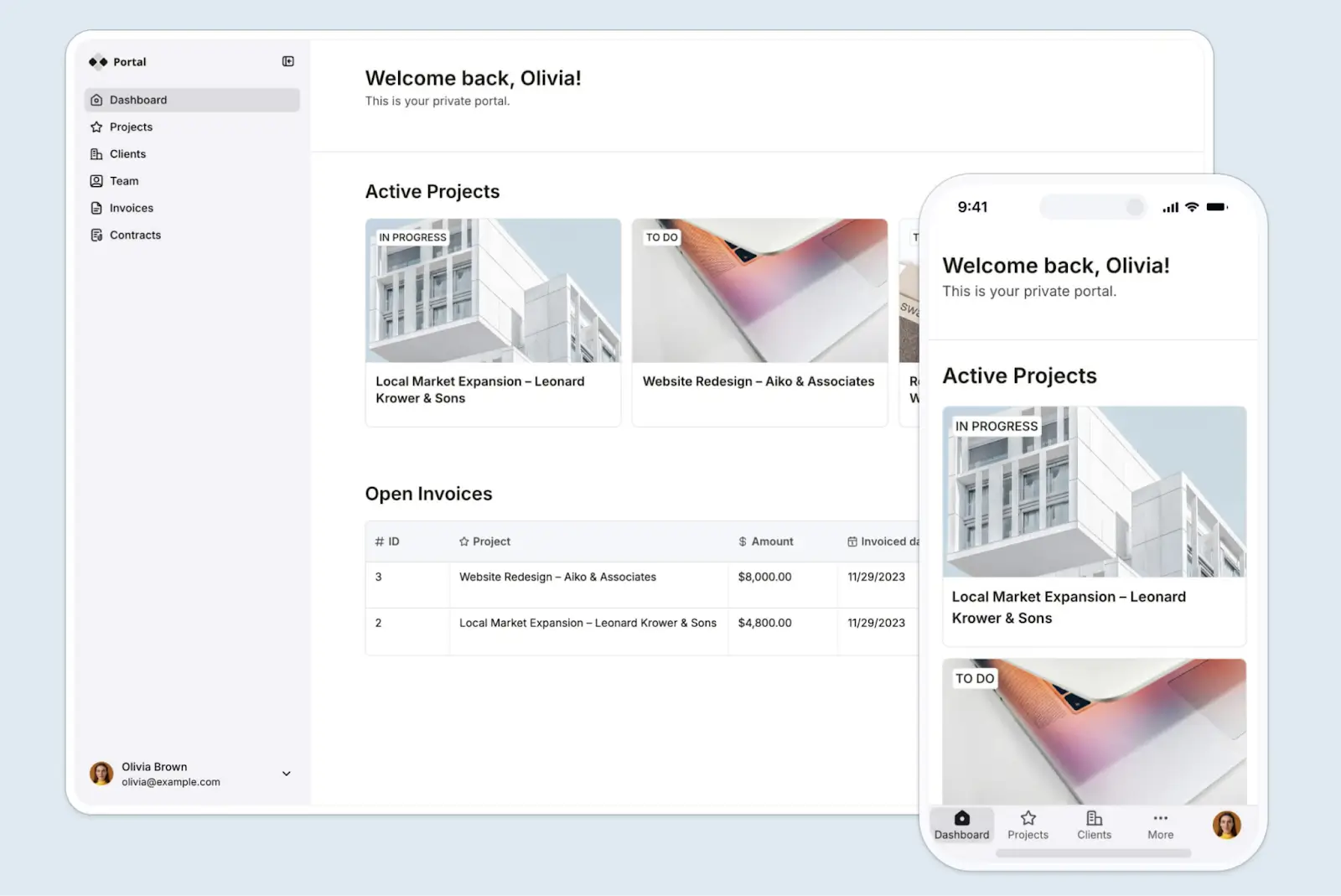
Most vibe coding tools can handle simple projects: a calculator, a landing page, a prototype. But complex creations tend to break under real conditions. With Softr, you can build a complete system—an app, database, user management, workflow automation, and security—all baked in from day one. You can build anything from CRMs to client onboarding portals and inventory managers. The list is endless.
A non-technical operator can describe what they need and produce a working app that same day, then keep iterating as their needs change (with AI, Vibe Coding Blocks, and a visual no-code builder, not a developer). You can also prompt Claude or Cursor through the Softr MCP to add pages or change your data. You get real business apps your team and customers can use pronto, not a prototype you hand off to an engineer.
Pros
- Intuitive AI and no-code app builder: Never built an internal tool or portal before? Just describe what you want in plain language, then switch to visual editing at any time with Softr’s drag-and-drop visual builder.
- All-in-one platform for business ops: Build portals, internal tools, CRMs, dashboards, and more- tailored to your exact business logic. Manage information in databases, automate workflows, and connect to your existing tools in real time.
- Softr Databases: Build and manage relational data natively inside Softr. Create linked records, lookup fields, formulas, and data workflows that power your apps.
- Works with your existing data: If you’re already using different tools to store data (like Airtable, Notion, Google Sheets, etc), Softr also connects to them, reducing tool sprawl.
- Custom role-based access: Control who sees what at every level, whether it’s an app, page, block, or record. This is especially useful for portals where, say, a client should see their own projects only.
- Built-in workflow automation: Automate data tasks, trigger emails or Slack notifications, and keep processes running on autopilot.
- Live chat support and community: Access live chat support and a thriving community of builders.
Cons
- Softr doesn’t generate React code you can paste into your own codebase. It’s a hosted app builder.
Key features
- Ready-made templates: You can build from scratch, but you also have 90+ templates for client portals, CRMs, dashboards, and more at your fingertips.
- Production-ready software at your fingertips: Real user management, hosting, security, and permissions are all built in from day one, so you can launch and scale without setting up infrastructure or writing backend code.
- Native Softr Databases: You get relational tables, filters, and flexible field types—plus 21+ external integrations, including the REST API to connect to other data sources.
- Polished mobile experience: Softr apps are installable as progressive web apps (PWAs) and feel native on mobile without extra configuration.
- Enterprise-grade security: It’s SOC2-and ISO-certified, with SSO and built-in encryption. All your business data stays protected without additional setup.
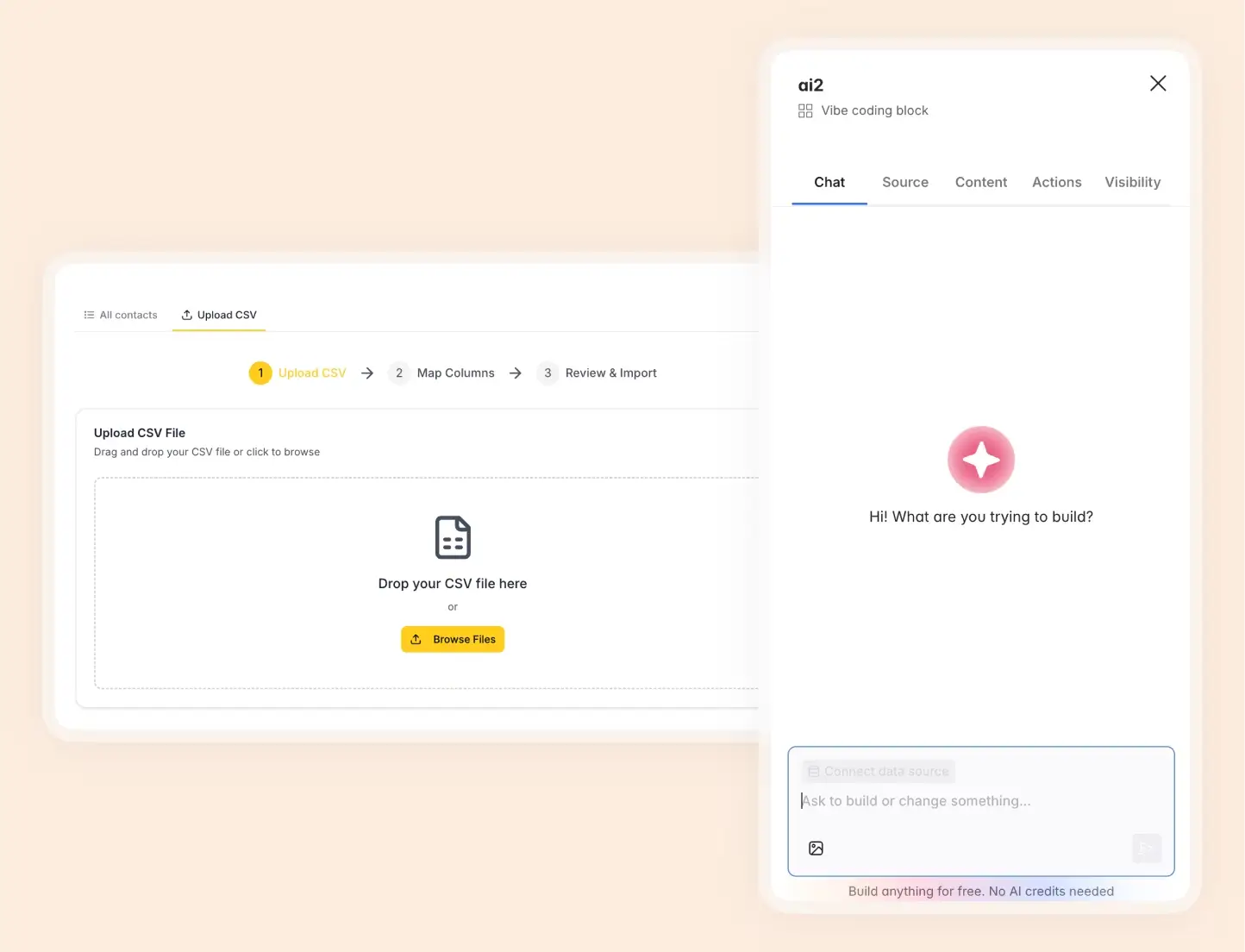
- Vibe coding blocks: Create individual app components with AI that connect to your data and match your app’s theme—perfect for customizing interfaces without building the full app, which the AI co-builder handles.
Pricing
Softr offers flexible pricing and a generous free plan:
- Free: Unlimited apps, with access to Softr Workflows and Softr Databases, 5 app users, 5,000 records, 5 AI credits
- Basic: $19/month, unlimited apps with 42+ integrations, Team 5 + Client 5 app users, 50,000 records, 10 AI credits
- Pro: $99/month, unlimited apps with 45+ integrations and custom code, Team 10 + Client 50 app users, 500,000 records, 50 AI credits
- Business: $329/month, unlimited apps with 52+ integrations, Team 30 + Client 100 app users, 1M records, 100 AI credits
- Enterprise: Custom pricing. Contact sales.
Why it’s better than v0 pricing
Softr charges a flat monthly fee per plan, not per user—so a team of 10 on the Pro plan costs far less than the same team on v0’s Team plan ($30/user/month). Softr’s pricing also includes real infrastructure value—database records, workflow actions, AI credits—whereas v0’s credit model makes it harder to predict cost as usage scales.
Who Softr is best for
Both non-technical and technical teams alike, as well as businesses of all sizes, who want a production-ready, customizable business app that helps them avoid manual processes and connects to their existing tech stack.
2. Lovable
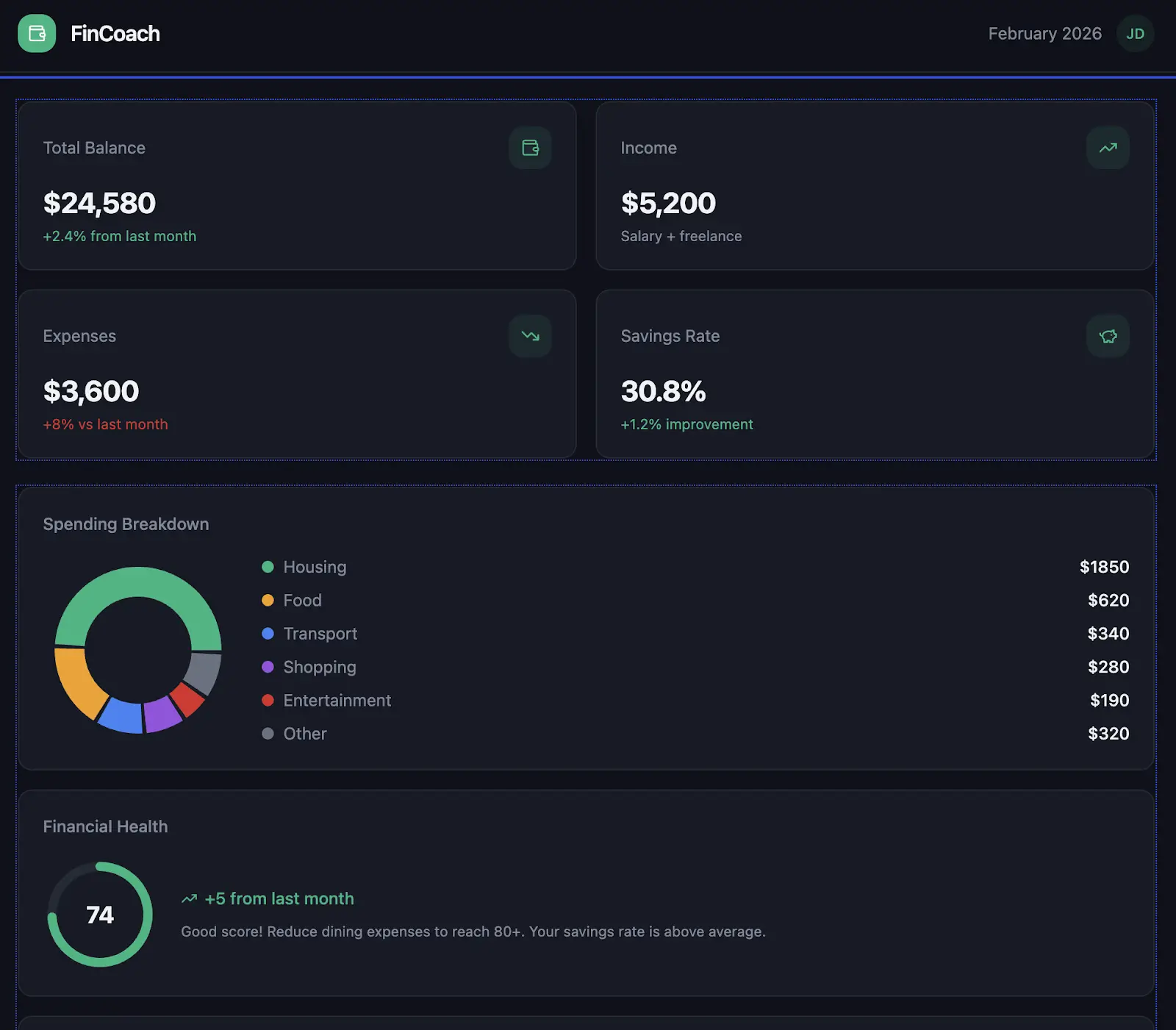
Lovable turns your plain-English descriptions into working apps. It’s popular for building SaaS MVPs, app prototypes, landing pages, and personal mini-apps. Before it writes a single line of code, it sketches out an app plan to make sure it understands your vision. And as you iterate, the AI explains every change it makes, which is helpful if you want to see the reasoning behind your build.
Pros
- Lovable generates a frontend, backend, database, and login system from one prompt, giving you a much more complete starting point than v0.
- Infrastructure’s included out of the box. Lovable Cloud (built on Supabase) handles hosting, storage, and autoscaling for you.
- Need dev support down the line? Sync and export to GitHub to hand your code off to an engineer.
Cons
- Because of the credit-based pricing, heavy back-and-forth prompting can kick up your bill fast.
- You can’t import an existing GitHub repo into Lovable. Export and sync are one-way only.
- Data integrations are limited. Connecting to services usually means prompting the AI to wire up the API manually, and results can be hit-or-miss.
- AI sets up your data security rules for you, so you need to make sure it doesn’t leave any back doors open, publicizing your database to anyone with the app link.
- Apps can be hard to scale unless they’re heavily engineered after the initial build. It’s best for MVPs and prototypes, not long-term production software.
Key features
- Custom domains and permissions: On the Pro plan or higher, you can remove Lovable branding and host on your own domain.
- Visual editor and code access: Make quick, light UI edits in a live preview, or drop into the code if you need more control.
- Version history: Review changes or restore an older version of your app at any time.
Pricing
Lovable uses a credit-based model. All paid plans are shared across unlimited users.
- Free: 5 daily credits (up to 30/month), public projects, and Cloud access
- Pro: $25/month — 100 monthly credits, credit rollovers, custom domains, and user roles
- Business: $50/month — SSO, team workspace, role-based access, and security center
- Enterprise: Custom pricing with dedicated support and onboarding
Who Lovable is best for
Early-stage founders, startups, and product teams who want a running MVP fast, with the ability to hand things off to developers later, through GitHub.
3. Base44
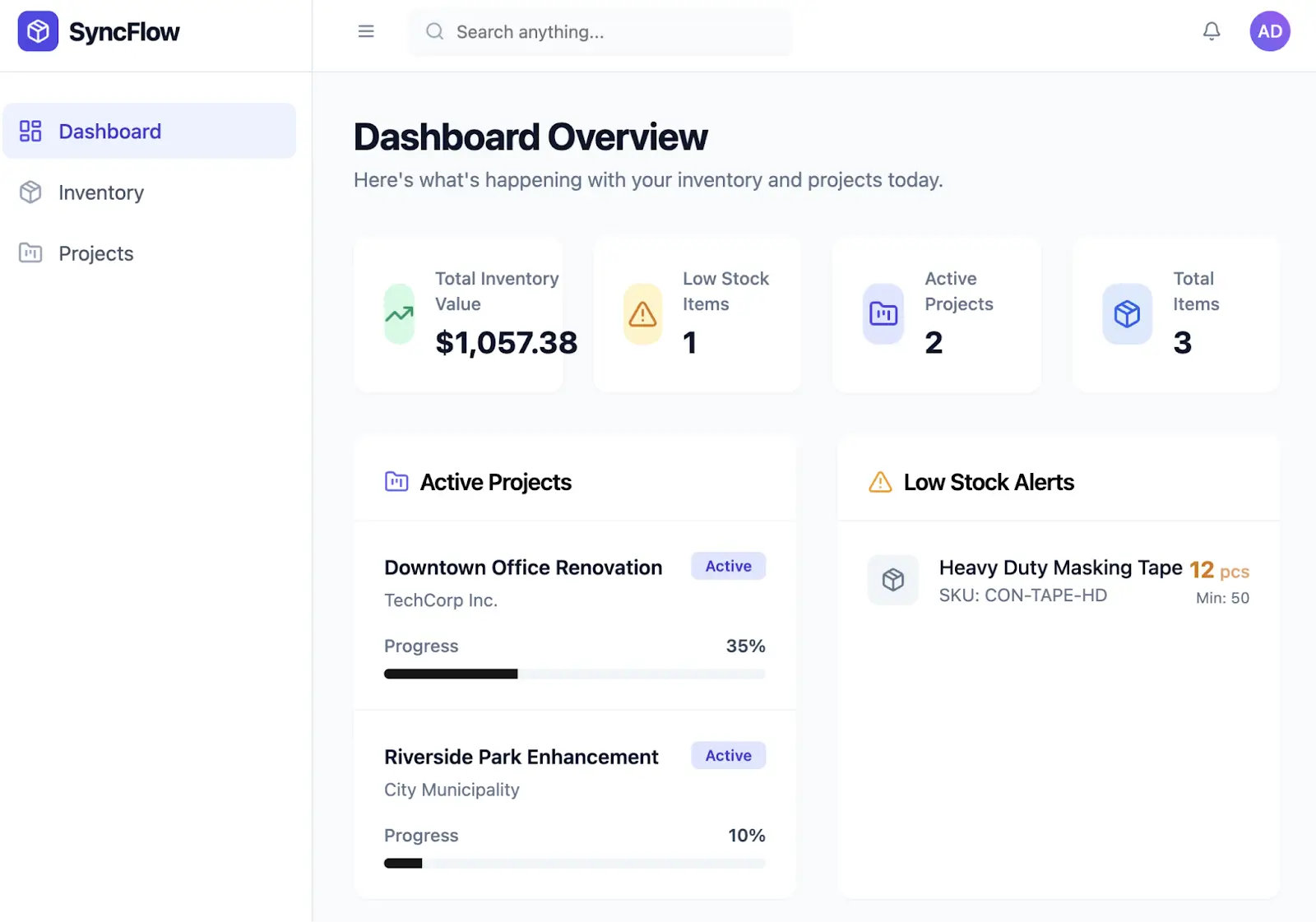
If speed is your priority, Base44 is the most streamlined tool on this list. It strips away technical complexity in favor of a polished UI, so building lightweight tools feels instantaneous. From pricing to deployment, everything is designed to get you from idea to working URL with minimal friction.
Pros
- Infrastructure is handled for you. Hosting, database, file storage, and email are included with no deployment setup.
- It comes with built-in authentication and user management.
- Backend functions let you enforce custom business rules, like validating forms, calculating dynamic pricing, or triggering automatic follow-up actions.
- There’s a low technical barrier. You can build by prompting, with the option to edit code or use the visual editor.
Cons
- Code export and GitHub sync are gated behind paid tiers. If portability matters to you, you’ll need to upgrade.
- Credit-based pricing for messages and integrations can feel metered, especially if you’re doing a lot of prompting. And unused credits don’t roll over into the next billing cycle, either.
- There’s no native workflow automation. You can write backend functions for custom logic, but if you’re non-technical, there’s no built-in way to string together automated sequences.
- More complex, user-facing apps might hit scalability limits.
Key features
- Authentication and user management: Email and password, social login, and SSO.
- Connectors and integrations: Native support for Google Drive, HubSpot, Zapier, and email, plus credit-based access to LLMs, image generation, SMS, and more.
- Code export: Available on higher tiers. Export your frontend code to GitHub, download it as a ZIP file, or export data as CSV. Keep in mind that only frontend code is exportable. Backend logic and database stay on Base44’s infrastructure.
Pricing
Base44 uses a credit-based model for messages and integrations.
- Free: 25 message credits/month, 100 integration credits
- Starter: $25/month — 100 message credits, 2,000 integration credits
- Builder: $50/month — 250 message credits, 10,000 integration credits, plus backend functions, custom domains, and GitHub integration
- Pro: $100/month — 500 message credits, 20,000 integration credits
- Elite: $200/month — 1,200 message credits, 50,000 integration credits, plus premium support
- Enterprise: Custom pricing
Who Base44 is best for
Small teams, agencies, and semi-technical operators who want AI-first app building with a path to code-level control as the project matures.
4. Replit Agent
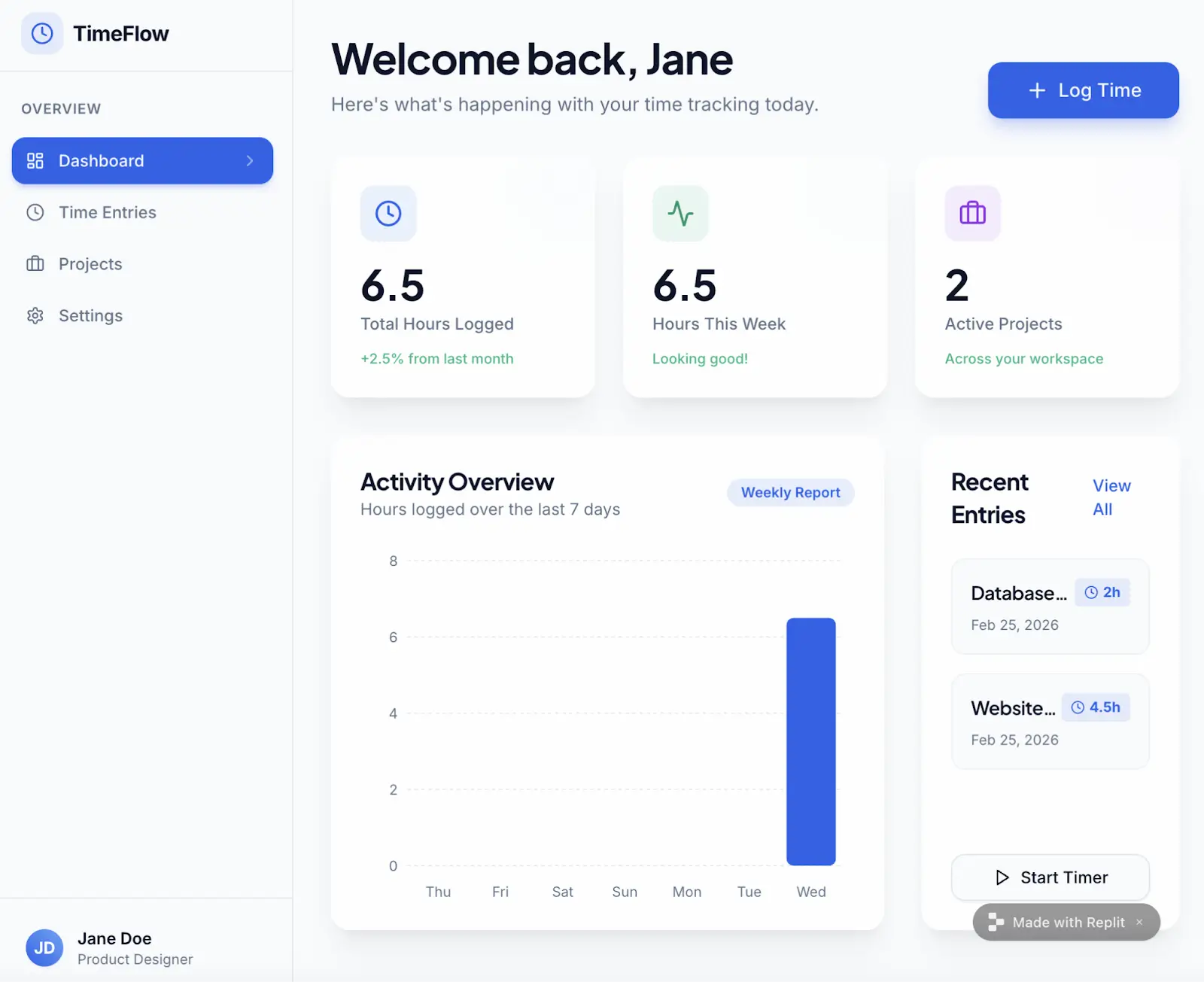
Replit Agent is like a project manager for non-engineers, a cloud-based coding environment with built-in AI that handles the technical decisions for you. It’s a good fit for whipping up SaaS MVPs, quick prototypes, learning projects, and simple tools, especially if you want to start building without setting up infrastructure or choosing a tech stack.
Pros
- Infrastructure is built in. Replit comes with setup-free hosting, a built-in database, and a ready-to-share app URL.
- Replit supports plenty of programming languages and frameworks. Plus, it can work with projects you’ve already started. You’re not locked into one setup.
- You can choose from several publishing options, from lightweight static hosting to dedicated virtual machines (VMs) with 99.9% uptime claims.
- Going live happens fast. Connect to a custom domain and publish in a single click.
Cons
- Though AI does initial heavy lifting, using this long-term can get tricky. You’ll likely need a dev’s help for comprehensive updates and bug fixes.
- Making changes after the initial build requires re-prompting the AI, which uses credits. Ongoing iteration adds up.
- There’s no visual automation builder. You’ll need to code your own workflows or connect a third-party tool.
- AI agents need human oversight. A widely reported incident saw a Replit agent delete a production database, so you’ll definitely want to review outputs before deploying.
Key features
- Cloud IDE: Replit works inside a cloud-based integrated development environment (IDE), a full coding workspace that runs in your browser. There’s nothing to install on your computer.
- Figma import: Have a designer on your team? You can import UI designs straight from Figma to jumpstart your build.
- Smart data security: Just by asking the AI, you can set up professional login systems and row-level security (RLS). If you’re more technical, you can dive into the code to manually fine-tune the access rules.
- Real-time collaboration: Multiple users can work in the same project simultaneously.
Pricing
- Starter: Free — publish 1 app with limited AI credits
- Core: $20/month — $20 in monthly credits, up to 5 collaborators, and unlimited workspaces
- Pro: $100/month — $100 in monthly credits, up to 15 collaborators, private deployments, 28-day data retention, and premium support
- Enterprise: Custom pricing
Who Replit Agent is best for
Builders who want one place to build, run, and ship—especially for prototypes, internal demos, and early MVPs that still need human review before going to production.
5. Bubble
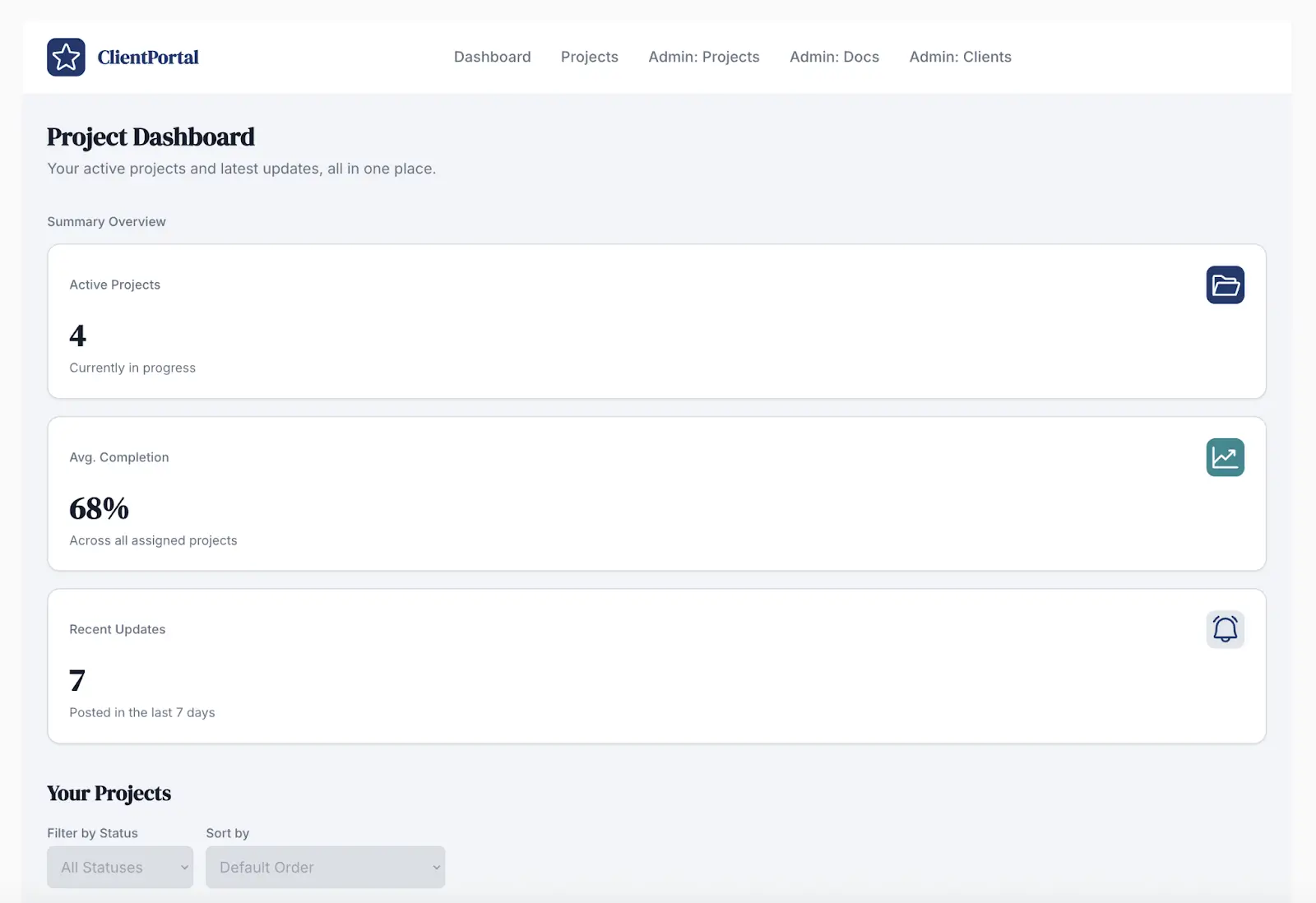
Bubble’s biggest strength is the control it gives you over app logic and data. It goes deeper than simpler builders, enough that agencies use it for client work. It does have a steeper learning curve. But that depth means you’re less likely to outgrow the platform as your needs get more complex.
Pros
- Bubble goes beyond UI generation with workflows, a built-in database, user authentication, and real app behaviors, all built visually.
- A marketplace of 1,000+ plugins and a built-in API connector let you integrate external services like payments and analytics.
- You can extend and evolve your app over time without rebuilding it, making long-term maintenance more manageable.
Cons
- Bubble isn’t the simplest builder out there. You’re essentially building full application logic, which comes with a steep learning curve, even if you’re not using code.
- Bubble doesn’t generate exportable code. Your app is built and run on Bubble’s platform, so if you need to switch tools, you’ll have to start fresh.
- Bubble uses a workload unit (WU) system that meters server processing. Basically, costs can soar as your app gains users and runs more complex workflows.
Key features
- Built-in database: Define data types, set up relationships between tables, and manage records from Bubble’s visual editor. No SQL required.
- Workflows and logic: Set up conditional logic, schedule recurring actions, and chain together multi-step workflows that respond to user behavior or data changes.
- Versioning: Create development branches to test changes safely before pushing them live. And if something breaks, it’s easy to roll back to a previous version.
Pricing
Because of the WU system, costs can scale with traffic and app complexity.
- Free: For projects under construction — 50K WU/month, 1 app editor
- Starter: $69/month — 175K WU/month, custom domain, recurring workflows, and version control
- Growth: $249/month — 250K WU/month, 2 app editors, two-factor auth, and 10 custom branches
- Team: $649/month — 500K WU/month, 5 app editors, 25 custom branches, and sub apps
- Enterprise: Custom pricing with dedicated support and customizable server
Who Bubble is best for
Non-technical or semi-technical builders who want to create a full product-level web app without traditional code, and are willing to learn a richer platform to squeeze out more power.
6. Cursor
Cursor is the biggest outlier on this list. It’s an AI-powered code editor, not an app builder, and it’s missing several of the key features we recommended above. But it’s here because of how powerful it is. Cursor has top-notch context awareness and lets you ask questions about your project in plain English, so you can co-author a professional codebase with an expert assistant at your side.
Pros
- Cursor indexes your entire codebase locally, seeing every file you created at once. That means it won’t lose context mid-project. It’s built for big, long-term projects.
- Working with sensitive, proprietary code? Cursor’s privacy mode and SOC2 certification keep that code from exposure or getting used in model training.
Cons
- At its core, Cursor is still a developer tool. If you don’t want to work in code at all, look elsewhere on this list.
- Cursor is the one tool here that doesn’t provide database infrastructure. You still have to set up and pay for your own hosting, database, authentication, and deployment.
- There are no data integrations. Cursor just helps you write the code for them.
- Advanced add-ons cost extra. For example, Bugbot (which auto-scans for bugs in your code) is an extra $40/user/month on Pro tiers. It’s available on free plans, too, but you get a limited number of PR reviews every month.
Key features
- Codebase-aware chat: Answers are grounded in your actual project files, so Cursor won’t suggest code conflicting with something you’ve already built.
- Multi-file editing and terminal integration: You can make changes across multiple files in a single action, with built-in terminal support for any framework.
- GitHub integration: Connect to your existing repos for version control and collaboration.
Pricing
- Hobby: Free — limited AI requests and autocomplete
- Pro: $20/month — extended Agent limits, unlimited autocomplete, Cloud Agents, and maximum context windows
- Pro+: $60/month — 3x usage on OpenAI, Claude, and Gemini models
- Ultra: $200/month — 20x usage on those same models, plus priority access to new features
- Teams: $40/user/month — shared commands, role-based access, SSO, and centralized billing
- Enterprise: Custom pricing
Who Cursor is best for
Developers who like v0’s speed but want to work in real code—especially those who need faster iteration and codebase-aware AI.
7. Bolt
Bolt is for builders who’ve outgrown simpler tools and want more control over their app’s architecture. It shares the prompt-to-app speed of Lovable but offers a richer ecosystem and deeper technical flexibility. It’s the tool you might reach for when you want AI to do the scaffolding but also want to keep your hands on the steering wheel.
Pros
- Infrastructure is included. Bolt Cloud handles hosting and authentication, with one-click deployment to Netlify if you prefer.
- Bolt generates a full-stack app with a built-in Supabase database, server functions, storage, and secrets, all from one prompt.
- Supabase is open source, so your data and auth setup aren’t locked in if you outgrow Bolt.
- There’s a low barrier to start. You can pump out a working prototype without deep technical knowledge.
Cons
- Because Bolt runs entirely in your browser, it can hit performance limits with larger projects. Startup errors and out-of-memory issues are common.
- It’s not production-ready out of the box. Security rules are set up by AI prompts with no visual editor for permissions, so you’ll need technical skill to audit and harden your app before real users touch it.
- Data integrations are manual. To connect to external services, you’ll need to build API connections yourself.
- If you restore an earlier version of your app, your database doesn’t roll back with it. Your app and your data can get out of sync, causing errors or broken pages.
Key features
- Bolt Cloud: This automatically handles host, auth, and one-click Netlify deployment.
- WebContainers runtime: Everything runs in your browser tab. You don’t need to install developer tools to get started.
- Interoperability: Easily move your data to other tools or connect to external dashboards without getting locked in.
- GitHub sync: Export and sync your project to GitHub for version control and portability.
- Code export: You can take your frontend and backend code with you if you move to another platform.
Pricing
Bolt uses a token-based model. Pro and Teams plans let you scale token volume for a higher monthly cost.
- Free: 1M tokens/month, website hosting, unlimited databases, Bolt branding
- Pro: From $25/month — starts at 10M tokens/month, custom domains, token rollovers, and no Bolt branding
- Teams: From $30/member/month — starts at 10M tokens/month per member, plus team collaboration features
- Enterprise: Custom pricing
Who Bolt is best for
Product-minded builders and developers who want fast scaffolding in the browser with built-in hosting and database, without spending a day on local environment setup.
Which v0 alternative is right for your team?
v0 works well when you need a fast UI draft or a polished React component to drop into an existing project. But as soon as your app needs real users, data, permissions, and automation, you’ll need a different tool.
The right alternative depends on what you’re building:
- If you want a full-stack MVP with exportable code and a path to developer handoff, look at Lovable or Base44.
- If you want an all-in-one browser environment to prototype and ship fast, Bolt or Replit are worth testing.
- If you need to build complex app logic visually, without code, Bubble offers more depth than most.
- If you're a developer who wants AI-assisted coding in a real codebase, Cursor is the strongest code editor on this list.
- And if you need production-ready business software with users, roles, and data built in—using AI and no code—go with Softr.
Ready to move beyond prototypes and build software that scales with your business? Try Softr for free today.
Frequently asked questions
What are good v0.dev alternatives?
What’s the difference between a vibe coding tool and an app builder?
Do the v0 alternatives on this list require coding experience to use?