
If you've used an enterprise AI app builder, you know the feeling: you build something without writing code, the demo lands well, senior leaders are impressed, and you feel like you've cracked the code. An entire tool, built in hours with only prompts.
The problem is reality sets in. That prototype can't connect to your actual production database. It can't give different people different permissions. Your security team asks about audit logs, and you've got nothing. The backend is a mess. Not exactly production-ready.
That's because most app builders are designed for speed, not governance. So it's time to re-evaluate. This review covers the five best enterprise no-code and low-code app builders in 2026, stress-tested across governance depth, pricing mechanics, integration coverage, and production reliability.
The 5 best enterprise app builders at a glance
Softr | Bubble | Retool | Superblocks | Power Apps | |
|---|---|---|---|---|---|
Best for | Secure internal tools + portals | Visual web + mobile apps | Developer-built internal tools | Private-cloud VPC deployment | Microsoft-stack enterprises |
Pricing model | Flat (predictable) | Usage-based (Workload Units) | Per-seat (builders + end users) | Per AI Builder (custom enterprise) | Per-user or per-app |
Code export / portability | No (hosted platform) | No (proprietary runtime) | No (Retool runtime only) | Yes (full code export) | No (Power Apps runtime) |
Audit logging | Yes (Enterprise plan) | Limited (server logs, 6-20 days) | Yes (Business + Enterprise plans) | Yes (full audit logs, SIEM-ready) | Yes (via Microsoft Purview) |
Deployment options | Cloud hosted | Cloud hosted (Enterprise: region choice) | Cloud or self-hosted | Cloud, Hybrid VPC, Cloud-Prem | Cloud (Azure) |
SSO / SAML | SSO on Enterprise plan | SSO on paid plans | SAML + OIDC (Okta, Azure AD, Google) | SAML/OIDC (Enterprise) | Azure AD / Entra ID native |
SCIM provisioning | Enterprise plan | Not widely documented | Enterprise plan | Enterprise plan | Azure AD native |
Mobile support | Responsive web + installable PWA (iOS, Android) | Native iOS + Android | Responsive web + mobile apps | Responsive web | Canvas apps (phone/tablet) |
RBAC granularity | Row + field level | Page + privacy rules | Resource + query level | RBAC/ABAC at integration + user level | Dataverse row/column level |
Target builder persona | Business operations teams | Developers + technical founders | Developers (SQL/JS required) | Developers + security-focused teams | IT + developers in Microsoft ecosystem |
Quick verdict: the best enterprise no-code app builder depends on governance requirements
Before diving into individual platforms, here's a simple three-branch framework to help you choose:
- External portals with granular row/field permissions, SSO, SOC 2, and GDPR compliance, go with Softr. It's built specifically for production-ready client portals, partner portals, and vendor onboarding tools, with governance that's part of the core product rather than an enterprise add-on.
- Developer teams that need private-cloud or self-hosted deployment, or code-level control, look at Retool or Superblocks. Both give security teams the control they need, though they require more technical skill from builders.
- Microsoft-centric enterprise app deployment inside Teams, SharePoint, and Azure, Power Apps is the natural fit, though licensing complexity and delegation limits can surprise buyers during implementation.
If your requirements cut across these categories (for example, you need governed AI generation with VPC options but also need external-facing portals), no single platform covers everything cleanly. That trade-off discussion is what the rest of this article is designed to help you work through.
1. Softr — best for secure internal tools and portals built by business teams
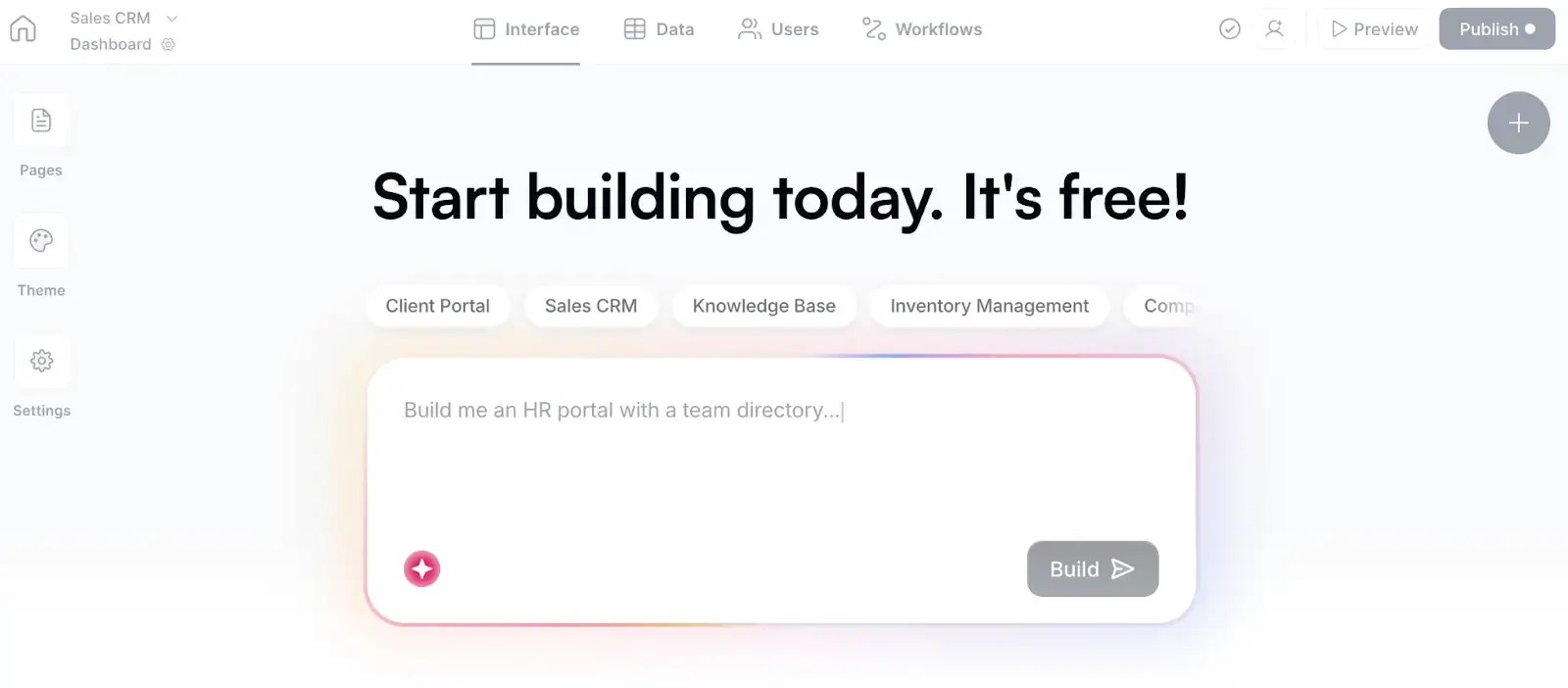
Softr is an AI app builder for operational systems: client portals, internal tools, partner portals, vendor onboarding workflows, and the kind of custom software that replaces spreadsheet-driven processes and rigid off-the-shelf products.
The AI Co-Builder is what makes it different from typical no-code tools. Describe what you need, and it generates the full stack: database structure, interface, permissions, and business logic, all connected and ready for real users. Most enterprise AI builders generate a UI and stop there. Softr generates the governance layer alongside the product, so SSO configuration, role-based permissions, and data schema are part of the output, not something you bolt on afterward.
Over one million teams globally have used Softr to build production-ready operational tools, including teams at Google, Netflix, UPS, MIT, Stripe, and the NBA. The flat pricing model means there are no workload overages or per-seat surprises at scale.
Enterprise readiness checklist for Softr
Before your security review, confirm these items during evaluation:
- SOC 2 Type II certification is available on Enterprise plans, including a report you can share with your security team
- SSO (SAML-based) is available on Enterprise plans; confirm which identity providers are supported for your stack
- Granular role and record-level permissions are available across all plans; confirm row-level filtering is configured correctly for your use case
- GDPR data processing agreement is available; confirm data residency region
- Audit logging is available on Enterprise plans; confirm the event types captured and whether export to your SIEM is supported
- SCIM provisioning is available on Enterprise plans, so users are created and removed automatically from your identity provider
Softr pros and cons
Pros:
- The AI Co-Builder generates the full stack (database, interface, permissions, and workflows), all connected and secure from the first prompt
- Switch between AI prompting, visual editing in Softr Studio, and building from your own AI assistant via the Softr MCP
- SOC 2 Type II and GDPR compliant, with SSO and granular permissions on Enterprise plans
- Flat predictable pricing with no workload overages or per-seat surprises
- Connects to Airtable, Notion, Google Sheets, HubSpot, monday.com, Supabase, MySQL, PostgreSQL, and REST APIs out of the box
Cons:
- Less infrastructure control: Softr's managed approach won't suit organizations that need to self-host the entire application stack.
- Advanced security is plan-dependent: Some enterprise controls are only available on higher-tier plans.
Softr best features
- AI Co-Builder: Turns a plain-language prompt into a working business app with a database, interface, permissions, and logic, plus native workflow automations, in minutes
- Granular permission settings: Control who sees what at the role and record level to build secure portals your team and clients can trust
- Softr Databases: AI creates a relational database with the right fields, relationships, and schema automatically, supporting linked records, formulas, rollups, and governance controls
- Integrations: Connects to existing business systems and automation tools including Make, Zapier, Slack, Stripe, DocuSign, Xero, and Intercom
Softr pricing
Plans are billed annually and include a monthly AI credit allowance:
- Free: Unlimited apps, Softr Workflows and Databases, 5 app users, 5 AI credits, 5,000 database records
- Basic: $19/month, unlimited apps with 42+ integrations, 5 team + 5 client users, 10 AI credits, 50K records
- Pro: $99/month, unlimited apps with 45+ integrations and custom code, 10 team + 50 client users, 50 AI credits, 500K records
- Business: $329/month, unlimited apps with 52+ integrations, 30 team + 100 client users, 100 AI credits, 1M records
- Enterprise: Custom pricing, adds SSO, SOC 2 reporting, audit logging, priority support, and advanced app security
2. Bubble — for visual control, but understand the cost mechanics first
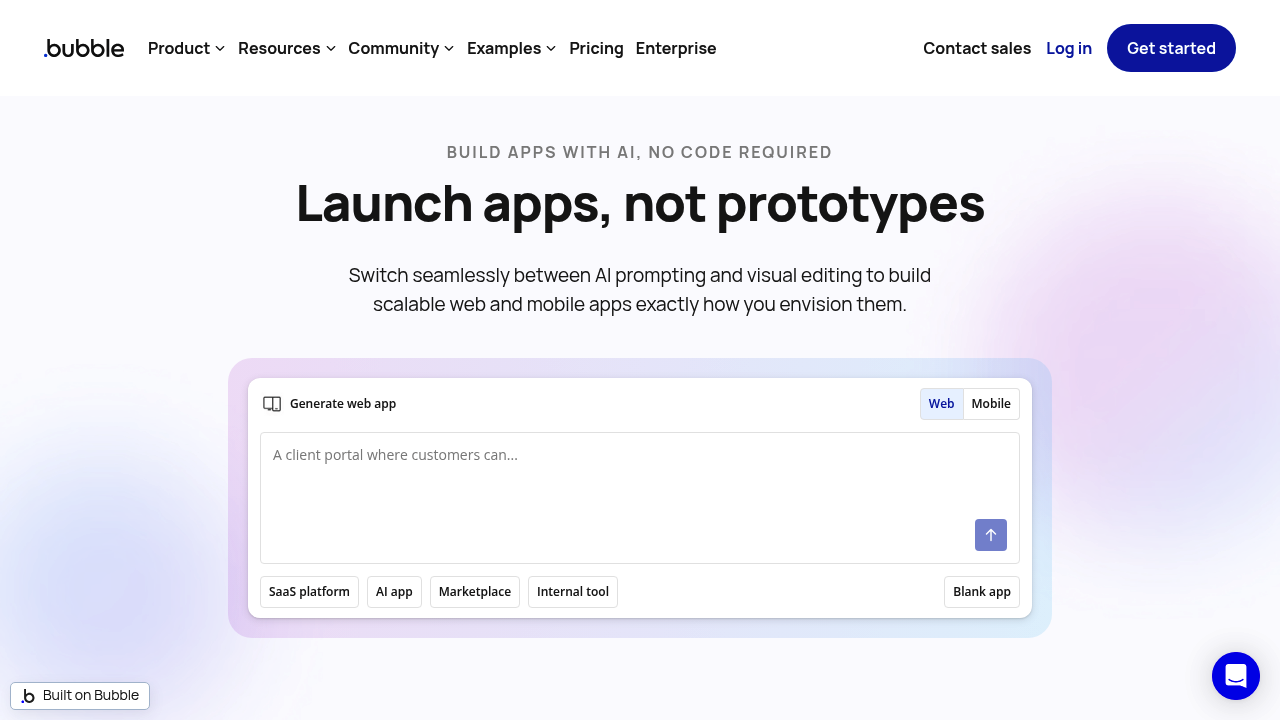
Bubble combines AI speed and visual control in a way that appeals to teams dealing with technical debt. It's one of the few enterprise no-code app builders that generates both web apps and native iOS/Android apps from a single editor, backend, and logic layer, which matters for mobile-first operational workflows.
The Bubble AI works alongside your prompts to build features, troubleshoot, and iterate. Enterprise features include SOC 2 Type II, SSO, role-based access controls, automated security scanning, and a 99.9% uptime SLA.
Understanding Bubble Workload Units (WUs): the pricing mechanic you need to evaluate carefully
Bubble's pricing model differs from every other platform on this list. According to Bubble's own documentation, it defines "Workload" as the server resources needed to host, run, and scale your app, measured in Workload Units. Every server-side action your app performs (database reads, writes, workflow steps, API calls, scheduled jobs) consumes WUs.
This usage-based model means pricing is directly tied to how your app behaves at runtime, not just the number of users or seats. For apps with heavy workflow automation, frequent database writes, or high-traffic external APIs, WU consumption can scale quickly in ways that are hard to predict before you build.
To evaluate whether Bubble's pricing will work for your use case, estimate these inputs before committing: average daily active users, number of workflow steps per user session, frequency of background jobs, and volume of database operations per transaction. Bubble provides a WU estimator, but the real test is running a load test on your staging environment before moving to production.
Lock-in and portability
Bubble does not offer code export. Your app exists entirely within Bubble's proprietary runtime, meaning if you outgrow the platform or hit performance bottlenecks, there's no codebase to migrate. This is the most significant long-term risk for enterprise teams evaluating Bubble alongside platforms that do support code export (like Superblocks).
Bubble pros and cons
Pros:
- Build web, iOS, and Android apps from a single editor
- AI Agent generates features from prompts; visual editor lets you refine without code
- SOC 2 Type II, SSO, role-based access controls, automated security scanning, 99.9% uptime SLA
- Privacy rules generate automatically when AI creates new data types
Cons:
- Workload Unit pricing can become unpredictable at scale; heavy workflow logic drives costs up faster than user growth alone
- No code export; you're fully locked into Bubble's infrastructure
- Backend logic must be built within Bubble's own framework
- Server log retention ranges from 6 hours (Free) to 20 days (Team) before Enterprise, which limits audit trail depth for compliance purposes
Bubble pricing
Plans are per project (web, mobile, or both), billed annually:
- Free: $0/month, 50K WU, 1 editor, dev version only, 6 hours of server logs
- Starter: $59/month, 175K WU, custom domain, recurring workflows, 2 days of server logs
- Growth: $209/month, 250K WU, 2 editors, two-factor auth, 14 days of server logs
- Team: $549/month, 500K WU, 5 editors, sub-apps, 20 days of server logs
- Enterprise: Custom pricing, custom WU, hosting location choice, dedicated support
3. Retool — for developer teams building internal tools on SQL databases and APIs
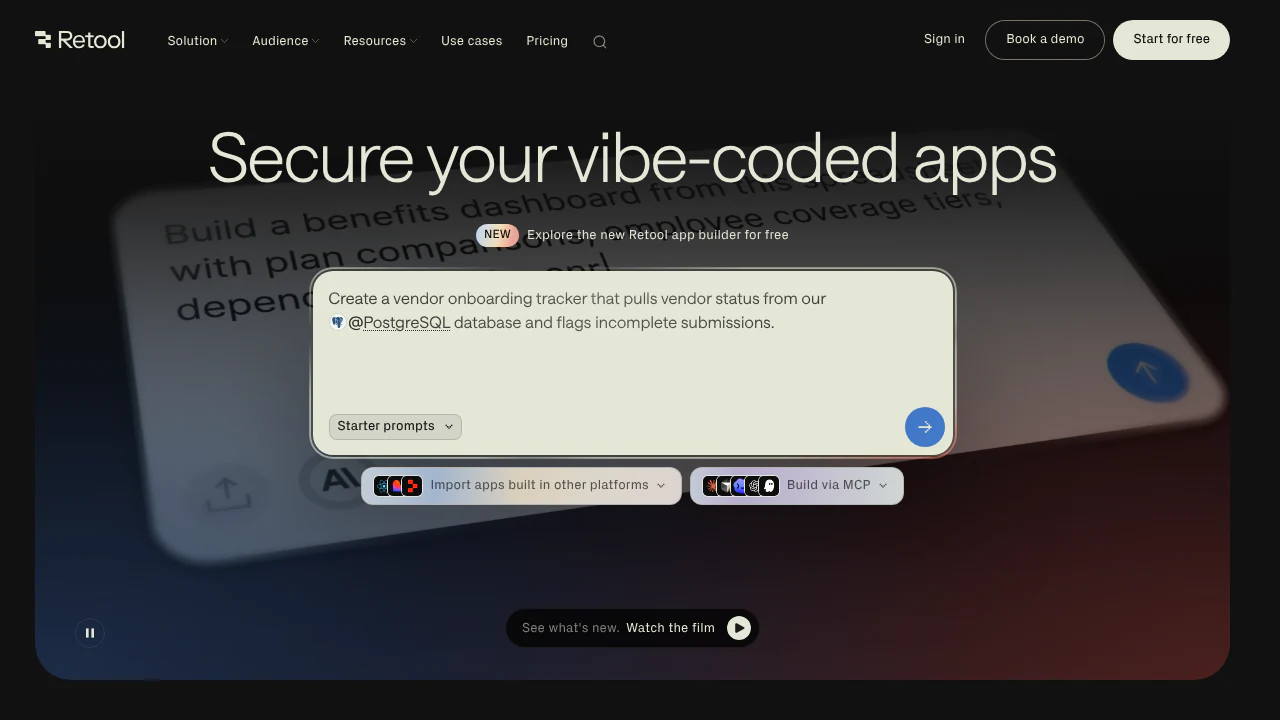
Retool is a low-code platform designed for developers building internal tools with governed access to live production data. It's not a fully no-code tool, and that distinction matters enormously for enterprise buyer fit.
Where it wins: every app automatically inherits your organization's SSO, RBAC, audit trails, and data access policies because governance is defined at the platform level, not per-app. The Assist AI builder generates apps directly on your live Postgres, Databricks, or Salesforce data. It knows your schemas and permissions, so the output is production-relevant from the first prompt. You can also import existing React apps from Replit, Lovable, or Claude Code and apply the same governance layer immediately.
Who should (and shouldn't) use Retool
Retool works well when your builders are developers or technical operations analysts comfortable with SQL, JavaScript, or Python. It gives them speed without sacrificing the governance controls your security team needs.
It's a poor fit for business users who want to build their own tools without technical assistance. The interface assumes a baseline of technical literacy that sales operators, HR managers, or client success teams typically don't have.
Governance depth in Retool
Retool Enterprise is positioned around SOC 2 Type II compliant security controls. On the SSO side, Retool supports SAML and OIDC integration with identity providers including Okta, Azure AD/Entra ID, and Google Workspace. Audit logs are available on Business and Enterprise plans, covering app access, permission changes, and query executions. For enterprise deployments, Retool also supports self-hosted (on-premises) deployment, giving security teams direct control over the runtime environment.
One important caveat: Retool does not support code export. Apps exist only inside Retool's infrastructure, which means a vendor exit requires rebuilding, not migrating.
Retool pros and cons
Pros:
- Every app inherits centralized authentication, RBAC, audit logs, and data access policies automatically
- SAML and OIDC SSO with Okta, Azure AD, and Google Workspace
- Import existing React apps and apply governance instantly
- Self-hosted (on-premises) deployment option available
Cons:
- Requires SQL, JavaScript, or Python; not usable without developer involvement
- No code export; apps are locked into Retool's runtime
- Performance can degrade as app complexity grows (multiple JS queries, heavy datasets)
- Non-technical business operators can't self-serve builds
Retool pricing
Pricing is based on the number of builders and end users, billed annually:
- Free: Up to 5 users, 250 AI credits/month, production environment only
- Team: $10/builder/month plus $5/internal user/month, 1,000 AI credits/month, staging and production environments
- Business: $50/builder/month plus $15/internal user/month, 3,000 AI credits/month, external users and embedded apps, audit logs, rich permissions
- Enterprise: Custom pricing, SSO, SCIM, and 2FA, granular roles, Git source control, self-hosted or air-gapped deployment
4. Superblocks — for developer teams that need private-cloud (VPC) deployment
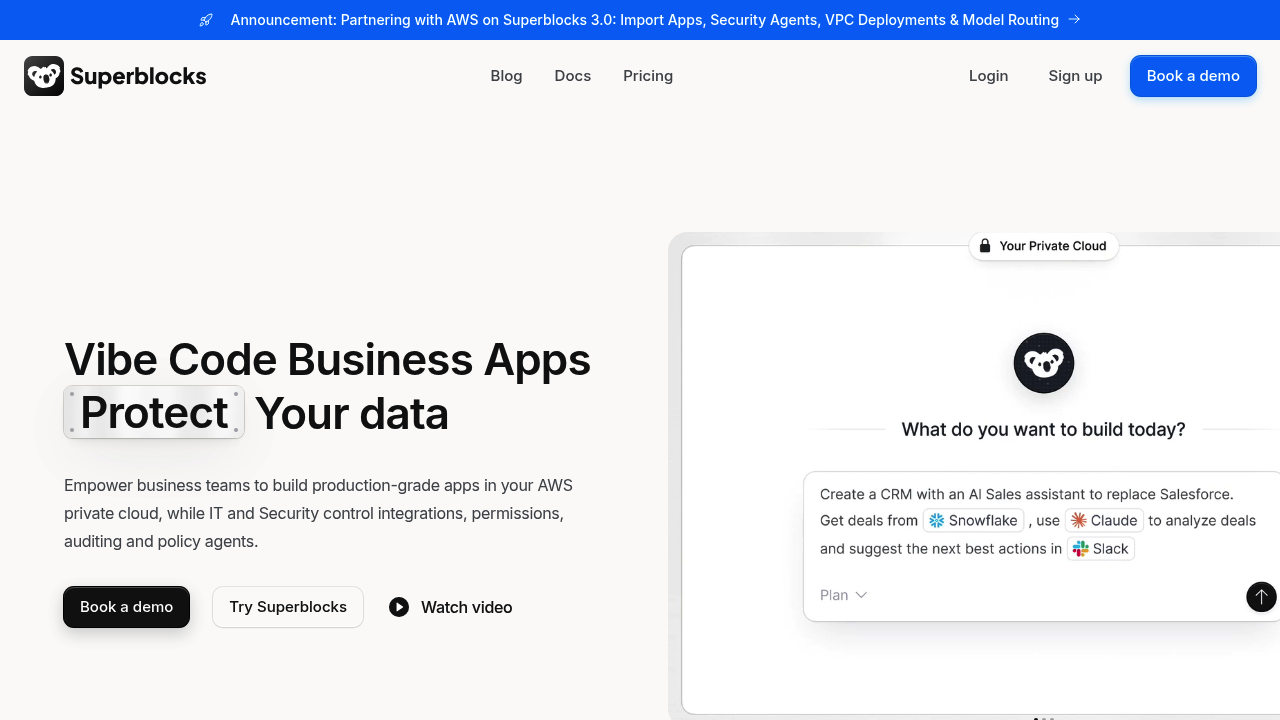
Superblocks is the most governance-heavy platform in this comparison. It's designed for enterprises where security teams have a direct say in how apps are built, deployed, and audited, and it delivers on that promise more completely than any other option here.
Every app inherits your organization's RBAC, SSO, and audit policies by default. Clark, Superblocks' AI agent, builds apps within the permission context the user already has: it reads your data schemas, API docs, integration configs, and existing permission settings, then generates apps that stay within those boundaries. You don't need to manually wire up governance after the fact because Clark works inside the governance structure from the start.
What VPC and hybrid deployment actually means for your security team
Most enterprise no-code platforms are cloud-only. Superblocks offers three deployment models: standard cloud, Hybrid (where your data stays inside your VPC while only non-production interactions reach Clark), and Cloud-Prem (where the entire agent runs on your infrastructure). For regulated industries like financial services, healthcare, or government, this flexibility can be the deciding factor.
The on-premises agent is open-source, which means your security team can inspect the code running in your environment before approving deployment.
Code portability in Superblocks
Unlike every other platform in this comparison, Superblocks lets you export your app's full code at any time. You can run it independently outside the platform if needed. For enterprises that view vendor lock-in as a procurement risk, this is a concrete differentiator. It's also reflected directly in Superblocks' governance materials as a no-vendor-lock-in commitment.
Complexity at scale
The trade-off is that Superblocks' governance depth comes with complexity. Users report that as workflows grow (hundreds of workflow steps, deep third-party integrations), the platform becomes harder to manage. The learning curve for advanced security features (centralized permissions, SSO configuration, multi-environment pipeline setup) can be significant for smaller teams or those without dedicated DevOps resources.
Superblocks is also primarily positioned for internal tools. If you need customer-facing portals with branded UI, external user management, or row-level permissions for external clients, it's not the natural fit.
Superblocks pros and cons
Pros:
- RBAC, SSO/SAML, audit logs (SIEM-exportable), secrets management, and code sandboxing built in
- VPC/Hybrid/Cloud-Prem deployment options for data residency control
- Full code export; no vendor lock-in
- Clark AI generates apps within existing permission settings; open-source on-premises agent
Cons:
- Primarily designed for internal tools, not external portals or customer-facing apps
- Complex workflows become hard to manage at scale
- Advanced security setup requires time and technical skill
- The Teams plan includes only one hosted app, and each additional app costs $10/month
Superblocks pricing
Pricing is based on your plan and deployment model, billed annually:
- Teams: $100/month, 100 Governed Agent Units (GAUs)/month, Clark AI agent, staging/production, 50+ integrations, 1 hosted app ($10/month per additional app), unlimited end users, up to 15 builders
- Enterprise: Custom pricing, source control, secrets management, VPC deployment (Hybrid/Cloud-Prem), SSO/SAML/OIDC, RBAC, audit logs, SIEM pipelines, dedicated account team, enterprise SLAs
5. Microsoft Power Apps — for Microsoft-centric enterprises
Power Apps is Microsoft's enterprise low-code app builder, and it's a genuinely strong choice if your organization is already committed to Microsoft 365, SharePoint, Teams, and Azure. Security policies, compliance controls, and data governance are inherited from the broader Microsoft ecosystem, which is why enterprise IT teams often prefer it for production tools.
Copilot generates apps from natural language prompts, pulls from existing Dataverse structures automatically, and can even build a data schema and solution plan from a high-level business problem description. For organizations where app development lives alongside Teams approvals, SharePoint document libraries, and Outlook-based workflows, this depth of integration is genuinely difficult to replicate elsewhere.
Licensing and hidden costs
Power Apps licensing is the most common complaint in enterprise reviews. The core confusion points:
- Per-user vs. per-app: You can license by the user ($20/user/month for unlimited apps) or by the app (separate per-app licensing). At first glance, per-app licensing looks cheaper for small rollouts; in practice, most enterprise teams find that users end up needing multiple apps, making per-user the better value.
- Premium connectors: Many enterprise integrations (Salesforce, SAP, ServiceNow, custom APIs) require premium connectors that aren't included in base licensing. These can add meaningful cost per user.
- Dataverse entitlements: Storage is metered. Large datasets or high transaction volumes generate additional Dataverse capacity charges.
- Power Automate pairing: Workflow automation lives in a separate Microsoft product. Advanced automation scenarios require Power Automate licensing on top of Power Apps.
Data size and delegation limits: the performance reality check
Power Apps has a documented performance constraint that catches enterprise teams off guard. According to Microsoft Learn's delegation documentation (updated January 2026), Power Apps limits the result size to 500 records by default when a query can't be fully delegated to the data source. You can increase this limit to 2,000 records, but for apps working with datasets of tens of thousands of rows or more, non-delegable functions will silently truncate results.
This means any filter, sort, or search function that isn't supported by your data source's delegation model will only operate on the first 500-2,000 records rather than the full dataset. For compliance tooling, operations dashboards, or any app where complete data visibility matters, this is a risk that needs to be assessed before you build rather than discovered in production.
Mitigation options include using Dataverse (which has stronger delegation support), restructuring queries to avoid non-delegable functions, or pre-filtering data at the source level. None of these are zero-effort.
Power Apps pros and cons
Pros:
- Native integration with Teams, Outlook, SharePoint, and the full Microsoft 365 stack
- Copilot generates working apps and data schemas from natural language prompts
- Enterprise security and compliance policies inherited from Azure and Microsoft 365
- Dataverse provides enterprise-grade relational data storage with row/column-level security
Cons:
- Licensing is genuinely complex; most enterprise teams need a licensing specialist to avoid overpaying
- Not worth the learning curve if you're not already in the Microsoft ecosystem
- Delegation limits (500 records default, 2,000 maximum) create silent data truncation risks for non-delegable queries
- No code export; apps are locked into the Power Apps runtime
Power Apps pricing
- Developer Plan: Free, 3 developer environments, 2GB Dataverse storage, 750 automation flows/month, prebuilt and on-premises connectors for non-production builds
- Premium (per-user): $20/user/month, unlimited apps, premium connectors, 250MB database + 2GB file storage per user
- Premium Volume: $12/user/month at a 2,000-seat minimum, same as Premium at scale
Add-on costs for premium connectors, Dataverse storage overages, and Power Automate licensing are separate and should be factored into total cost of ownership estimates.
The enterprise evaluation rubric: Use this checklist in procurement
Most vendor comparison pages show a marketing features grid. What enterprise procurement actually needs is a set of questions you can put directly in your security questionnaire. Here's a checklist built from real enterprise requirements:
- SOC 2 Type II scope: Is the runtime environment included in the audit scope, or only the corporate network? Many platforms are SOC 2 certified at the infrastructure level but haven't included app runtime in the scope.
- SSO + SCIM: Does the platform support SAML and OIDC? Does it also support SCIM for automated user provisioning and deprovisioning? Having SSO without SCIM means manual offboarding, which is a real risk at scale.
- RBAC/ABAC granularity: Can you enforce permissions at the row and field level, or only at the app/page level? UI-level access control is not the same as data-layer access control.
- Audit logs (events tracked): Which events are logged? App access, permission changes, data edits, query executions, and AI-generation actions each represent different risk surfaces.
- Audit log retention and export: How long are logs retained by default? Can you export them or push them to a SIEM like Splunk or Datadog?
- Deployment options: Cloud only, self-hosted, VPC hybrid, or on-premises agent? Each model has different data residency implications.
- Data residency: Can you specify a geographic region for data storage? Is this available on standard plans or only enterprise?
- Least-privilege query controls: Can you restrict which database tables or API endpoints a given role can query, at the query level rather than just at the UI level?
- Code portability: Can you export your app as code and run it outside the platform? If not, what's the migration path if you stop using the vendor?
The weakest area for most AI-first builders is the audit trail. AI-generated actions (schema creation, permission configuration, workflow logic) often fall outside standard runtime audit logs. Ask specifically whether AI Co-Builder or Copilot actions are captured in the event log, not just user clicks.
Enterprise app builders for teams and operations
Which app builders support team collaboration?
Every platform here supports team building, but each one controls and prices builders differently:
- Softr: Workspaces hold all your apps and collaborators, with three roles. Owners get full control, including billing. Collaborators can build and invite others, but they can't delete apps or manage billing. Guest Collaborators are scoped to a single app.
- Retool: Shared component libraries let one team build reusable pieces that everyone else pulls from. Source control connects to GitHub, and admins can open a branch so several teammates push changes and submit pull requests together.
- Bubble: Editor seats depend on the plan, from 1 editor on Free to 2 on Growth and 5 on Team.
- Superblocks: The Teams plan supports up to 15 builders, with unlimited end users.
- Power Apps: Apps run inside Teams, SharePoint, and Outlook, so your team collaborates in the Microsoft tools it already uses.
The best collaborative AI app builder for teams
Softr is the best fit when your builders include non-technical people. The AI Co-Builder generates the database, interface, permissions, and workflows. Then anyone on the team can change a field or a permission in the visual editor, without re-prompting and risking parts that already work. When someone leaves or a department takes over, you transfer ownership of the app without rebuilding it.
Custom user groups control access at the app, page, block, and record level, so each team or client sees only their own data. Inside the app, Ask AI and database AI agents let your team search and update records in plain language.
Retool is the better pick when every builder is a developer. Its branch-based work and code review match how engineering teams already ship software.
Which AI app builder supports role-specific templates?
Softr's template library has pre-built apps organized by workflow and industry. Operations teams can start from facility management or vendor management, and sales teams from the AI CRM. Marketing teams have a campaign management app and a content calendar. Every template is fully customizable, and you can keep editing it with the AI Co-Builder or the visual editor.
Which enterprise no-code app builder is right for your use case?
The best enterprise no-code app builder for your team depends on what you're actually building, who's building it, where your data lives, and how much governance your security team needs on day one.
If you're building a client-facing portal where each client can only see their own records, contracts, or project status and you need granular role-based access control, SSO for your clients, or GDPR compliance then go with Softr. Its AI Co-Builder generates row-level permissions as part of the initial build, and the platform is purpose-built for external-facing portals with enterprise governance.
Try Softr free and build your first production app today.
Frequently asked questions
What should I look for in a collaborative AI app builder?
What is the best AI web app builder for non-technical teams?
Can AI app builders create full-stack applications?
What's the difference between an AI app builder and a traditional app builder?
Can AI app builders create production-ready enterprise software?