


Softr vs. HubSpot Service Hub
Is Service Hub too expensive with features you don’t need? Try Softr, the fastest way to build portals with your HubSpot data.
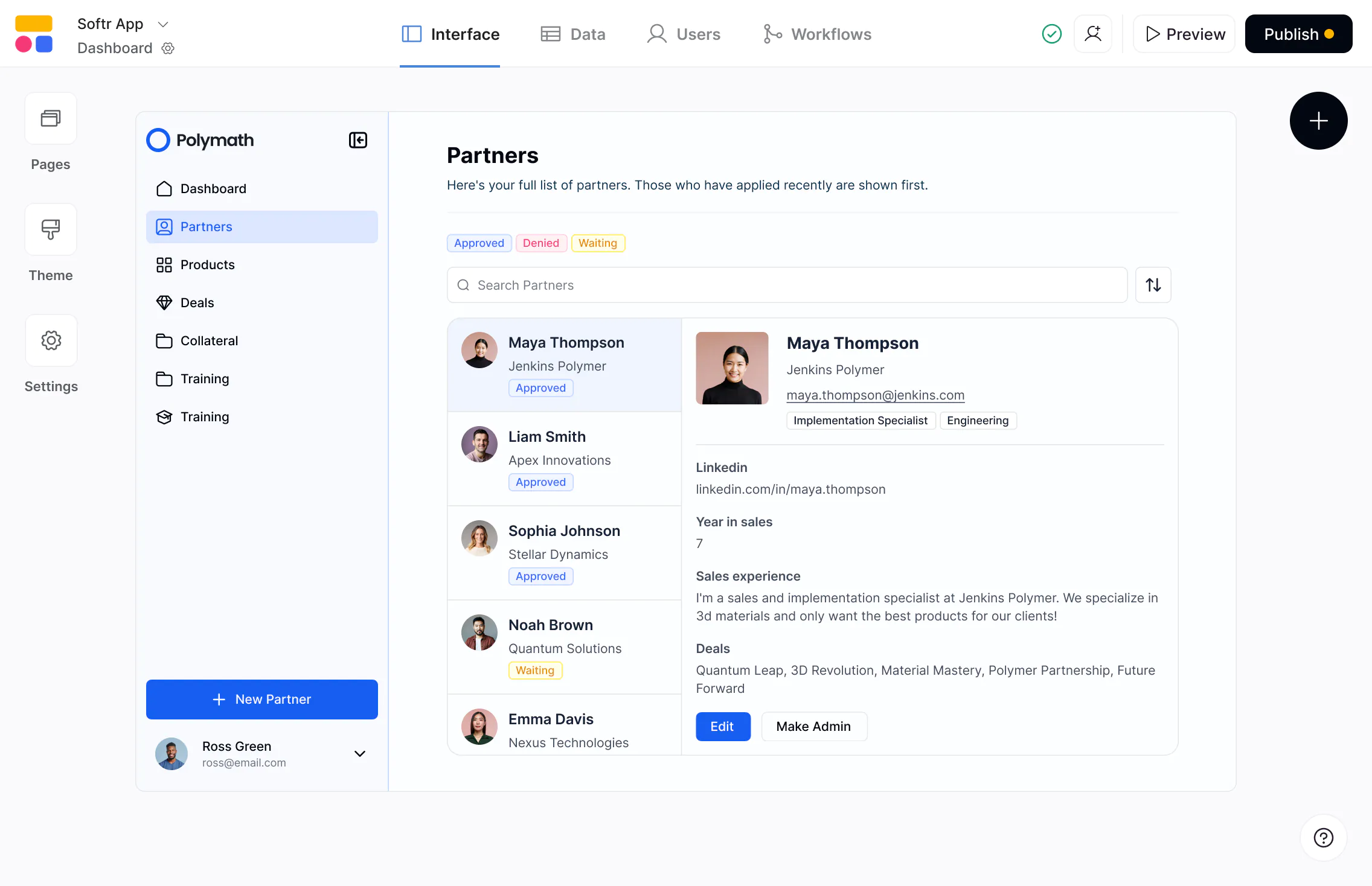










The #1 Service Hub alternative that works with your HubSpot data

Total customization without complexity.
Hubspot Service Hub locks you into their rigid UI and requires custom dev to edit. With Softr, you can design fully branded, flexible portals and tools that match how your team actually works—without writing a line of code.

More flexible permissions and user management.
Hubspot’s Service Hub portal is only for logged-in contacts linked to tickets. Softr gives you full control with custom user groups and granular permissions, so you decide exactly who can see or edit what.

No seat-based pricing or hidden costs.
HubSpot charges per seat, and the costs add up fast. Softr’s pricing includes a set number of users per tier, so you can scale your team, clients, or partners without worrying about seat-based fees.

Why businesses are choosing Softr over Hubspot Service Hub
No enterprise costs
HubSpot Service Hub can get expensive fast as you scale seats and features. Softr lets you build and customize service portals, knowledge bases, and client apps without the per-seat costs.
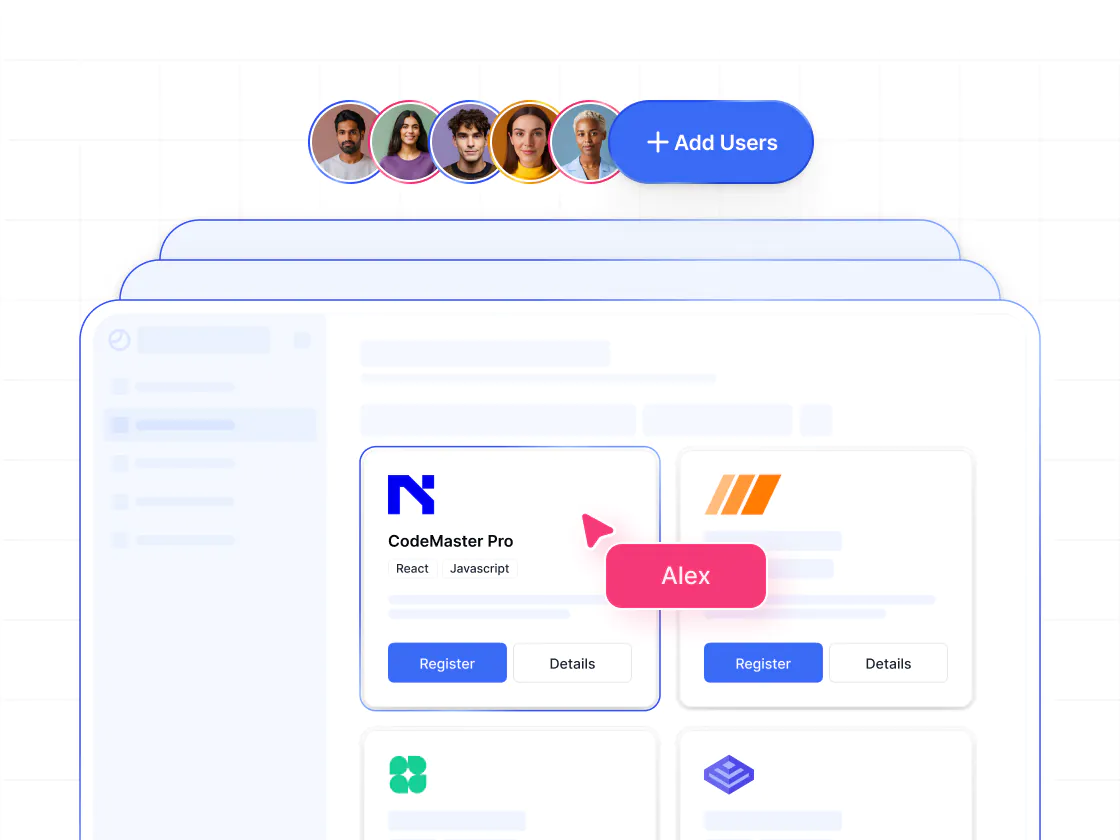
Full customization, not a fixed help desk
HubSpot Service Hub is structured around HubSpot’s CRM and ticketing model. With Softr, you can design workflows and processes to match how your team and clients work—on top of your HubSpot CRM data.
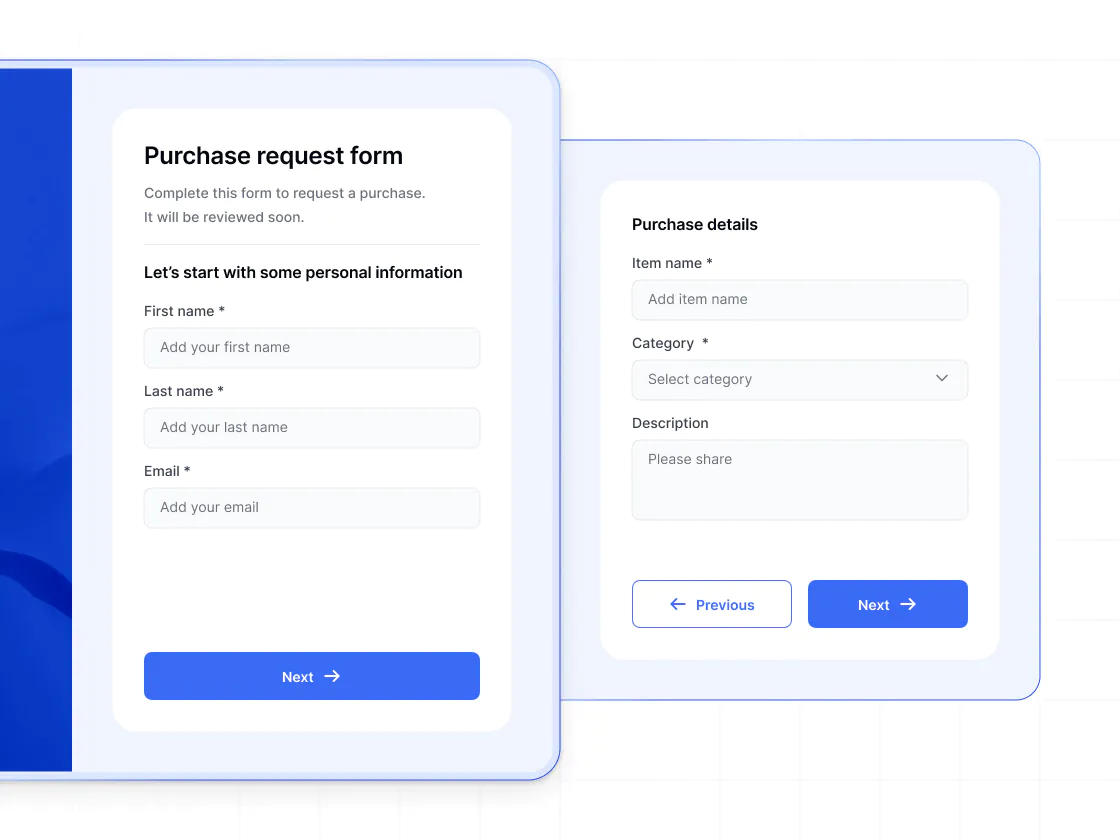
Works with your existing data
HubSpot pushes you into its ecosystem. Softr connects directly to HubSpot, Airtable, Google Sheets, Notion, SQL, and more—so you can combine all your data and tools in one app.
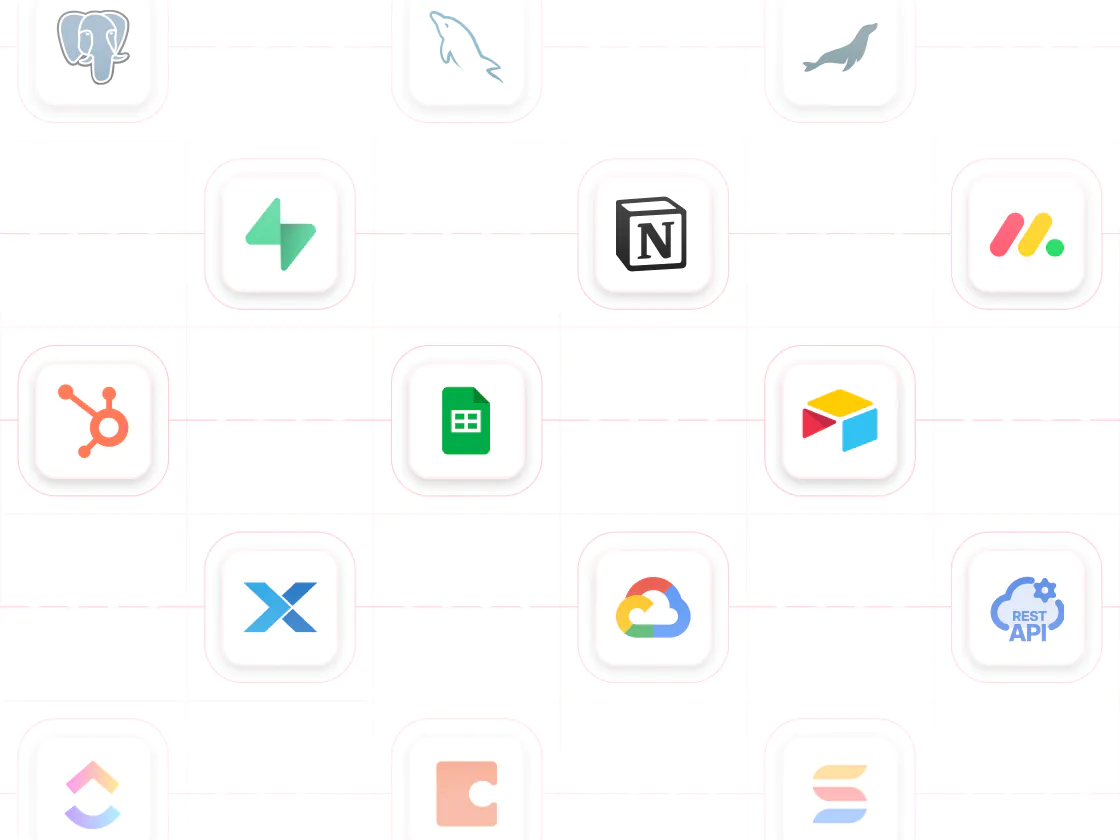
Faster setup and iteration
Getting Service Hub up and running often requires long timelines and custom dev. Softr is built for speed, so you can launch fast and keep improving and expanding the app as your needs evolve.
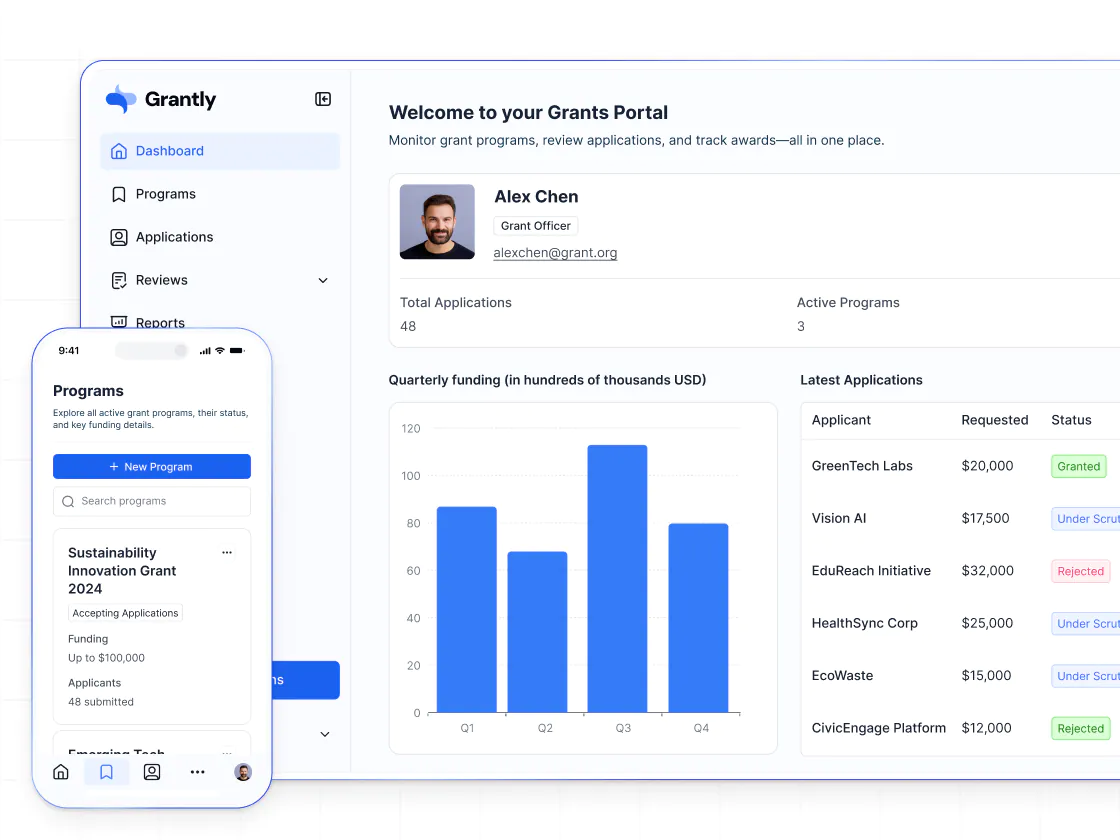
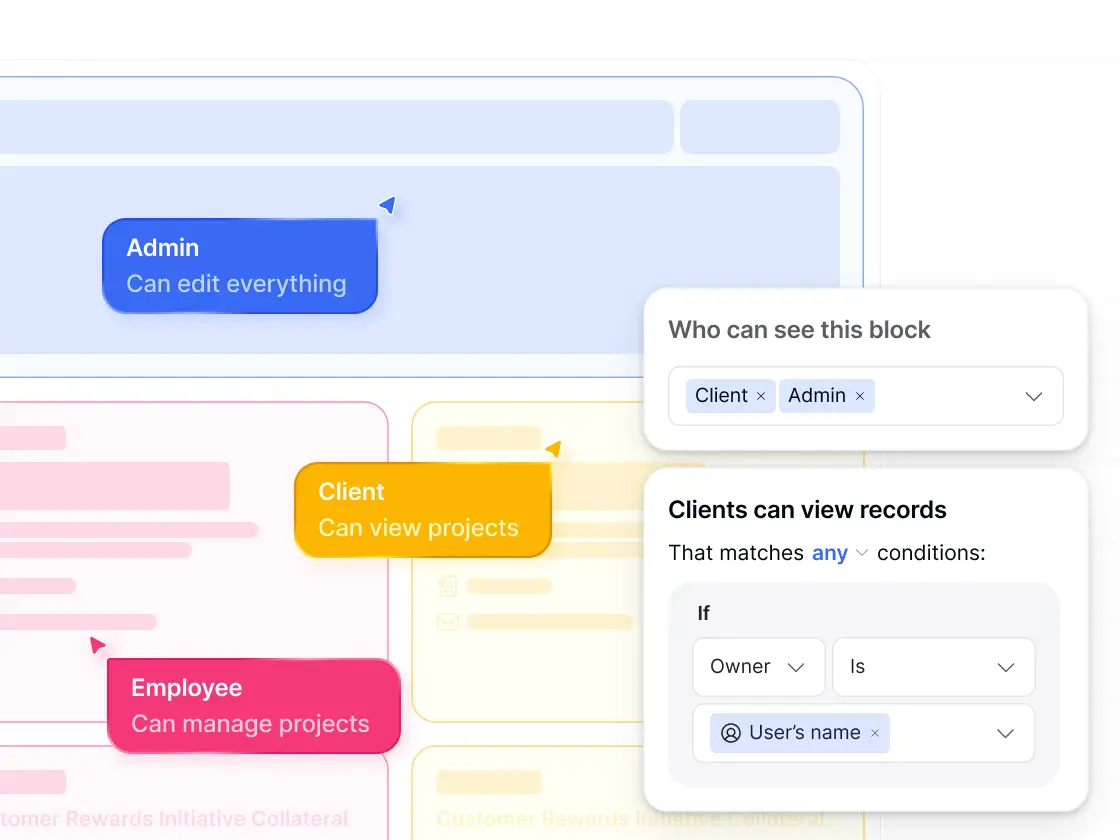
Granular access control
In HubSpot, permissions are tied closely to its CRM objects and license structure, which can be limiting. Softr lets you decide exactly who sees and edits what at a granular level.
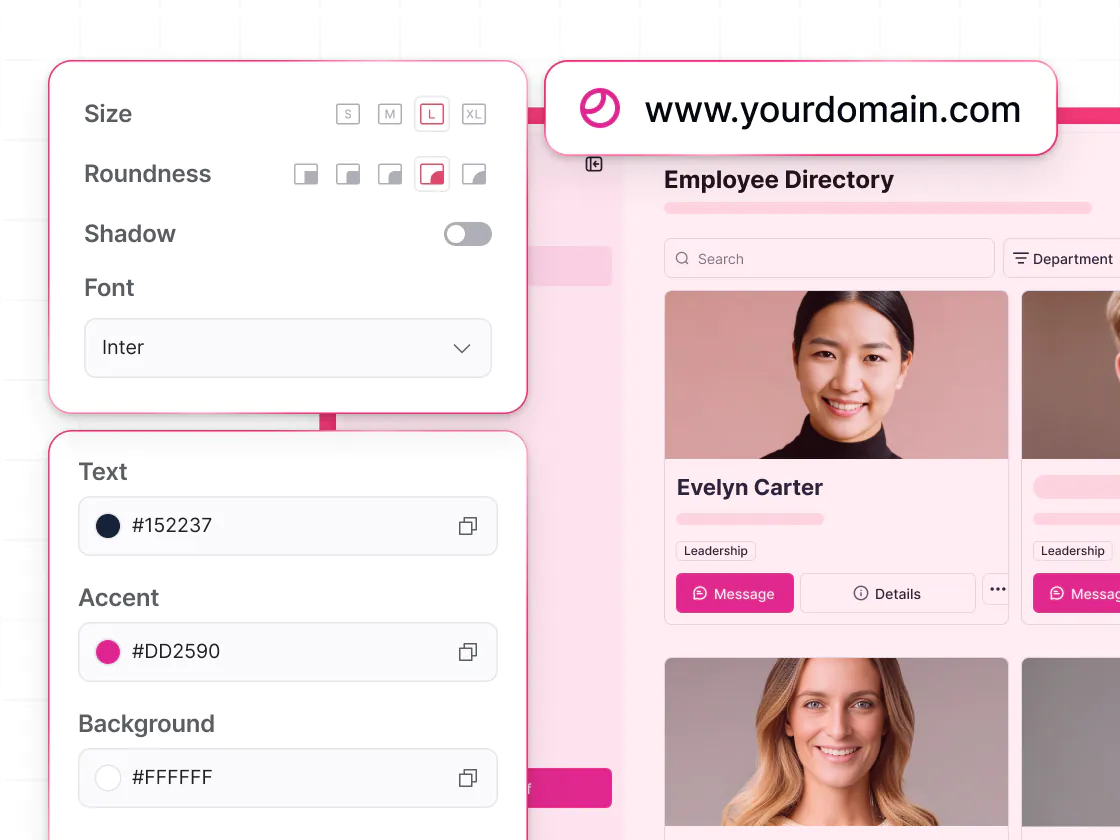
White-labeling and branding
Service Hub always carries HubSpot’s look and feel. With Softr, you can can match your company’s identity across colors, logos, and domains so clients see your brand, not HubSpot’s.
.svg)
See how Softr compares to HubSpot Service Hub
Deciding between HubSpot Service Hub and Softr? It’s no contest. With Softr, you get more customization, more control—and a much better price.
Functionalities | | HubSpot |
|---|---|---|
Core focus | Full-stack app builder with databases & workflows | Customer support platform built on HubSpot CRM |
Ease of use | Visual, AI-powered app builder | Advanced features require setup and dev work |
Data sources | Supports 15+ data sources, including HubSpot | Build with HubSpot CRM data only |
Design flexibility | Fully customizable layouts & branding | Rigid UI tied to CRM objects |
Permissions & access | Custom user groups, granular permissions, and global data restrictions | Permissions tied to CRM objects and seat types |
External users | Supports secure access for external users | Limited customer portal tied to contacts and tickets |
Forms | Multi-step forms with conditional logic | Basic forms tied to HubSpot objects |
Workflow automation | Built-in workflows (includes app UI triggers) | Not supported |
AI agents | AI Agents for databases and workflows | AI features focused on CRM and ticketing |
Mobile experience | Responsive web apps with PWA support | Functional mobile experience with limited customization |
White label | Fully white-label on Pro plan and higher | Always carries HubSpot branding |
Pricing | Free plan available; no per-seat pricing on paid plans | Per-seat pricing; costs increase as client needs scale |

Go from zero to app, incredibly fast
Co-build with AI
Simply describe what you need. Let Softr handle everything - Interface, database, workflows.
Iterate with AI or visually
Control most critical parts of your app yourself, including: roles, permissions, and security.
Ship the same day
Invite team members or external clients and partners right away. Build AI apps with no developer handover.



Frequently asked questions
What’s the difference between Softr and HubSpot Service Hub?
Is Softr easier to customize than Service Hub?
Does Softr integrate with HubSpot?
Does Softr support external users and client portals?
Is Softr more affordable than HubSpot Service Hub?
Can I build a help desk or ticketing system with Softr?
Can I migrate from Service Hub to Softr?
What kinds of tools can I build with Softr?
Join 1M companies building custom apps
See how easy it is to automate and run your business on Softr.