



Softr vs. Assembly
Need more flexibility for your client portals? Try Softr, the fastest way to build powerful apps for your business.
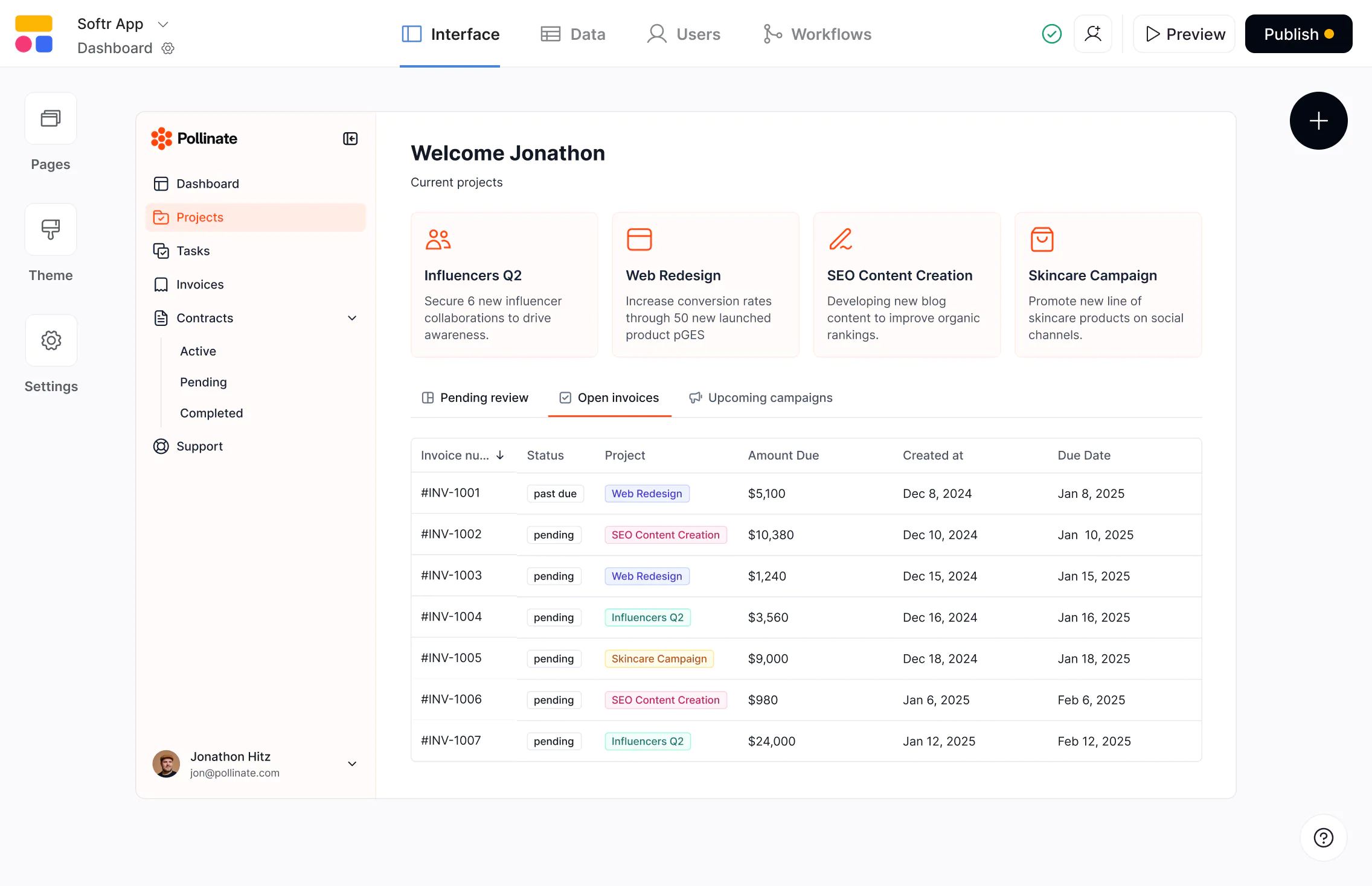










The #1 Assembly alternative for client portals and CRMs
Build scalable, full-stack apps on real business data—with predictable pricing and full control as you grow.

Build on top of your existing data.
Assembly offers limited external data support. Softr connects to Airtable, Notion, HubSpot, Google Sheets, and more—plus its own native databases—so your portals, CRMs, and dashboards stay aligned with your data.

More flexibility to match how your business actually works.
Assembly can feel rigid as requirements evolve. Softr gives you full flexibility over layouts, logic, onboarding flows, permissions, and workflow automation—so you can design portals that fit your exact needs.

Predictable pricing with more value built in.
Assembly differentiates between internal and external users, which can make pricing harder to predict. Softr offers a free plan and unified user limits that make it easier to scale as your user base and and use cases grow.

Why businesses are choosing Softr over Assembly
More flexible portals and CRMs
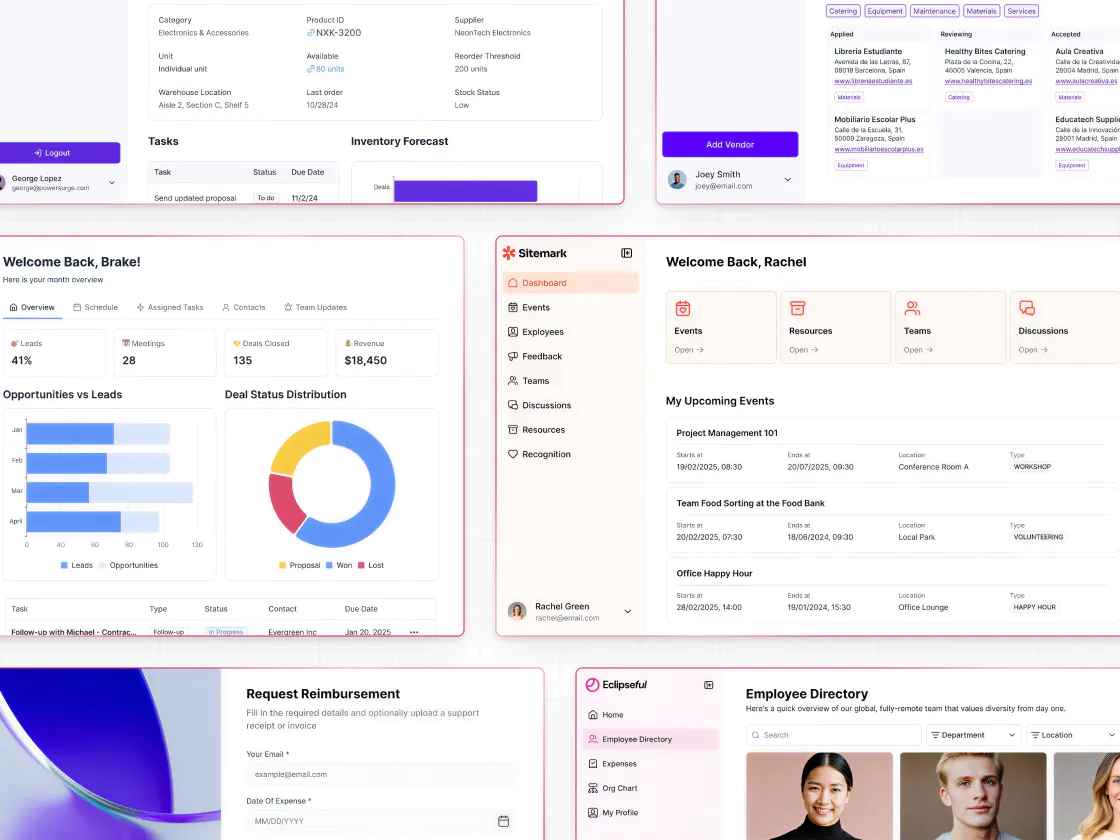
Assembly can feel rigid and complex to configure for your client portals and CRMs. Softr provides flexible, modern blocks out of the box (and 90+ templates), so your apps look professional and branded without coding.
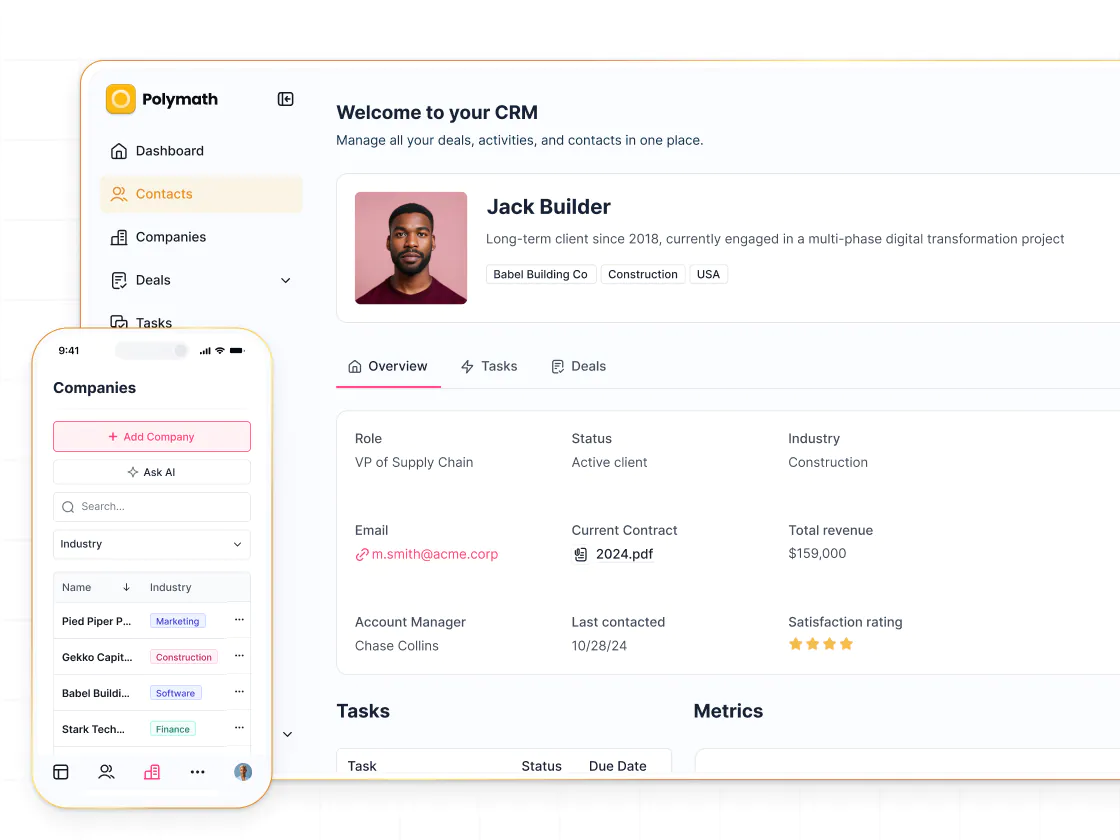
Build only the features you need
Assembly offers great out-of-the-box functionality, but Softr gives you more flexibility to add only the features you need: invoicing, file sharing, task tracking, AI chat, contracts, comments, automations, and more.
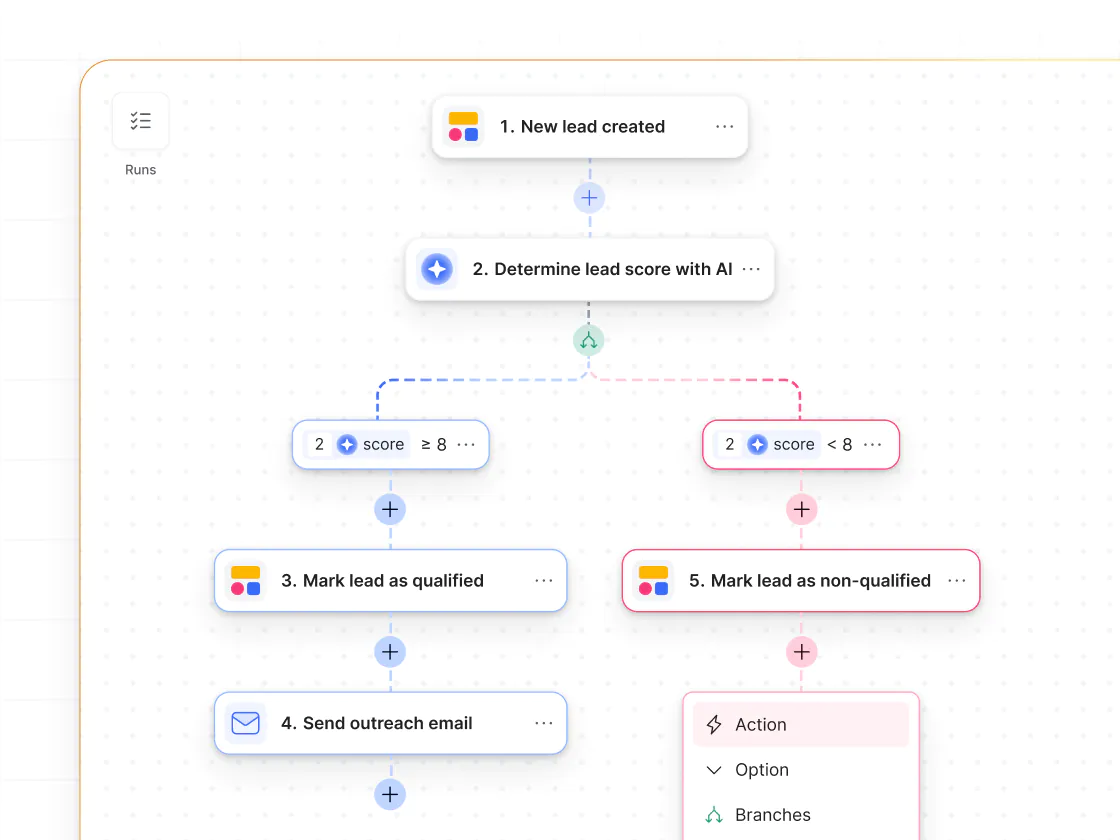
Built-in workflows triggered from UI
Assembly includes automation features, but they're limited. Softr Workflows can trigger directly from user actions like form submissions or button clicks, making approvals and handoffs easier to build and maintain.
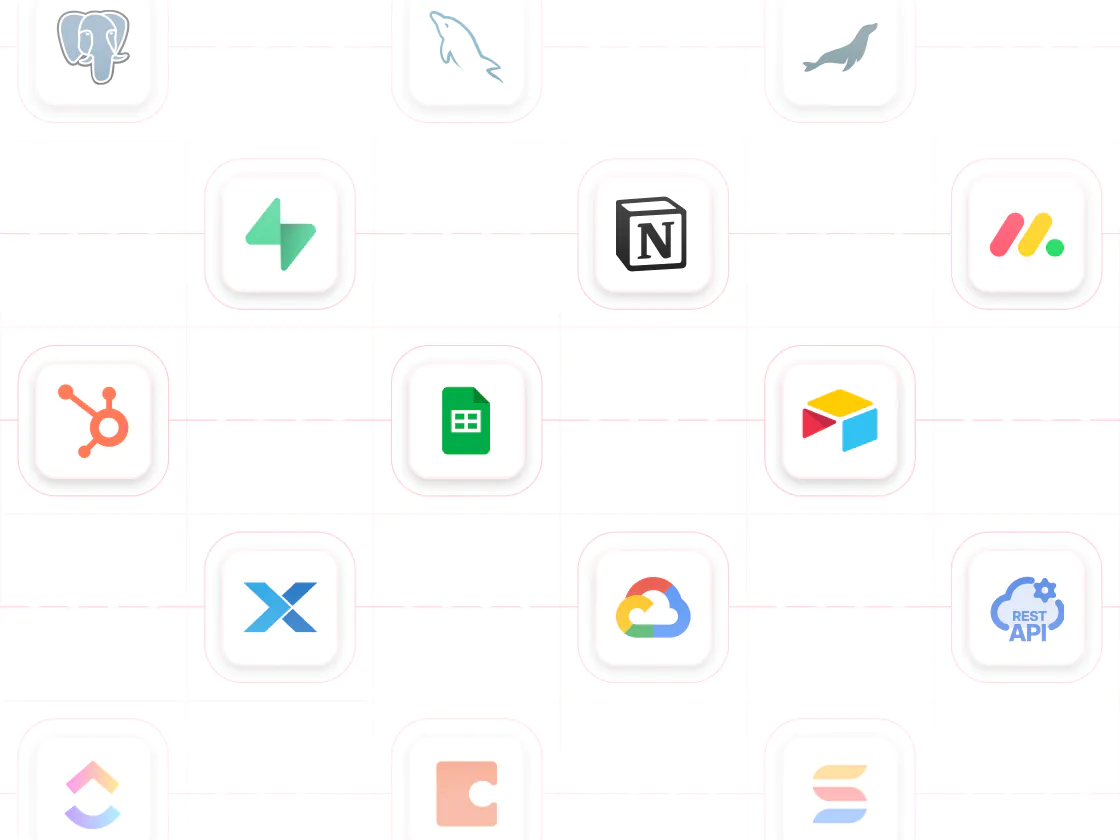
17+ native data source integrations
Softr connects natively to Airtable, HubSpot, Google Sheets, Notion, SQL, Supabase, and more so your apps stay in sync with the tools your business already uses. Or use Softr Databases if you want to build in one place!
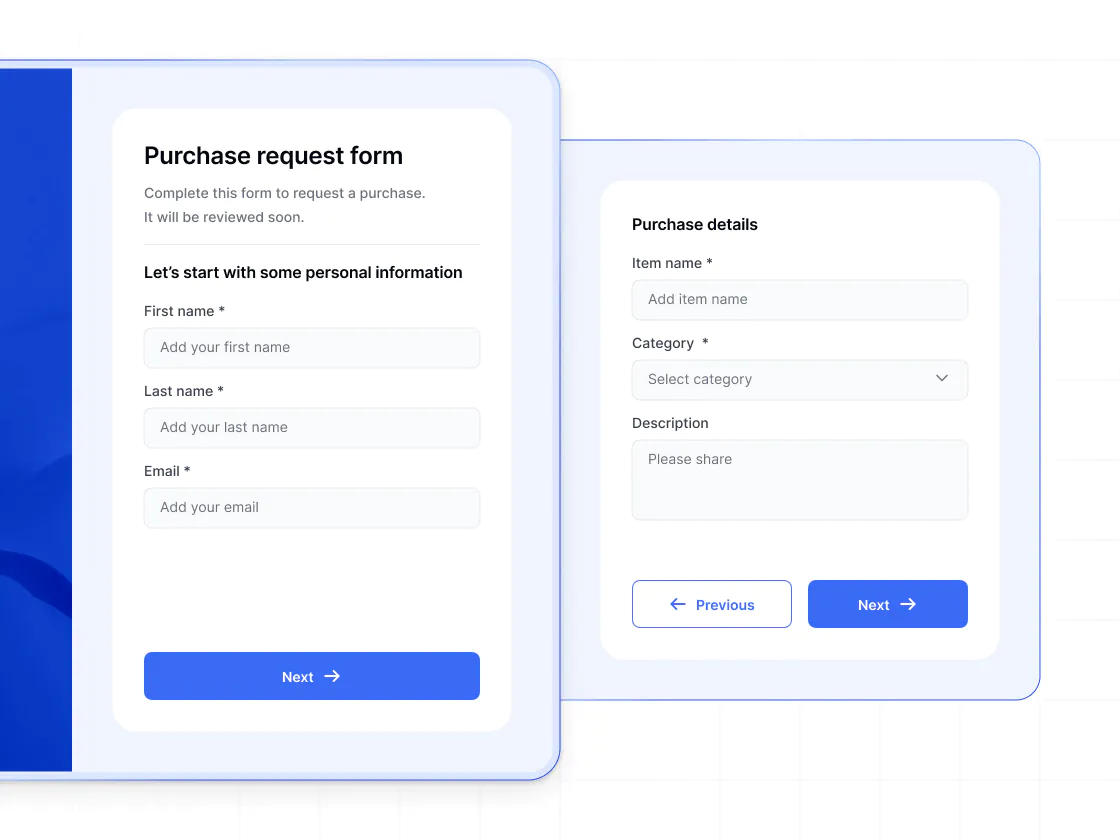
Advanced conditional forms
Assembly forms are limited to a small set of question types. Softr supports conditional, multi-step forms with data validation and direct workflow integration—ideal for onboarding, project requests, approvals, and structured client intake.
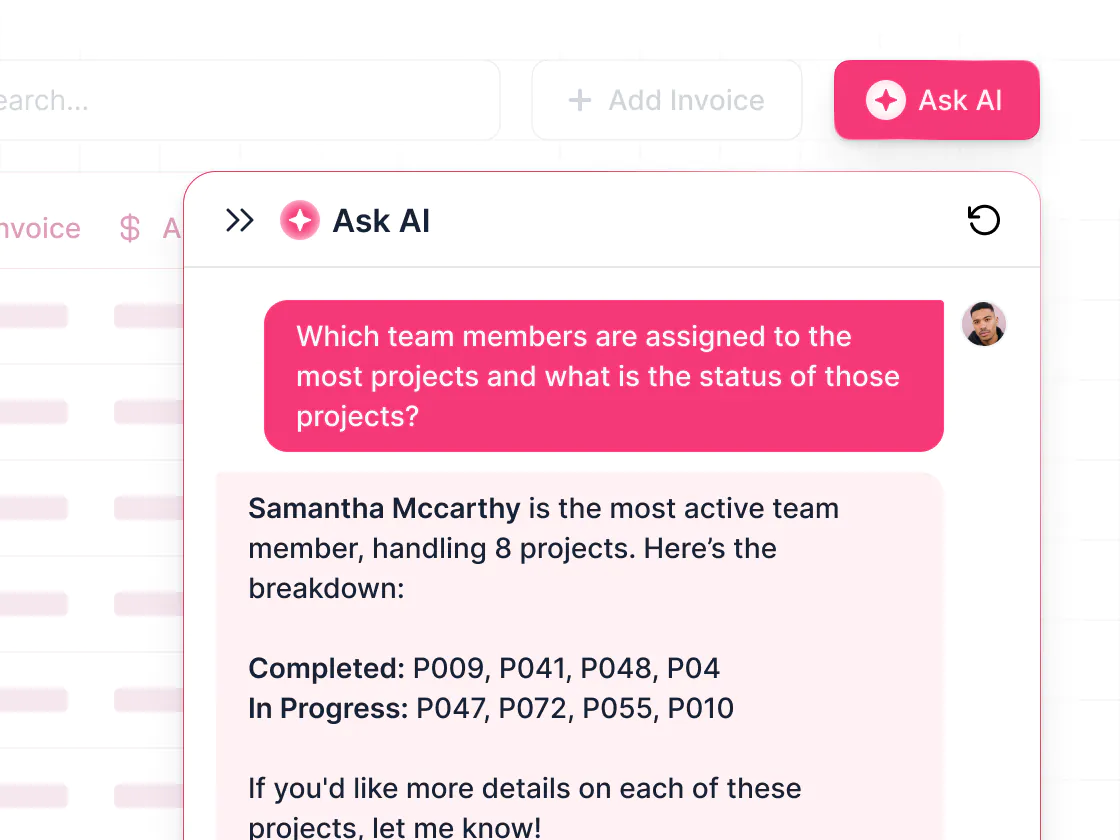
AI built for better client operations
Softr includes Ask AI, a live chat assistant that works with your live app data—helping teams track customers, summarize activity, monitor invoices, and support operations while respecting data permissions.

Go from zero to app, incredibly fast
Co-build with AI
Simply describe what you need. Let Softr handle everything - Interface, database, workflows.
Iterate with AI or visually
Control most critical parts of your app yourself, including: roles, permissions, and security.
Ship the same day
Invite team members or external clients and partners right away. Build AI apps with no developer handover.



Frequently asked questions
What’s the difference between Softr and Assembly?
What's the difference between Assembly and Softr's CRM features?
Does Softr support external users like clients and partners?
How does Softr handle data compared to Assembly?
Does Softr support mobile access?
Can Softr support more than just client portals?
Join 1M companies building apps with Softr
See how easy it is to automate and run your business.