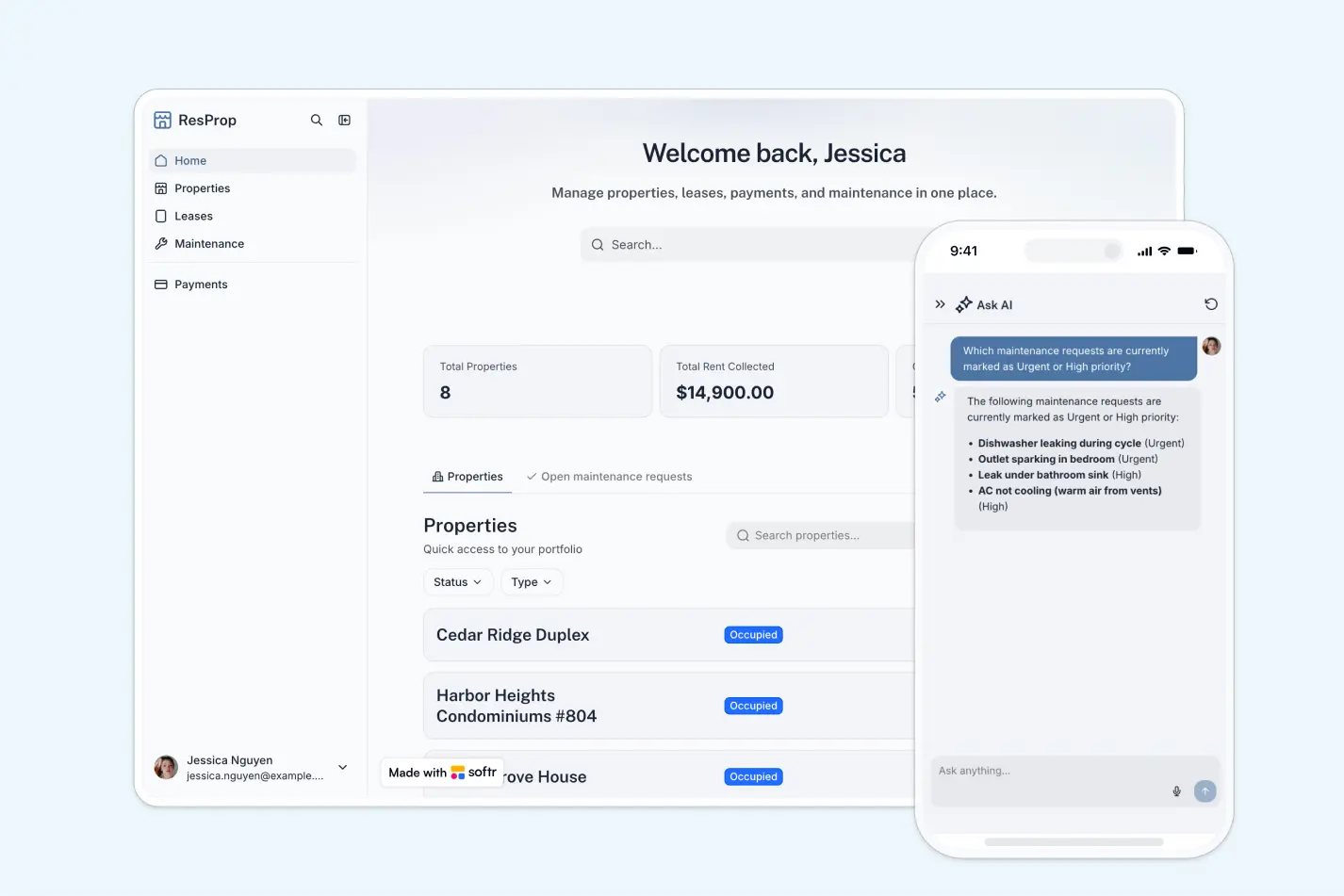
A secure vendor management portal to onboard suppliers, track tasks, manage documents, and process invoices, all in one place.
Data sources supported





.svg)


Resources


Overview
This free template helps you build a vendor management system using your existing data, so you can eliminate email chaos, missed compliance documents, and scattered invoice tracking.
It includes a sample database to show how to structure your data for managing vendors, tasks, documents, and invoices. You can also connect to any Softr-supported source like Airtable, Google Sheets, Notion, monday.com, HubSpot, and more.
Why use this vendor portal template
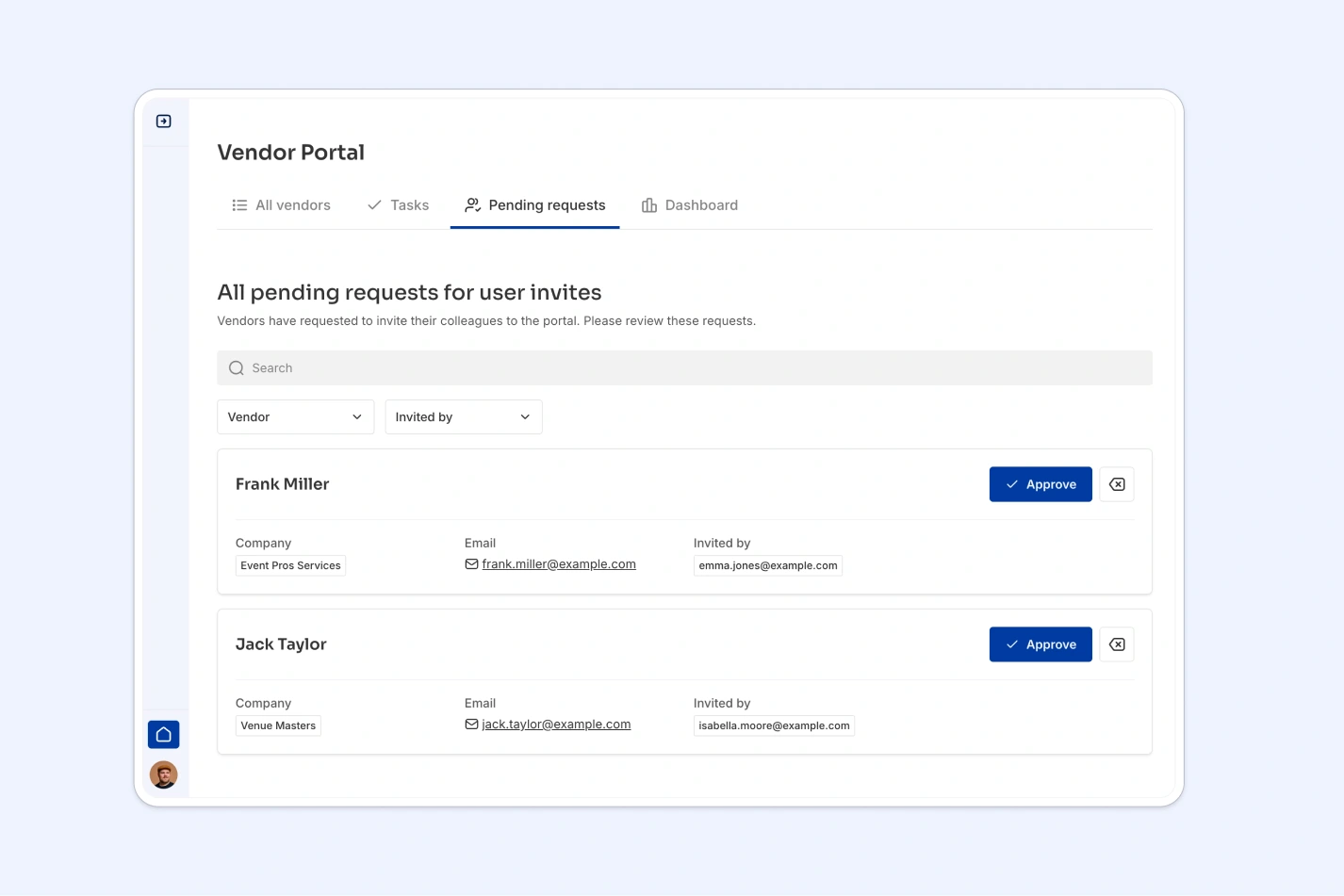
- Centralize vendor operations in one place: Manage onboarding, task assignments, compliance documents, and invoicing in a secure, user-friendly portal.
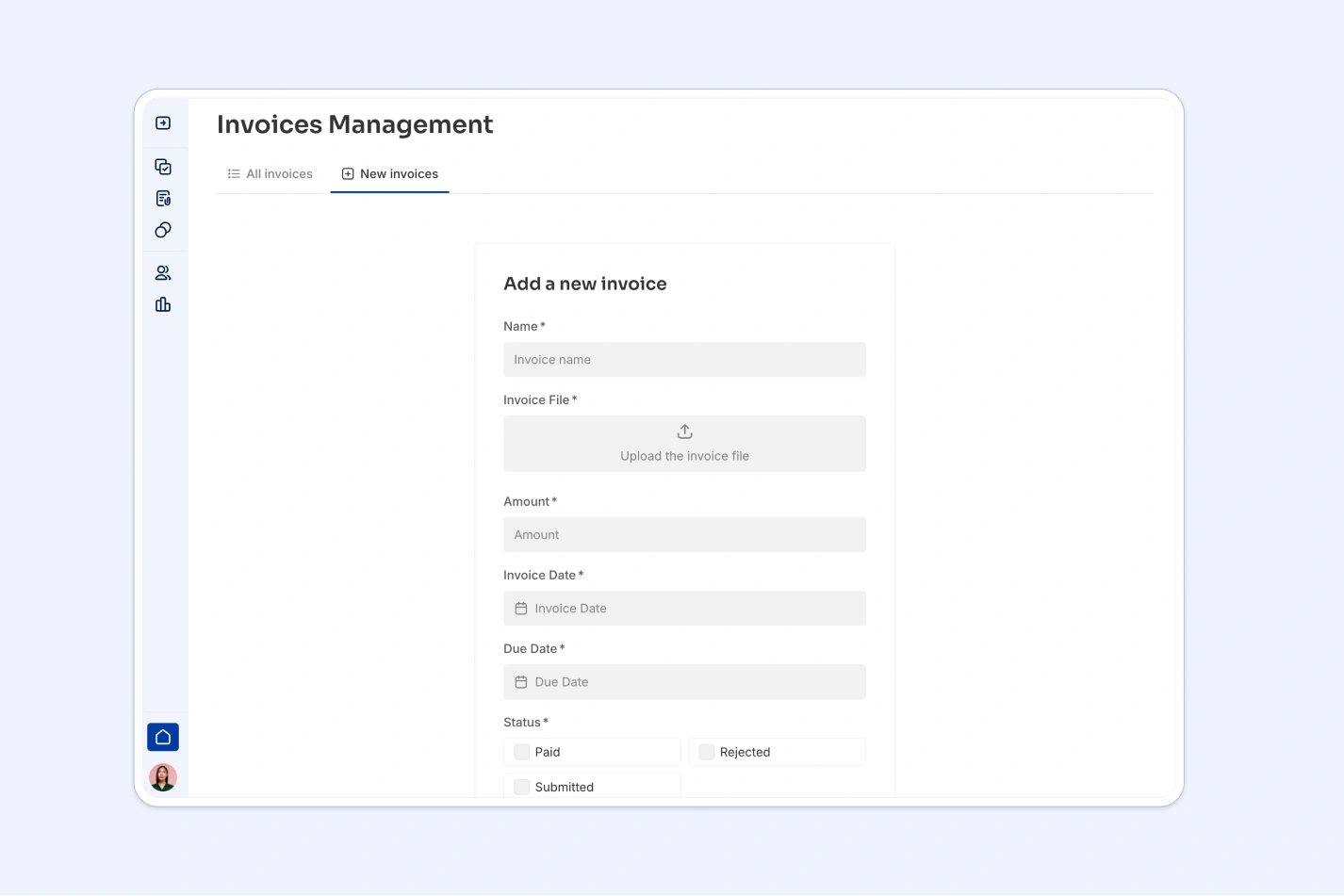
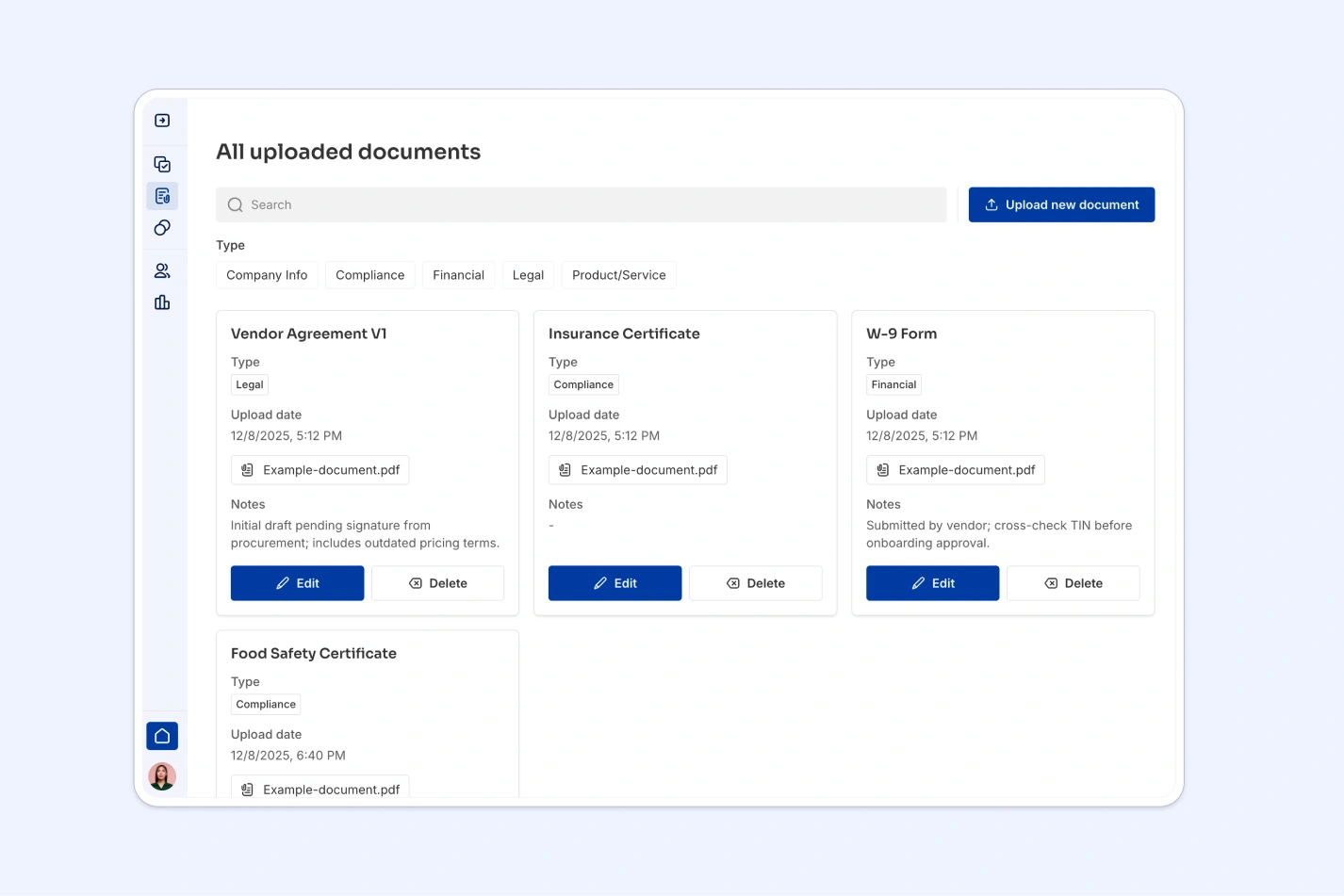
- Give vendors controlled access: Vendors can log in to view their approval status, complete tasks, upload documents, and submit invoices, without needing to contact your team.
- Customizable for your vendor workflows: Whether you're managing a handful of suppliers or hundreds of contractors, this template adapts to your business needs.
Template features:
- Vendor onboarding workflows
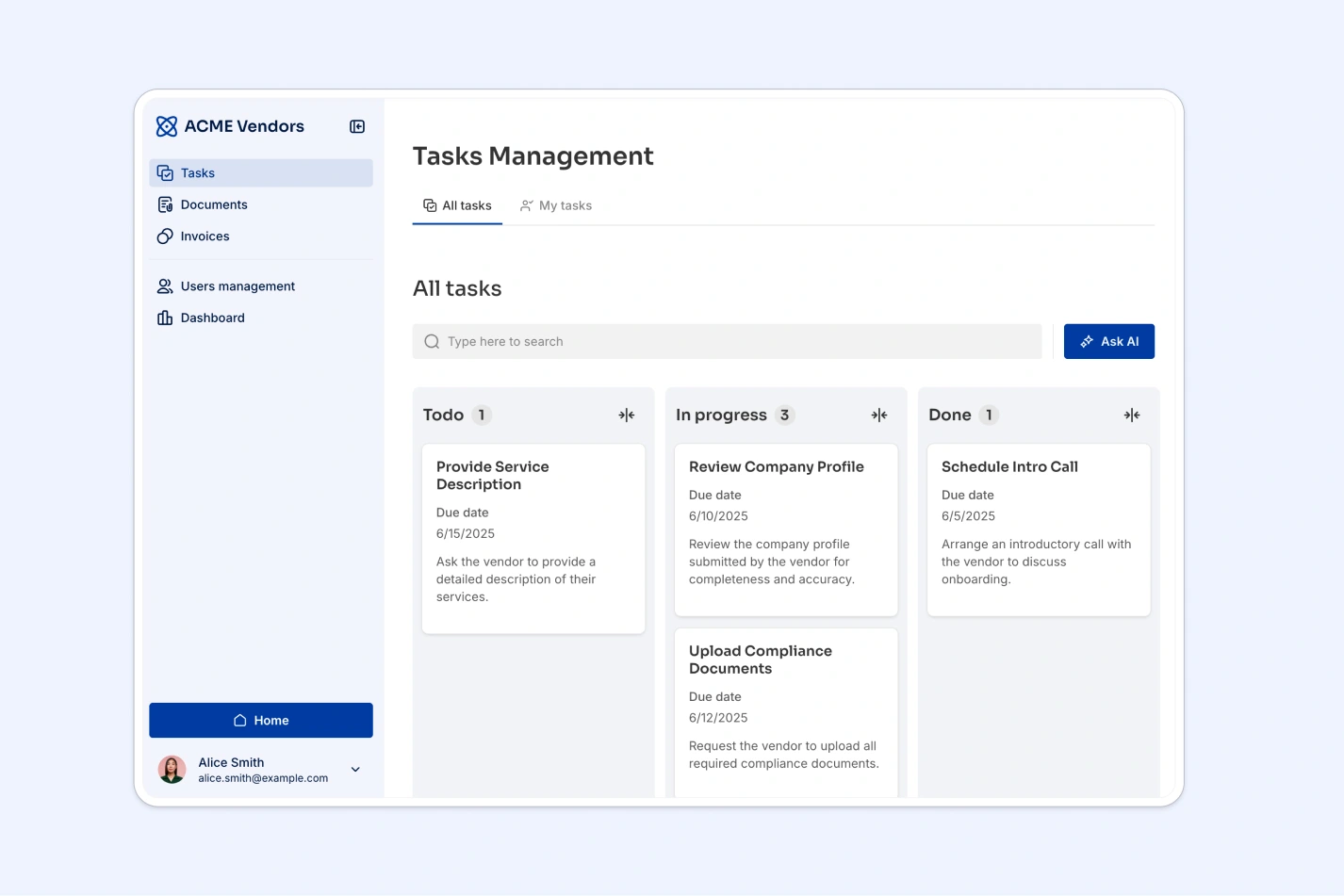
- Task assignment and tracking
- Document compliance management
- Invoice submission and approval
- AI-powered vendor categorization
- AI chatbot assistant
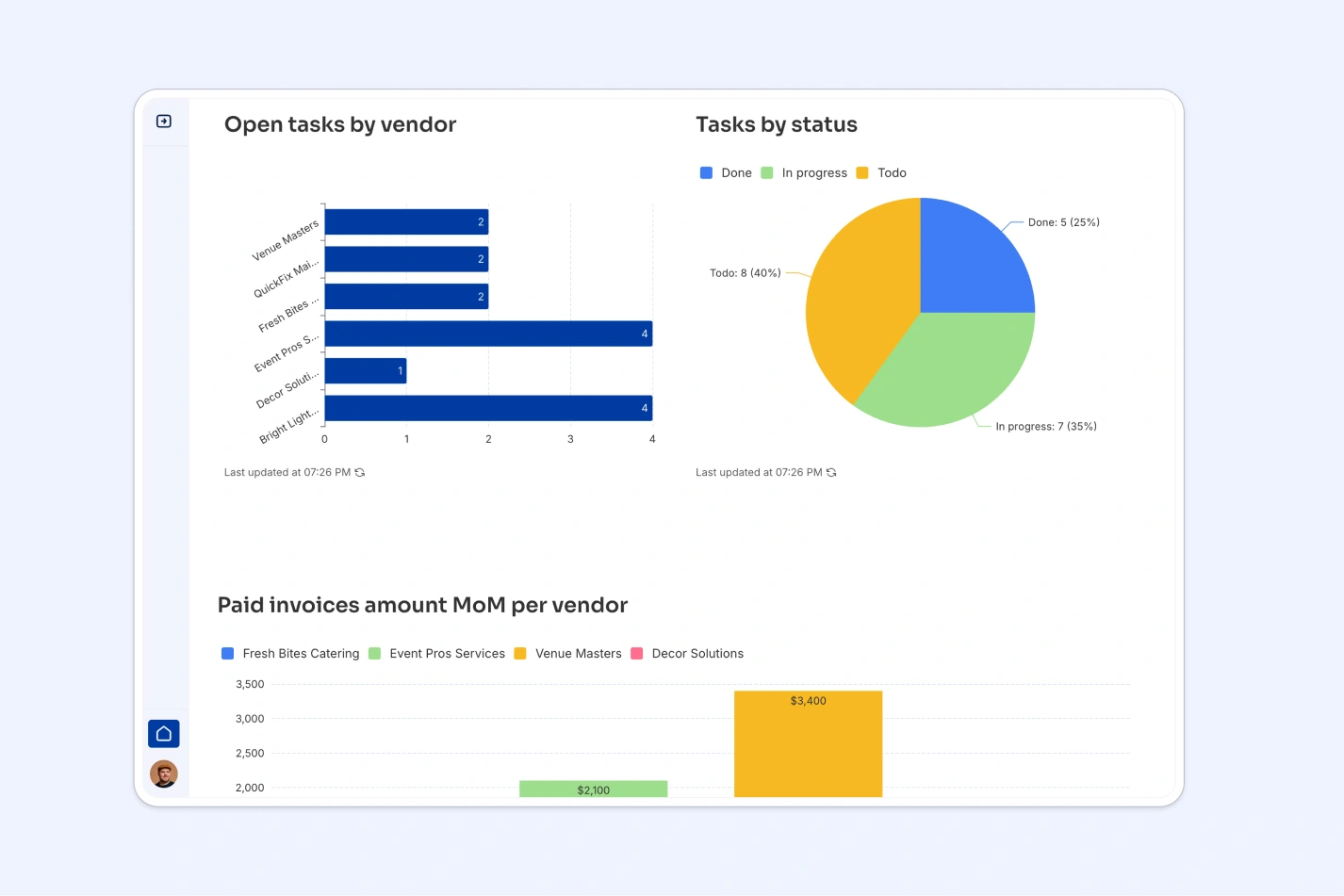
- Role-based dashboards
- Works on any device
Who is this vendor portal template for?
This template is built for teams that manage external vendors, suppliers, or contractors and want to streamline collaboration and compliance. It's a great fit for:
- Procurement & supply chain teams: Onboard new vendors, track compliance documents, and manage supplier relationships at scale.
- Operations & facilities managers: Coordinate with maintenance providers, contractors, and service vendors in one central hub.
- IT & software teams: Manage SaaS vendors, service providers, and technology partners with document and invoice tracking.
- Finance & accounting departments: Process vendor invoices, track approval status, and maintain financial compliance.
- Event & hospitality companies: Manage caterers, equipment suppliers, venue providers, and other event vendors.
- Construction & manufacturing: Track subcontractors, material suppliers, and equipment vendors with document and task management.


“What we love most about Softr is the instantaneous, customizable power a no-code platform allows.”

- 1
- 2
- 3
- 4
Frequently asked questions
What is a vendor portal?
How does this vendor portal handle invoice processing?
Can I customize vendor approval workflows?
What types of documents can vendors upload?
How does AI improve vendor management?
Is the vendor portal secure with role-based access?