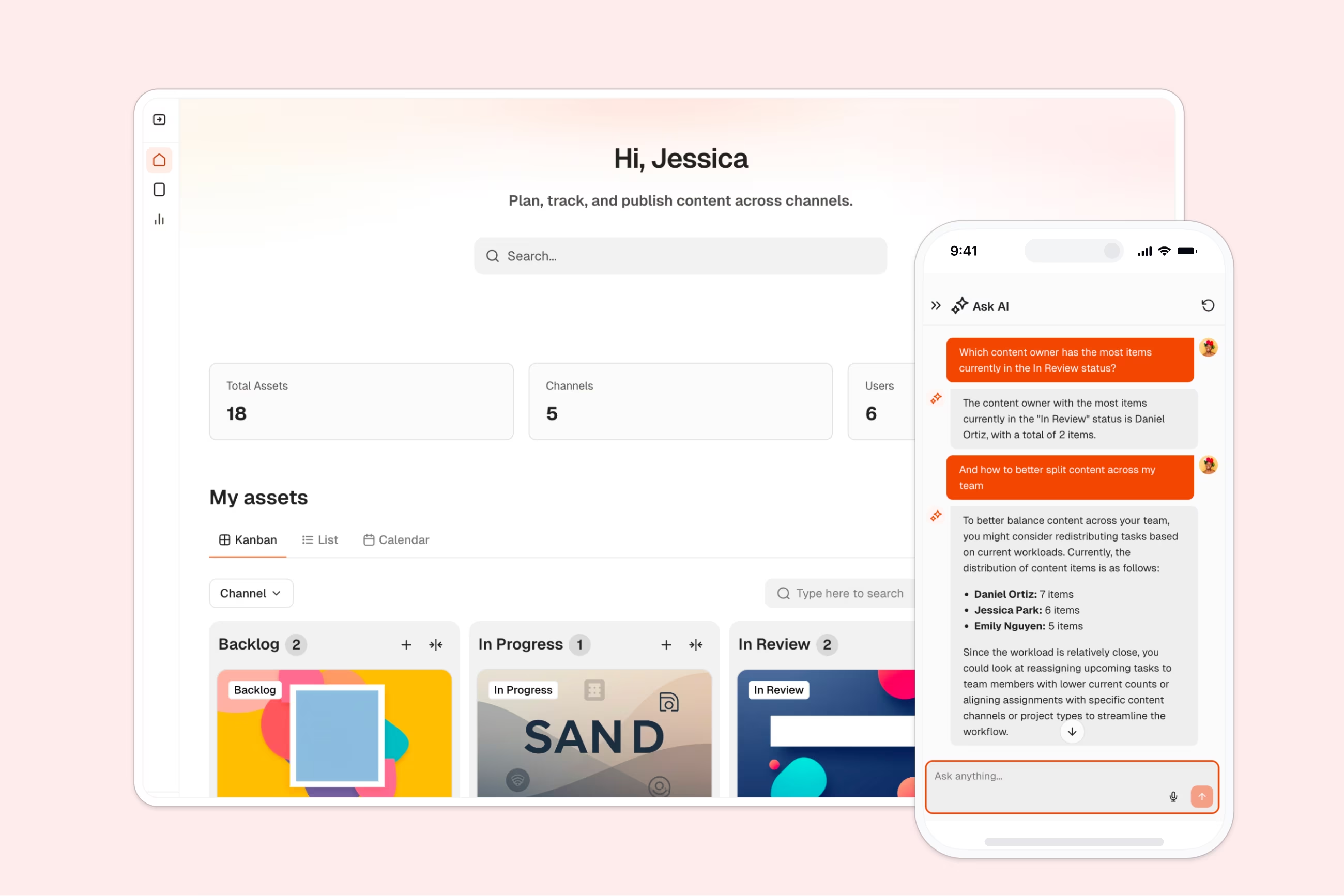
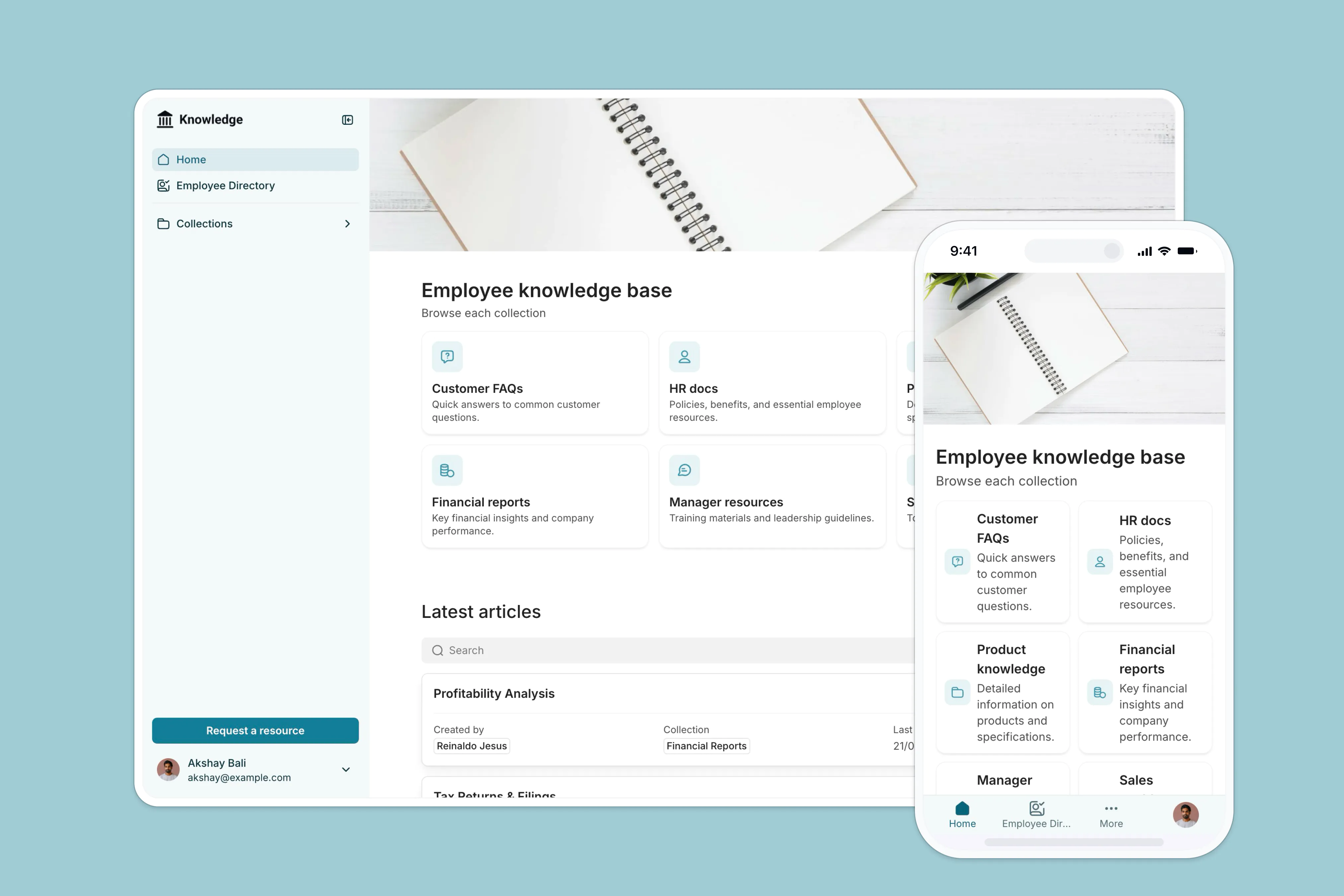
This Student Portal database organizes students, teachers, courses, and course materials in one structured system. It replaces scattered spreadsheets with a proper relational setup that connects users to courses, tracks faculty assignments, and manages documents—all without fragile formulas.
The database includes three connected tables: Users (storing student and teacher profiles with majors and roles), Courses (tracking schedules, faculty assignments, and cover photos), and Course Documents (organizing materials by course). Users link to multiple courses, courses link to assigned teachers and their documents, and lookups automatically pull teacher profile URLs into course records.
Spreadsheets break down fast when managing student portals. You end up with multiple tabs for students, courses, and documents—navigating becomes tedious, and filtering gets messy. VLOOKUPs connecting students to courses fail when you add rows, and there's no clean way to enforce data types (dates mix with text, select values aren't consistent).
Softr Databases enforce column types—dates stay dates, select fields maintain consistent values like faculty types, and related records create native connections between tables. Instead of fragile VLOOKUPs, you get proper relationships: students link to multiple courses, courses link to teachers and documents, and lookups pull data automatically. Following the principle of one table = one object (Users, Courses, Documents) makes your data app-ready, with API access and the ability to build full interfaces on top.
This database uses linked records to connect students and teachers to courses, automatically tracking enrollments and assignments. Lookups pull teacher profile URLs directly into course records without manual copying. A formula field generates color-coded calendar entries based on faculty type, making visual course scheduling effortless. Everything stays structured—roles are enforced via select fields, dates remain proper datetime values, and documents organize cleanly by course.
Manage student and teacher profiles with roles, academic majors and contact info
Organize academic modules with faculty details, schedules and teacher assignments
Centralize all educational materials and attachments linked to specific courses
This database works for anyone managing student information, course schedules, and educational materials:
Customize the database: Adjust the Faculty select field to match your institution's departments (add "Arts," "Humanities," or custom categories). Rename "Major" to "Department" or "Program" if that fits better. Add custom fields like "Student ID," "Enrollment Status," or "GPA" to the Users table based on your tracking needs.
Import your existing data: Upload student lists, course catalogs, and document inventories via CSV for bulk setup. Use the API to sync enrollments automatically from your existing student information system, keeping records current without manual updates.
Build an app on top: This database is designed as the foundation for a full student portal. Use Softr's interface builder to create a portal where students see their enrolled courses, access documents, and view schedules—while teachers manage course materials and track enrollments. Set permissions so students only see their own courses and teachers control their assigned content. In Softr, full-stack apps = Database + Interface + Workflows, all connected seamlessly. A well-structured database like this makes building the interface straightforward—your student and course relationships are already defined, so adding views and user access becomes simple configuration rather than complex setup.
A student portal database organizes student profiles, course information, teacher assignments, and educational materials in one structured system. It tracks who's enrolled in what courses, manages schedules, stores documents by course, and connects students to teachers—replacing scattered spreadsheets with proper relational structure.
No-code databases let you launch a functional student portal in hours, not months. You need zero technical skills to set up users, courses, and materials—just configure fields and relationships. It's production-ready immediately, and anyone on your team can maintain or customize it without developer dependency.
Spreadsheets force you to create multiple tabs (students, courses, documents) that become hard to navigate as data grows. VLOOKUPs connecting students to courses break easily when you add rows, and there's no enforcement of data types—dates mix with text, faculty values aren't consistent. A database uses native relationships: students link to multiple courses, courses link to teachers and documents automatically, and column types stay enforced (dates remain dates, select fields maintain consistent values). It follows one table = one object, making your setup app-ready with proper structure.
Yes, using Softr's interface builder, you can create a full portal directly on this database. Students log in to see their enrolled courses, access documents, and view schedules. Teachers manage materials and track their assigned courses. With permissions, students only see their own data while teachers control their course content—no complex setup required because relationships are already defined.
Yes, it's free to get started. Databases are included in Softr's free plan, and you get unlimited collaborators across all plan tiers. Higher-tier plans offer increased database limits as your student portal grows.
Absolutely. Modify the Faculty select field to match your departments, rename fields like "Major" to "Program," or add custom columns like "Student ID" or "Enrollment Status." Since it's a native Softr Database, you can edit structure, adjust taxonomies, and add fields anytime without breaking connections.