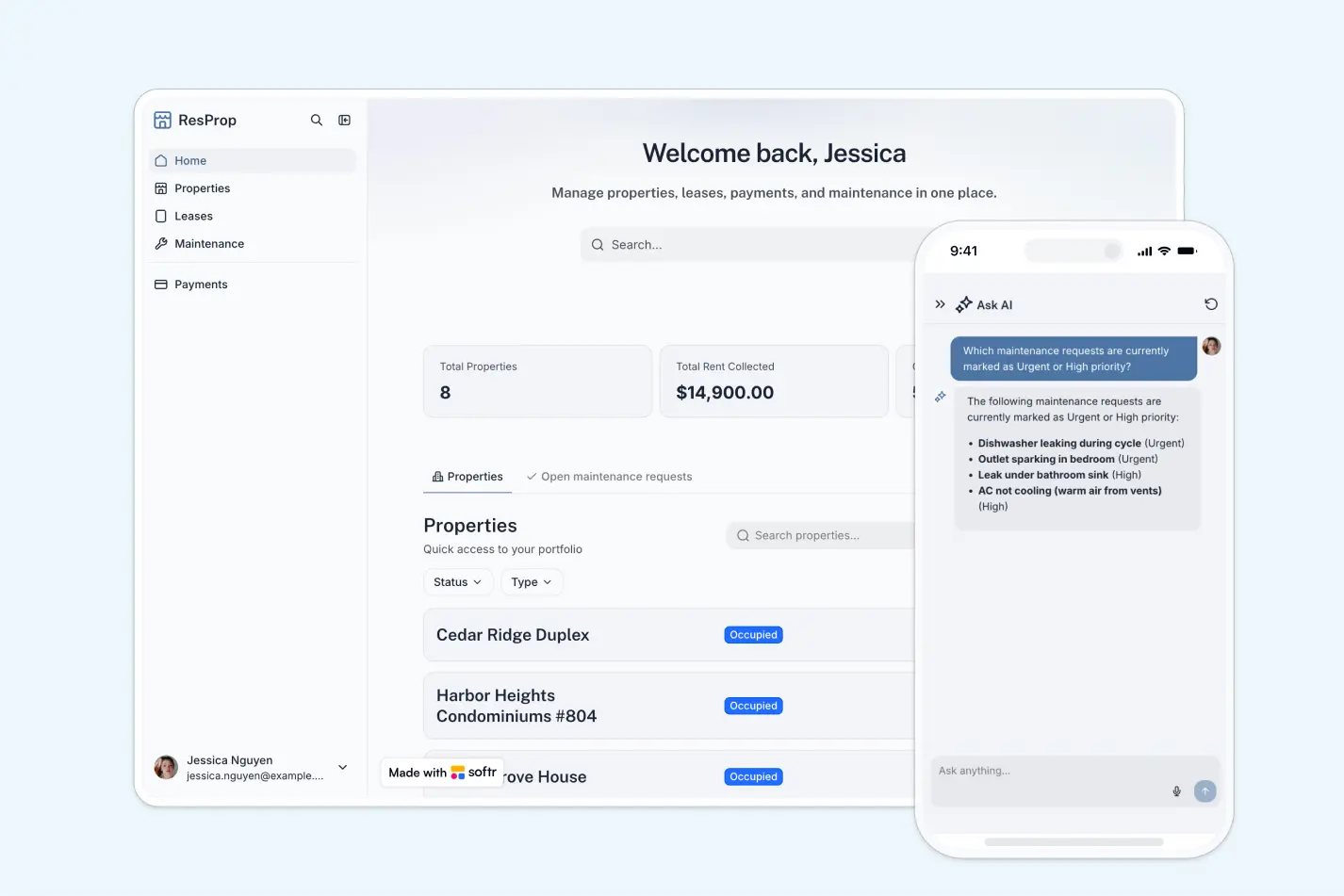
Track stock, manage suppliers, and streamline purchase and sales orders — all in one place.
Data sources supported





.svg)


Resources


Overview
This free template helps you build a custom inventory management system to track inventory, manage suppliers, and improve stock and order workflows.
It includes a sample database so you can see exactly how to structure your data, but it’s flexible enough to use with any Softr-supported data source (including Google Sheets, Notion, monday.com, HubSpot, and more).
Why use this inventory management template
- Avoid messy shared spreadsheets and manual stock counts: Track inventory in real time from one system and reduce errors from outdated records.
- Get clear visibility across stock, orders, and suppliers: Everyone sees what they need based on their role — no more siloed systems.
- Built to scale with your team: Use only the workflows you need now, and customize as you grow.
Template features:
- Role-based access
- Inventory tracking
- Order management
- Supplier and customer directory
- Reporting & dashboards
- Works on any device
Who is this inventory management template for?
This template is designed for small to mid-sized warehouse-based businesses that need a simple way to track inventory, manage suppliers, and process purchase and sales orders — without a custom-built system. Ideal for:
- Retailers & ecommerce businesses: Track products, SKUs, and orders from your warehouse in real time — whether you sell online or in store.
- Wholesalers & distributors: Monitor inventory levels, streamline reordering, and manage supplier relationships.
- Light manufacturers: Manage components, raw materials, and finished goods in one central hub.
- Field service & repair teams: Track tools, replacement parts, and stock availability across multiple sites.


“What we love most about Softr is the instantaneous, customizable power a no-code platform allows.”

- 1
- 2
- 3
- 4
Frequently asked questions
I've never built an inventory management app before. Where should I start?
Do I need a Softr account to use the template?
What data sources does this template support?
Can I customize the template for my business?
Why do I need an inventory management system?