


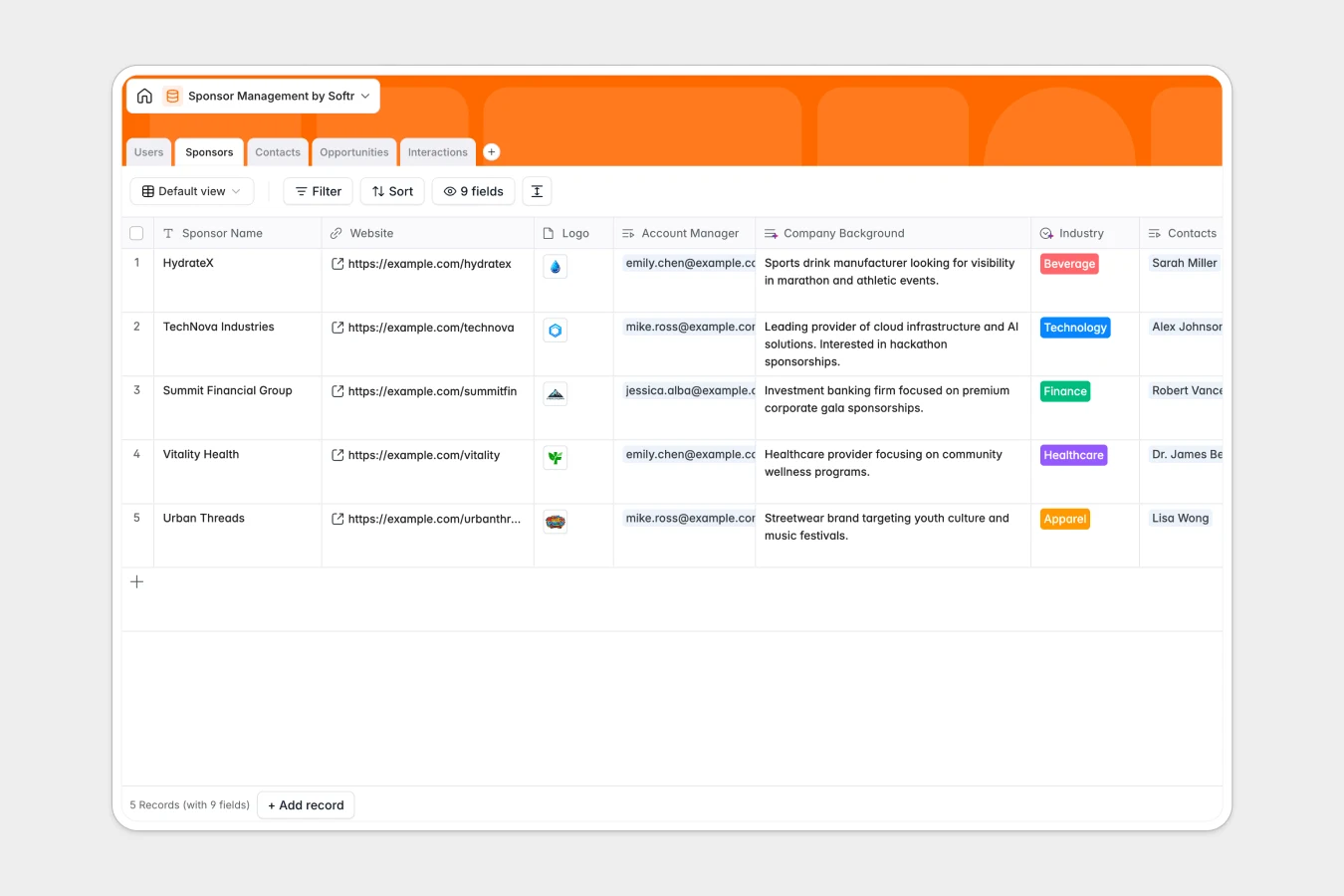
Your Sponsor Management database at a glance
This template helps partnerships teams manage sponsor pipelines, log interactions, and monitor deal values in one structured place. It eliminates scattered notes by connecting every deal and contact back to the right sponsor organization.
Key tables for Sponsors, Contacts, Opportunities, and Interactions link together natively. When an account manager logs a meeting note or changes a deal stage, total sponsorship values update automatically without fragile formula references.
AI-powered fields can extract action items directly from raw meeting notes, keeping deal owners focused on closing without manual data entry.
When a shared spreadsheet tries to run a sponsorship pipeline
Google Sheets is great for quick lists, but it was never designed to act as a secure CRM backend. As soon as multiple coordinators edit the same row, deal notes get overwritten, date columns end up holding raw text, and shared links expose sensitive deal numbers to everyone.
What a structured database changes
In a real database, every column enforces its own data type. Dates stay dates, files stay attached, and opportunities link directly to the right sponsor record without copy-pasting.
This means an account manager can update a contract status without risking the integrity of linked contact directories or rollup calculations.
This is exactly what Softr Databases are designed for: giving teams relational structure that stays clean as your partner roster scales. (You can still connect an existing Google Sheet if needed, but a dedicated database gives you full control over your data.)
What you can do with this template
Track opportunities across stages like Proposal Sent, Negotiation, and Closed Won while keeping deal ownership clear. Linked contact records ensure you always reach the right stakeholder with the right history in hand.
With native Database AI agents, you can summarize complex call transcripts and automatically extract next steps into structured interaction logs.
-
Users
Track internal team members managing sponsor accounts and deals
-
Sponsors
Manage sponsor organizations with profile details and total value
-
Contacts
Store contact details and professional links for sponsor personnel
-
Opportunities
Track sponsorship deals, negotiation stages, contracts and values
-
Interactions
Log communications and extract AI action items from meetings
Who is this Sponsor Management database for
This database is designed for teams managing multi-stakeholder partnerships and commercial agreements.
- Event Organizers: Track tier deliverables, sponsor logos, and payment milestones across multiple conferences.
- Partnership Managers: Manage active conversations, deal stages, and revenue rollups in one view.
- Nonprofit Directors: Coordinate corporate sponsors, donor agreements, and communication histories reliably.
- Creators and Media Teams: Keep brand outreach organized with direct links between contacts and contracts.
How to take it further
Customize the database
Adapt the structure to your specific package tiers by adding custom fields to the Opportunities table or adjusting select options in the Industry field. Native editing allows you to configure lookups and rollups in seconds.
Import your existing data
Bring in existing sponsor spreadsheets via simple CSV upload or sync your current records automatically using the built-in API.
Build a full app around it
When you are ready, use Softr's AI app generator to turn this database into a complete internal CRM or external sponsor portal in minutes. You can define granular users and permissions so coordinators only edit their assigned accounts while leadership views overall pipeline revenue.
-
1
-
2
-
3
-
4
Frequently asked questions
-
What is a Sponsor Management database?
-
Why use a no-code database to build a sponsor management system?
-
How can AI help managing data for sponsor management?
-
Can I build an app with this Sponsor Management database?
-
Is this Sponsor Management database free?
-
How is a database different from Google Sheets for sponsor tracking?
Start building today. It's free!
Build and launch your first app in under 30 minutes.