


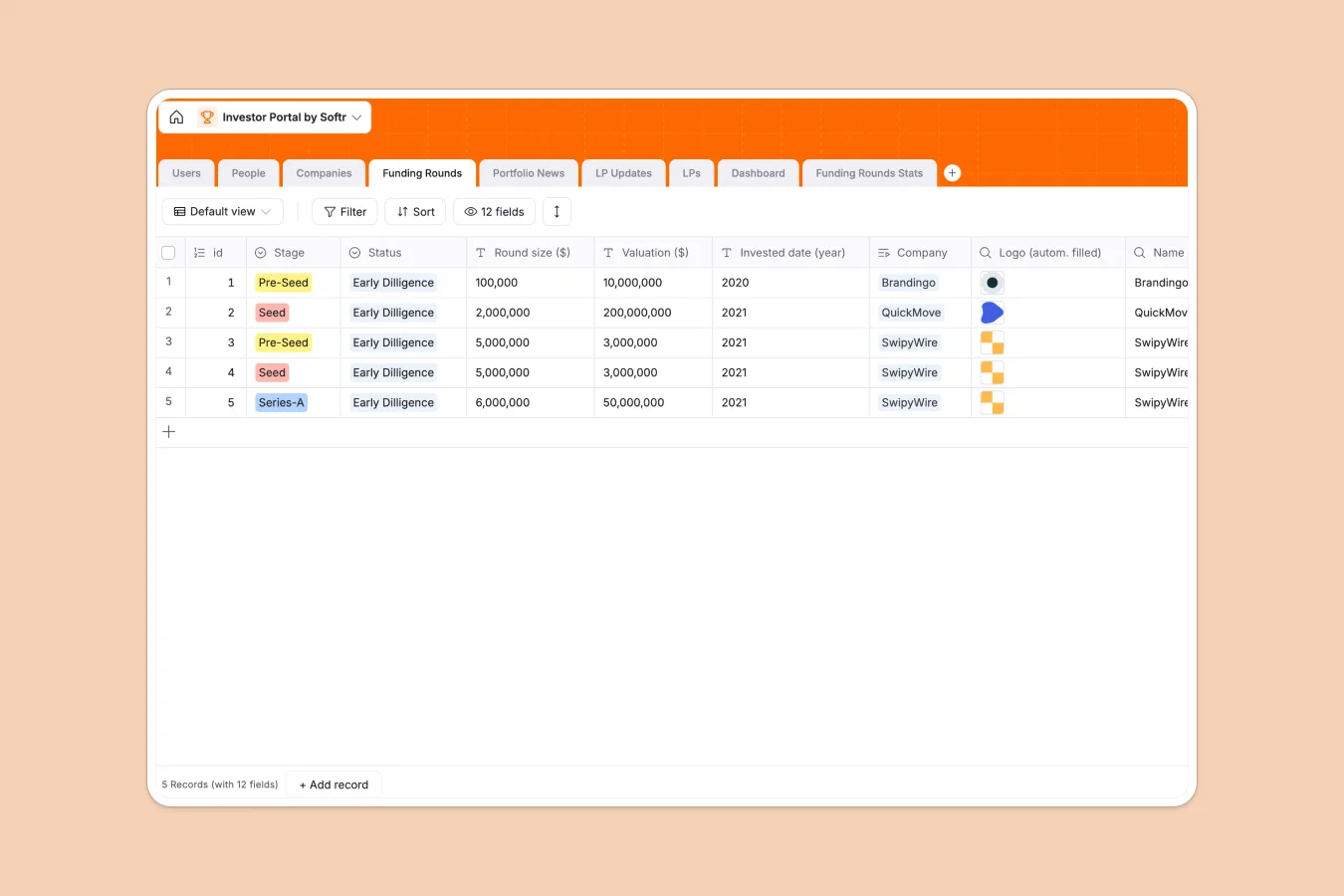
Your Investor Portal Database at a glance
Track portfolio companies, funding rounds, and LP communications seamlessly. This template replaces scattered documents with a fully connected system.
Connected tables automatically link startups to their respective funding stages, portfolio news, and associated Limited Partners. When you update a company's valuation or add an LP update, the changes reflect comprehensively across the entire structure.
Why building an investor portal in Google Sheets breaks down
Managing a growing portfolio in spreadsheets quickly becomes messy and chaotic. Keeping track of founders, valuations, news, and LP updates across endless tabs leads to broken formulas and outdated information.
What a structured database changes
In a relational database, data maintains strict integrity. Emails stay formatted correctly, funding stages use predefined tags, and files like pitch decks or LP update PDFs attach directly to the right records safely.
Instead of fragile VLOOKUPs, tables connect natively. Linking a new funding round to a portfolio company automatically pulls in their logo and previous stages without any copy-pasting. This is exactly what Softr Databases are designed for.
What you can do with this template
Give investors and team members a single source of truth. You can track every portfolio company's growth, capture detailed funding round statistics, and curate recent portfolio news effortlessly.
Streamline your LP communications instantly. Store detailed LP profiles, securely attach formatted updates, and automatically monitor the status of every scheduled or emailed report.
-
Users
Manage platform administrators and associates with contact and role data
-
People
Store individual contacts, linking them to specific companies and partners
-
Companies
Centralize portfolio company data including industry, location and funding
-
Funding Rounds
Track investment stages, valuations and round sizes for portfolio assets
-
Portfolio News
Monitor external media mentions and articles related to portfolio companies
-
LP Updates
Coordinate reporting status and documentation for limited partner communications
Who is this Investor Portal database for
This template is built for venture capital firms, angel syndicates, and investment funds looking to professionalize their data.
- Venture Capital Funds: Centralize portfolio company metrics, funding stages, and exit tracking in one reliable place.
- Angel Investors & Syndicates: Keep track of individual investments, founders' contact details, and recent news coverage.
- Investor Relations Teams: Manage LP contacts securely and ensure quarterly updates are drafted, reviewed, and sent on time.
How to take it further
Easily customize this database to match your exact investment thesis. Add new dropdown choices for specific industries, or create custom views to track late-stage opportunities.
Bring in your historical portfolio data in minutes. You can bulk upload a CSV file of your existing companies, founders, and LPs to populate your tables instantly.
When you are ready to share this data, you can build a custom interface directly on top of it. Turn this database into a secure, login-protected portal where LPs can securely view their specific portfolio performance.
Using integrated users and permissions, you can ensure each Limited Partner only sees the updates and company records they are authorized to access. A well-structured database makes launching this kind of professional portal incredibly simple.
-
1
-
2
-
3
-
4
Frequently asked questions
-
What is an investor portal database?
-
Why use a no-code database to track startup investments?
-
How can AI help managing data for an investor portal?
-
Can I build an app with this investor portal database?
-
Is this Investor Portal database free?
-
Why is an investor database better than Google Sheets?
Start building today. It's free!
Build and launch your first app in under 30 minutes.