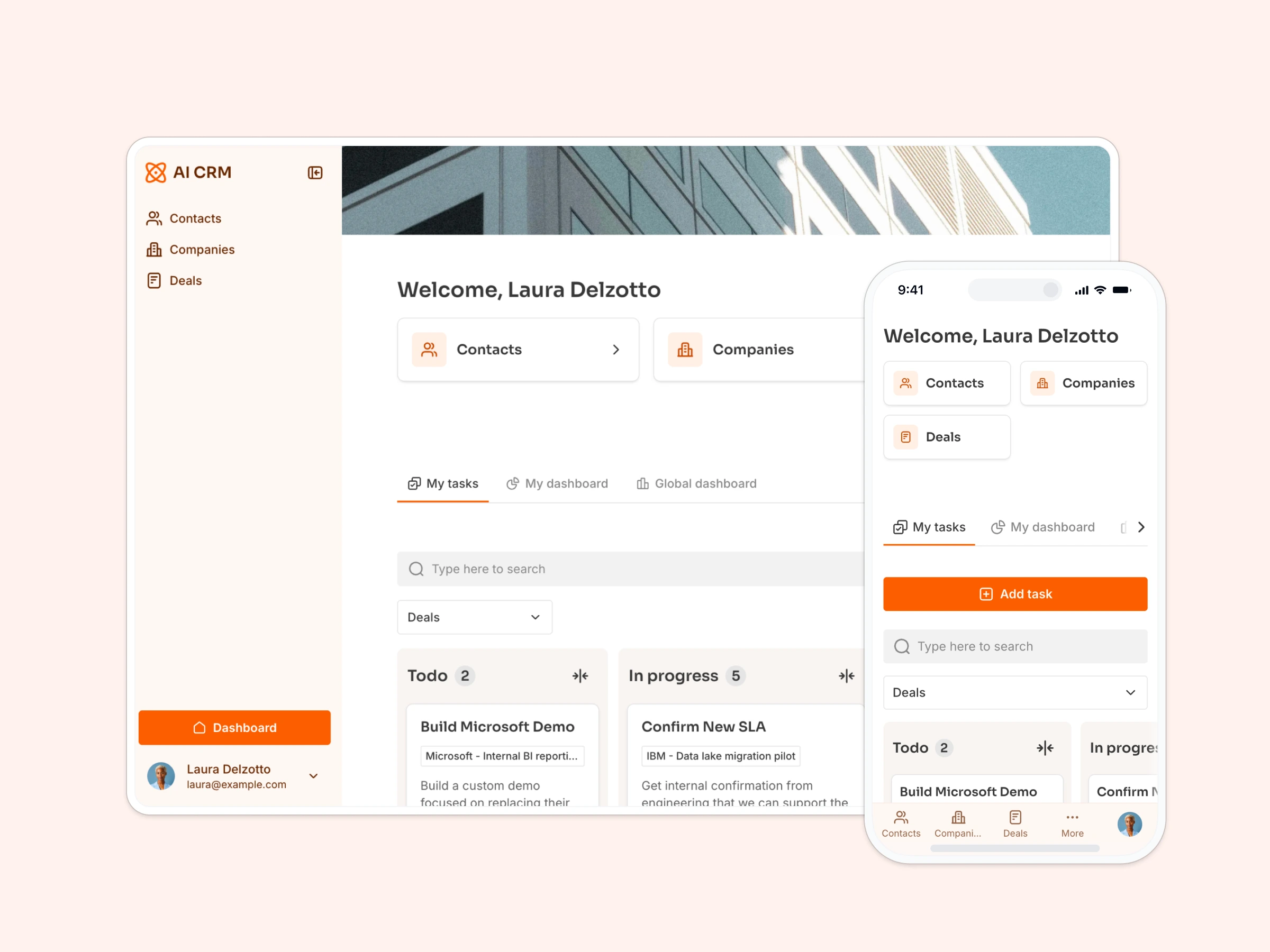
Manage and track contracts, and visualize contract progress with a timeline.
Data sources supported





.svg)


Resources


No items found.
Overview
This free template helps you build a custom contract management system on top of your existing data, so you can avoid version control issues, missed deadlines, and scattered spreadsheets.
It includes a sample database to show you how to structure your contract data, but it's flexible enough to work with any Softr-supported source (like Google Sheets, Notion, HubSpot, monday.com, and more).
Why use this contract management template
- Centralize contract oversight: Track every agreement, renewal date, and signer, without juggling PDFs, inboxes, and calendar reminders.
- Keep teams and stakeholders aligned: Give legal teams, execs, and project managers access to only the contracts they need.
- Reduce risk and save time: Avoid missed milestones, outdated terms, and legal headaches with better visibility and workflows.
Template features:
- Role-based access controls
- Contract lifecycle management
- Easy document access
- Smart search and filters
- Communication-ready interface
- Works on any device
Who is this contract management template for?
Designed for lean operations and growing teams, this template is ideal for:
- Legal teams & contract managers: Stay on top of every agreement, from NDAs to renewals.
- Procurement specialists: Track vendor contracts and reduce risk.
- Sales & business development: Manage partnership and licensing agreements.
- Finance & accounting teams: Align billing timelines with contract terms.
- Operations leads: Ensure contracts are signed, tracked, and accessible across teams.
- Executives: Gain visibility into high-value agreements without digging through files.


“What we love most about Softr is the instantaneous, customizable power a no-code platform allows.”

- 1
- 2
- 3
- 4
Frequently asked questions
Is this template secure for sensitive data?
Can I connect it to my existing contract database?
Can I upload PDFs or attachments?
Can this work for non-legal contracts too?
Can I add reminders or deadline alerts?
Can I adapt this template to my company's contract process?