


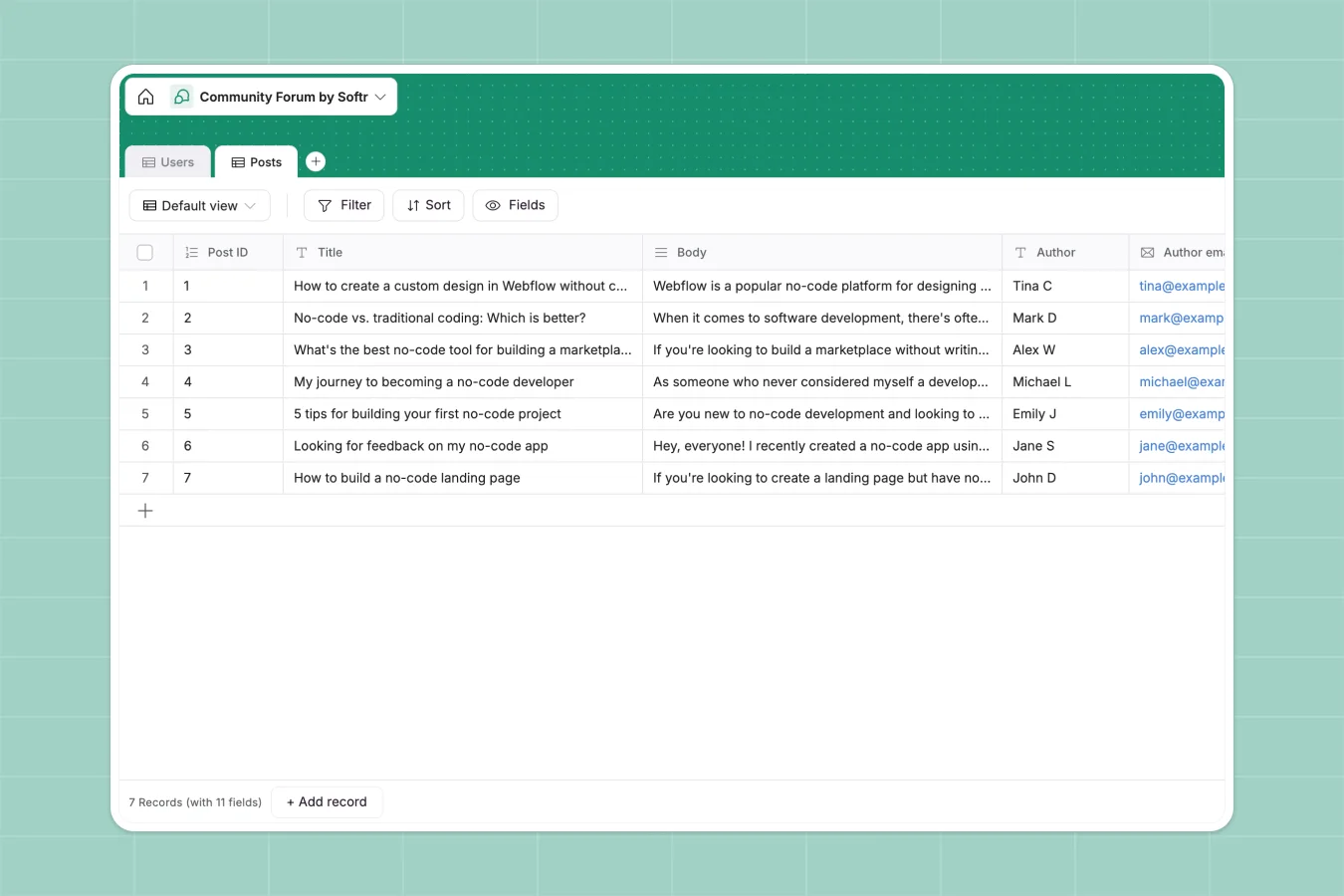
Your Community Forum Database at a glance
This template centralizes your community interactions, making it easy to track members and their contributions. It stores users and their posts in structured tables, ensuring every piece of feedback or discussion is categorized and accessible.
You can easily track who posted what and when, keeping your community management organized. The structure connects authors to their posts, allowing you to filter content by categories like 'Tutorials' or 'Feedback' instantly.
Why managing community forums in Google Sheets breaks down
Trying to run a community or track detailed feedback in a spreadsheet turns into a nightmare of cut-off text and unreadable rows. Cells aren't designed for long-form discussion, and tracking who said what becomes impossible as the list grows.
What a structured database changes
Unlike a spreadsheet grid, a database handles long text fields properly, so you can actually read posts without resizing massive rows. It enforces categories—like ensuring a post is marked exactly as 'Feedback' or 'Discussion'—so your data stays clean and filterable.
This is exactly what Softr Databases are designed for. They keep rich content organized and readable, allowing you to link posts to specific members without copy-pasting names repeatedly.
What you can do with this template
You can instantly filter posts by category to see all 'Feature Requests' or 'Tutorials' in a single view. This makes it easy to spot trends in what your community is talking about without scrolling through hundreds of rows.
With Database AI agents, you could even automate the moderation process. For example, an agent could automatically tag posts based on keywords or summarize long discussion threads into actionable insights.
-
Users
Manage community member profiles with roles, contact info and avatars
-
Posts
Store forum content with categories, author metadata and rich media links
Who is this Community Forum database for
This template is designed for teams that need to organize discussions and feedback:
- Community Managers: Track member engagement and organize discussions without spreadsheet clutter.
- Product Teams: Centralize user feedback and feature requests in one searchable view.
- Internal Teams: Share resources and company updates in a structured knowledge base.
How to take it further
Customize the database
You can easily adapt this template to your specific needs. For instance, add a "Status" select field to the Posts table to track if feedback is "Under Review," "In Progress," or "Resolved."
Import your existing data
If you have an existing list of members or past feedback in a CSV file, you can import it directly. This populates your Users and Posts tables instantly, so you don't have to start from scratch.
Build a full app around it
When you are ready to turn this database into a live community portal, you can build a frontend on top. Use the interface builder to create a site where members can log in, create their own profiles, and submit posts directly.
You can then set users and permissions to ensure only Moderators can delete content, while regular Members can only edit their own posts. This transforms a static database into a fully functional community app.
-
1
-
2
-
3
-
4
Frequently asked questions
-
What is a community forum database?
-
Why use a no-code database instead of Google Sheets for forums?
-
How can AI help manage community data?
-
Can I build a member portal with this database?
-
Is this community forum template free?
-
How do I handle file attachments in this database?
Start building today. It's free!
Build and launch your first app in under 30 minutes.