


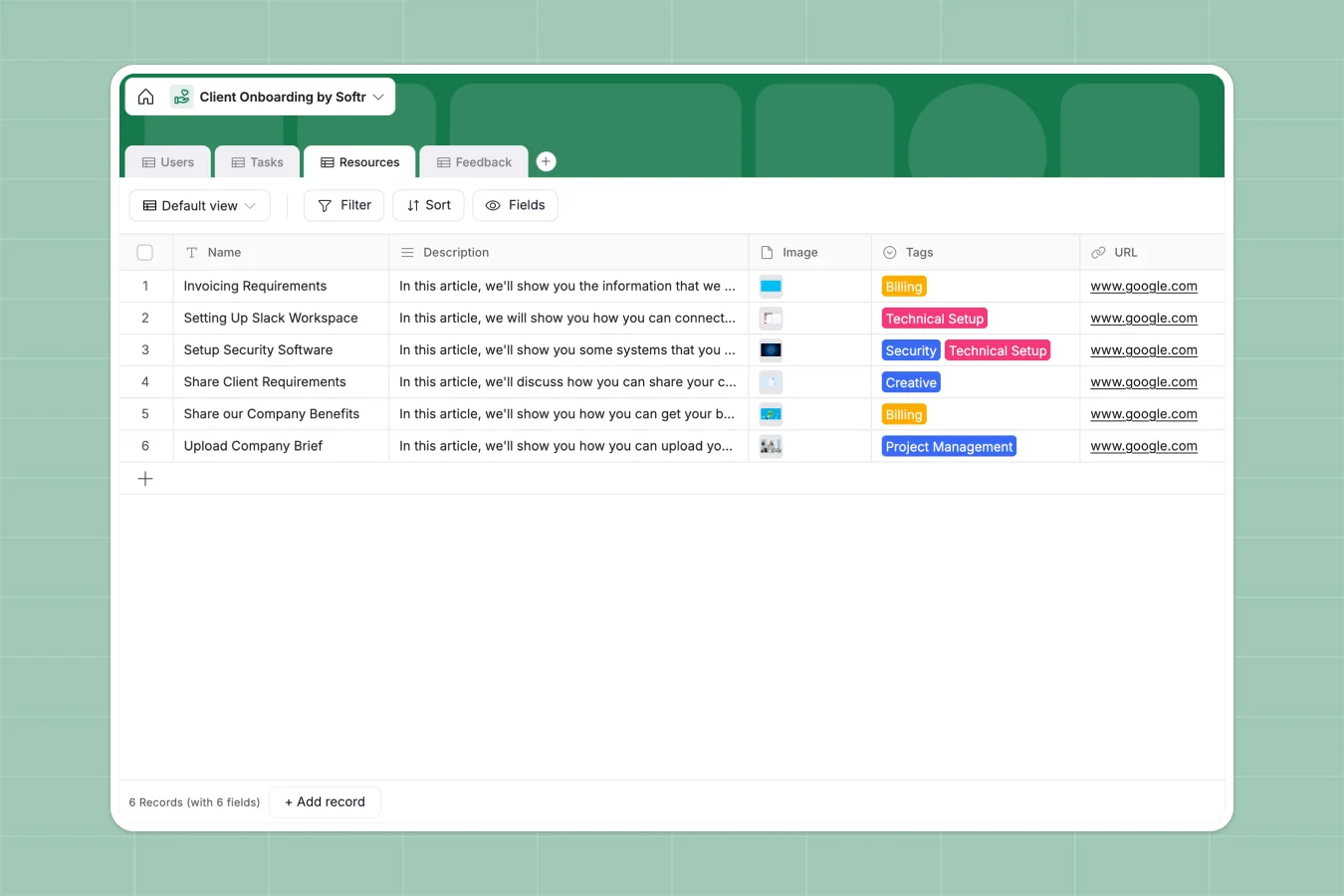
Your Client Onboarding Portal database at a glance
This Client Onboarding Portal database centralizes every new client's journey from day one. It helps you track statuses, assign onboarding resources, and gather feedback seamlessly.
The template uses connected tables to link Users directly to their specific Tasks and Resources. When a client updates a task, you instantly see who owns it and the related onboarding stage.
You can also configure AI features to summarize client feedback messages or extract key action items from new submissions. This turns your database into a self-maintaining system that saves you hours of manual review.
Why client onboarding gets messy in Google Sheets
Managing new clients in spreadsheets usually means copying and pasting task lists across endless tabs. Files get lost in email chains, and tracking who completed what becomes a chaotic guessing game.
What a structured database changes
Instead of fragile VLOOKUPs, a database connects information natively. You can effortlessly track a client's status, their required onboarding tasks, and shared resources in one reliable view.
Every column has a strict format, meaning attachments, completion dates, and contact details stay exactly where they belong. This is exactly what Softr Databases are designed to handle as your agency scales.
What you can do with this template
Instantly assign time-framed tasks to specific onboarding managers, keeping everyone accountable for critical milestones.
Centralize all helpful links and creative files in the Resources table, automatically tagging them to relevant projects without manual duplication.
-
Users
Manage client profiles and internal managers during the onboarding phase
-
Tasks
Organize onboarding milestones with deadlines, owners, and digital assets
-
Resources
Centralize help documents and external links for client success and setup
-
Feedback
Collect user testimonials and survey responses to improve onboarding flows
Who is this Client Onboarding Portal database for
This database is built for teams that need a reliable, repeatable way to welcome new clients without letting details slip through the cracks.
- Agencies: Track creative briefs, billing details, and project management tasks per client.
- SaaS Success Teams: Ensure every new sign-up completes technical setup and security reviews on time.
- Account Managers: Keep client feedback, emails, and active task statuses visible in a single dashboard.
How to take it further
Begin by customizing the database to match your exact operational workflow. You can easily modify the "Client Status" dropdown or add new tags to categorize your educational resources.
Next, import your existing client roster via CSV or fetch data automatically via API. This immediate sync securely populates your tables with real client profiles without manual data entry.
When you are ready to stop sharing raw data, you can build a full-stack app directly on top of this database. This transforms your tables into a beautiful, interactive portal where clients log in to see only their specific tasks.
Thanks to native users and permissions, customers only view their own onboarding progress, while managers see the entire agency pipeline. Starting thoroughly organized inside a structured database makes building this complete portal completely effortless.
-
1
-
2
-
3
-
4
Frequently asked questions
-
What is a client onboarding database?
-
Why use a no-code database to build a client onboarding system?
-
How can AI help managing data for client onboarding?
-
Can I build an app with this client onboarding database?
-
Is this Client Onboarding Portal free?
-
How is a database template different from Google Sheets?
Start building today. It's free!
Build and launch your first app in under 30 minutes.