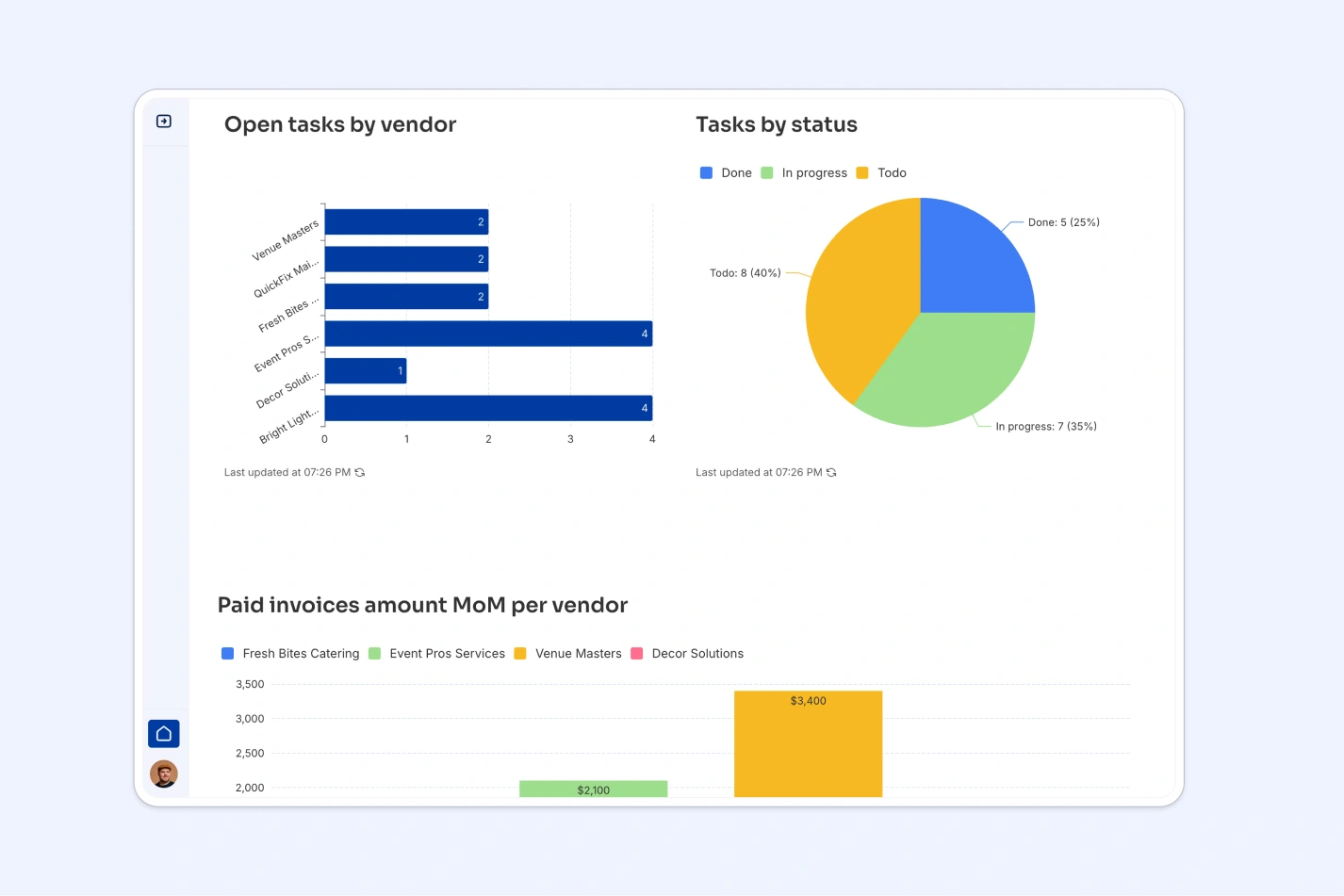
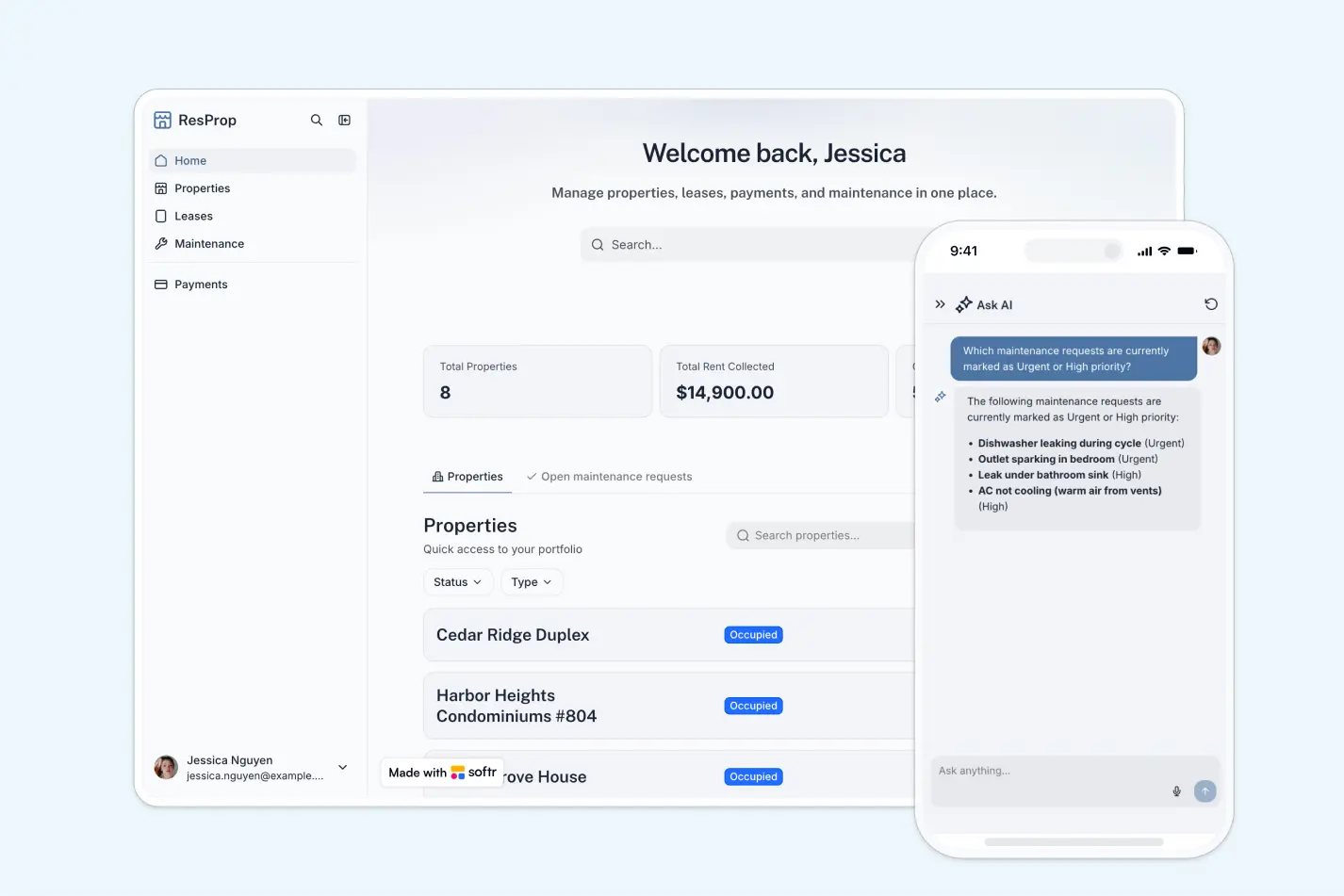
This vendor management database helps you track all vendor relationships, contracts, invoices, and tasks in one structured system. Instead of scattered Excel files with duplicated vendor information and broken links between sheets, you get a relational database where vendors connect naturally to their contacts, invoices, and assigned tasks.
The database centers around four connected tables: Vendors stores core information (name, category, status, contracts, insurance), Users manages both internal managers and vendor contacts with role assignments, Invoices tracks payments with automatic gross calculations, and Tasks links action items directly to specific vendors. Each vendor can have multiple contacts, invoices, and tasks—all connected through native relationships rather than fragile VLOOKUP formulas.
Vendor status flows through six stages (Applied, Reviewing, Accepted, Blocked, Rejected) while invoice status tracks three states (Pending, Paid, Rejected). Categories organize vendors by type—Equipment, Materials, Catering, Maintenance, Services, Venue—making it easy to filter and report on vendor portfolios without creating duplicate sheets for each category.
Excel vendor management typically means multiple disconnected spreadsheets: one for vendor details, another for contacts, separate sheets for invoices and contracts. As your vendor list grows, maintaining consistency across these files becomes nearly impossible—you end up with outdated contact information, missing invoices, and formulas that break when someone inserts a row.
Softr Databases solve Excel's core limitation: the inability to properly relate information. Instead of using VLOOKUP to match invoices to vendors (which breaks when you sort or add rows), related records create direct connections between tables. When a vendor has five invoices, you see them all linked naturally—no formula required. Field types enforce data integrity: currency fields for invoice amounts, date fields that auto-populate when records are created, select fields with predefined categories that prevent typos. This structure means one Vendors table instead of separate sheets for each vendor category, with proper relationships connecting everything.
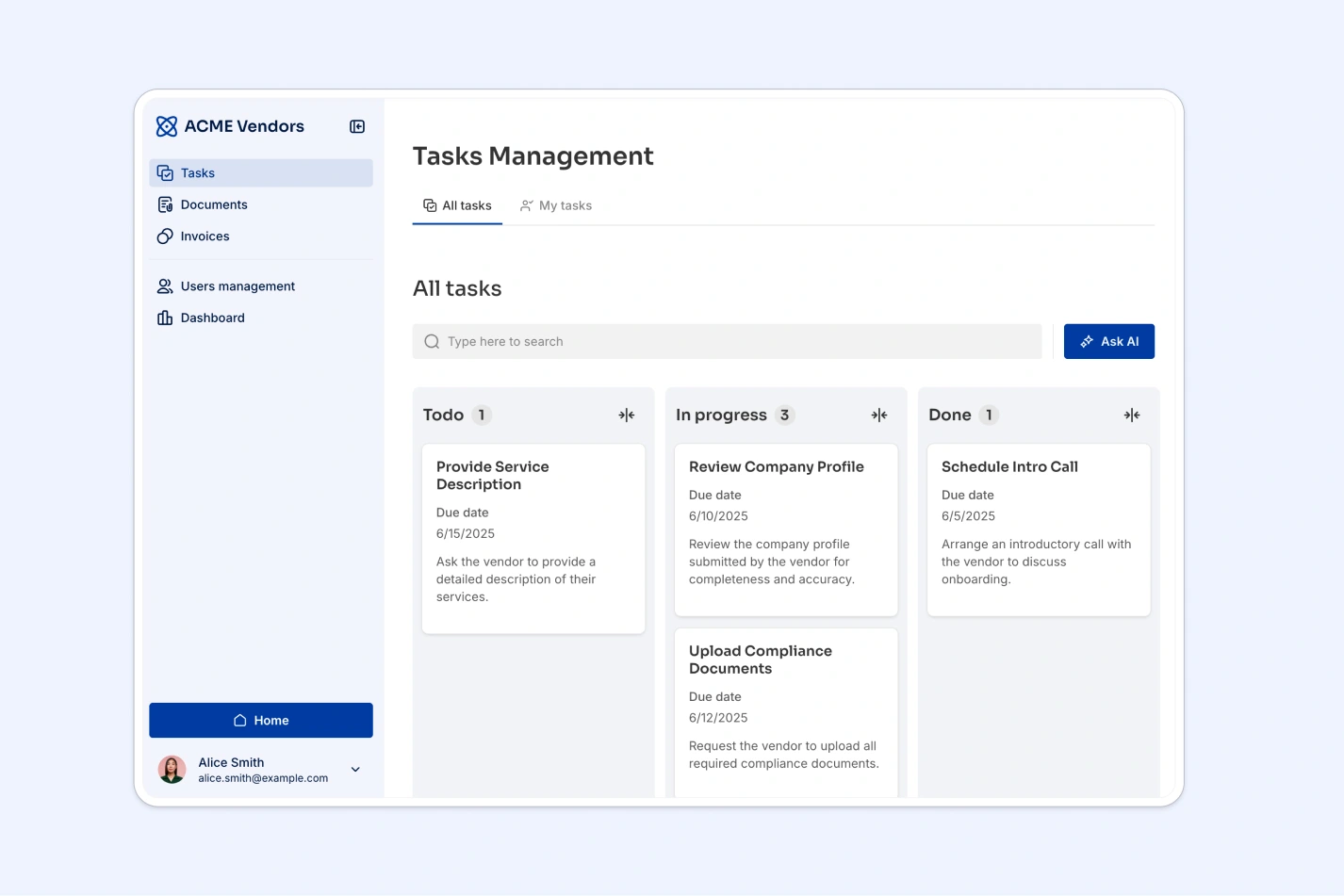
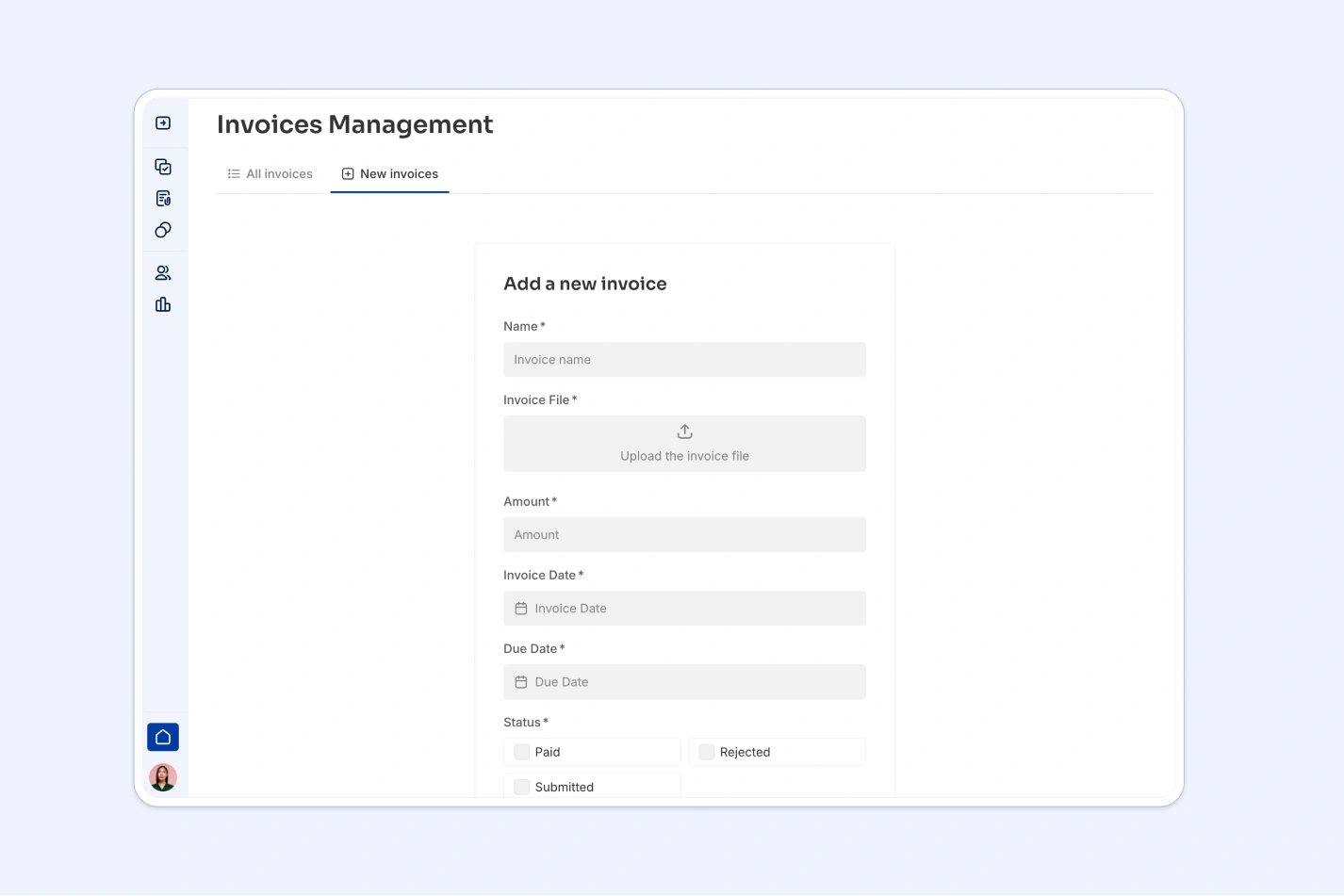
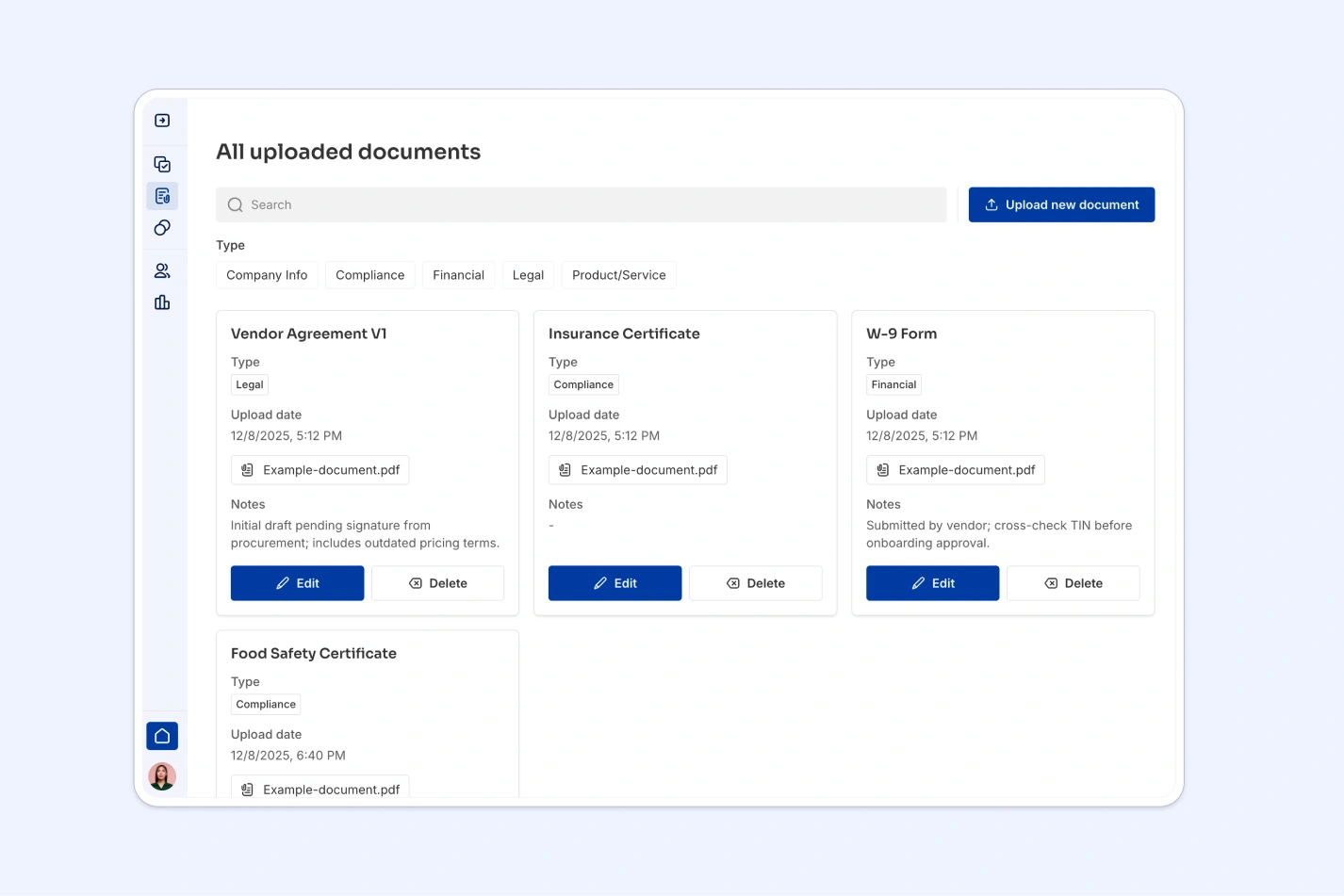
The template handles the complete vendor lifecycle—from application review through active management to invoice processing. Vendor managers can be assigned directly to specific vendors, creating clear ownership without copying information across sheets. File attachments for contracts and insurance documents live with the vendor record rather than in separate folder systems. Invoice calculations happen automatically through formulas (Net + Tax = Gross), and tasks link directly to the vendors they concern, so follow-ups never get lost in separate to-do lists.
Manage internal managers and external vendor contacts with roles and details
Centralize vendor profiles with status tracking, contracts and assignments
Track billing cycles with expense breakdowns, status and vendor links
Organize operational workflows with progress updates and vendor tasking
This database works for anyone managing vendor relationships and needing more structure than Excel provides:
Customize the database to match your vendor categories and workflow stages. If you work with different vendor types, edit the Category select field values—replace Equipment, Materials, Catering with Software, Consulting, Manufacturing. Adjust the Status field to reflect your approval process, or add custom fields like Payment Terms or Preferred Status. Since this is a native Softr Database, all changes are immediate and don't require formula updates.
Import your existing vendor data from Excel or other systems using CSV import for bulk uploads or API connections for automated syncing. Upload your current vendor list with contacts and invoice history to start with complete data rather than building from scratch.
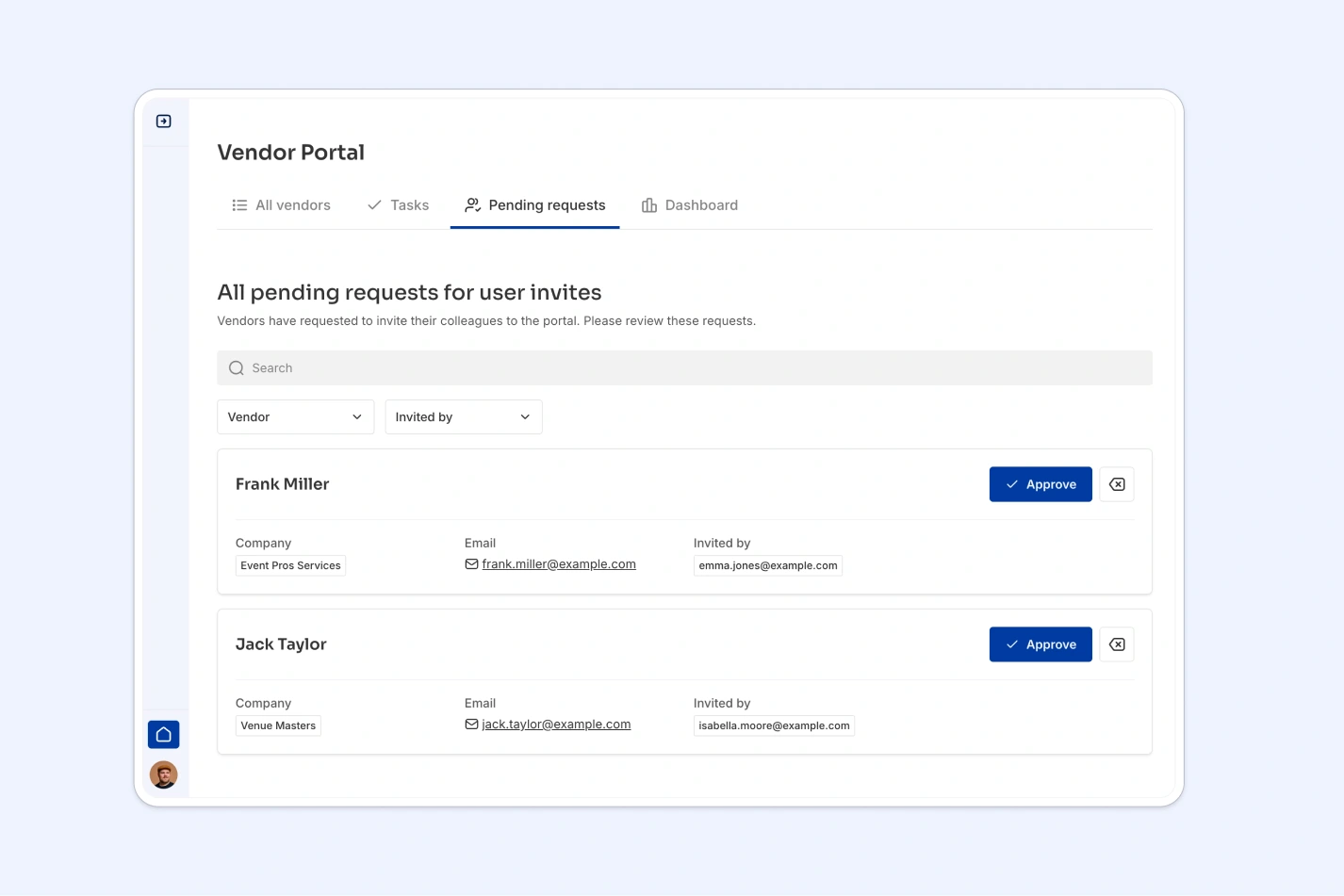
Build an app on top to create a vendor portal or internal management system. For internal use, build an interface where procurement teams can review vendor applications, finance can process invoices, and managers can track assigned vendors—each seeing only relevant information. For external use, create a vendor portal where suppliers can update their own contact information, submit invoices, and view task assignments. Full-stack apps in Softr connect your database with interfaces and workflows, while users and permissions control exactly what each vendor or team member can see and edit. A well-structured vendor database makes building these interfaces straightforward because your data relationships are already defined—vendors link to their contacts, invoices, and tasks without requiring complex app logic to connect them.
A vendor management database tracks all information about your vendors—company details, contacts, contracts, invoices, and related tasks—in one structured system. Instead of scattered spreadsheets, it uses connected tables where vendor records link naturally to their contacts, payment history, and assigned work, making it easy to see the complete relationship at a glance.
No-code databases let you start managing vendors immediately without waiting for custom software development or learning complex tools. You get production-ready structure with proper relationships, field types, and data integrity—plus the autonomy to customize categories, add fields, and adjust workflows as your vendor management needs evolve. Changes happen in minutes, not development cycles.
AI helps through two capabilities: the AI database co-builder follows your prompts to build or modify tables, write filters, and create formulas without technical knowledge. Database AI agents can enrich vendor records automatically—researching company information from the web, extracting key terms from contracts, categorizing vendors by service type, or flagging invoices that need review. These agents run when records are added or updated, keeping your vendor data current without manual research.
Yes, using Softr's interface builder that connects directly to this database. You can create an internal tool where procurement reviews vendor applications, finance processes invoices, and managers track assigned vendors—or build an external portal where vendors update their information and submit invoices. Permissions control what internal teams versus external vendors can see and edit, showing the right data to the right people.
Yes, you can get started for free. Databases are included in Softr's free plan, with higher-tier plans offering increased database limits as your vendor list grows. All plans include unlimited collaborators, so your entire procurement and finance team can work together without additional costs.
Excel forces you to maintain vendor information across multiple disconnected sheets, using fragile VLOOKUP formulas to match invoices to vendors—formulas that break when you sort or add rows. A database uses native relationships: when a vendor has ten invoices, they're directly linked without formulas. Field types prevent data inconsistency—currency fields for payments, date fields that auto-populate, select fields that eliminate typos. Excel also encourages creating separate sheets for each vendor category to manage filtering, while databases let you organize everything in one Vendors table with proper relational structure.