


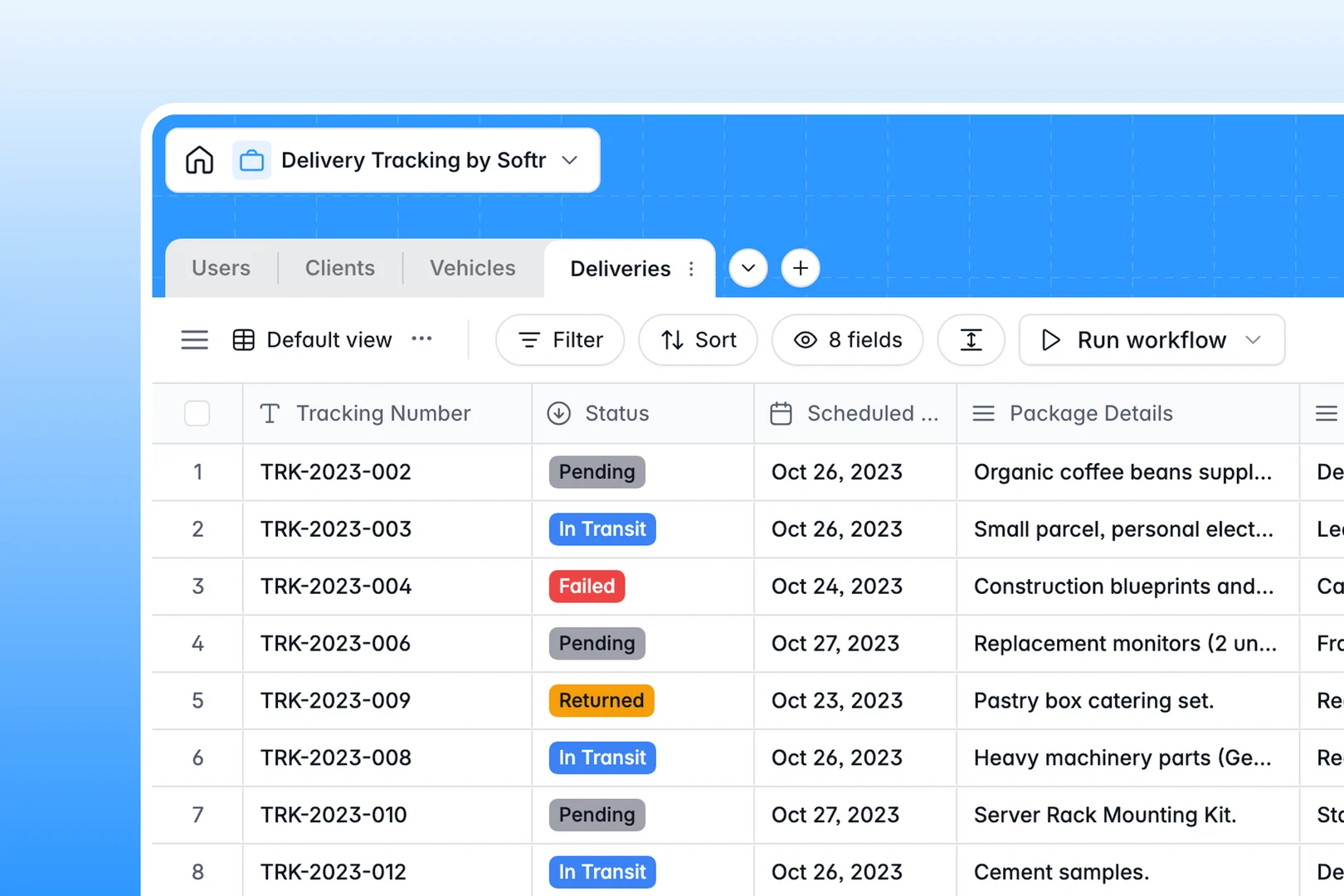
Your Delivery Tracking database at a glance
This template organizes your daily logistics by tracking shipments, managing fleet assignments, and keeping client addresses in one clear system.
It connects four dedicated tables: Deliveries, Users (drivers and dispatchers), Clients, and Vehicles. Each delivery links directly to the assigned driver, destination client, and specific vehicle without manual copying.
Built-in AI automatically extracts urgency levels from package descriptions and compiles clean instruction digests for your drivers.
When delivery tabs multiply and tracking numbers get lost
A simple delivery spreadsheet works for a few runs, but quickly splinters into monthly tabs, separate driver logs, and outdated client addresses.
What a structured database changes
In a flat sheet, editing a client address or driver phone number requires updating dozens of individual rows. One wrong paste can overwrite proof-of-delivery notes or break lookup formulas across tabs.
A structured database stores clients, vehicles, and team members as distinct records linked directly to individual deliveries. Updating a driver's phone number or vehicle status instantly reflects across all assigned routes.
This is exactly what Softr Databases are designed for, giving your logistics operations typed fields, photo attachments, and reliable relational links.
What you can do with this template
Assign drivers and vehicles to scheduled deliveries with simple relational dropdowns, avoiding double-bookings and status confusion.
Use Database AI agents to evaluate package details, categorize urgency levels, and summarize delivery notes automatically upon record creation.
Attach proof-of-delivery photos and update transit statuses instantly without dealing with broken file links or cluttered text columns.
-
Users
Manage staff roles, contact info, statuses, and delivery assignments
-
Clients
Store customer contacts and addresses with AI-powered profile summaries
-
Vehicles
Track fleet transportation assets, operational statuses, and assignments
-
Deliveries
Monitor shipments using AI for driver digests and urgency classification
Who is this Delivery Tracking database for
This template helps logistics and operations teams manage recurring dispatches and fleet resources.
- Dispatch Coordinators: Assign routes, monitor scheduled drop-offs, and track package statuses in real time.
- Courier & Fleet Managers: Oversee driver availability, maintain vehicle status records, and balance fleet workloads efficiently.
- Local Commerce & E-commerce: Manage customer addresses, track outbound orders, and verify proof of delivery seamlessly.
How to take it further
1. Customize the database
Adapt the database to your specific fulfillment model in seconds. Add custom fields for parcel dimensions, adjust vehicle categories (like cargo bikes or refrigerated vans), or customize delivery status options to match your exact pipeline.
2. Import your existing data
Bring in your historical logistics data using CSV import or connect external orders via API. Your existing client lists, driver directories, and inventory records become relational assets immediately.
3. Build a full app around it
When your operations expand, build an app on top of this database. You can generate a dedicated dispatch dashboard for office staff and a mobile-friendly portal for drivers to view assigned stops and upload delivery photos.
With granular users and permissions, drivers only see their own assigned route while dispatchers retain full visibility over the entire fleet.
-
1
-
2
-
3
-
4
Frequently asked questions
-
What is a Delivery Tracking database?
-
Why use a no-code database to build a delivery tracking system?
-
How can AI help managing data for Delivery Tracking?
-
Can I build an app with Delivery Tracking database?
-
Is this Delivery Tracking database free?
-
How is a Delivery Tracking database different from a delivery tracking spreadsheet?
Start building today. It's free!
Build and launch your first app in under 30 minutes.