


Create a custom client portal with AI, no code required
Softr makes it easy to build a custom client portal to replace your spreadsheets, emails, and disconnected tools.












One place for all your data — built-in or connected
Softr's AI Co-Builder generates a database when it builds your app, or you can connect to 17+ data sources. Whether you have existing data or are building from scratch, you're covered.


Add only the views and features you need
Describe what you need, get a full client portal back. Then switch between AI and visual editing to add content, adjust logic, and iterate as your workflows evolve.
Client Onboarding


Account Management

Client Communication

Document Management

Project Management

Bills & Payments

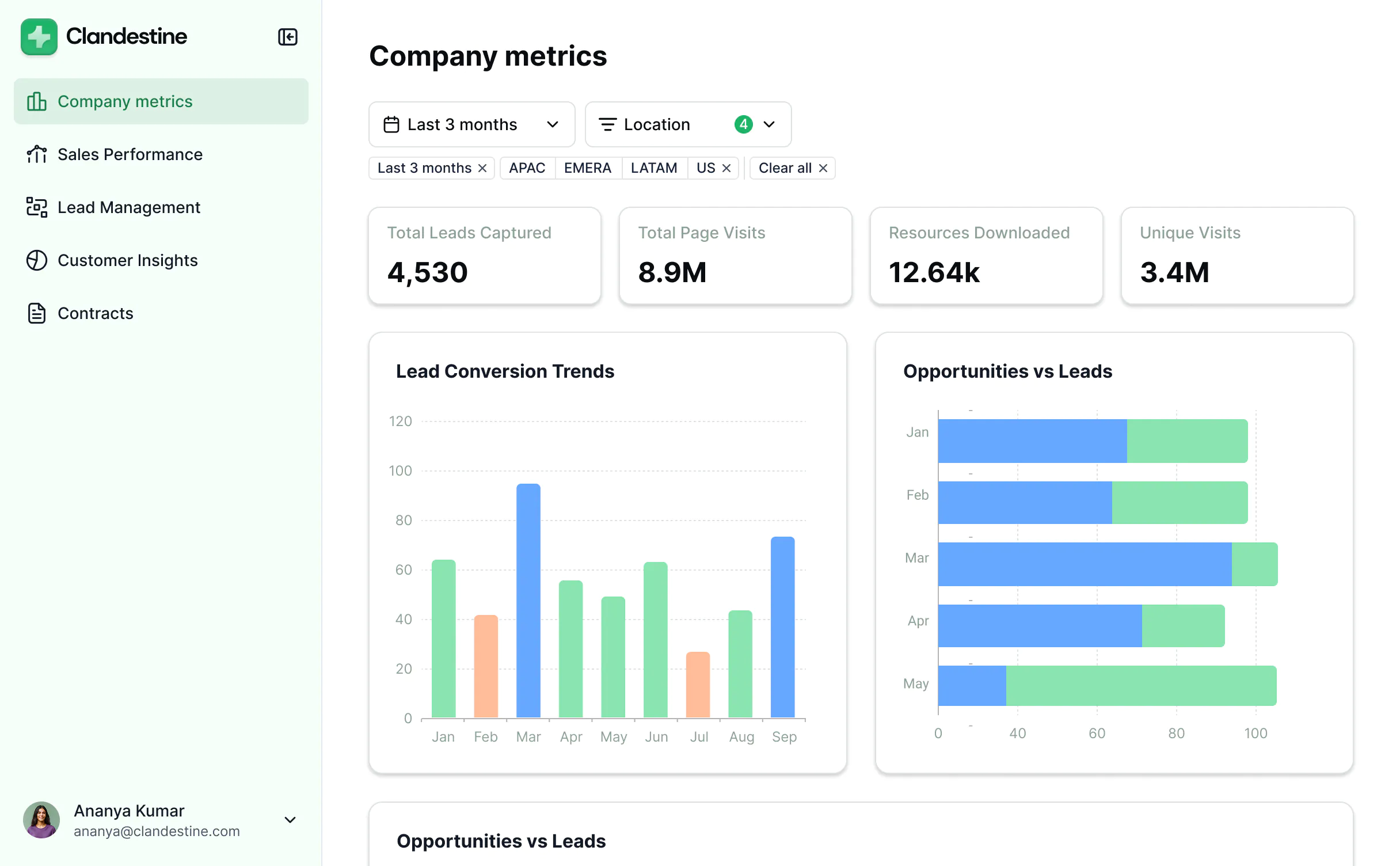
Reporting & Dashboards

Support & Resources


Secure and fully functional by default
Create a secure, real-time system your team and clients can actually use.

Production ready
Logins, user management, hosting, and more — built in and working from the moment you hit publish.

Branding
Deliver a professional client portal that reflects the look and feel of your brand (and impresses your clients).

Workflow automation
Use Softr Workflows to automate processes across your app — or connect to Make, Zapier, n8n, and more.

Advanced permissions
Customize who sees what, and which actions they can take, even at the most granular level.

Works on any device
Turn your portal into a downloadable mobile app in one click with Softr’s PWA feature — no extra design work needed.

Security
Protect customer information from security threats. Softr is fully compliant with SOC2 and GDPR regulations.
.svg)


Consolidate all your tools
Stop overspending on pricey tools with unused features. Build custom business software that fits your workflows perfectly.




Go from zero to app, incredibly fast
Co-build with AI
Simply describe what you need. Let Softr handle everything - Interface, database, workflows.
Iterate with AI or visually
Control most critical parts of your app yourself - roles, permissions, security.
Ship the same day
Invite team members or external clients and partners right away. No developer handover.



Frequently asked questions
What can I build with Softr’s client portal software?
What can I build with Softr’s client portal software?
With Softr’s client portal software, you can build secure, branded portals for client onboarding, project tracking, document sharing, approvals, invoices and payments, dashboards, support requests, and self-service resources. Each client gets a personalized view with role-based permissions, while your team manages the underlying data and workflows, all without coding.
How do I build a client portal in Softr?
How do I build a client portal in Softr?
Traditionally, building a client portal required coding from scratch or buying expensive enterprise software. Today, you can create a fully functional client portal in minutes with Softr's AI Co-Builder — no coding required.
Here's how it works:
- Generate your app from a prompt: Describe what you need and the AI Co-Builder generates a fully functional app — database, business logic, and utility pages (like login, password reset, and account settings) already included.
- Refine to your needs: Switch between prompting and visual editing to customize logic, control who sees and edits what, add features, and scale as your business evolves — all on your own, no developers needed.
- Customize branding: Add your logo, colors, and domain so the client portal reflects your brand.
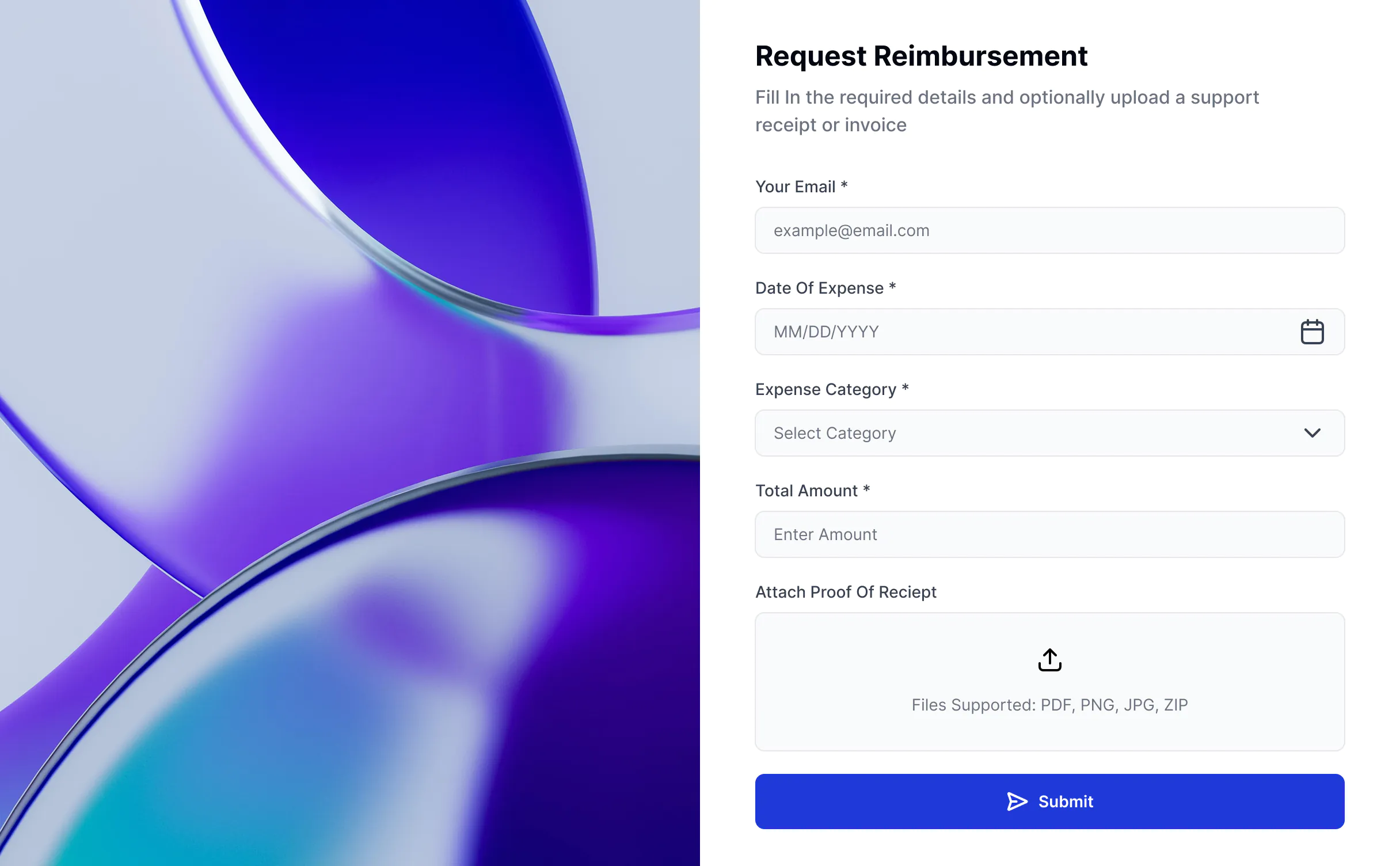
- Add workflow automation: Use Softr Workflows to automate tasks like sending project update notifications, triggering invoice reminders, or alerting your team when a client submits a request. You can also add Softr Forms to collect briefs, feedback, or approvals and trigger workflows automatically.
- Launch and iterate: Publish in minutes, then update or expand your client portal as your business and client base grows.
What are the benefits of a custom client portal?
What are the benefits of a custom client portal?
A custom client portal makes working with clients easier by putting everything in one secure place instead of scattered across email and shared drives.
The main benefits are:
- Convenience for clients: They can log in anytime to see files, invoices, or updates without having to ask.
- Time savings for teams: Less back-and-forth emails and repeated requests.
- Security: Data is protected behind logins instead of sitting in email threads.
- Transparency: Both clients and teams always know the latest status of projects or payments.
- Professional look: A branded portal feels more polished and trustworthy to clients.
With Softr, you also get the benefit of building and customizing your client portal quickly with AI, without needing developers.
What features should a client portal have?
What features should a client portal have?
A good client portal should make it easy for your team and clients to securely share information and collaborate. The most important features include:
- Secure logins and permissions — so clients only see what’s meant for them.
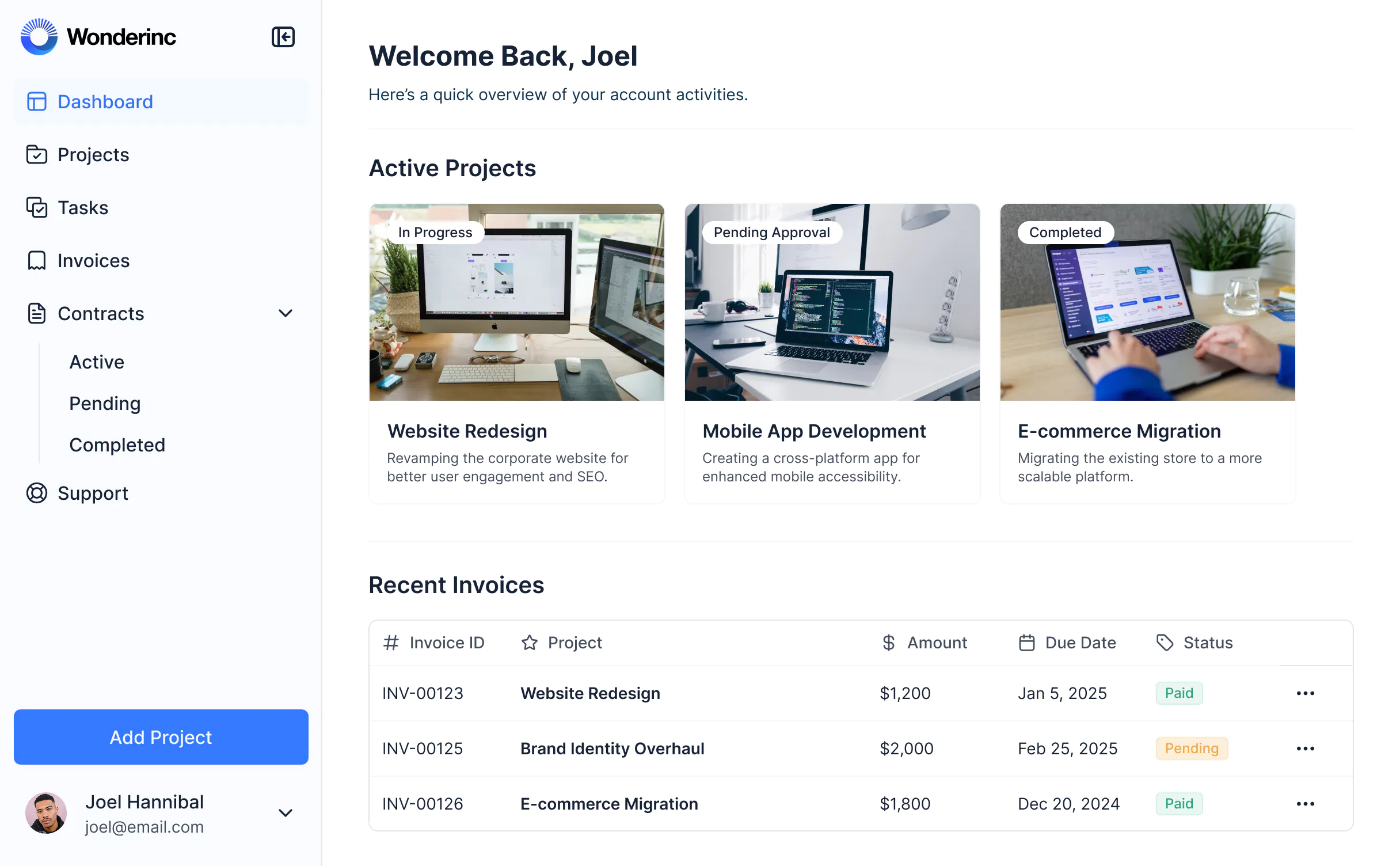
- Dashboards and project views — to give clients a clear overview of progress, tasks, or milestones.
- File and document sharing — upload, view, and download contracts, invoices, or reports in one place.
- Messaging or updates — so clients stay informed without chasing emails.
- Invoicing and payments — centralize billing and payment status.
- Customization — brand the portal to match your business and tailor workflows to your process.
- Integrations and data flexibility — connect to tools you already use (like Airtable, Google Sheets, HubSpot, or SQL), or manage data directly in Softr Databases.
- AI assistance — let clients and your team query data directly, generate summaries, or get instant answers without manual work.
With these features in place, a client portal becomes a single, secure hub for your client relationships, reducing back-and-forth and giving clients a more professional experience.
Can I build a custom client portal without coding?
Can I build a custom client portal without coding?
Yes. With Softr's AI Co-Builder, you can describe what you need and get a fully functional client portal back — database, logic, and UI included — without writing a single line of code. Instead of hiring developers, you can launch a secure, branded portal in hours.
Softr creates a data schema for you where you can easily add or import your own data — or connect to existing tools like Airtable, Google Sheets, HubSpot, Notion, SQL, and more. After the AI Co-Builder generates your app, you can customize pages (through prompting or visual editing), refine users and permissions, tweak styling, and automate with Softr Workflows — all without a developer.
What data sources can I connect to a client portal?
What data sources can I connect to a client portal?
Softr's AI Co-Builder generates a Softr database schema when it builds your app, so if you're starting from scratch, your data structure is ready to go. You can add or import data directly, no migration needed.
If you already have data elsewhere, Softr connects to 17+ sources including Airtable, Google Sheets, HubSpot, Notion, MySQL, PostgreSQL, Supabase, and more — or connect any system through the REST API connector.
Either way, your portal stays in sync with your data in real time — and you control exactly what clients can view or edit.
Can I build a client portal with AI features for my end users?
Can I build a client portal with AI features for my end users?
Yes. Softr includes built-in AI features you can add to your client portal without any coding or API setup.
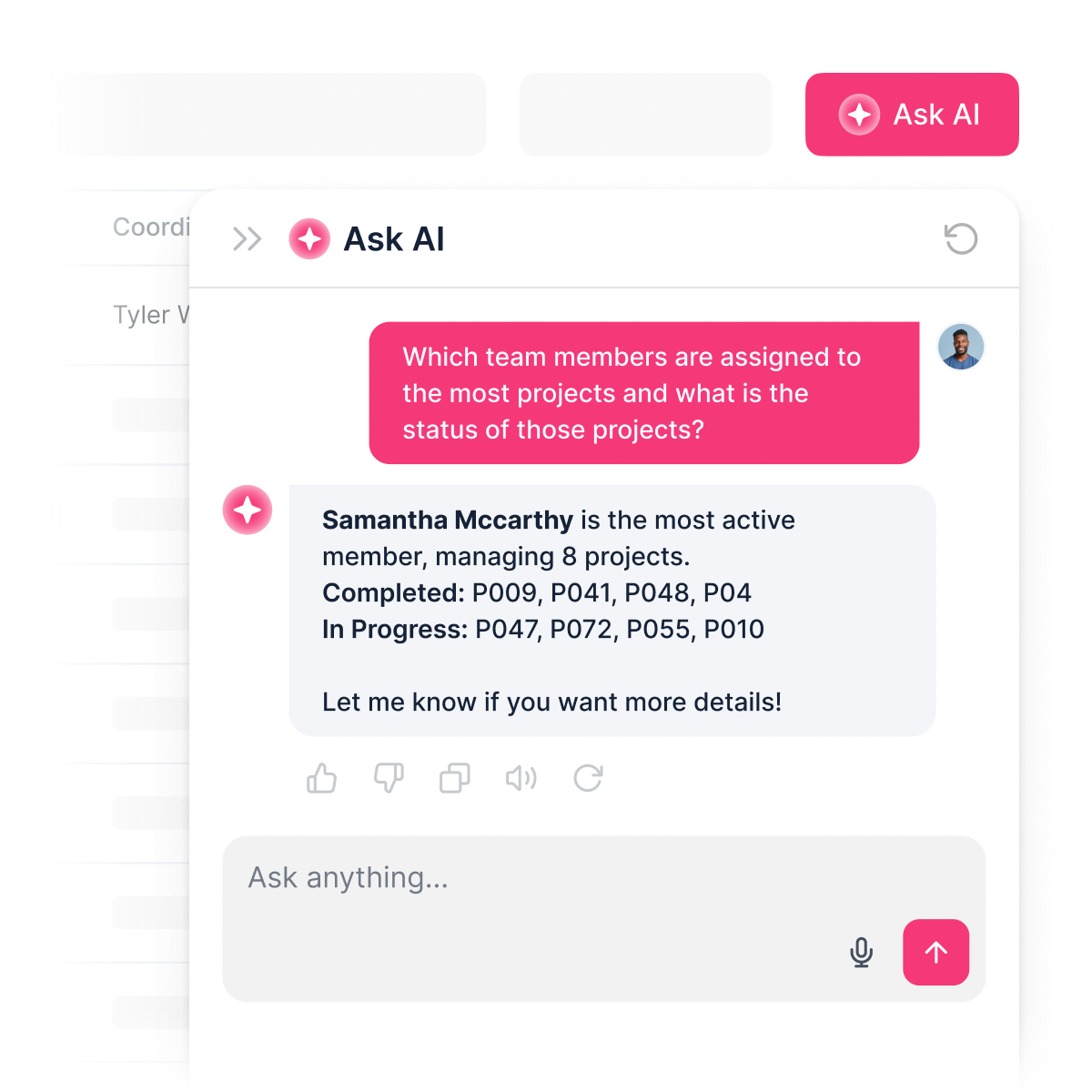
You can add an AI assistant that reads from your live portal data and answers client questions instantly — so clients can search across project data, generate summaries, or get answers without digging through spreadsheets or dashboards.
The AI assistant only surfaces data users already have access to, so clients get instant, accurate answers without ever seeing information outside their permissions.
On the admin side, your team can also use AI to surface insights faster, respond to client requests, and streamline reporting.
What makes Softr different from other client portal builders?
What makes Softr different from other client portal builders?
Most client portal tools are either too rigid, too expensive, or fall apart the moment real users and real data are involved. Softr is different because it's built for actual business use from day one.
Describe what you need, and the AI Co-Builder generates a fully functional portal — database, logic, and UI already connected. No generated code to debug, no developer needed to make it production-ready.
From there, you stay in control: customize through prompting or visual editing, manage data in Softr Databases or connect to existing tools, set up granular permissions per client role, and add a built-in AI assistant so clients and teams can get instant answers directly inside the portal. As your business grows, your portal grows with it — without starting over or calling in a developer.
Build a client portal with AI.
Build and launch your first portal in minutes — connected, secure, and ready for real users.


