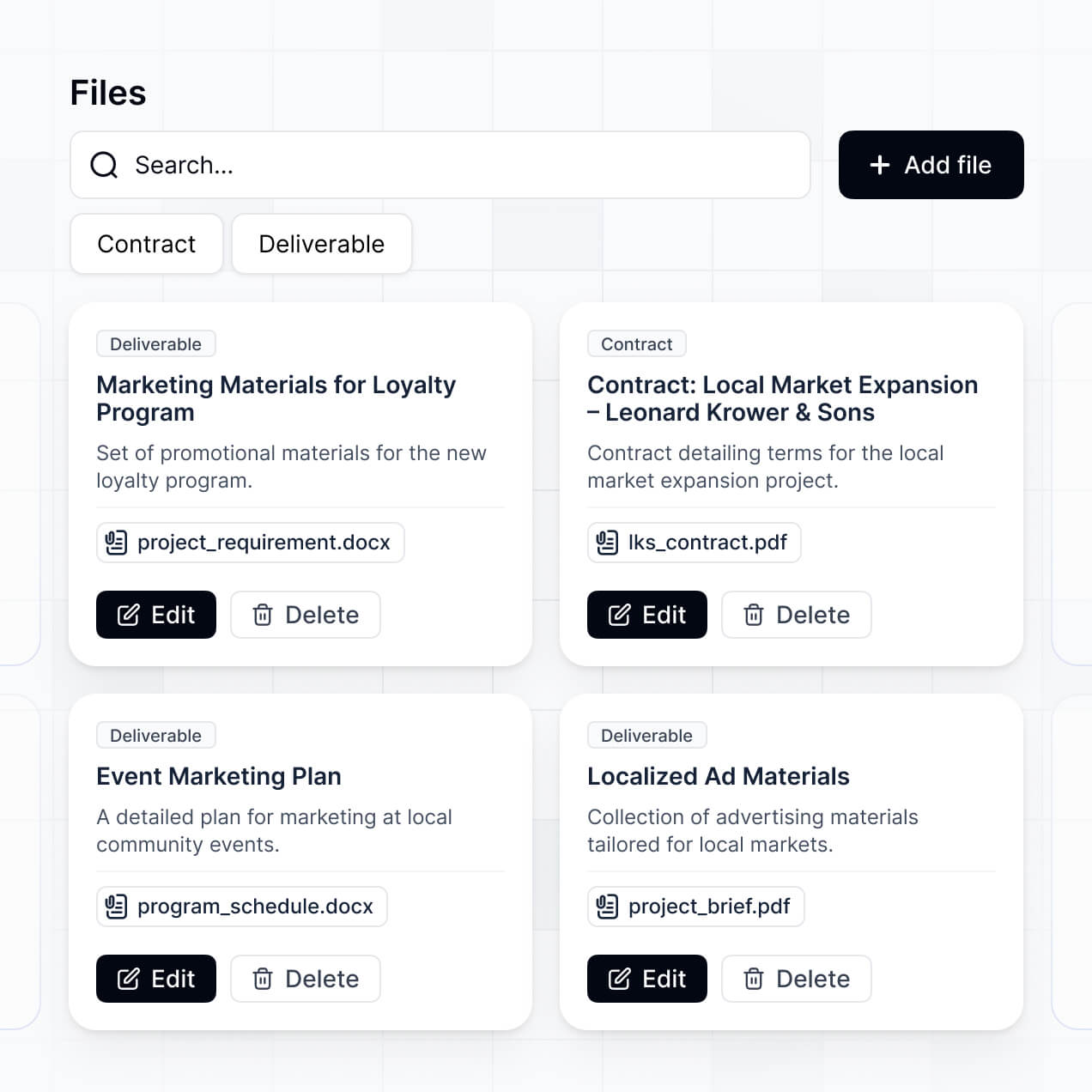
Centralize media files, manage approvals, and track usage in an AI-powered system built with AI to fit your agency's creative workflow.
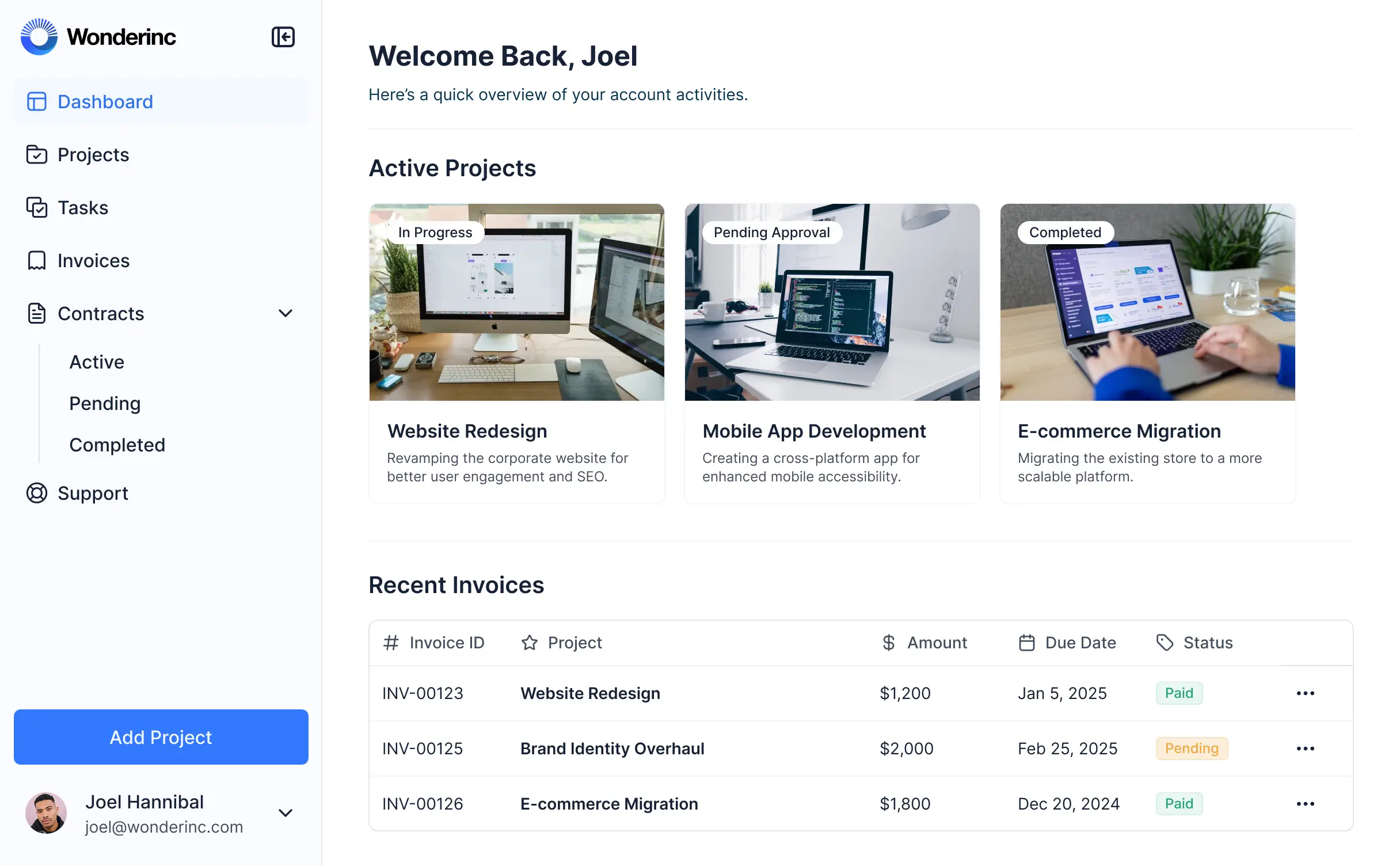



Customize your creative asset management setup with the exact steps and views your team needs. Add features as processes evolve—no code needed.


Connect cloud storage, creative briefs, and project metadata with real-time sync—or manage everything in Softr Databases. One source of truth for your agency's assets.
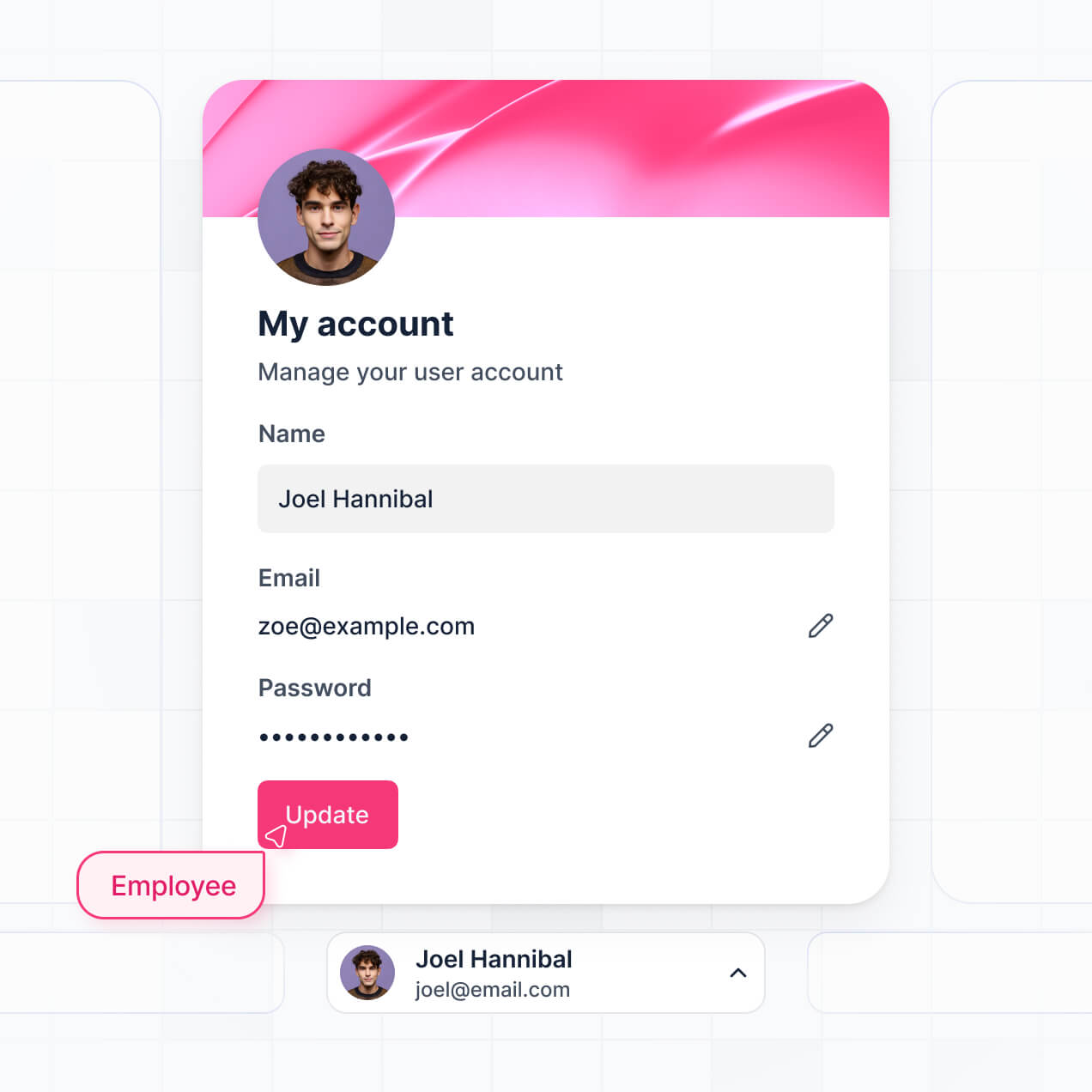
Give each user the right views and access in a fully branded portal. Set up secure logins, user groups, and permissions in minutes.
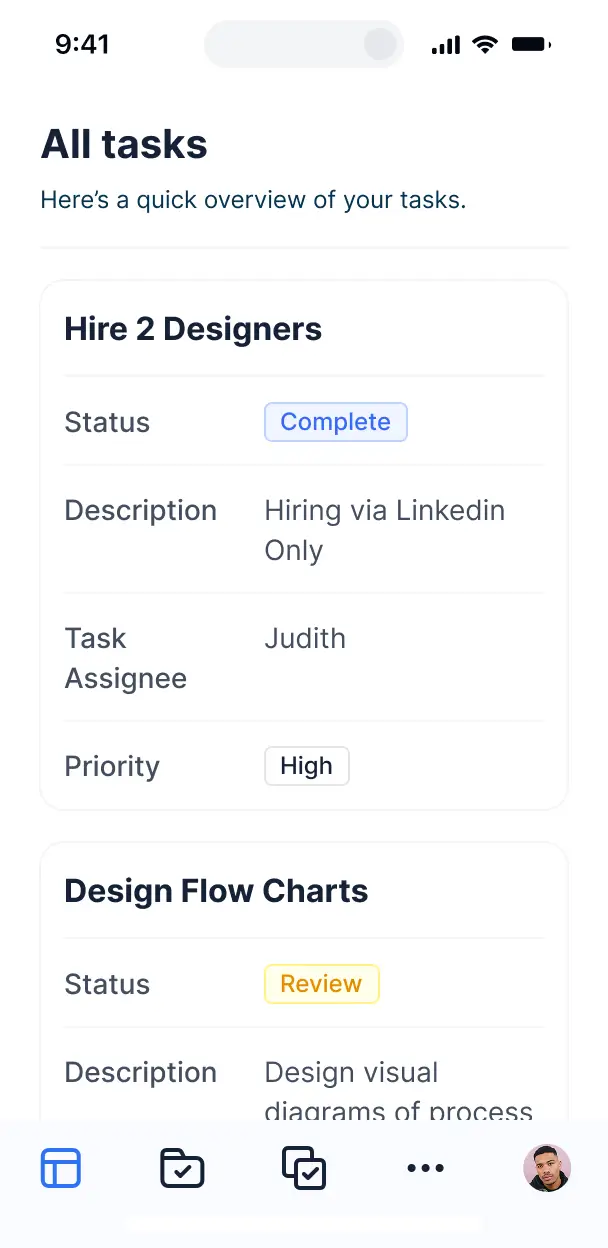
Softr apps are mobile-ready by default. Access, review, and approve creative assets on the go from your phone or tablet—no extra design needed.
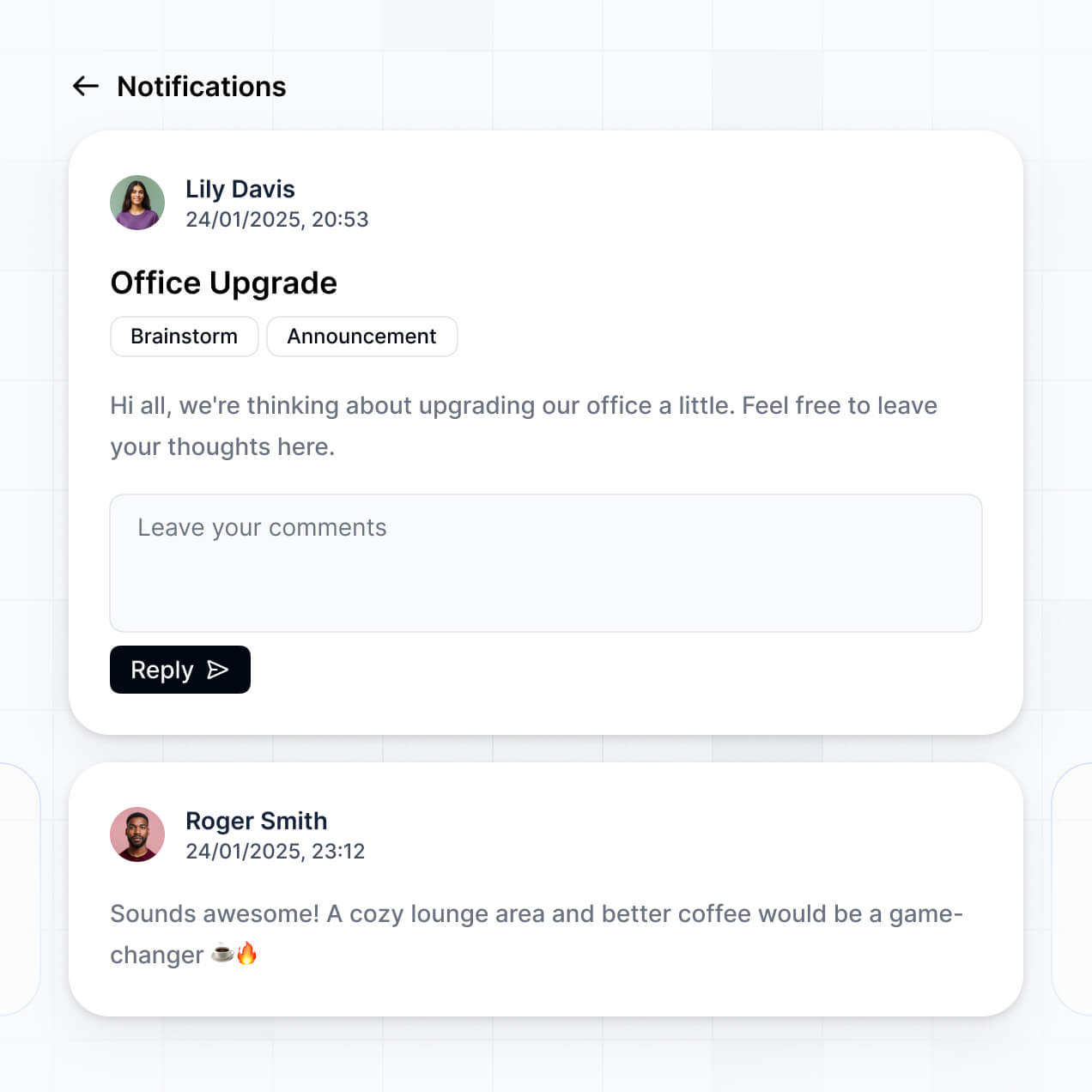
Build native automations to handle review notifications, asset status updates, and production alerts whenever creative files are changed.
Provide separate logins for designers, project managers, and clients, creating personalized dashboard views for each stakeholder.
Apply rules for different agencies or roles. Customize who can upload, edit, or just view assets at even the most granular folder level.
Protect sensitive creative work from security threats. Softr is fully compliant with SOC2 and GDPR regulations for enterprise-level safety.
No more one-size-fits-all tools or costly custom builds. Softr is easy to use and fully customizable, so you can launch faster, adapt as you grow, and skip the complexity of traditional software.

Build your creative asset management in minutes with AI—no manual configuration or manual uploads needed.

Add features like client approval workflows, file tagging, or usage dashboards as your agency grows.

Start with asset management, then add client portals or internal project trackers - all in one place.
Co-build with AI
Simply describe what you need. Let Softr handle everything - Interface, database, workflows.
Iterate with AI or visually
Control most critical parts of your app yourself - roles, permissions, security.
Ship the same day
Invite team members or external clients and partners right away. No developer handover.
Use drag-and-drop blocks to build a portal that looks sleek and modern out of the box. Add only the features you need, and iterate as your workflows evolve.




A creative asset management app is a secure, centralized hub where design teams and stakeholders can store, organize, and access brand files, icons, video clips, and marketing collateral. It replaces the messy hunt through Slack threads or unorganized cloud folders with a structured repository for brand-approved materials. This ensures your creative team stays focused on production while stakeholders can find the exact logo or social post they need without constant back-and-forth emails.
Softr is the first AI-native platform for building business software, making it the fastest way to build a creative asset management tool that matches your specific production workflow. You can describe your design pipeline to the AI Co-Builder to instantly generate asset libraries, approval pages, and project logic—all pre-connected and secure.
You don't need design-specific coding skills. You can generate your app with AI, start from a template, or build from scratch. Everything runs on Softr Databases for native performance, or you can link to your existing libraries in Airtable, Google Sheets, or HubSpot. You have complete control to customize the gallery layouts, set specific access for external freelancers, and white-label the interface to reflect your brand's aesthetic. It’s built to scale from a small design boutique to a high-volume internal agency.
You can include a wide range of features in your creative asset management app to streamline your creative ops. A high-performing app usually combines standard library features with AI-driven workflows:
- AI-Powered Intelligence – Use Ask AI to let marketing teams search for assets using natural language, or deploy Database AI Agents to automatically generate SEO alt-text or categorize images based on visual content.
- Vibe Coding Blocks – Build highly customized UI components—like an interactive brand color palette or a dynamic typography previewer—using the AI Code block to "vibe code" unique design elements.
- Softr Workflows – Create automated triggers, such as notifying your social media manager via Slack the moment a creative lead approves a new set of Instagram banners.
- User Portals & Logins – Securely manage permissions so clients only see final deliverables while your designers have access to raw working files and source projects.
- Forms & Data Collection – Standardize the creative intake process with custom request forms that allow for file uploads and specific design brief requirements.
- Dashboards & Charts – Visualize asset performance, production volume, or team workload with real-time charts and summaries.
- Lists & Advanced Filtering – Display your creative library with searchable galleries, kanban boards for asset status, and tagged filtering for quick discovery.
Everything is built visually with Softr's drag-and-drop blocks. If your brand guidelines change, updating the portal is simple, or use the Vibe Coding block to create custom interactive design components on the fly.
Vibe coding is the fastest way to turn a design brief into a functional app. You can "vibe code" creative asset management in Softr by simply telling the AI Co-Builder how your creative team prefers to view files—for example, as a high-density grid or a stakeholder approval gallery. Softr then builds a production-ready application that understands your file types and team structure.
While other tools leave you with raw code that's hard to maintain, Softr handles the foundational "boring" work—like file hosting, user authentication, and multi-user security—natively. This gives you the speed of vibe coding with the reliability of a high-performance database. You describe your creative workflow, Softr builds the interface, and your assets are accessible to the whole team immediately.
Yes. You can manage multiple internal creative teams or external clients in one unified portal. Each user only sees the specific assets, brand folders, and project timelines assigned to them based on their unique login. This is perfect for creative agencies managing different brand accounts or large enterprises with multiple product divisions that need to keep their assets separate.
Yes, you can. You don't need a pre-existing library to start building with Softr. If you're building your creative repository from scratch, use Softr Databases, which is integrated directly into the platform to host your asset metadata, file links, and project specs seamlessly.
However, if your creative data already lives in Airtable, Google Sheets, HubSpot, or SQL, you can connect those sources effortlessly. You can even use the REST API to pull in assets from other niche creative tools. Regardless of the source, you have full control over how your files are organized and how your design team interacts with them.
Softr Databases is the recommended native source for creative asset management. It is designed for high performance, providing instant automation triggers and a fast localized experience for browsing large image folders and design records within the platform.
If your team currently uses other platforms, Softr connects to 17+ external sources including Airtable, Google Sheets, HubSpot, and SmartSuite. You can even combine sources—for instance, pulling project briefs from HubSpot while storing final high-resolution files in Softr Databases. Most sources offer real-time, two-way sync, ensuring your design status updates or new file uploads reflect across your entire stack immediately.
Yes, Softr provides granular control over how different stakeholders interact with your assets. You can tailor the gallery layout, navigation, and detail views to match your creative process. Each asset block or folder can be conditionally hidden, ensuring freelancers only see their specific tasks while the Creative Director has a global view of all assets.
You can define roles like "Art Director," "Copywriter," or "Client Reviewer," specifying exactly who can upload new versions, edit metadata, or just view and download files. For example, you can allow clients to download final JPGs while restricting access to the original Adobe Illustrator source files to internal staff only.
This level of permission management is vital for maintaining brand integrity and security across multiple projects. It ensures each user has a clean, simplified workspace designed specifically for their role in the creative production cycle.
Yes, you can fully white-label your creative asset management portal to ensure it looks like a proprietary tool. You can apply your own logomark, custom brand colors, typography, and a custom domain. By removing Softr branding, you create a professional, branded environment that builds trust with clients and provides a cohesive experience for your creative team.
Absolutely. Softr gives you extensive flexibility to design a portal that meets the aesthetic standards of a creative team. You can modify every visual aspect, from grid spacing to button styles, ensuring the interface matches your design philosophy. You dictate the structure of every page, choosing exactly how users filter and discover files.
To manage your creative work, you can utilize diverse blocks:
- List or Gallery blocks – to showcase visual assets like photos, logos, and UI components in a high-quality grid.
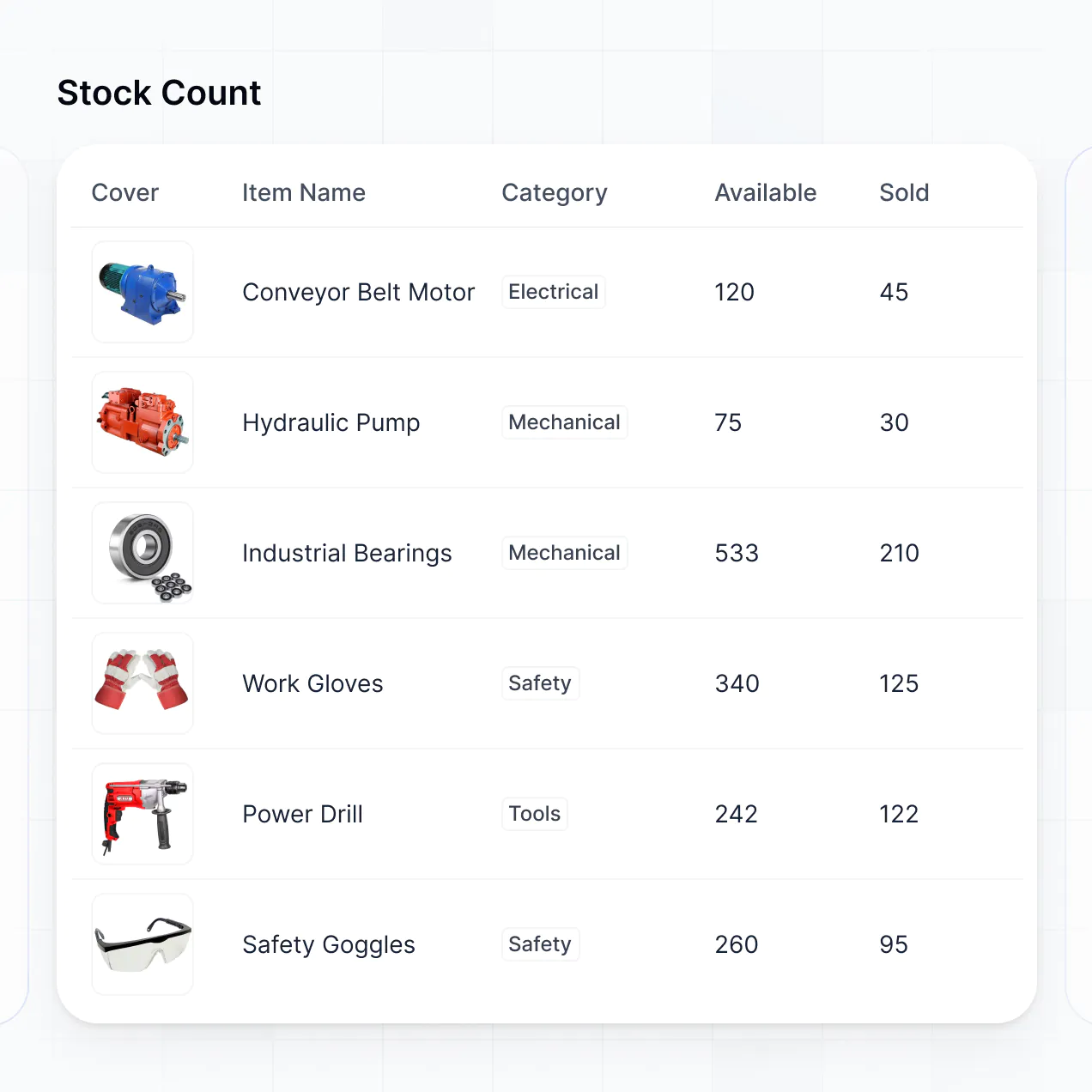
- Table blocks – for tracking production schedules, budget spreadsheets, or asset version logs.
- Detail View – to provide a deep dive into an asset, showing meta tags, usage rights, and high-res previews.
- Forms – for submitting new asset requests or creative feedback.
- Charts – to track approval speeds and production volume.
- Calendar blocks – to visualize campaign launch dates and content deadlines.
If your brand evolves, making design updates is as simple as using the visual editor to refresh your layout in seconds.
Softr is built to protect your intellectual property. All asset data is encrypted in transit and at rest, hosted on secure infrastructure. You maintain full control over asset visibility through role-based permissions, folder-level access rules, and global restrictions that ensure sensitive brand strategies aren't leaked.
When using Softr Databases, your files and metadata are stored in a secure, SOC 2 Type II compliant environment in Germany. If you link to external storage like Airtable or SQL, Softr serves the content in real-time through secure tokens without permanently storing your proprietary files on our servers (unless you choose native hosting). This ensures you remain the primary owner and controller of your creative work at all times.
Yes, it is completely production-ready. While some AI tools output raw code that is difficult for non-developers to scale, Softr builds your creative asset management app on top of a robust, enterprise-grade architecture.
We handle the critical infrastructure—like secure image hosting, user authentication, and granular access levels—natively. This avoids the "Day Two" maintenance trap common with loose code; you get an instantly generated app that is secure, fast, and ready to handle high-resolution assets for your entire design department from day one.
Softr is the first AI-native platform specifically optimized for business logic. Unlike basic "vibe coding" tools that produce brittle code or traditional no-code platforms that require weeks of setup, Softr’s AI Co-Builder generates a fully functional creative asset system in minutes on a secure foundation.
Our hybrid approach is the differentiator: you use AI to rapidly generate your asset database and UI, then use our visual editor for pixel-perfect adjustments. You benefit from the speed of AI while relying on the stability of built-in business features like secure roles and file permissions. It’s the only solution designed for non-technical creative leads who need to move from a workflow idea to a live production folder in one afternoon.
Yes. Softr supports native workflows and deep integrations to connect your assets to your entire software stack. You can use Softr Workflows to automate manual tasks, or integrate with tools like Stripe for asset sales or Intercom for design support. Softr also provides a REST API and webhooks to connect to your preferred design software.
Whether you need to automatically sync brand assets to a marketing platform, trigger an email when a creative project is ready for review, or pull in campaign data from external sources, you can build these automations directly into your portal without any coding.
Describe what you need. Softr's AI builds your asset management tool in minutes. Get started free.