Build a construction client portal with AI
Create a secure portal to manage your operations and provide more transparency to your clients. Fast, easy, and no code required.
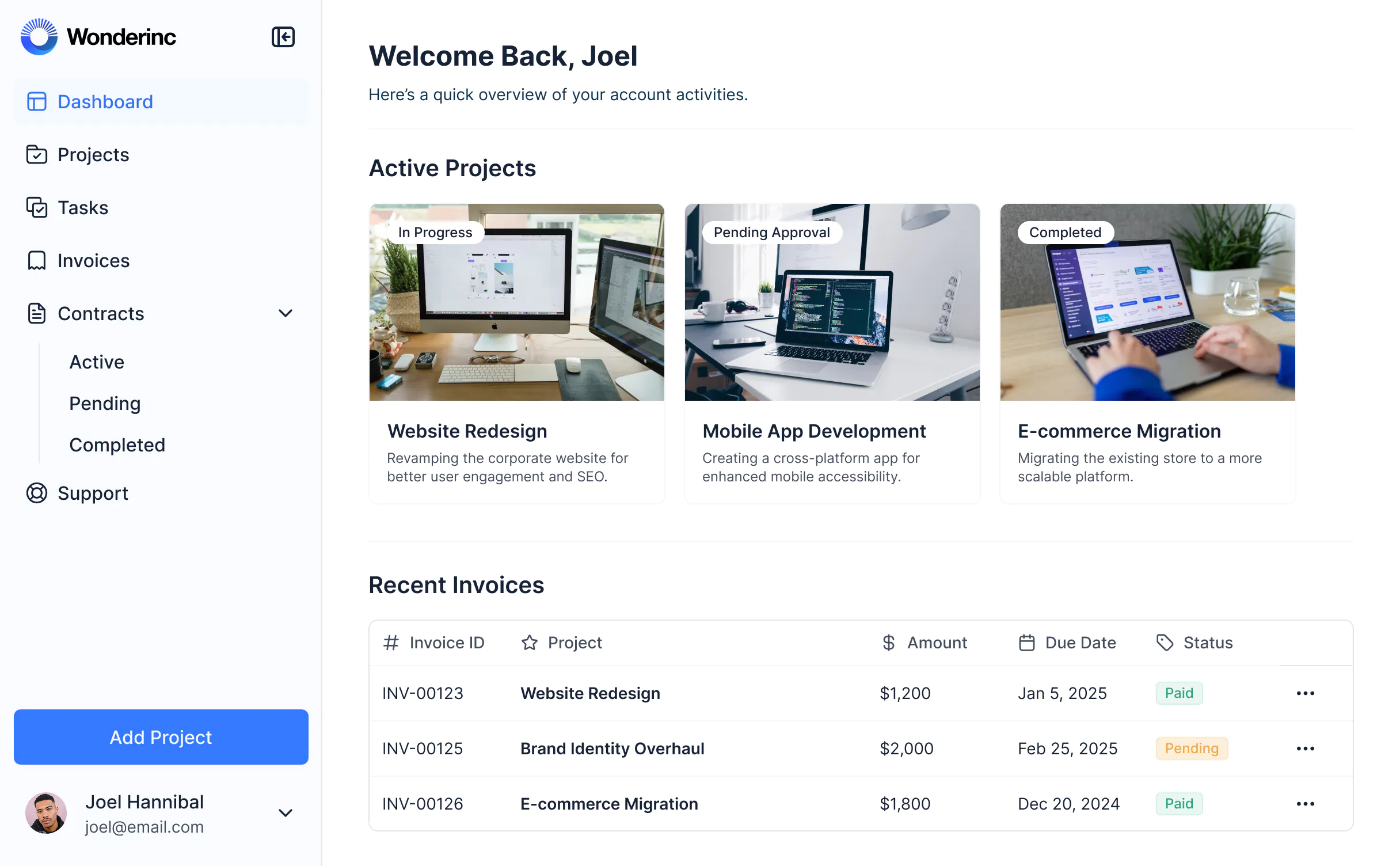




Bring client and project data together in real-time
Organize everything—and everyone—in one place. Use Softr's built-in databases to power your construction portal, or build on top of any data source with 17+ native data integrations.
Add only the views and features you need
Construction projects are complex—your client portal shouldn’t be. Use AI to generate a portal, then customize layouts, logic, and permissions as you need.


A construction client portal that scales with you
Create a personalized, secure experience for every client, all within a single portal. Tailor the look and feel to align with your brand.
Branding
Deliver a professional portal that reflects the look and feel of your brand (and impresses your construction clients).
Works on any device
Turn your portal into a downloadable mobile app in one click with Softr’s PWA feature—no extra design work needed.
Automations
Use Softr Workflows to automate processes across your app—or connect to Make, Zapier, n8n and more.
User groups
Create custom user groups and separate logins to provide different views and access levels for your team and clients.
Advanced permissions
Customize who sees what, and which actions they can take, even at the most granular level.
Security
Protect client information from security threats. Softr is fully compliant with SOC2 and GDPR regulations.
Go from zero to app, incredibly fast
Connect to your data in seconds
Integrate with your spreadsheets and databases, including Airtable, SQL, Hubspot, Google Sheets, Supabase, BigQuery, and more—in just a few clicks. Your data is always secure and in sync.
Customize layout and logic
Drag and drop customizable building blocks with various views and functionalities. Granular permissions allow you to control what data each user can access, and which actions they can take.
Publish and launch
Ship applications that your team will love in minutes or hours, instead of days or weeks. Deploy on both desktop and mobile.


Frequently asked questions
A construction client portal is a secure, centralized hub where clients can log in to view project updates, track timelines, share and sign documents, see invoices, and communicate with your construction team. It brings all the details of a project into one professional space, instead of relying on scattered emails or spreadsheets.
A construction client portal is used to give clients a single place to follow project progress, review budgets, share documents, and communicate with contractors. Instead of searching for updates in email chains or phone calls, clients can log in to check timelines, approvals, and payment schedules.
Construction companies use portals to keep clients informed, manage documents (contracts, change orders, invoices), and improve transparency across projects. With Softr, you can build a custom construction client portal in hours and connect it to the tools you already use.
A construction portal makes projects easier to manage and improves the client experience. The main benefits are:
- Better client experience: Clients can check project updates, contracts, or invoices anytime without waiting for calls or emails.
- Time savings for teams: Less back-and-forth on status updates or missing documents.
- Security: Project and financial data stays protected behind secure logins.
- Transparency: Clients and contractors always know the latest progress, approvals, or changes.
- Professional look: A branded portal builds trust and strengthens your company’s reputation.
With Softr, you also get the benefit of building and customizing your construction portal quickly, without needing developers.
A good construction portal should make it easy to track progress, manage documentation, and keep communication clear. The most important features include:
- Secure logins and permissions to ensure clients only see their own project information.
- Project dashboards and timelines to give visibility into milestones and deadlines.
- Document and file sharing to upload contracts, change orders, permits, drawings, or invoices.
- E-signature and PDF download to allow clients to sign change orders digitally and download project documents.
- Invoice and payment tracking to keep billing and payment status organized.
- In-app commenting to keep all project communication tied to the right job.
- Customization to brand the portal with your company’s logo and colors.
- Integrations and data flexibility to connect with project management or financial tools, or manage data directly in Softr Databases.
- AI assistance to let clients and project teams query data, generate progress summaries, or get instant answers.
With these features, a construction client portal becomes a single source of truth—and a much easier way to manage clients and projects.
Building a custom construction client portal doesn't require coding from scratch or buying vertical software. Today, you can create a fully functional construction client portal with Softr's AI Co-Builder — no coding required.
Here's how it works:
- Generate your app from a prompt: Describe what you need and the AI Co-Builder generates a fully functional app — database, business logic, and utility pages (like login, password reset, and account settings) already included.
- Refine to your needs: Switch between prompting and visual editing to customize logic, control who sees and edits what, add features, and scale as your business evolves — all on your own, no developers needed.
- Customize branding: Add your logo, colors, and domain so the construction client portal reflects your brand.
- Add workflow automation: Use Softr Workflows to automate tasks like sending reminders, issuing certificates, or notifying instructors. You can also add Softr Forms to collect info and trigger workflows.
- Launch and iterate: Publish in minutes, then update or expand your construction client portal as your needs and workflows expand.
Softr's AI Co-Builder generates a Softr database schema when it builds your construction client portal app, so if you're starting from scratch, your data structure is ready to go. You can add or import data directly, no migration needed.
If you already have data elsewhere, Softr connects to 17+ sources including Airtable, Google Sheets, HubSpot, Notion, MySQL, PostgreSQL, monday.com, ClickUp, and more — or connect any system through the REST API connector.
Either way, your construction client portal stays in sync with your data in real time.
Yes. With Softr's AI Co-Builder, you can describe what you need and get a custom construction client portal back — database, logic, and UI included — without writing a single line of code.
Softr creates a data schema for you where you can easily add or import your own data or connect to existing tools. After the AI Co-Builder generates your app, you can customize pages (through prompting or visual editing), refine users and permissions, tweak styling, and automate with Softr Workflows — all without a developer.
Most construction client portal tools are either too rigid, too expensive, or fall apart the moment real users and real data are involved. Softr is different because it's built for actual business use from day one. Describe what you need, and the AI Co-Builder generates a fully functional app — database, logic, and UI already connected. No generated code to debug, no developer needed to make it production-ready. From there, you stay in control: customize through prompting or visual editing, manage data in Softr Databases or connect to existing tools, set up role-based permissions, and automate processes with Softr Workflows. As your company grows, your app grows with it — without starting over or calling in a developer.
Most construction client portal tools are either too rigid, too expensive, or fall apart the moment real users and real data are involved. Softr is different because it's built for actual business use from day one.
Describe what you need, and the AI Co-Builder generates a fully functional app — database, logic, and UI already connected. No generated code to debug, no developer needed to make it production-ready.
From there, you stay in control: customize through prompting or visual editing, manage data in Softr Databases or connect to existing tools, set up role-based permissions, and automate processes with Softr Workflows. As your company grows, your app grows with it — without starting over or calling in a developer.






