This free template from Softr helps you build a custom customer feedback portal, fast, no coding required.
Data sources supported





.svg)


Resources


No items found.
Overview
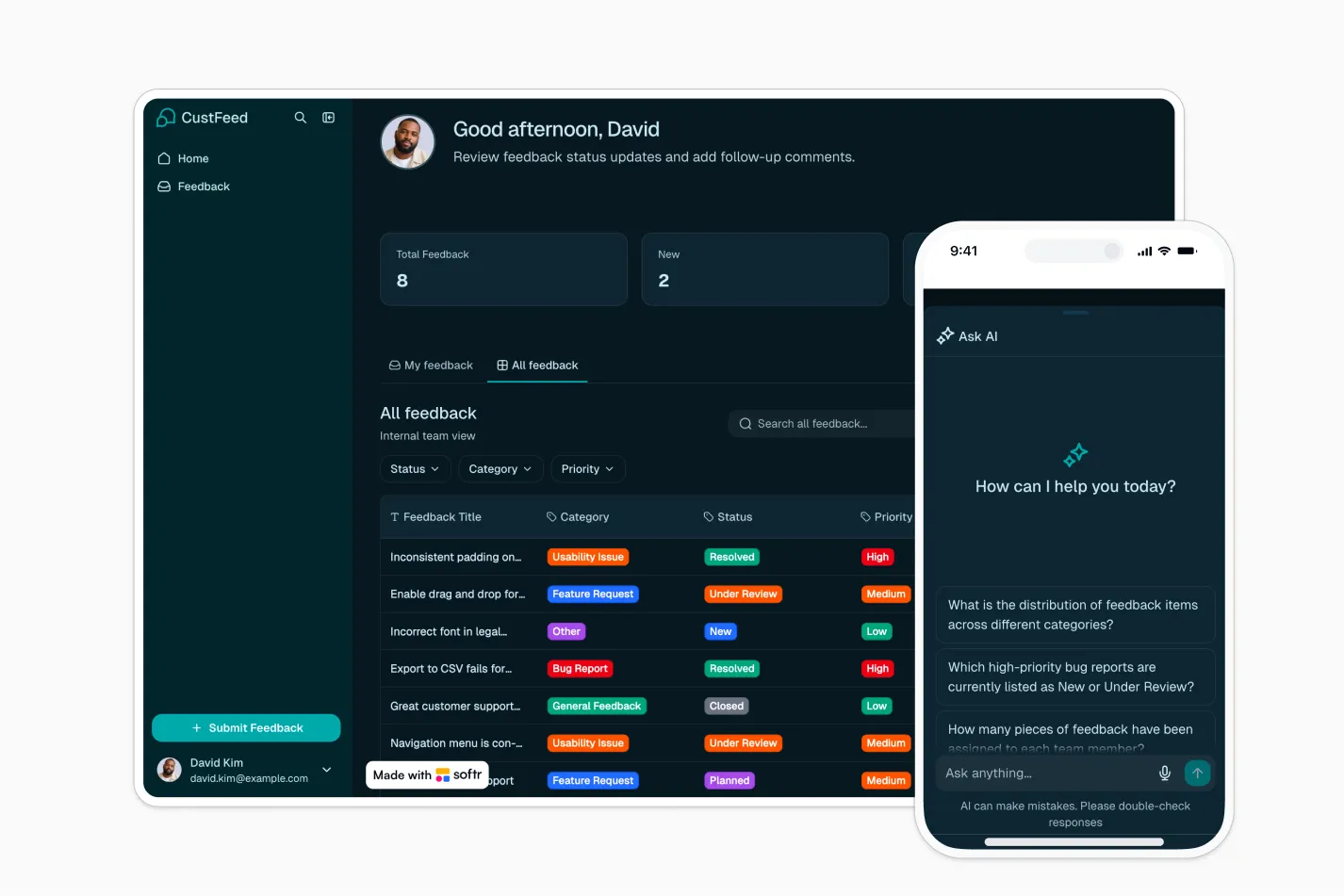
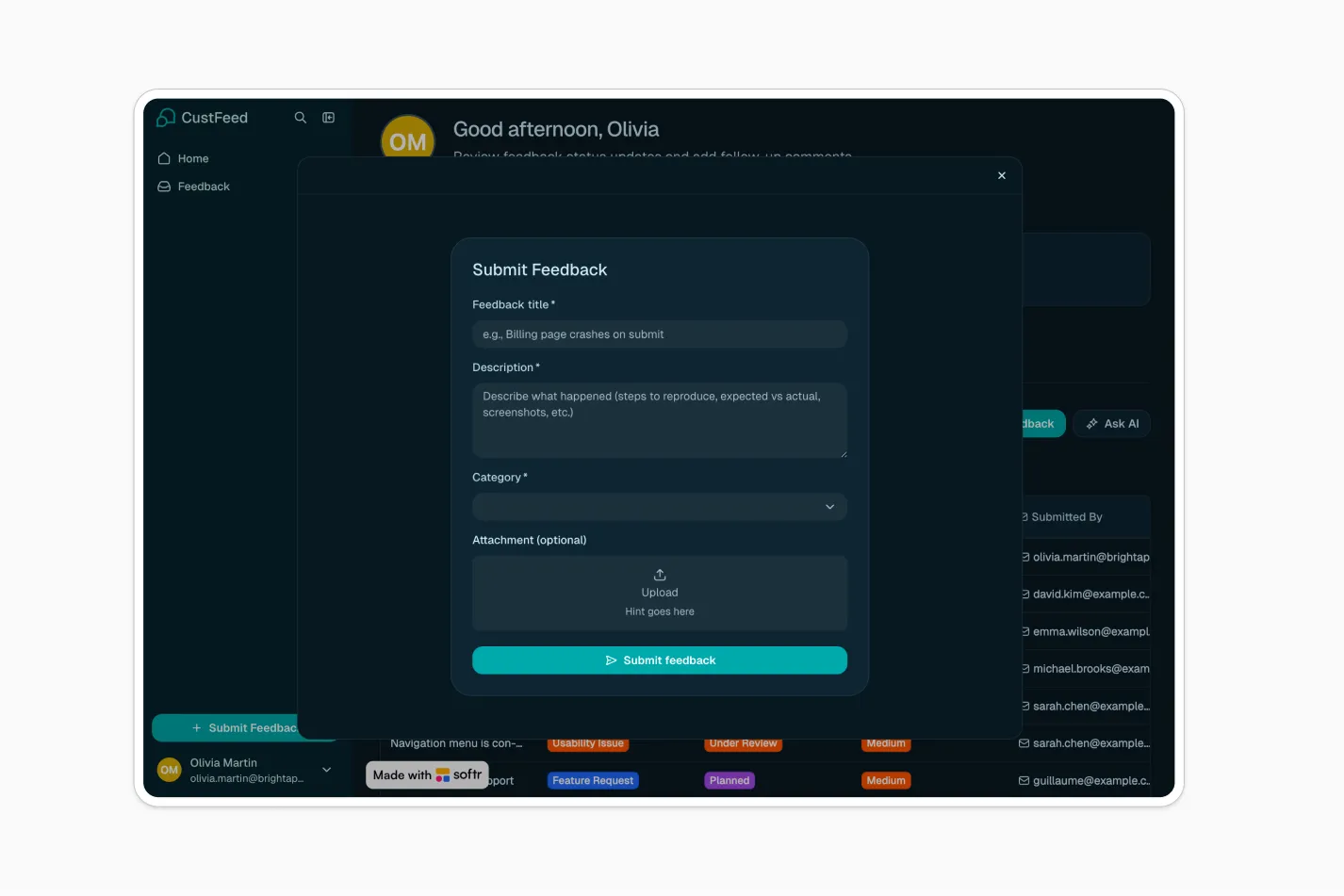
This free template helps you build a customer feedback portal where customers can submit feedback, track their own submissions, and add comments for clarification.
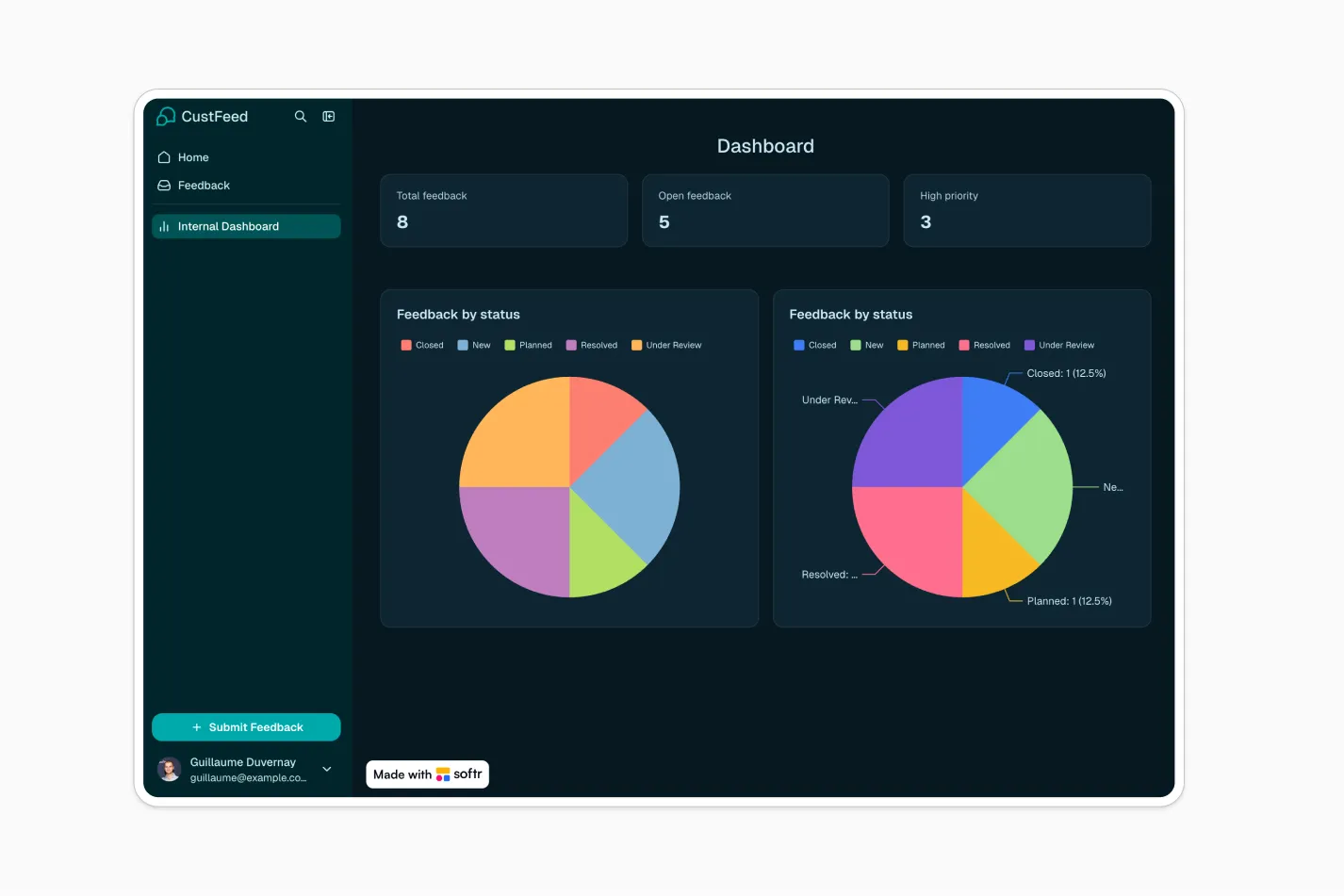
It also gives your internal team one central dashboard to review, prioritize, assign, and manage all feedback through a clear status workflow.
Why use this customer feedback portal template
- Centralize customer feedback: Collect product ideas, bug reports, feature requests, and general feedback in one organized portal.
- Give customers visibility: Customers can log in to view only their own feedback, check status updates, and continue the conversation in context.
- Streamline internal review: Your team can filter feedback by category, priority, status, or owner, then move each item from New to Closed.
Template features:
- Feedback submission form
- Customer feedback tracking
- Internal management dashboard
- Status workflow
- Priority and category management
- Owner assignment
- Comments and follow-up
- Role-based access
Who is this customer feedback portal template for?
This template is built for teams that want a simple, secure way to collect customer feedback and manage it without relying on scattered forms, inboxes, or spreadsheets. It's a great fit for:
- SaaS and software companies: Collect feature requests, bug reports, and product feedback from customers while keeping your team aligned on priority and status.
- Customer success teams: Track follow-up questions, clarify requests, and keep customers updated on feedback progress.
- Product teams: Review feedback by category, priority, and customer context to inform roadmap planning.
- Support teams: Turn recurring customer issues into structured feedback items that can be reviewed and resolved.
- Agencies and service businesses: Give clients a dedicated place to submit suggestions, requests, and improvement ideas.

“What we love most about Softr is the instantaneous, customizable power a no-code platform allows.”

- 1
- 2
- 3
- 4
Frequently asked questions
What is a customer feedback portal?
What can I track in this customer feedback portal template?
Can customers see feedback submitted by other customers?
How do I edit or customize this template?
What data sources does this customer feedback portal integrate with?
Why build a customer feedback portal with Softr?