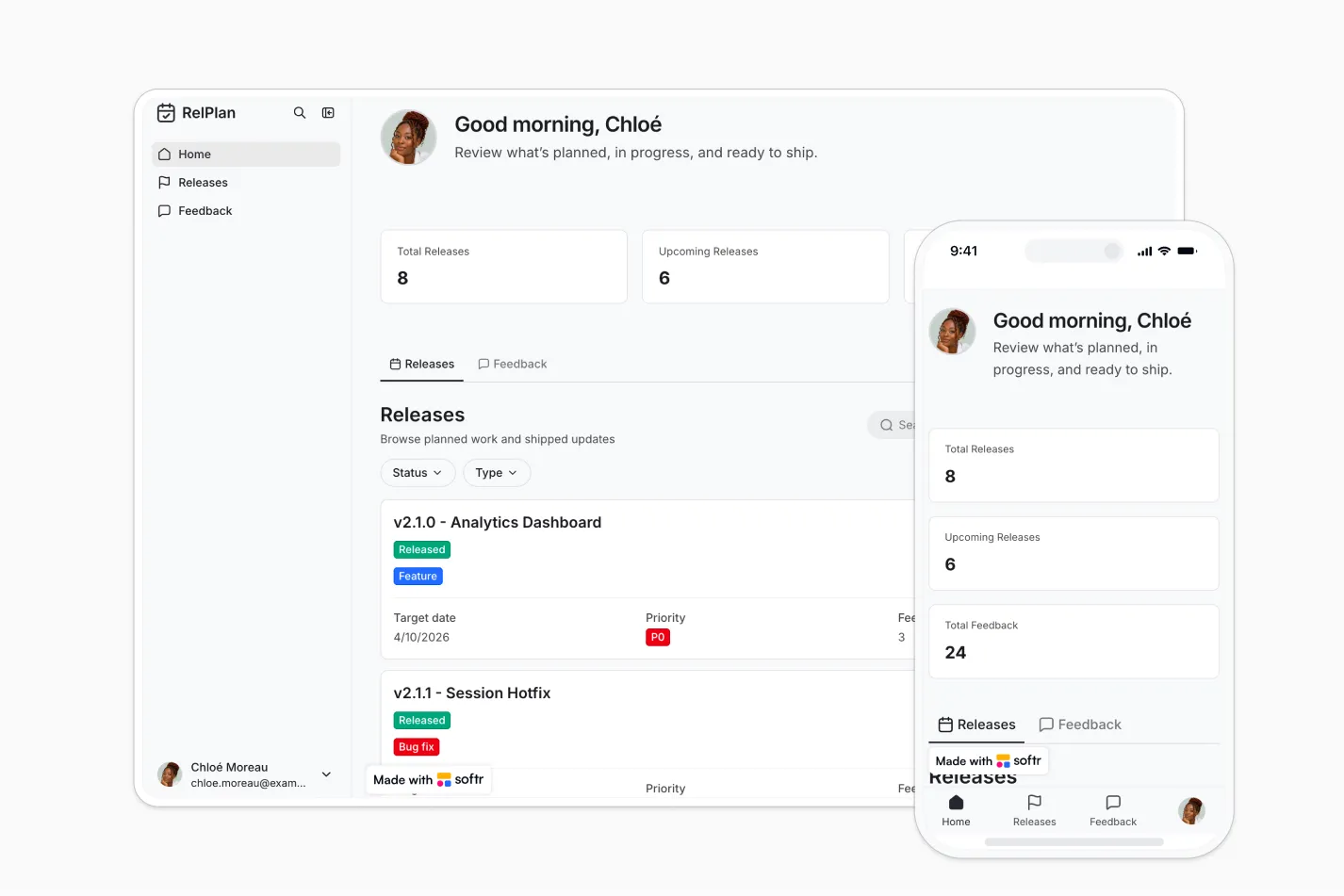
This free template from Softr helps you build a custom release planning app, fast, no coding required.
Data sources supported





.svg)


Resources



No items found.
Overview
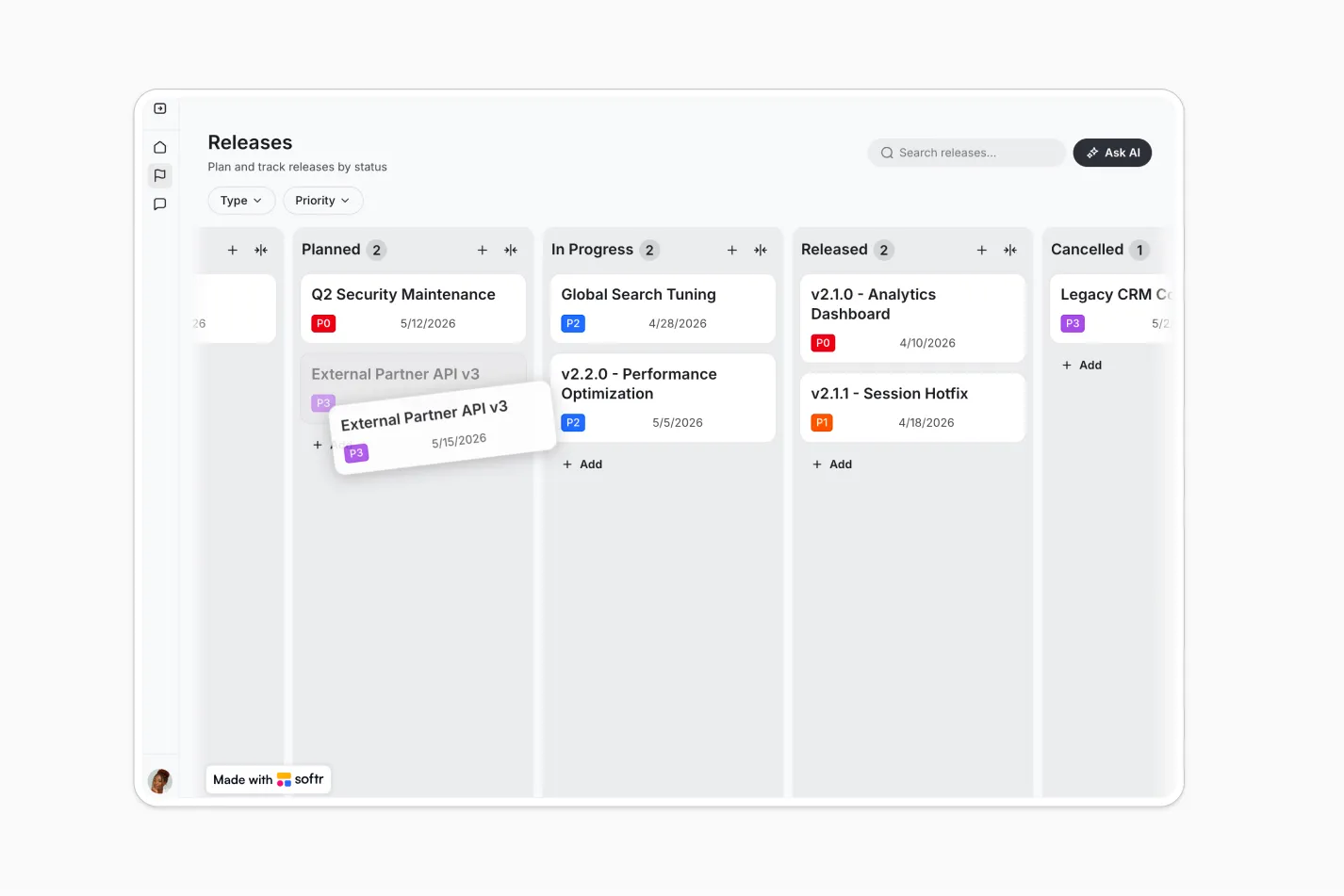
This free template helps you build a release planning app where product teams can manage launches, track key dates, and organize features, improvements, and bug fixes.
Employees can browse releases in a read-focused view and leave comments or feedback, giving your team a simple way to keep everyone aligned.
Why use this release planning template
- Centralize release planning: Manage release details, statuses, dates, and updates in one structured workspace.
- Keep employees informed: Give teams across the company a clear view of what is shipping, what changed, and what is coming next.
- Collect actionable feedback: Let employees comment on releases so product teams can capture questions, reactions, and improvement ideas.
Template features:
- Release management
- Status tracking
- Key date visibility
- Employee release view
- Feedback collection
- Role-based access
- Organized release categories
- Centralized launch communication
Who is this release planning template for?
This template is built for teams that need a simple way to plan product releases, share launch updates, and gather internal feedback. It's a great fit for:
- Product teams: Plan releases, group related work, track status, and keep launch information organized.
- Product managers: Maintain visibility into upcoming features, improvements, bug fixes, deadlines, and stakeholder feedback.
- Engineering and QA teams: View release priorities, timelines, and status updates in a shared workspace.
- Customer-facing teams: Stay informed about product changes so sales, success, and support teams can prepare customers effectively.
- Growing companies: Replace scattered docs and spreadsheets with a secure release hub that supports structured collaboration.

“What we love most about Softr is the instantaneous, customizable power a no-code platform allows.”

- 1
- 2
- 3
- 4
Frequently asked questions
What is a release planning app?
Why should teams use a release planning template?
Can employees leave feedback on releases?
How do I edit or customize this template?
What data sources does this release planning app support?
Is Softr secure enough for internal product planning?