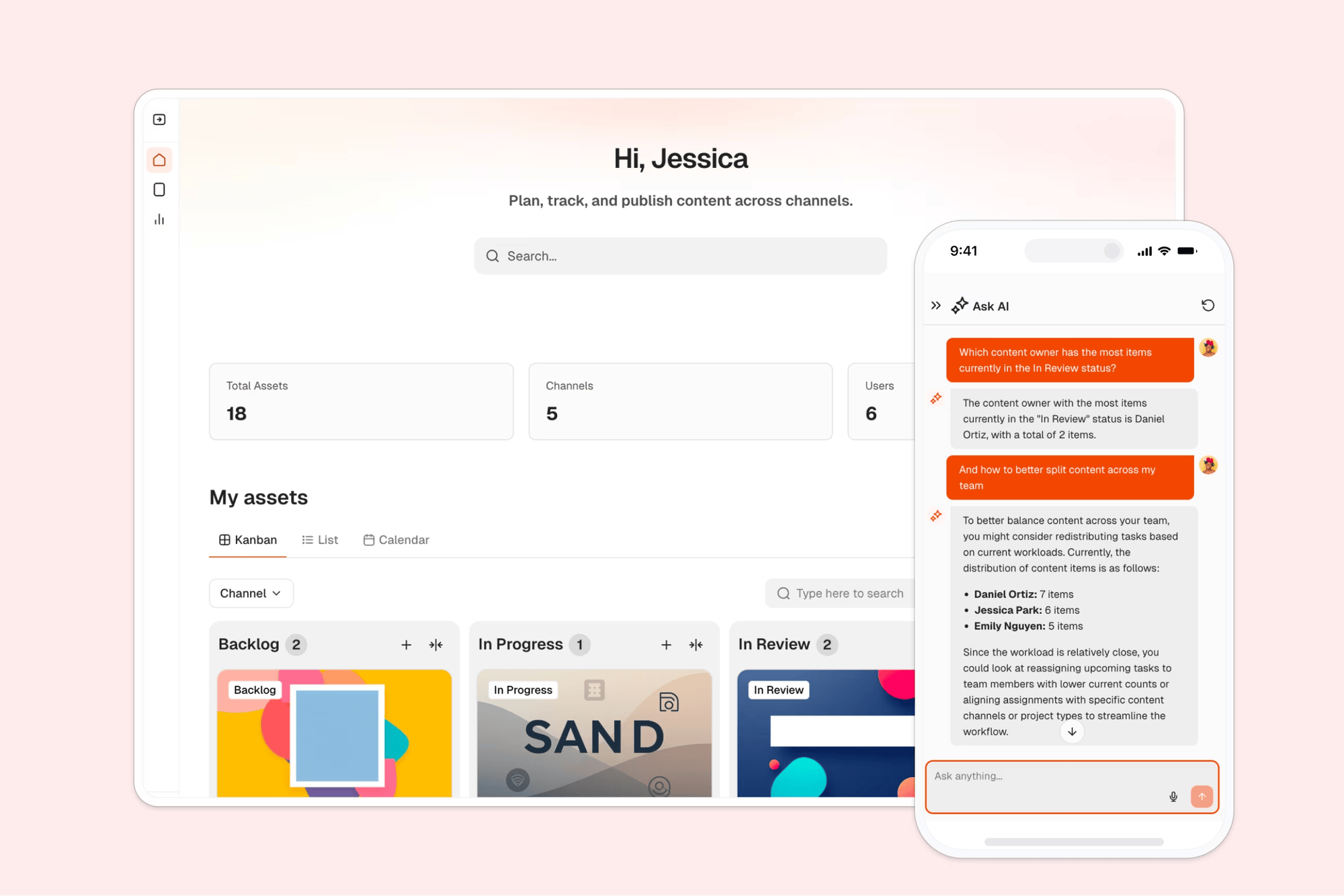
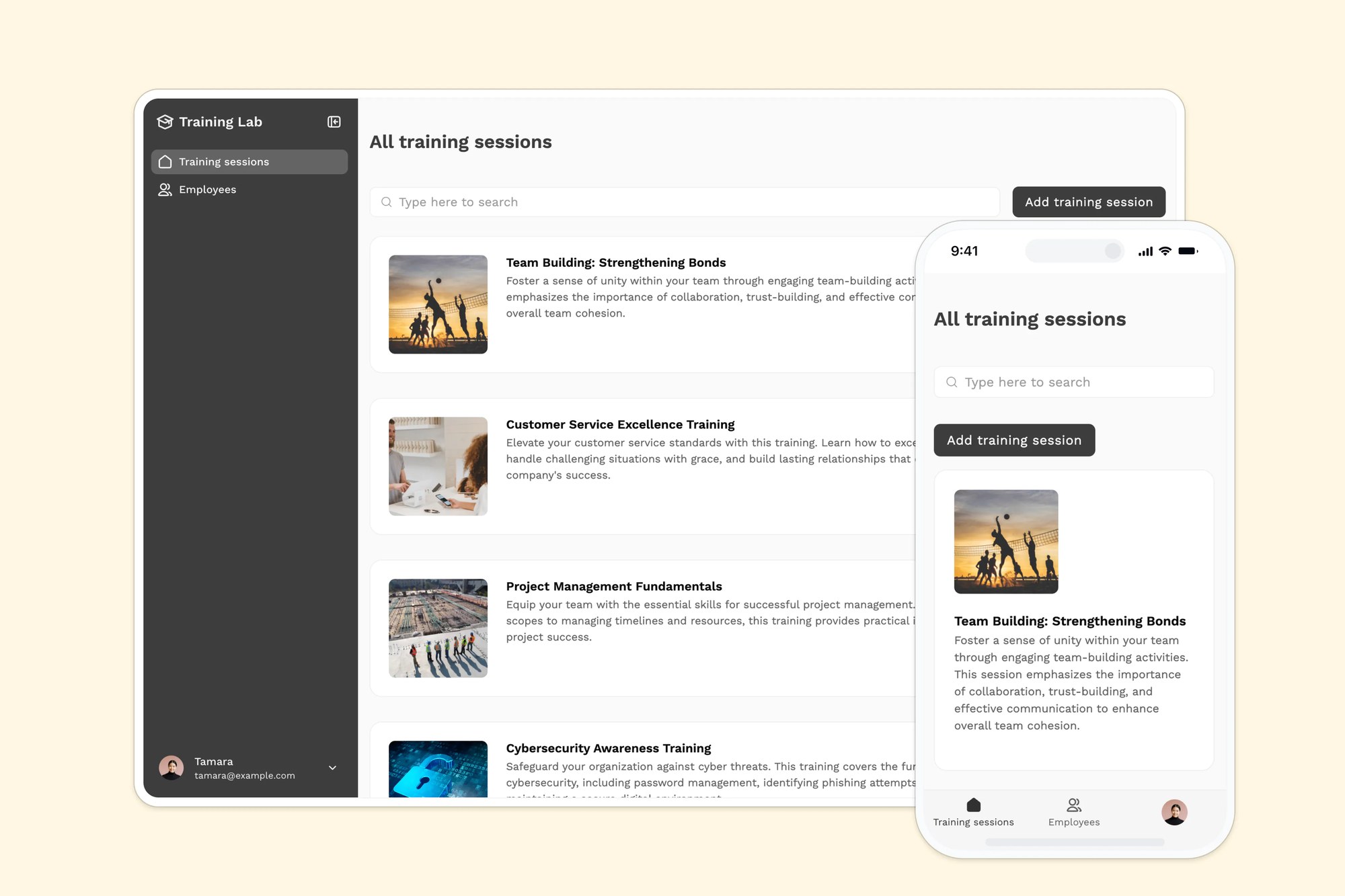
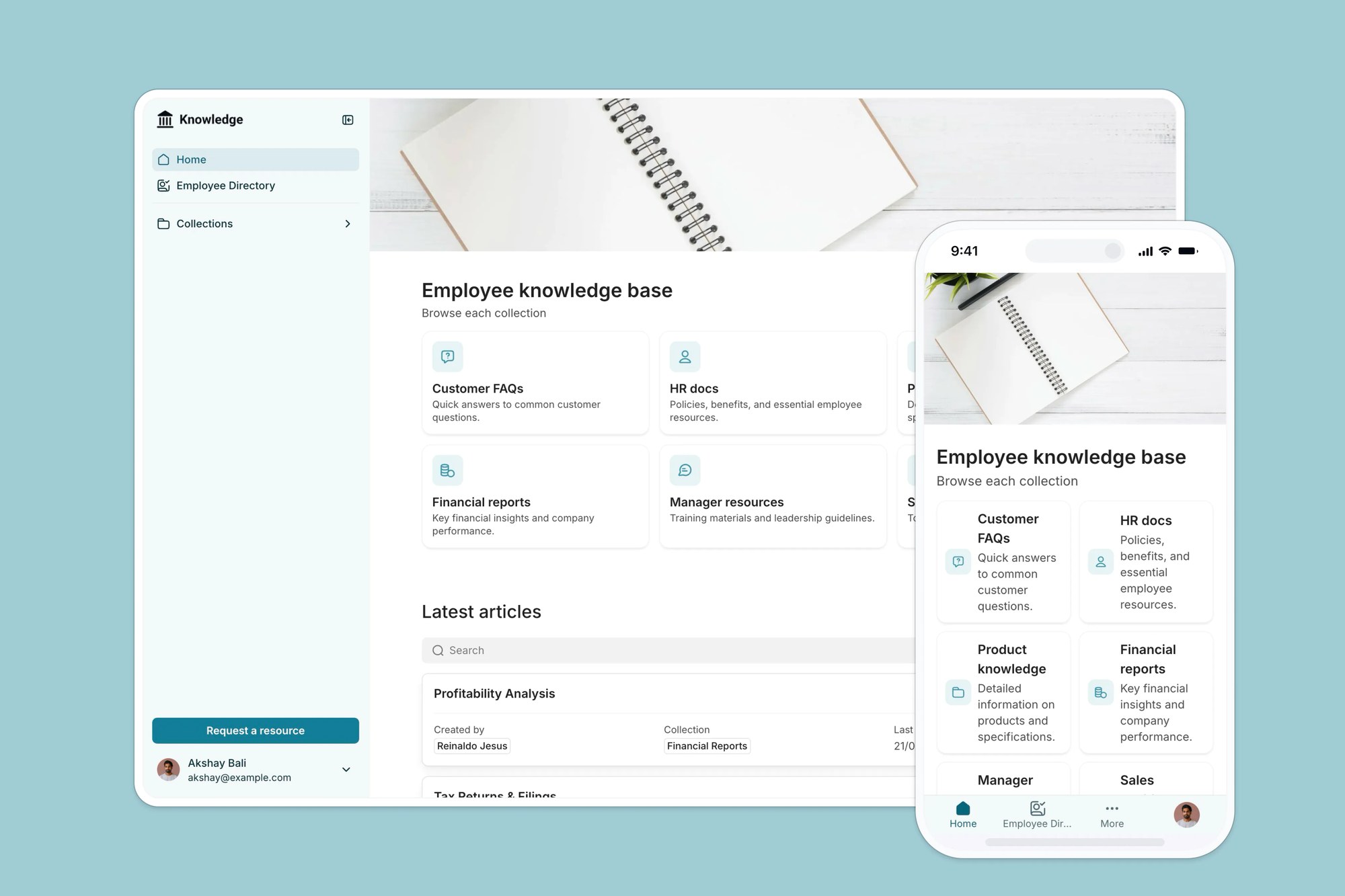
Build a custom student portal with a built-in Softr Database, no coding required. Connects natively to Google Sheets if you want to bring your own data.
Data sources supported





.svg)


Resources


Overview
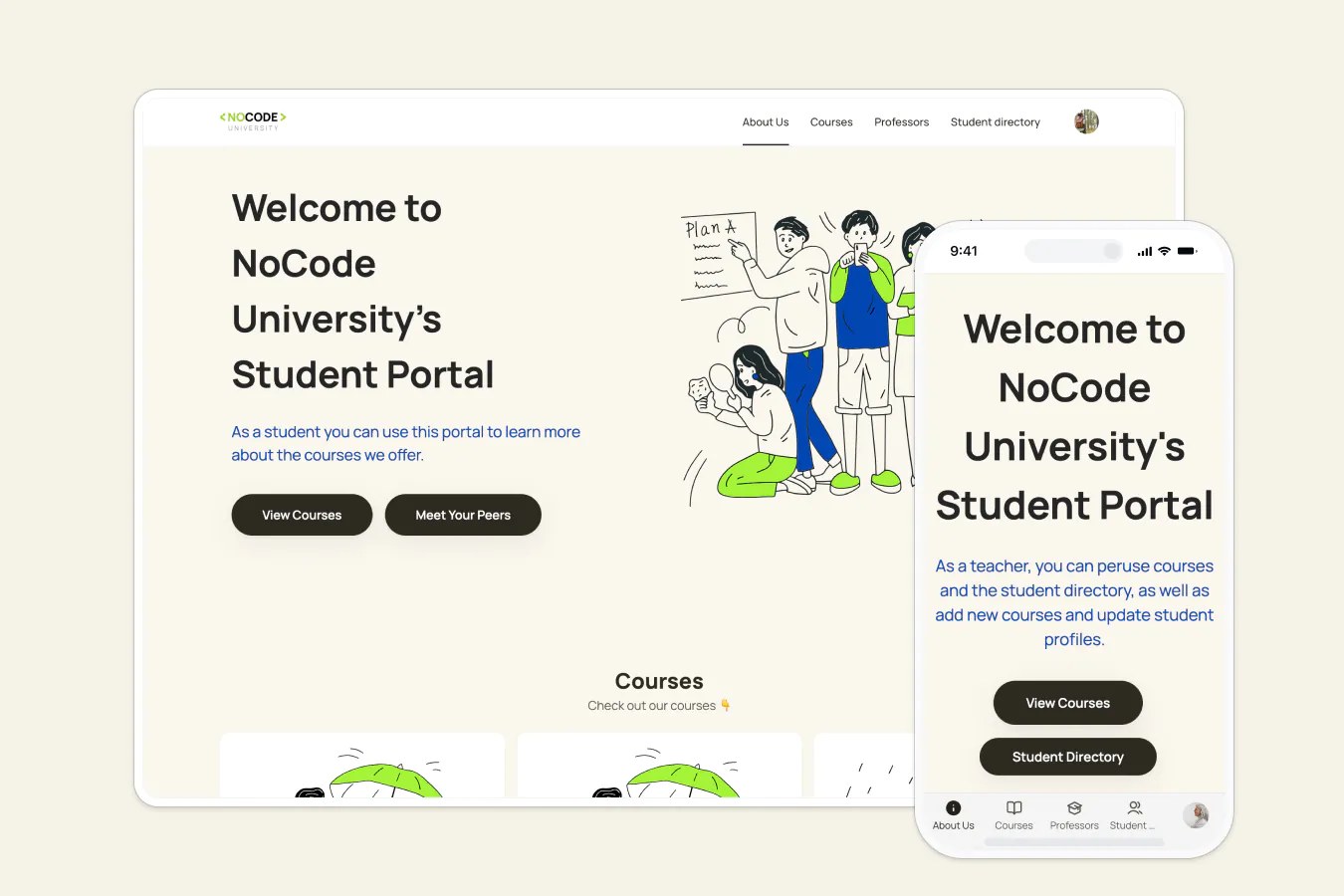
This free template lets you build a custom student portal so students and faculty can stay organized without relying on clunky email chains or scattered files.
It comes with a built-in Softr Database and sample data showing how to structure a student portal, from courses and faculty directories to shared documents. If you already track student or course data in Google Sheets, Softr connects to it natively, so you can keep your existing spreadsheet and power the same app without migrating anything.
Why use this Google Sheets student portal template
- Centralize student tools and communication: Keep course materials, schedules, and assignments in one place, no more jumping between systems.
- Give different users personalized access: Set up permission-based views so students, faculty, and staff only see what's relevant to them.
- Adaptable for schools of any size: Whether you're a small cohort or large institution, you can customize and scale the portal as your needs evolve.
Template features:
- Role-based access
- Course & schedule management
- Document sharing
- Student and professor directories
- Search and filter
- Works on any device
- Automated workflow notifications
Who is this Google Sheets student portal template for?
This template is ideal for schools, training programs, or any learning community that wants to organize student resources and improve communication.
- Universities & colleges: Centralize faculty directories, course materials, and student portals by department.
- Tutoring & test prep programs: Share schedules, study guides, and instructor info with each student group.
- Vocational & adult education: Give learners easy access to job training materials, workshop schedules, and support services.

“What we love most about Softr is the instantaneous, customizable power a no-code platform allows.”

- 1
- 2
- 3
- 4
Frequently asked questions
Can I use this if I’m not a developer or designer?
Do I need to use Google Sheets to run this template?
Can students access the portal from their phones?
Can I control who sees what information?
Is the student portal customizable for my school?
Can I customize this template using AI instead of building it manually?