This free template from Softr helps you build a custom job listing website, fast, no coding required.
Data sources supported





.svg)


Resources


Overview
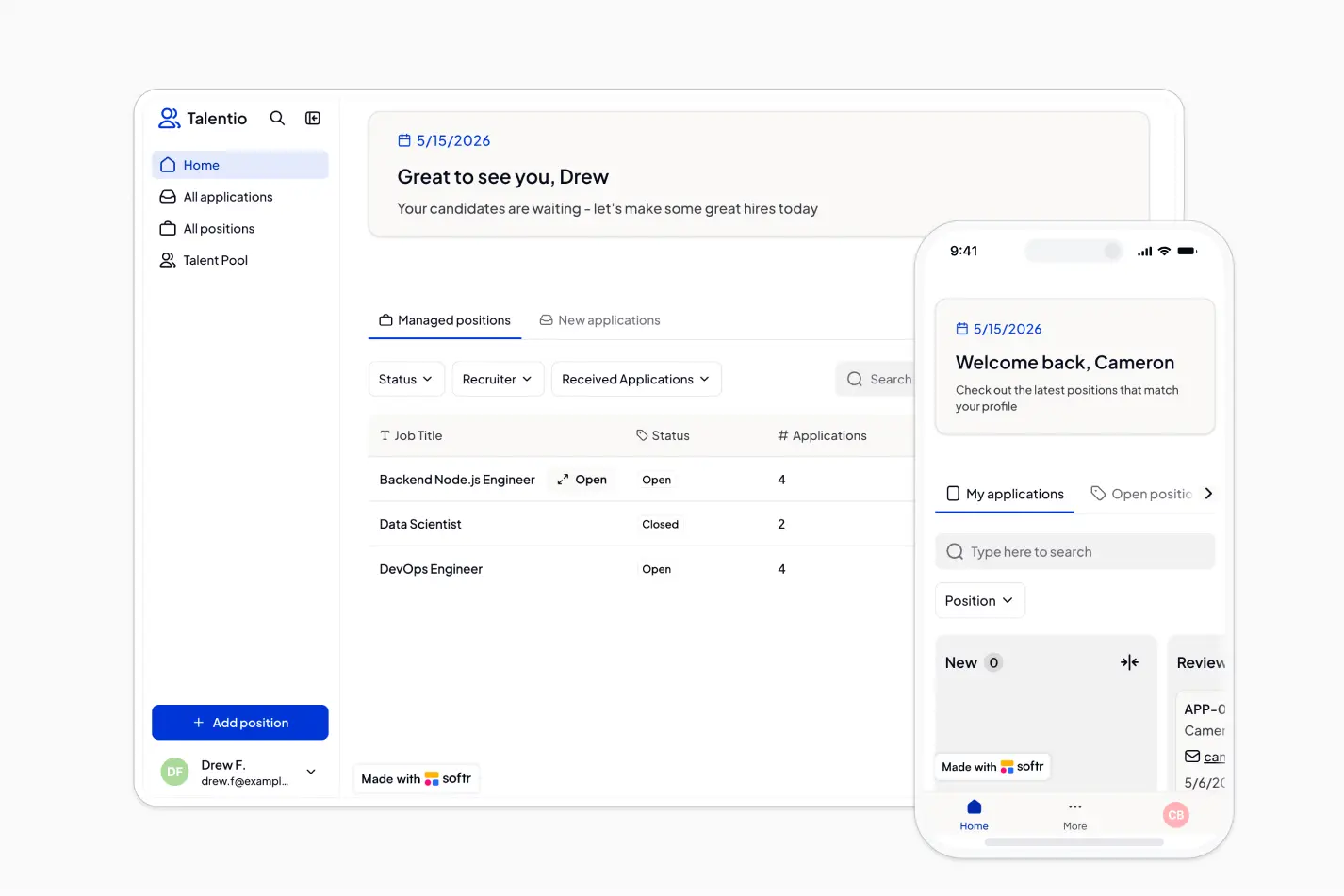
This free template helps you build a job listing website with a public careers page, candidate application flow, and private workspaces for recruiters and talent.
It includes a sample database for managing users, positions, applications, resumes, recruiters, and candidate profiles, and you can connect it to any Softr-supported source like Airtable, Google Sheets, Notion, monday.com, HubSpot, and more.
Why use this job listing website template
- Publish open roles quickly: Showcase job openings with detailed descriptions, posted dates, recruiter ownership, and AI-generated summaries.
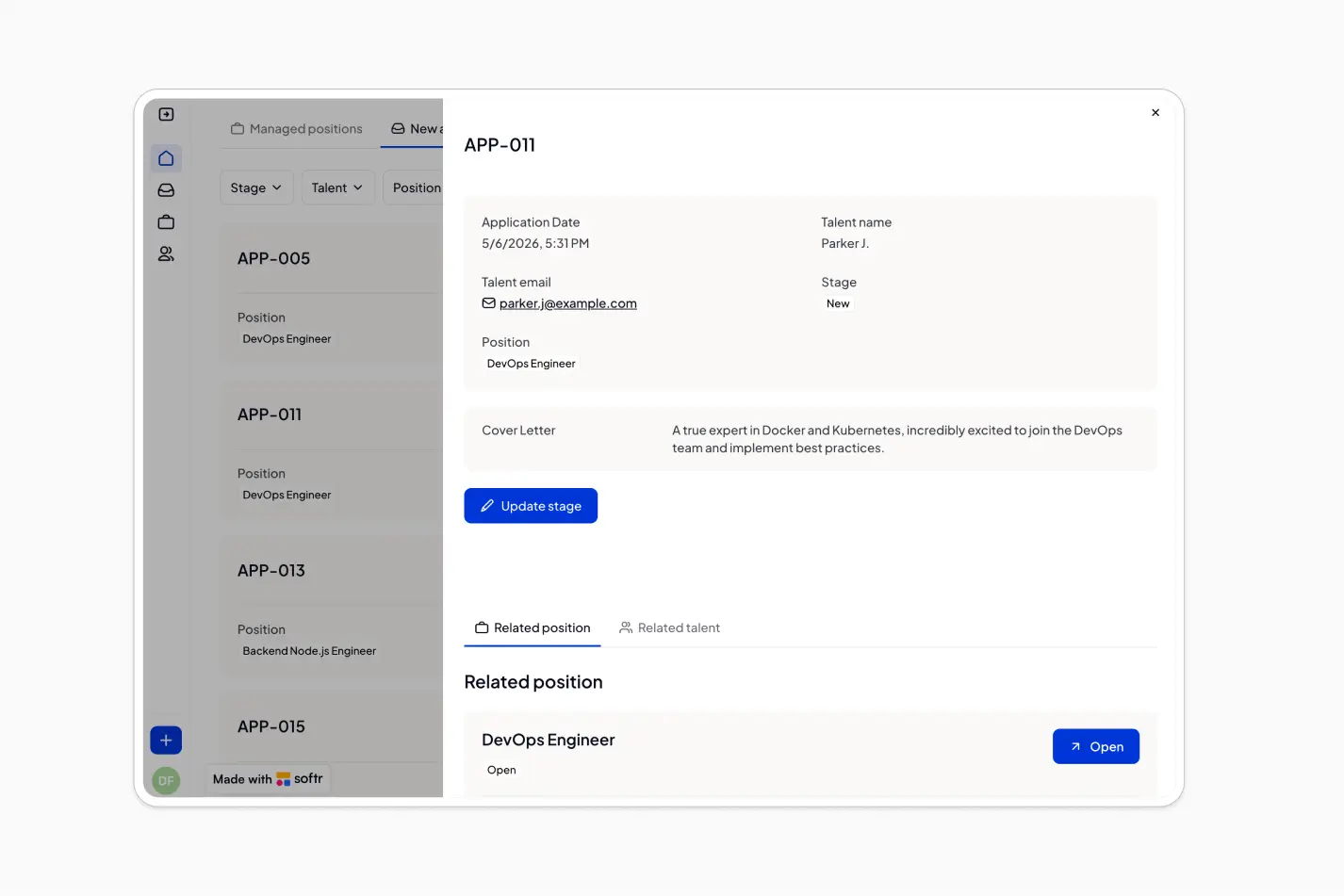
- Streamline candidate applications: Let talent sign up, submit applications, upload resumes, and track their own application stages in one place.
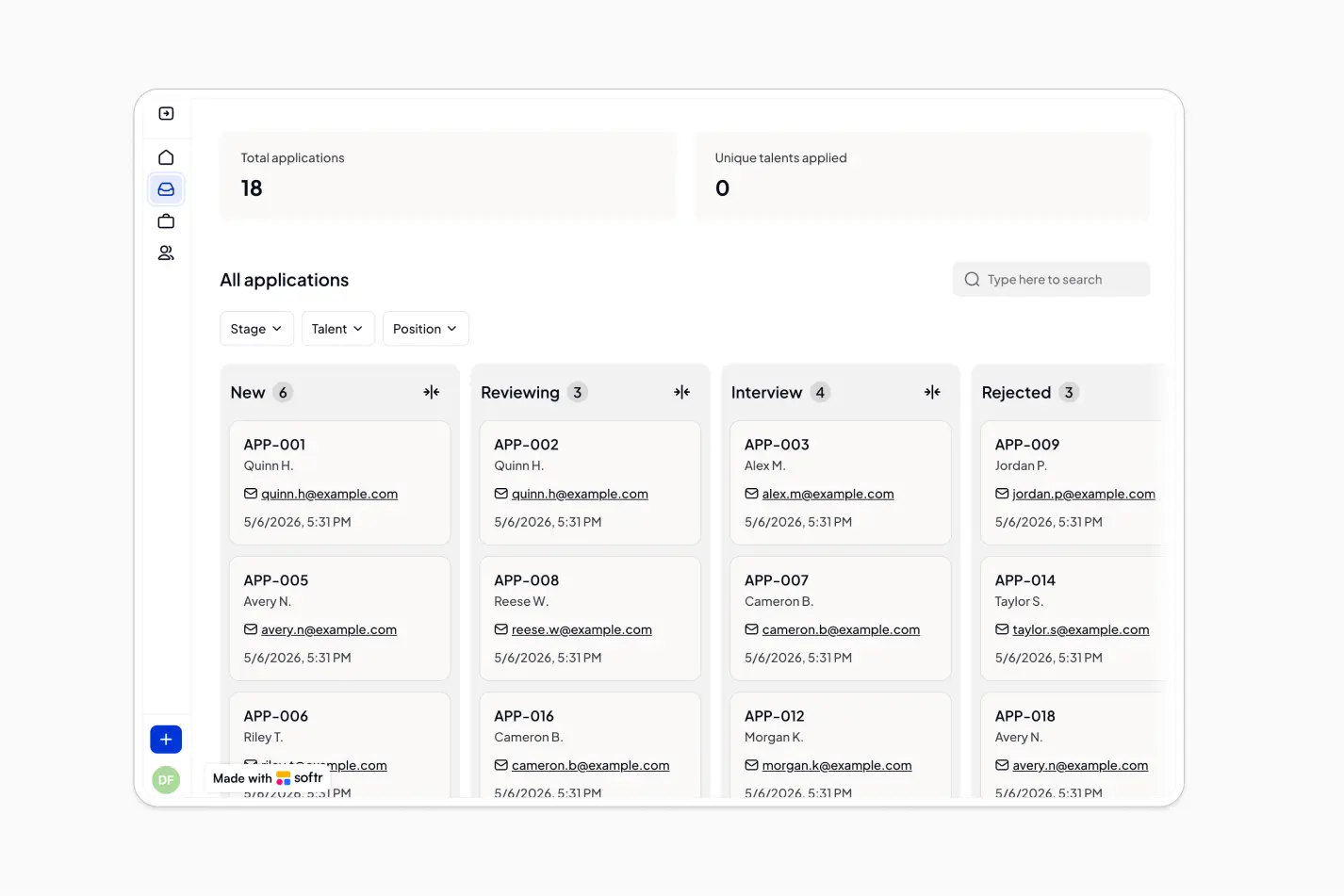
- Give recruiters a central hiring workspace: Recruiters can manage positions, review new applications, and browse the talent pool without relying on scattered spreadsheets or email threads.
Template features:
- Public job listings
- Candidate applications
- Recruiter dashboard
- Application tracking
- Managed positions
- Talent profiles
- Talent pool directory
- AI job summaries
Who is this job listing website template for?
This template is built for teams that need a simple, customizable way to publish open roles and manage applications from one secure workspace. It's a great fit for:
- Growing companies: Create a branded careers hub where candidates can browse roles and apply online.
- Recruiting teams: Track open positions, incoming applications, candidate stages, and recruiter ownership in one place.
- Staffing agencies: Maintain a searchable talent pool while managing multiple job openings and candidate submissions.
- Startups and small businesses: Replace manual hiring spreadsheets with a no-code job board and applicant tracking workspace.

“What we love most about Softr is the instantaneous, customizable power a no-code platform allows.”

- 1
- 2
- 3
- 4
Frequently asked questions
What is a job listing website?
Who can use this job listing website template?
Can candidates apply directly through the website?
How do I edit or customize this template?
What data sources does this job listing website integrate with?
Is this job listing website secure for recruiters and candidates?