Overview
This free template helps you build a custom onboarding app using your existing data, so you can skip the spreadsheets and deliver a structured, repeatable onboarding experience.
It comes with a sample database to help you structure your data for this use case. The template is flexible enough to connect with any Softr-supported data source, including Airtable, Google Sheets, Notion, HubSpot, and more.
Why use this employee onboarding template
- Centralize onboarding tasks: Help new hires stay on track by showing them exactly what needs to be done, by when.
- Streamline internal coordination: Let HR teams and managers assign tasks, upload resources, and track progress, without relying on spreadsheets or back-and-forth emails.
- Give every new hire a consistent experience: Use structured templates and checklists to ensure no step gets missed.
Template features:
- Role-based access
Provide separate logins and permission levels for admins, managers, and employees.
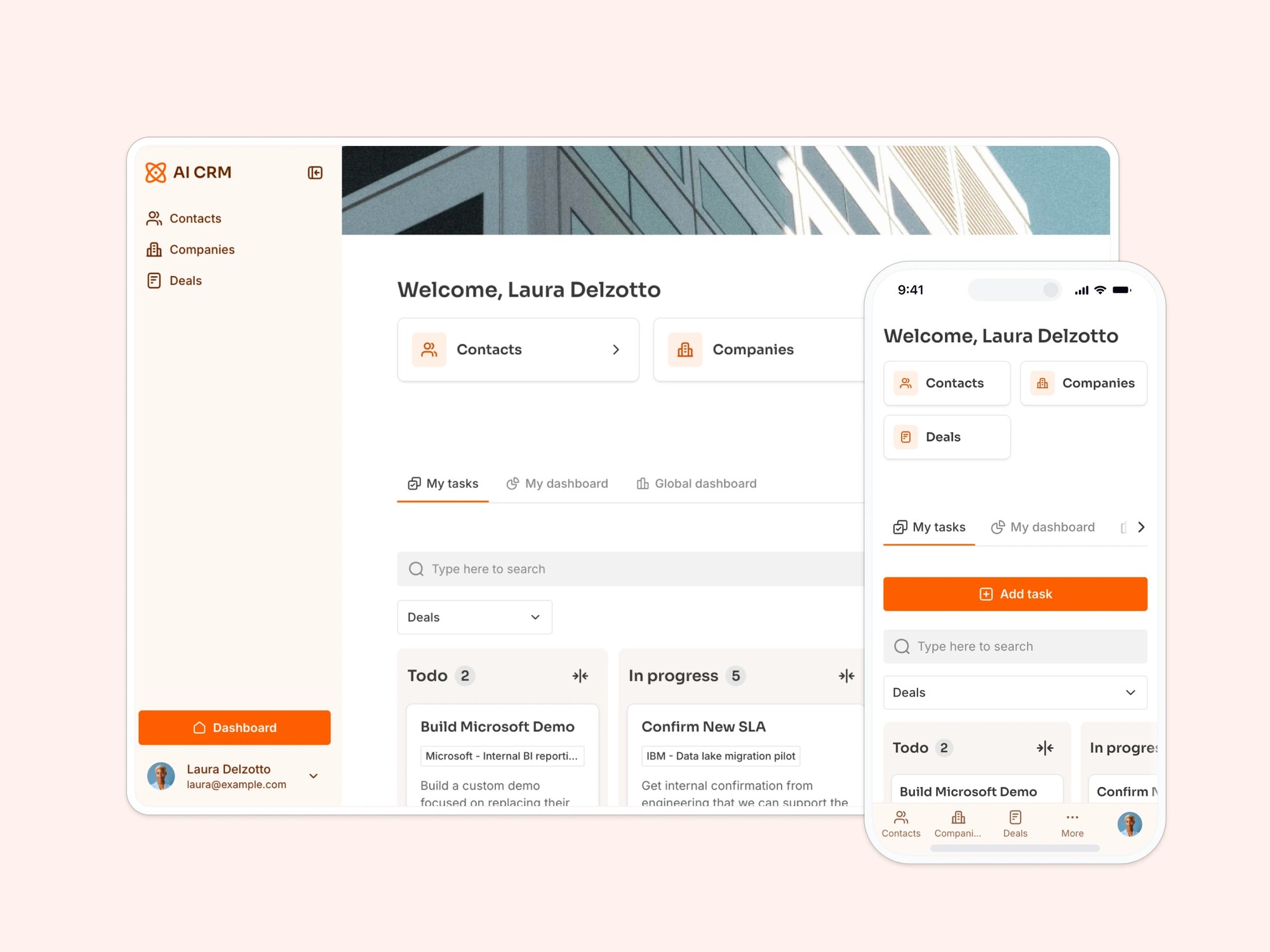
- Task management with Kanban view
Create tasks for your new team members that they can manage from a Kanban board.
- Resource sharing
Upload guides, policies, and training materials so employees can self-serve when they need help.
- Team directory
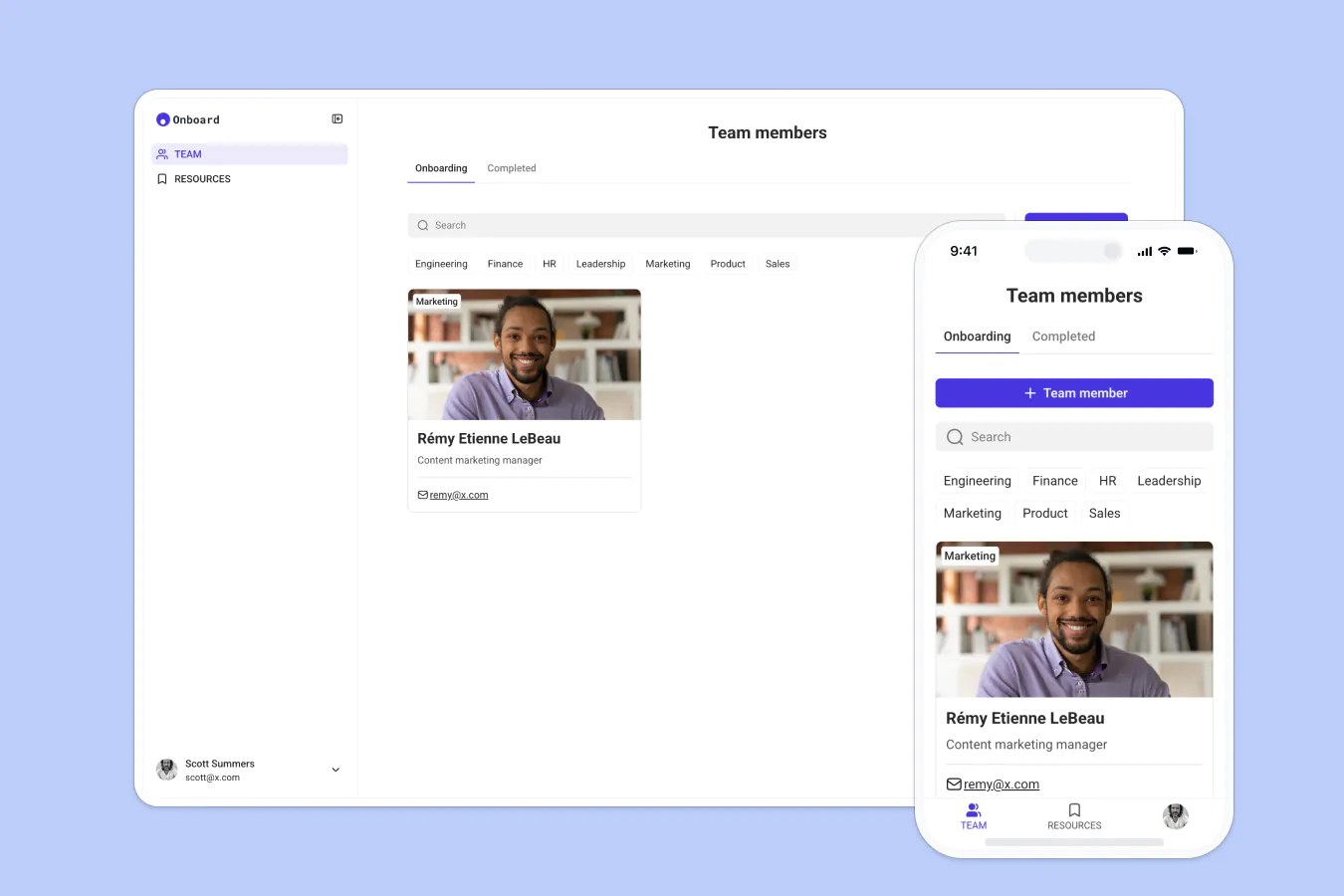
Showcase team members with photos, bios, and contact info to help new hires put faces to names.
- Search & filter
Make it easy to locate documents, tasks, or team members, no digging through folders.
- Works on any device
Allow users to access the platform from any device with a fully responsive design. You can even turn your app into a downloadable mobile app with Softr's PWA feature.
Who is this employee onboarding template for?
This template is ideal for growing companies that want to make onboarding smoother for new hires and easier for HR teams to manage.
- Startups & scale-ups: Ensure consistent onboarding without reinventing the wheel every time.
- HR teams: Assign tasks, upload docs, and track completion in one place.
- Team leads & managers: Monitor progress and support new team members as they join and onboard.
- Remote-first companies: Help new hires feel welcome and connected, no matter where they’re located.
- Freelancer or intern onboarding: Simplify short-term onboarding with tasks and resources.

“What we love most about Softr is the instantaneous, customizable power a no-code platform allows.”
- 1
- 2
- 3
- 4
Frequently asked questions
- What are the phases of employee onboarding?
While every company is different, typical onboarding includes: preboarding (before the start date), first-day setup, week-one tasks, training and compliance, team intros, and progress check-ins.
- Do I need a Softr account to use the template?
Yes, you'll need a free Softr account to duplicate the template into your own workspace.
Once it's there, you can connect it to your own data, the built-in Softr Database, Airtable, Google Sheets, Notion, HubSpot, or another supported source, without rebuilding the app from scratch.
- Can I use this for remote or hybrid teams?
Yes. Every screen works on mobile as well as desktop, so new hires can check their task list, mark items complete, and browse the team directory from any device or location.
Managers can track progress the same way, using the Team field to see each hire's department and the Onboarding completed checkbox to spot who still needs to finish. Handy when your team isn't in one office.
- Can I customize it with my company’s branding?
Duplicate the template into your Softr workspace, then prompt the AI Co-Builder with something like "match our brand colors" or "add our logo to the header." It applies the change across every screen at once.
Prefer hands-on control? Open the visual editor to adjust colors, fonts, and connect your own custom domain screen by screen.
- How do I customize this template with AI?
Duplicate the template into your Softr workspace, then prompt the AI Co-Builder to adapt it: add a new onboarding stage, change what fields show on the team directory, or apply a new theme to match your brand.
If you'd rather work by hand, the visual editor gives you full control over every screen, block, and field.
- Can I automate onboarding tasks with Workflows?

Yes. Softr Workflows let you trigger automations based on your onboarding data, no code required.
For example, notify HR automatically when a new hire's Onboarding completed checkbox gets ticked, or send a reminder to their manager if a Week 1 task is still marked To do a few days after the start date.