



[.blog-callout]
TL;DR
- Softr now connects natively to HubSpot as a data source, one of the 21+ data sources Softr supports alongside its own native Softr Databases.
- You can build client and partner portals, sales dashboards, and capture forms on top of your HubSpot data, without HubSpot's own Service Hub add-on or extra seats.
- The connection is two-way and near-instant: changes in HubSpot show up in your Softr app, and actions in your app write back to HubSpot.
- HubSpot is available on Softr's Business plan and above. [.blog-callout]
Today, we're excited to announce another major step in our journey to become a data-source agnostic platform, with the introduction of HubSpot as a data source.
Here's a video by no-code expert Demetri Panicki providing a detailed walkthrough of the integration:
Empower your business with HubSpot and Softr
For CRM-driven organizations, establishing foundational marketing and sales operations is just the beginning. Softr empowers SMB owners, agencies, and operational leaders to go a step further. Now, you can easily build custom portals, tools, and forms that leverage your HubSpot CRM data, and integrate seamlessly with a variety of other data sources (including Softr's own native database), without coding.
You can describe the portal you want to your AI Co-Builder and let it generate it directly from your connected HubSpot data, or build it manually, block by block. Either way, here's what becomes possible:
- Let external users access your CRM with ease: Create dedicated customer and partner portals with full permission control, and without the need for additional HubSpot service hubs or seats.
- Personalize the portal lifecycle experience: Tailor your portals to align with your contacts' various stages in the buyer journey, delivering the right data at the right time. From negotiating terms to presenting personalized onboarding offers, you control the user experience.
- Build advanced capture forms: Go beyond lead capture with forms designed to capture customer information from leads, employees, or other parties directly into HubSpot. Easily create forms for internal workflows like support tickets and feature requests, and customize them to match your brand.
- Connect HubSpot with Softr Workflows and other data sources: Use native Softr Workflows to automate what happens next when your HubSpot data changes (like notifying a rep when a deal moves stages), and connect other internal tools for a unified interface and a full 360 view of every customer.
- Simplify and customize the interface for your field salespeople and in-office teams: Create simplified interfaces for your teams that make CRM data management straightforward and efficient, stripping away unnecessary complexity.
All that is built in days, not months, fueled by Softr and your HubSpot data.
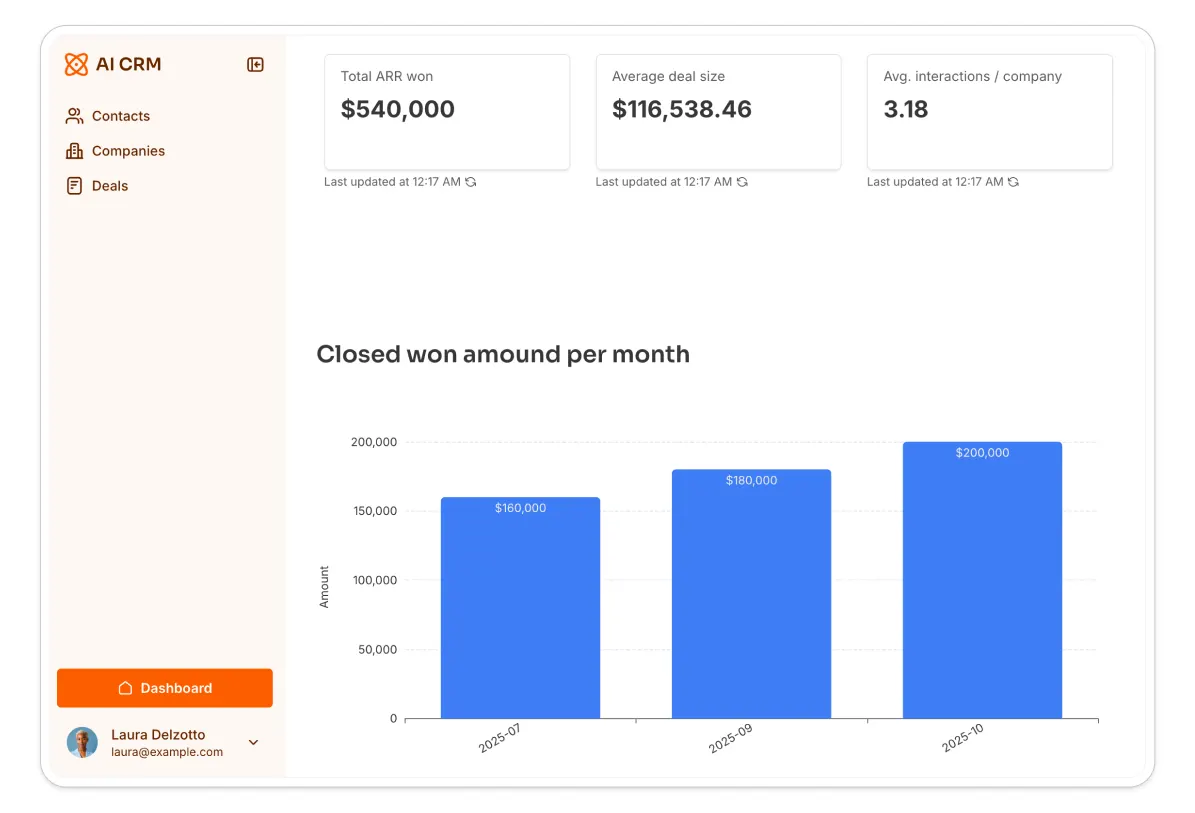
Property management company Vestal Hub used this exact setup to replace their HubSpot Service Hub tenant portal:
"HubSpot's native portal requires a Service Hub upgrade and custom code, costing $450 a month extra. We built a no-code tenant portal that syncs directly with HubSpot in under three days, and cut portal costs by about 50%." - Gonzalo Lucero, Softr partner, on the Vestal Hub case study
How it works
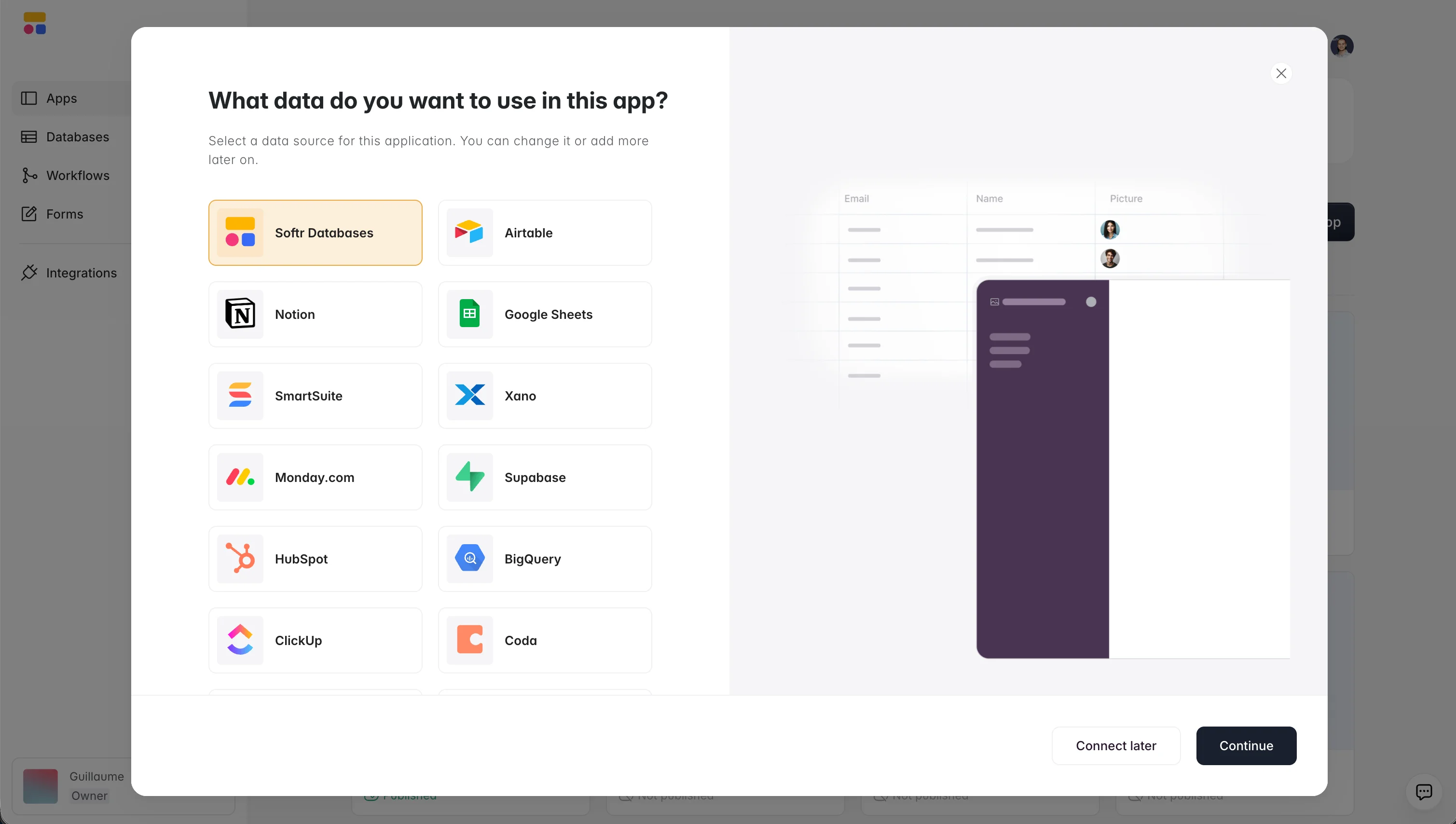
- Connect your HubSpot data. In under a minute, you authenticate with HubSpot directly inside Softr, no developer console or custom code required.
- Transform your HubSpot data into dynamic user interfaces using intuitive building blocks, including Lists, Tables, Forms, and Summary Cards, or ask the AI Co-Builder to assemble the interface for you from a plain-language description.
- Stay in sync automatically. Any changes made to your data in HubSpot are reflected in your Softr app immediately, and vice versa.
Learn more in our help doc.
Frequently asked questions
What Softr plan do I need to connect HubSpot?
What can I build with HubSpot data in Softr?
Does my Softr app stay in sync with HubSpot?
Can I combine HubSpot with other data sources in the same app?
Do I need to write any code to connect HubSpot to Softr?


