Gather employee availability preferences, time-off requests, and shift availabilities.
Data sources supported





.svg)


Resources


Overview
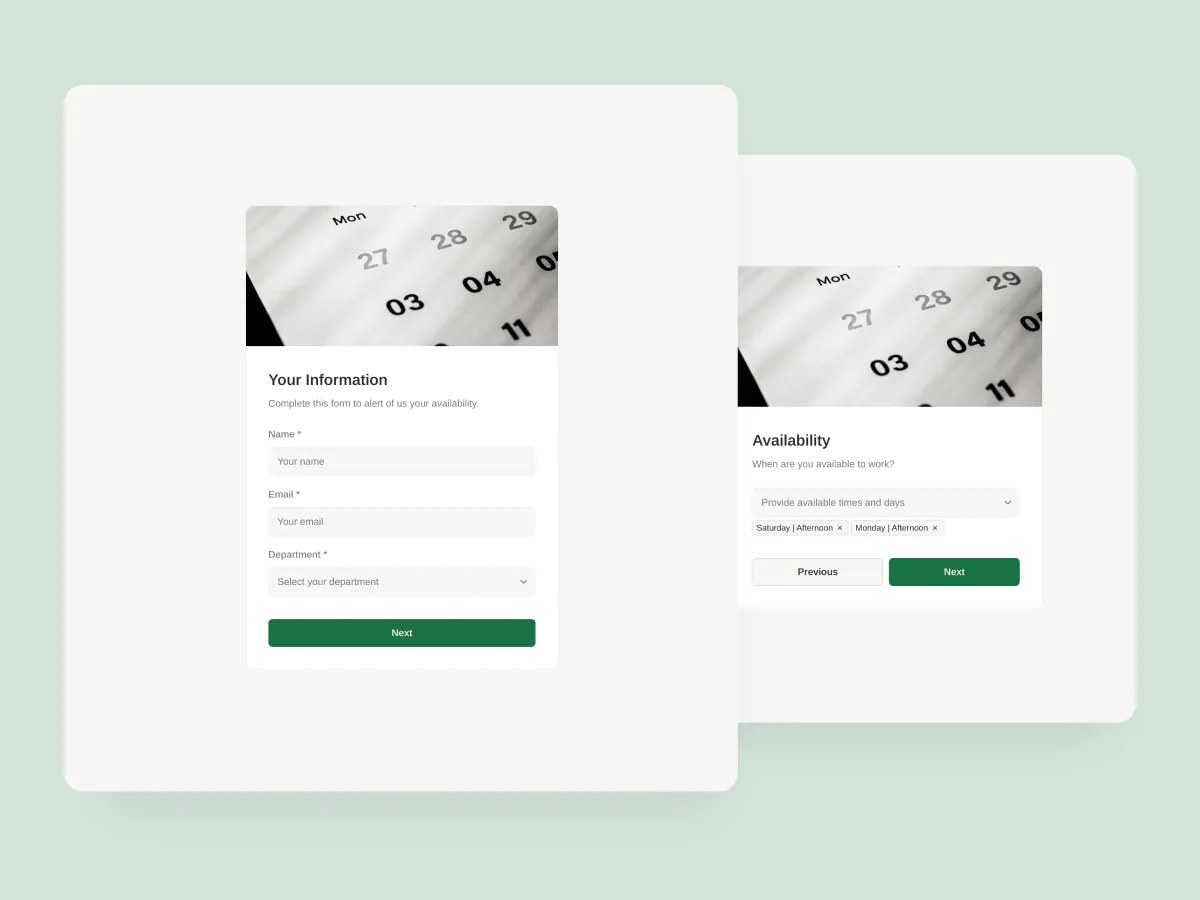
This employee availability form template helps you gather employee availability, time-off requests, and shift preferences, and store the data in one organized place.
Whether you’re building weekly schedules, assigning shifts, or managing staffing gaps, this form helps you streamline communication and avoid scheduling conflicts.
It includes a sample database to centralize responses and make it easy to review, filter, and act on availability data in real time.
Why use this employee availability form template
- Simplify shift planning: Collect staff availability and time-off requests in one place so you can create conflict-free schedules faster.
- Flexible for any team: Whether you manage a retail store, restaurant, or customer support team, this form can adapt to your hours, roles, and policies.
- Syncs with your existing tools: Connect the form to Airtable or Google Sheets for seamless data capture, scheduling automation, and reporting.
Template features:
- Customizable form
- Multi-step form experience
- Step and section logic
- 2-way data sync
- Responsive design
- Thank you page
Who is this employee availability form template for?
This template is ideal for any team that needs to simplify shift scheduling and employee communication. Here’s how different teams can use it:
- Retail and hospitality teams: Let employees submit their weekly availability and time-off requests in advance, so managers can build accurate schedules without chasing people down.
- Customer support teams: Gather preferred shift windows and coverage gaps to optimize 24/7 scheduling and reduce burnout.
- Field service companies: Capture technician availability, travel restrictions, and time-off plans to coordinate jobs and dispatching more effectively.
- Healthcare and clinics: Stay on top of staff preferences and availability across rotating schedules, specialties, and part-time roles.
- Nonprofits and volunteer organizations: Let volunteers share when they’re free to help, and use filters to match availability with event needs.

“What we love most about Softr is the instantaneous, customizable power a no-code platform allows.”

- 1
- 2
- 3
- 4
Frequently asked questions
What is an employee availability form?
What data sources can I use this form with?
Why use conditional logic in availability forms?
Is this employee availability form customizable?
Can I customize this template with AI?
Can this form trigger automations?