Low-code vs. no-code (and when to use traditional software development)

Your development backlog keeps growing. Your IT team is stretched thin. And now everyone's talking about low code vs. no code platforms as the silver bullet for your digital transformation challenges.
The rise of no-code and low-code development has sparked a revolution in how businesses approach application building. But with innovation comes debate: low code vs. no code, what’s right for your team? Developers, product managers, and IT leaders are divided between purists, who swear by traditional coding, and enthusiasts championing simpler, faster ways to create. Somewhere in the middle are the hybrid believers, advocating for a balanced approach.
The truth is, these factions have more in common than they realize. Whether you aim to empower non-technical teams, reduce developer workloads, or accelerate digital transformation, the best choice often lies in understanding each approach's strengths and limits. This blog explores the nuances of low code vs. no code, helping you cut through the noise and identify the strategy that drives the most value for your company.
What is low-code?
Low-code development is a software development approach that requires minimal hand-coding. It uses visual interfaces with drag-and-drop components and pre-built templates, allowing developers and business users to create applications quickly while still maintaining the flexibility to add custom code when needed.
What is no-code?
No-code development allows users to create applications without any programming knowledge. Using drag-and-drop tools and intuitive interfaces, non-technical users can build functional apps, enabling faster innovation and empowering teams to solve business challenges independently. It's like building with digital LEGO blocks, making app creation accessible to everyone. In contrast, AI-assisted development takes a different approach by streamlining how code is written rather than removing it altogether- a distinction explored in the guide on GitHub Copilot vs ChatGPT.
What are low-code and no-code platforms?
Low-code and no-code platforms are software tools designed to simplify app development. Low-code platforms cater to developers needing faster workflows, while no-code platforms target non-technical users. Both enable organizations to innovate quickly by automating processes, building apps, and reducing reliance on traditional coding.
Examples of low-code tools
Here are some of the best low-code software:
- Appian
- Quick Base
- OutSystems
- Microsoft Power Apps
- n8n
Examples of no-code tools
Here are some of the best no-code platforms:
- Softr
- Wix
- Directual
- Tally
- Dorik
No-code vs. low-code vs. code: a comparison
Within the no-code, low-code, and code communities, pursuits and enthusiasts have a lot of firmly held beliefs. Every perspective has evidence and merit for people seeking a black-and-white answer. Across these communities are the hybrids who believe in mixing no, low, and coded solutions. Below you can find a comparison table of the main arguments that are proposed by each of the above-mentioned groups.

The main criteria for comparing low-code vs. no-code vs code development
In general, the arguments hinge on a few areas:
- Speed: Most agree that no-code speeds up development since many web app builders (like Softr) are drag and drop.
- Flexibility: Flexibility means what you can build and how much you can customize. In both cases, low-code and coded solutions tend to offer the most flexibility, while no-code web app building platforms have increased flexibility on what kinds of web apps you can build.
- Scalability: A lot of people wonder if no-code web app development tools can scale to a multi-billion-dollar enterprise the way coded technologies can. While the short answer is “not yet,” this is the wrong way to look at no-code web app tools. It evolved to democratize who can build, not necessarily how much can be built. That said, it’s possible today to run multi-million dollar courses, communities, and other types of businesses with strictly no-code tools.
- Security: Code is often said to be the most secure way to build web apps since you can set up your own hosting infrastructure. With low- and no-code web app building platforms, you’re reliant on a third party for at least some of your solutions. However, the opposite can be true with third-party platforms. For instance, 10,000 entrepreneurs individually coding their own website could mean unique security issues across each store depending on how it was built. If 10,000 people all used a single no-code web app builder, that website builder company is investing heavily in network security to keep everyone safe.
- Community: All three communities are large and growing. The code community is perhaps the biggest owing to it being the most mature, but the other two communities are growing rapidly. All communities believe deeply in their ability to grow, scale, and succeed, and they typically hold their beliefs with equal passion.
- Developer resources: Developers are expensive and in short supply. With that simple fact, more people push toward low- and no-code solutions that don’t need as much, or any, developer resources.
When to use no-code, low-code, and code solutions
There’s a perception that you have to pick one community (no code, low code, or traditional coding) and stick with it. The communities themselves, in many cases, propagate this. However, the reality is these communities (and the tools they build) can coexist and complement each other.
When to use no-code
No-code tools deliver speed, ease of use, and democratize who can build technology. With that in mind, no-code platforms are helpful for a variety of use cases, including:
- Minimum Viable Products: Building a no-code MVP to launch a product quickly and with minimal cost.
- Personal use cases: Make a tool that helps you live your life better.
- Internal tools: Automate processes in a single environment for your team by building internal tools.
- Small external use cases: If you need to develop simple systems (like client portals for customers with relatively static data), these types of tools are a fast way to build.
- Side projects: A simple no-code technology (an online community, membership websites, or other projects) could easily generate a couple of thousands a month in revenue with no need to scale beyond that.
When to use low-code
Low-code platforms offer flexibility and scalability, plugging into code bases easily. These platforms are especially helpful for:
- Connecting internal tools to external-facing technology: Using code to connect the dots.
- Extending functionality of coded apps: Add a feature easily.
- In-depth prototypes and beta releases: Get the core functionality in hard code, but build the rest quickly for easy testing and iterating.
When to use code
Code is the foundation of all development and always will be. That means code is a powerful tool for:
- Totally custom technology: Build anything you want with code.
- Building in highly secure or regulatory environments: For example banking, insurance, and healthcare.
- Highly complex technologies: Building with AI, blockchain, NLP, and working with RPC providers or other fourth industrial revolution technologies.
What’s the future: low-code, no-code, or traditional code development
All application development started with code, and even low- and no-code tools stem from an initial code base, where a developer writes code so a non-developer can build without it.
Some see this as the end of traditional coding. However, low-code and no-code platforms enhance the role of code, creating a future where hybrid approaches thrive.
The newest twist on that hybrid future is AI. In 2026, the conversation is no longer just low code vs. no code, it is also no code vs. "vibe coding," where AI turns a prompt into raw code. The trouble is that vibe coding hands the complexity of software development to everyone. Even if you never type the syntax, you still have to think like a developer to debug logic, manage state, and handle edge cases. AI tools can generate a shiny demo from a single prompt, but the magic fades the moment a real user logs in or something breaks in a way you can't explain.
"The next generation of software will not be code, it is actually going to be a combination of no-code and AI. AI brings the speed and personalization, and no-code brings the guardrails and reliability."
Mariam Hakobyan, CEO and Co-founder of Softr
In this hybrid future, the focus shifts from limitations to outcomes. It’s not about code vs. low-code vs. no-code, it’s about using the right tool for the job. Just as planes, trains, and cars serve different travel needs, these platforms complement each other to help you reach your goals efficiently.
If you're ready to experience the possibilities of an AI-native, no-code approach, Softr might be just the tool you need.
How to build production-ready web apps using AI-native no-code
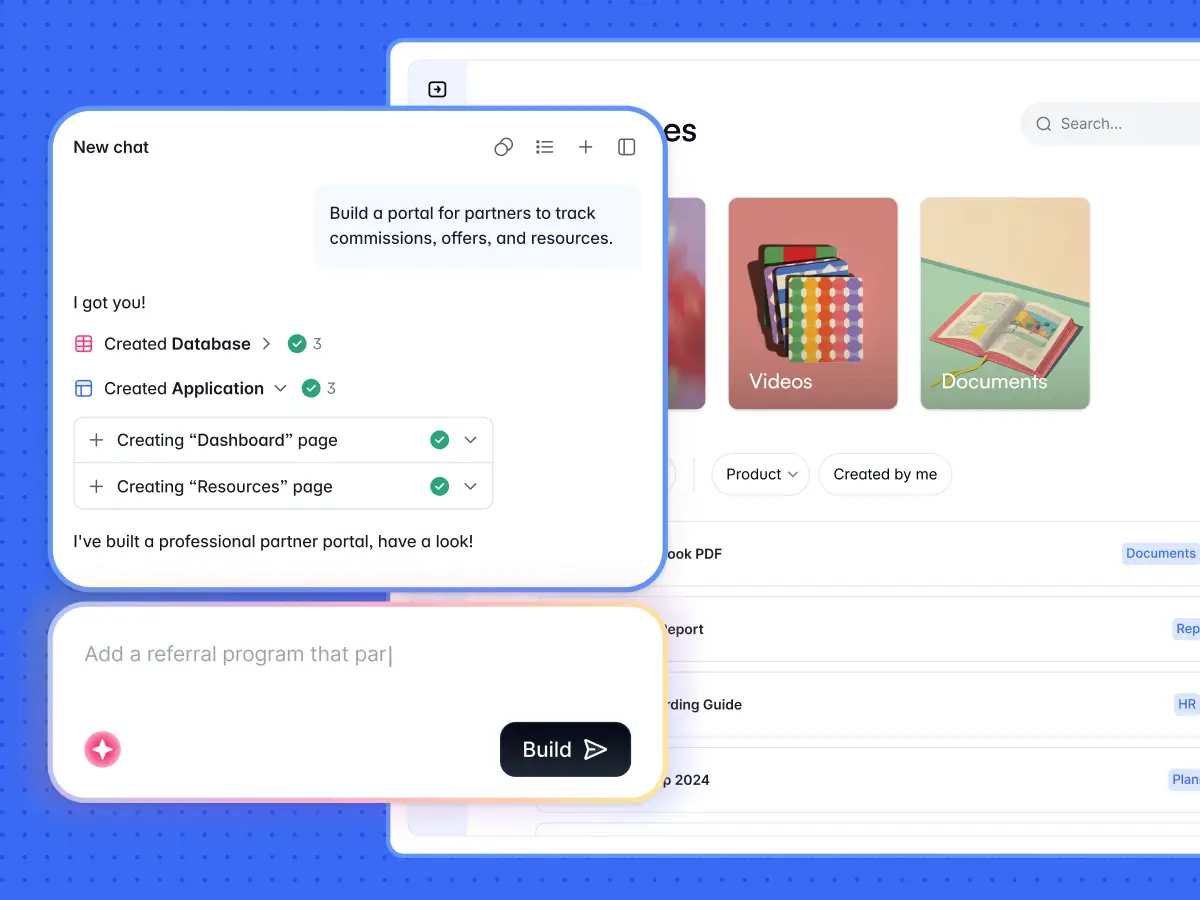
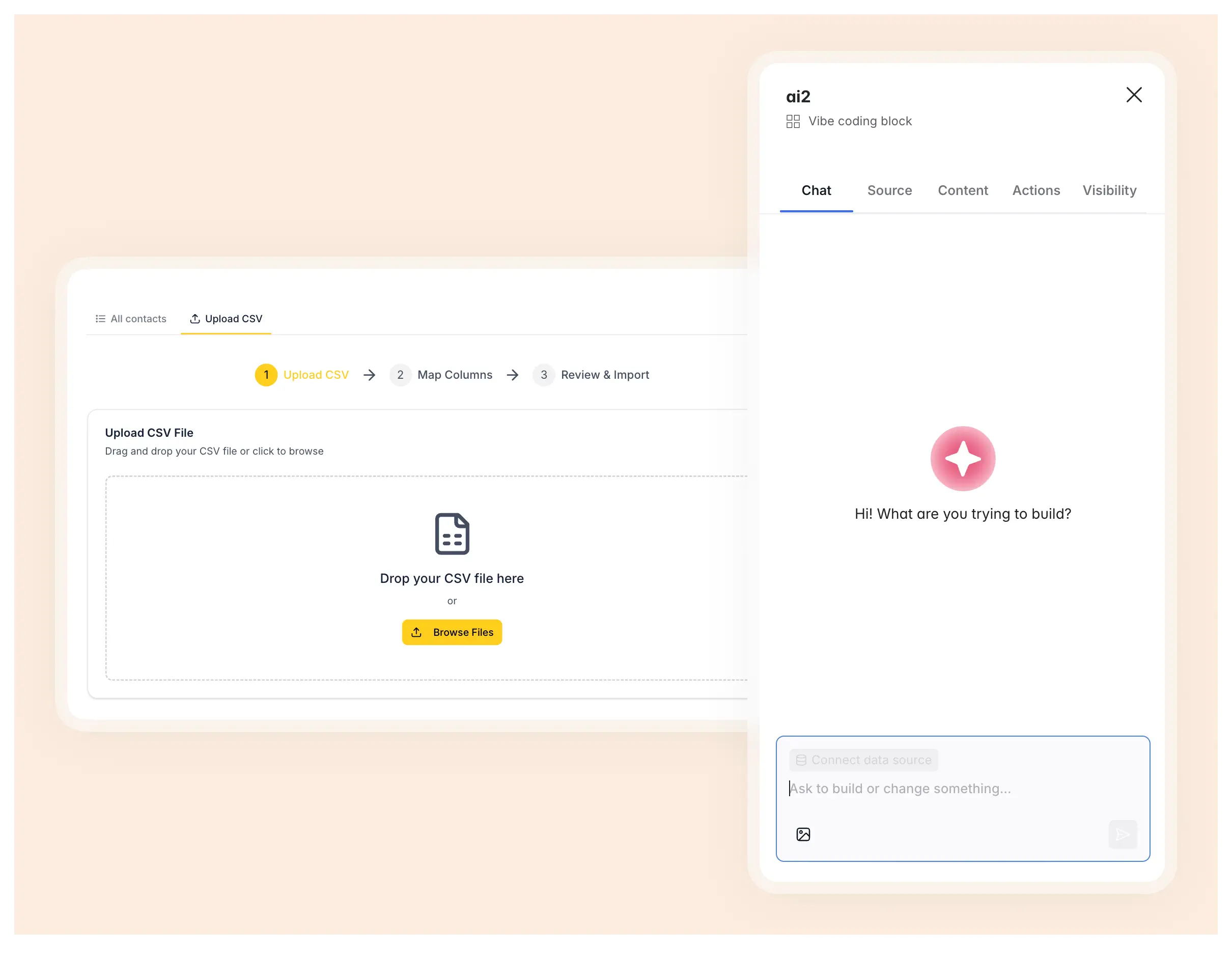
Softr (that’s us) is the first AI-native platform for building business software without code. Instead of choosing between writing code yourself or letting AI generate fragile code for you, you describe what you need and the AI Co-Builder instantly creates the database, pages, and permissions, already connected, secure, and ready for real users. Join over 1 million builders and 7,000+ organizations, including teams at Netflix, Google, and Stripe, building client portals, internal tools, CRMs, and intranets.
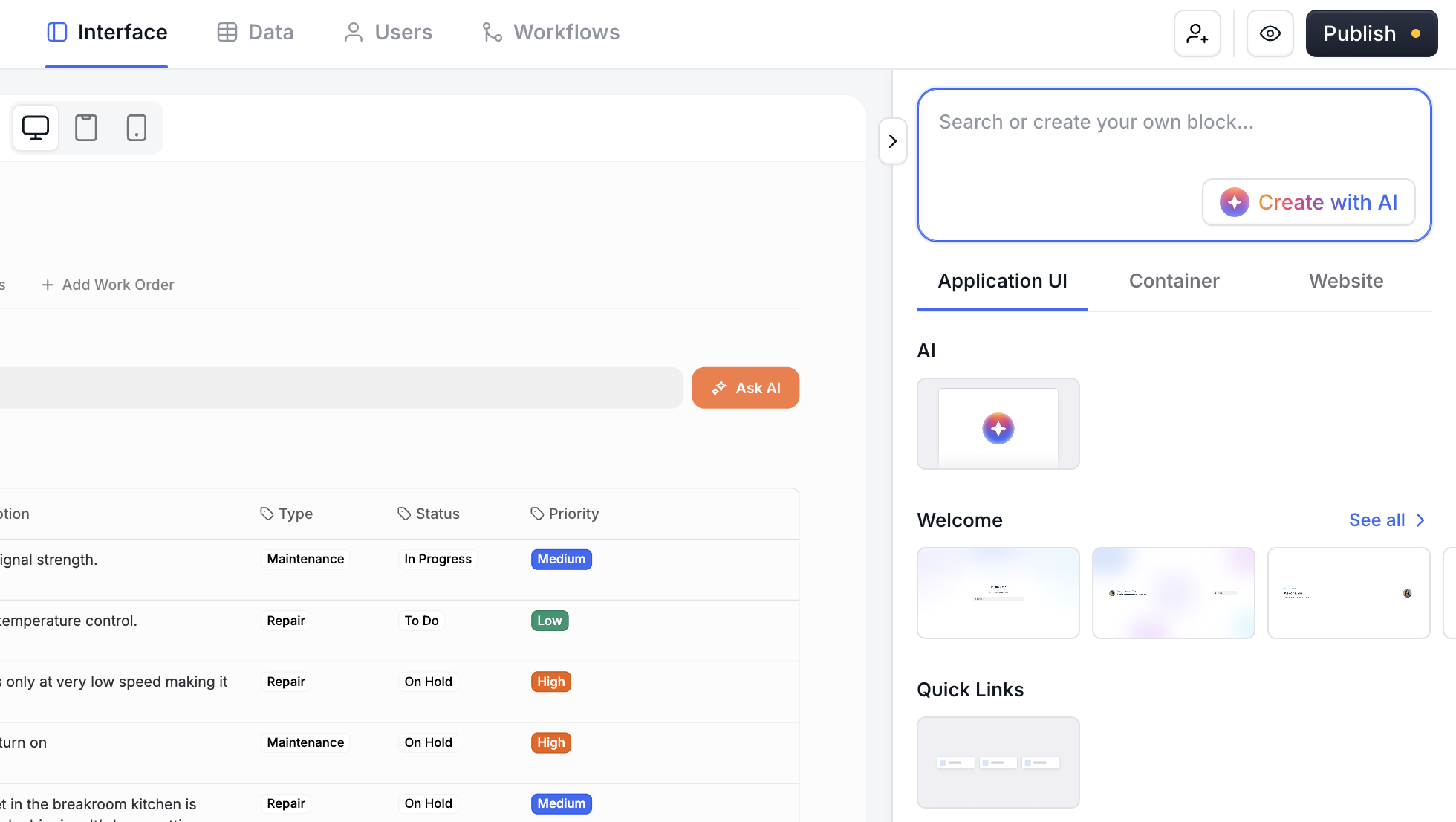
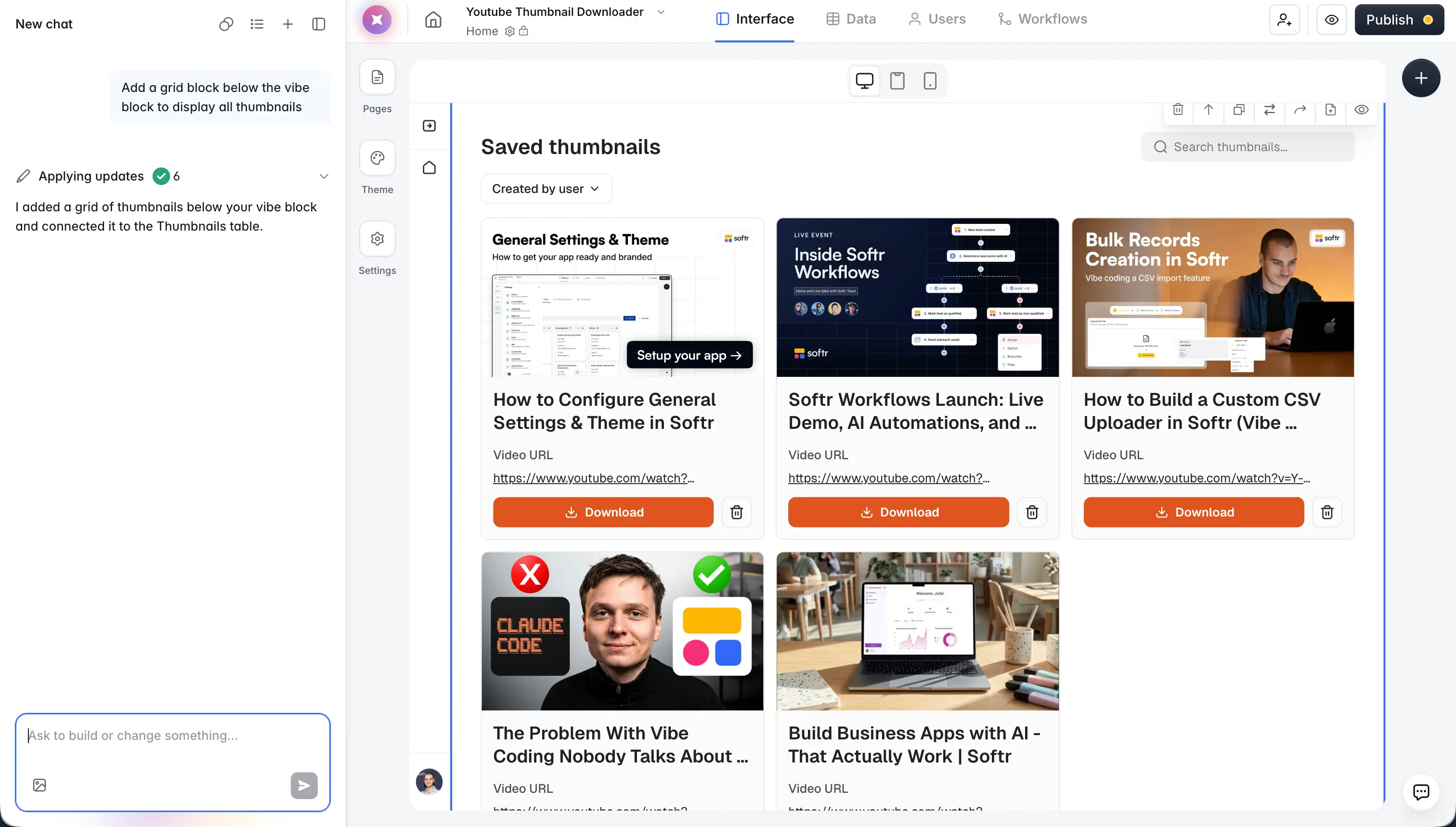
Softr is AI-first, not AI-only, which is exactly what makes it different from both low-code platforms and pure vibe-coding tools. You get three ways to build: generate with AI, start from a professionally designed template, or build from scratch. Once inside the editor, you move fluidly between AI-assisted and hands-on editing. Everything the AI can build, you can also configure visually, so AI accelerates the work without ever becoming a dependency.
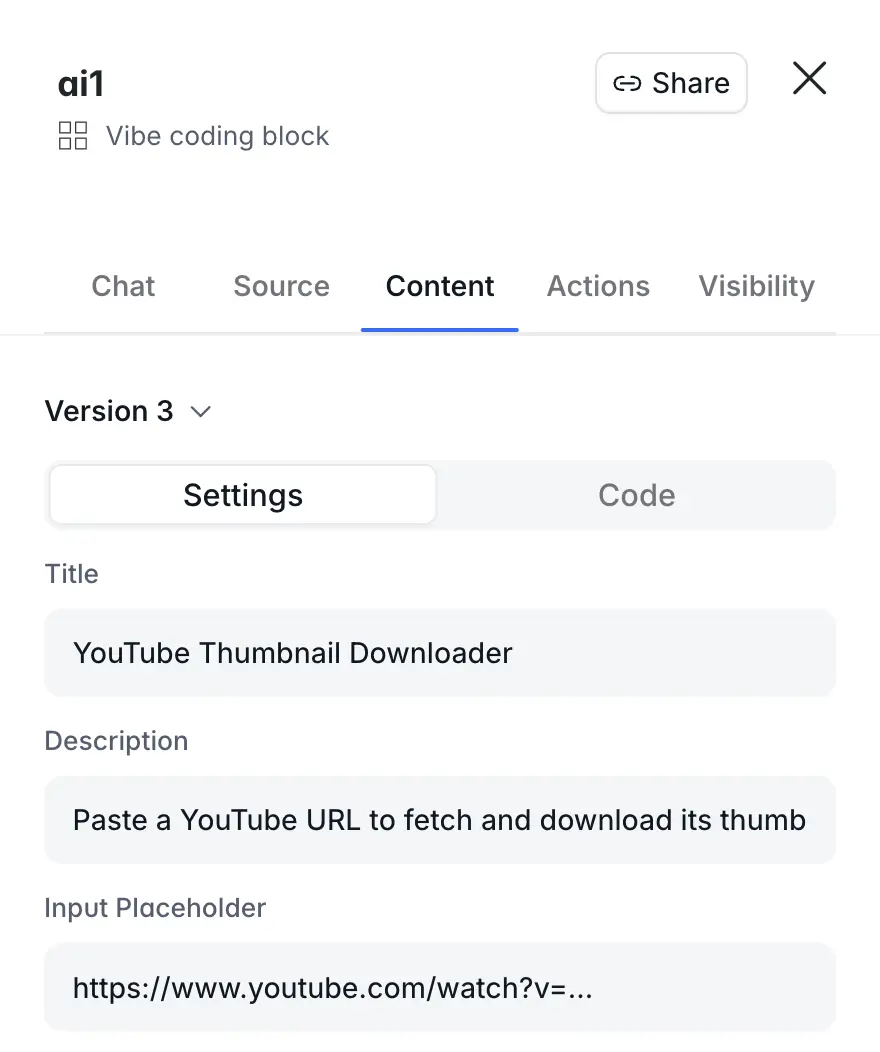
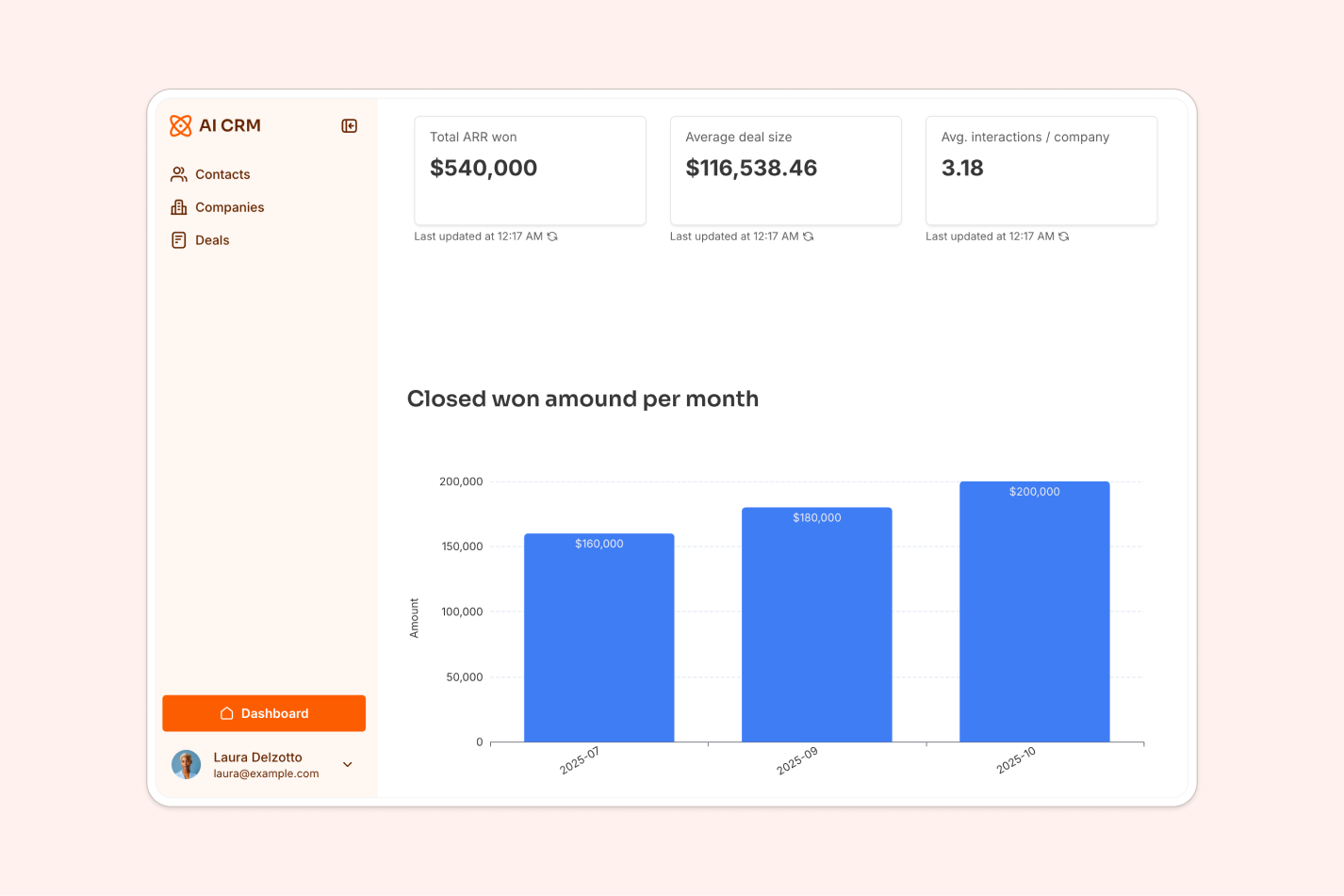
Because the foundation is real no-code infrastructure (authentication, roles and permissions, hosting, and security are all built in), every app is production-ready and secure from day one. There is no generated code to test or deploy, and nothing breaks the next time you add a field or onboard a new team. For data, start with native Softr Databases, or connect to 17+ external sources like Airtable, Google Sheets, and Notion. To automate, use native Softr Workflows triggered directly from your app's interface, or connect to tools like Zapier and Make.
"Softr allows me to deliver business apps in a few days where a custom stack would take weeks. The visual editor is straightforward, and the native components cover most of my needs without CSS. Softr solves three concrete problems for my clients: the dispersion of data across tools, the prohibitive cost of custom development for internal tools, and the dependency on a developer for every change."
Verified G2 reviewer, Computer Software (Small-Business), G2 review
Frequently asked questions about low-code vs no-code
When should you use low-code?
You should use low-code software development if you don't have the resources to build your project from scratch but still need a certain level of advanced customization that is unavailable in no-code tools.
You would also need the technical knowledge or the money to hire developers to use low-code solutions. No-code platforms usually have a user-friendly graphical interface (often pre-made blocks), using which, virtually anyone can build a functioning software within a comparatively (as opposed to traditional approaches) short period of time. The overall idea is to democratize software building and allow people with diverse backgrounds to implement and launch their projects without obstacles.
Can I use low-code and no-code together?
Yes, you can use low-code and no-code together. Many organizations adopt a hybrid approach, leveraging no-code for simple tasks and applications while using low-code for more complex, customizable projects. This combination maximizes efficiency, empowers diverse teams, and ensures scalability and flexibility where needed.
What are the disadvantages of no-code?
No-code platforms can limit flexibility and scalability for complex projects, as they rely on predefined templates and features. Customization beyond their framework often requires coding expertise. Moreover, they may lead to vendor lock-in, making it challenging to switch platforms. Lastly, performance and security concerns can arise when handling large-scale or highly specialized applications.
However, AI-native no-code platforms like Softr close much of that gap. Apps are production-ready and secure from day one, the AI Co-Builder handles complex configuration, native Softr Databases scale to hundreds of thousands of records, and you are never locked into prompting since you can always edit visually. For most business users building internal tools and client portals, that combination delivers the speed of no-code without the usual ceiling.