



Softr vs. Webflow
Need more than a website builder? Try Softr, the fastest way to build full-stack business apps to power your operations.
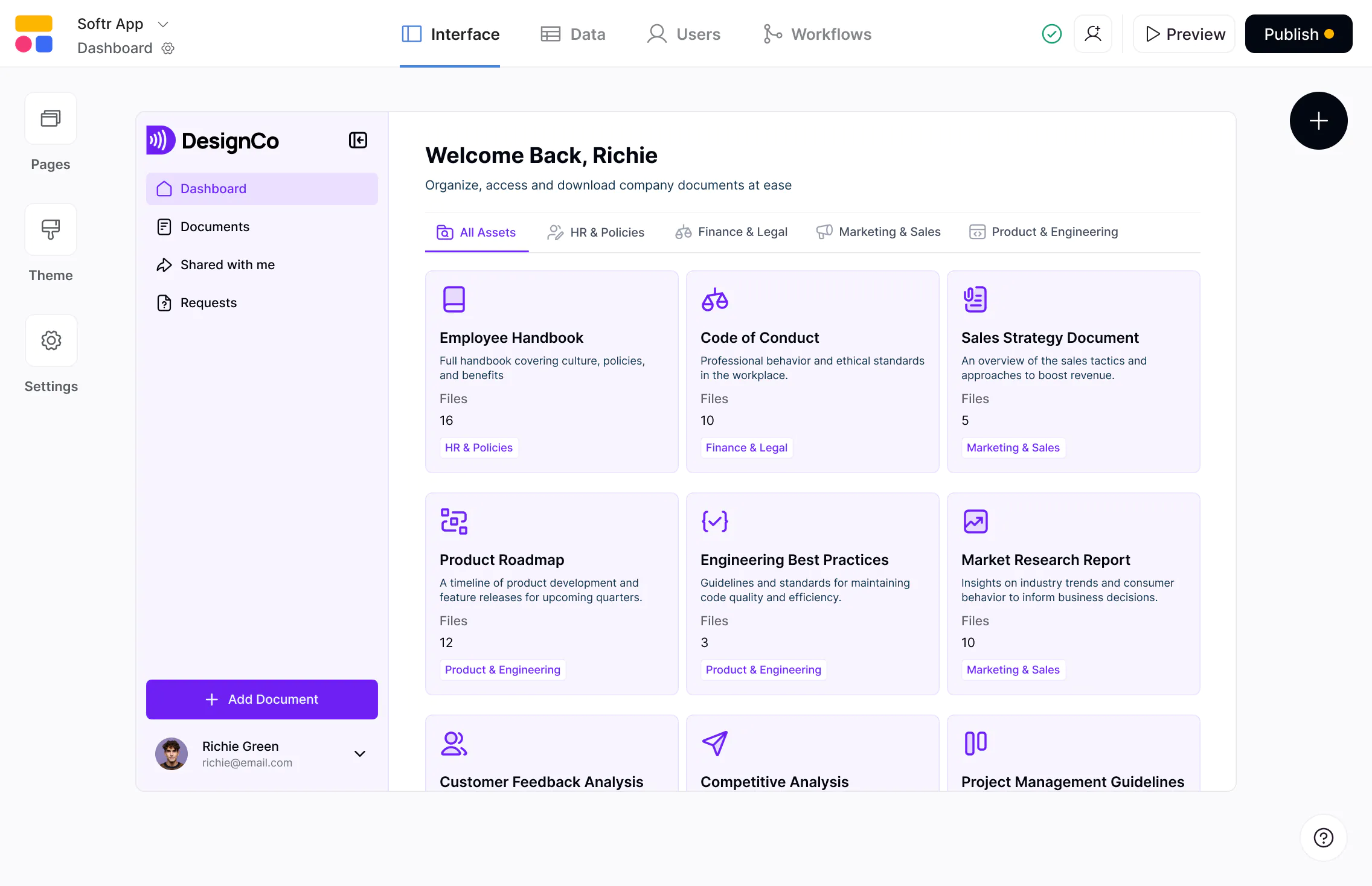










The #1 Webflow alternative when you need portals and apps
Webflow is built for marketing websites and content-driven pages. Softr is designed for secure portals and custom apps powered by business data.

Built for logged-in, data-driven experiences.
Webflow excels at public websites, but it’s not designed for apps with logins, permissions, and workflows. Softr is built for portals and internal tools where users sign in and interact with real business data.

Works with live data—not just static content.
Webflow’s CMS is great for content, but managing dynamic business data requires workarounds. Softr connects to 16+ data sources (plus its own native databases) so pages stay automatically in sync.

Build websites and public pages alongside apps.
Softr isn’t a replacement for Webflow’s design system, but it lets you build simple websites and landing pages alongside apps like client portals and intranets—without a separate website builder subscription.

Why businesses choose Softr over Webflow
Designed for portals and internal apps
Webflow is built for public-facing websites. Softr powers portals and internal tools with logins, permissions, and live data syncing. Teams often pair Webflow for marketing pages with Softr for custom apps behind a login.
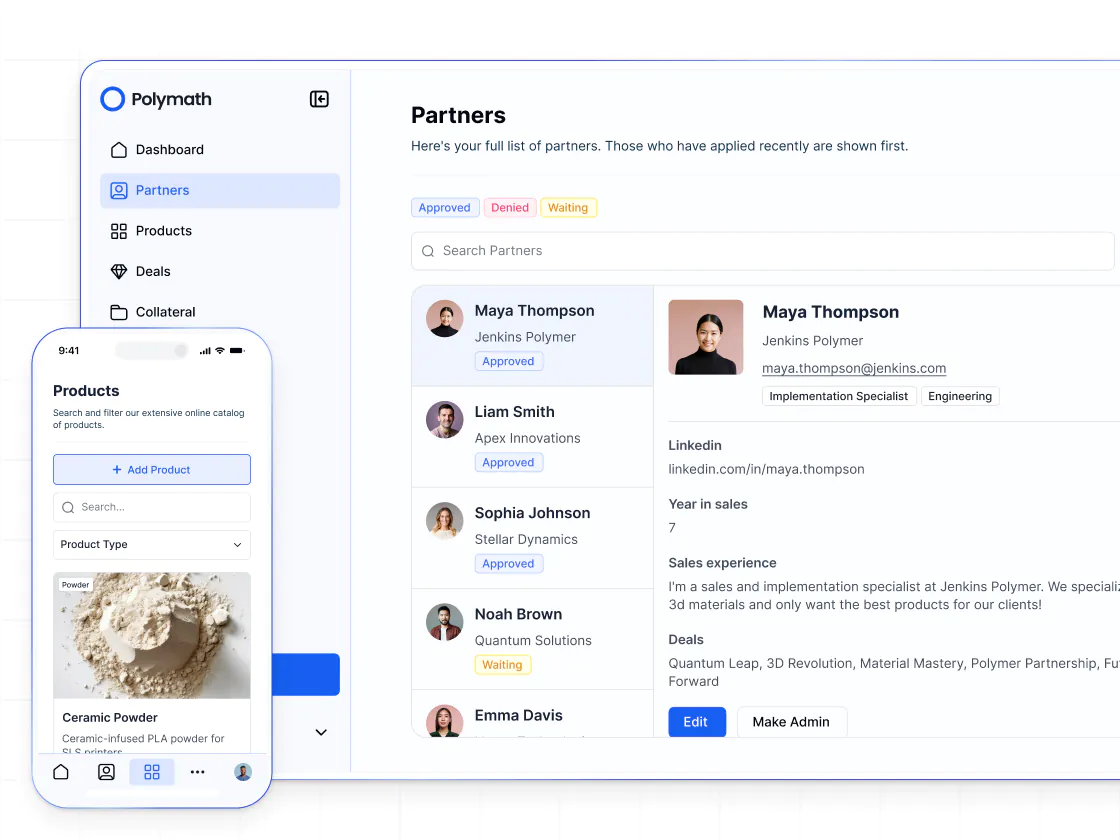
Authentication and permissions built in
Adding logins, roles, and secure access in Webflow requires custom code or third-party tools. Softr includes authentication, utility pages, user groups, and granular permissions out of the box.
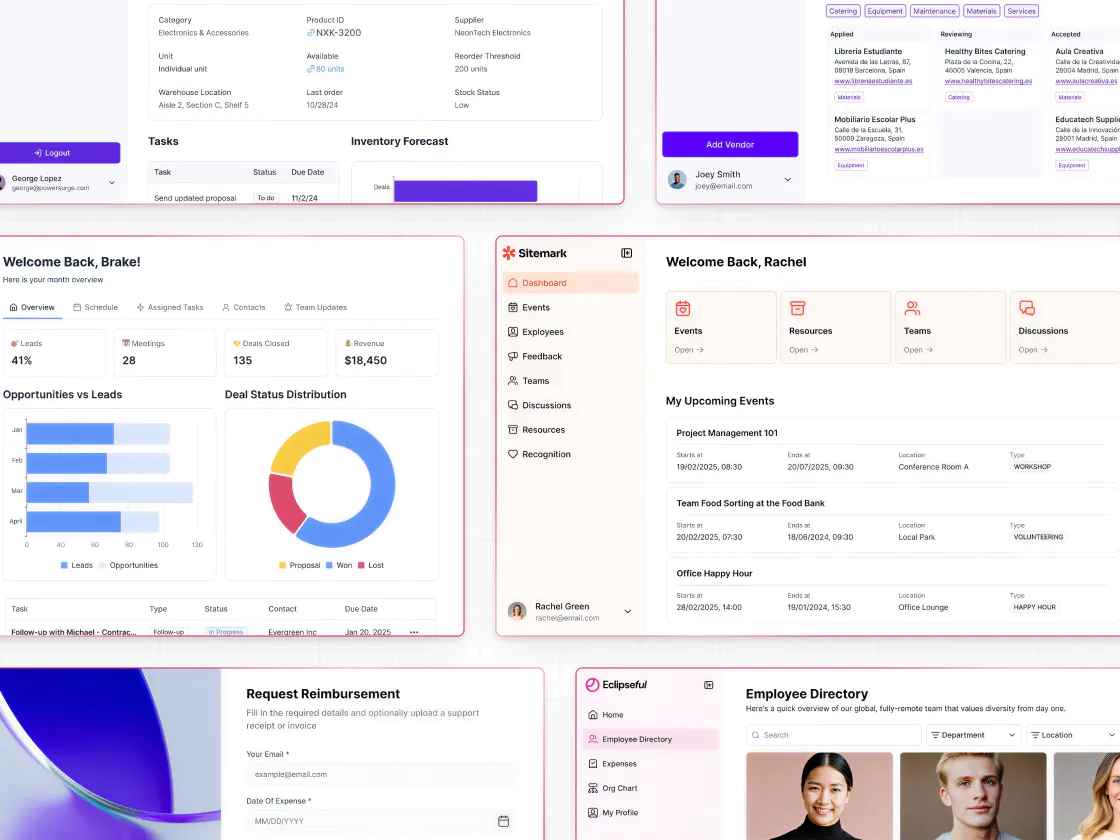
Forms and workflows to get more done
Compared to other portal builders you can use with Webflow, Softr lets you add conditional forms and UI-triggered automations, so users can submit requests, update records, and move processes forward inside apps.
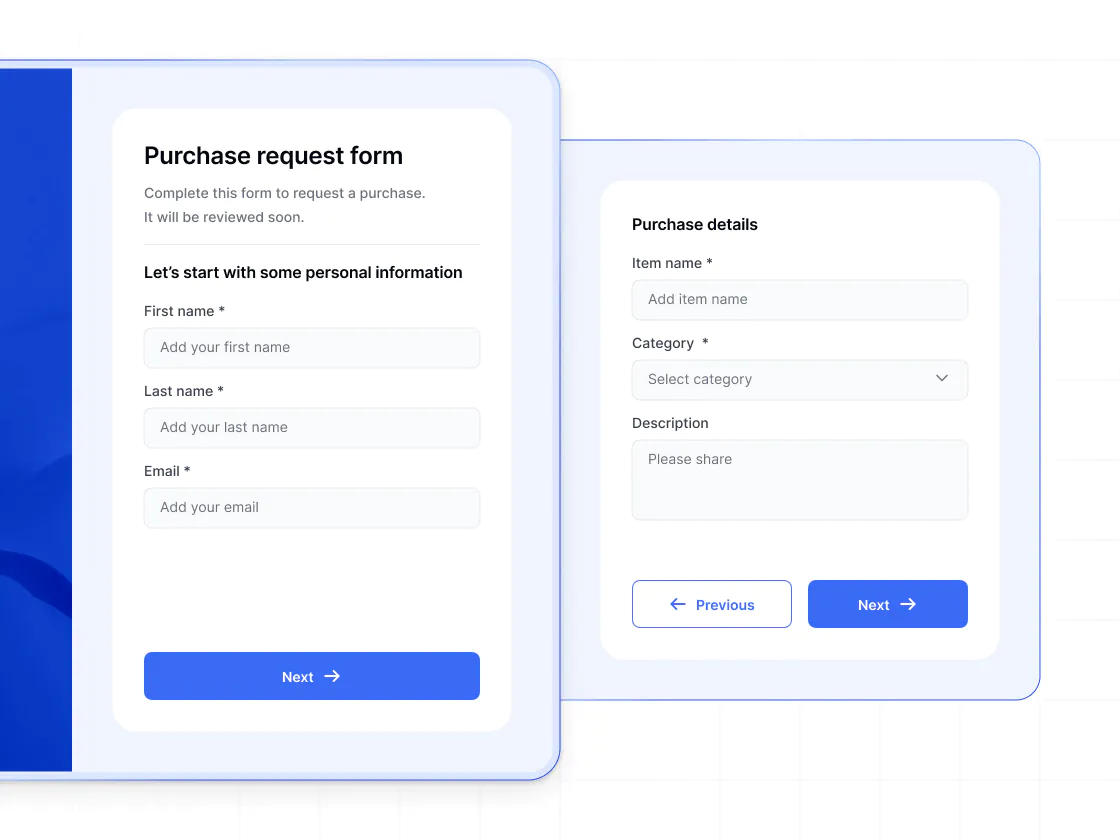
Build on top of real business data
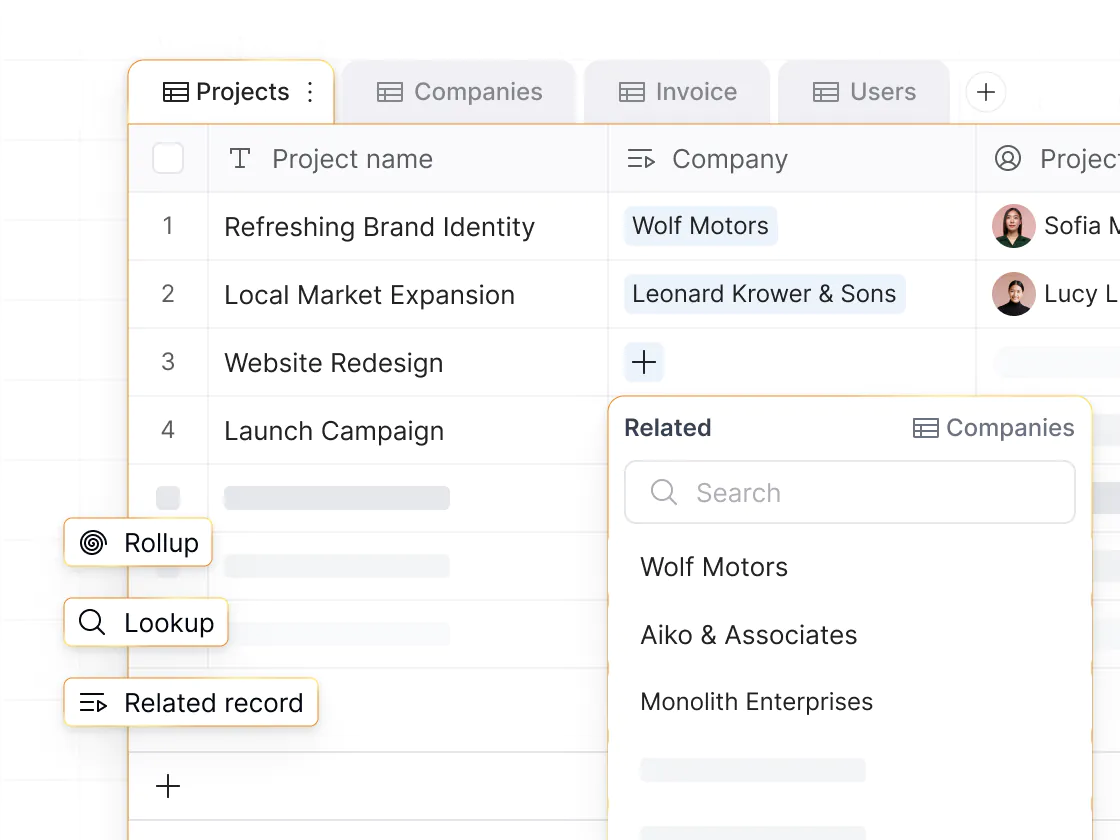
Softr connects natively to Airtable, HubSpot, Google Sheets, Notion, SQL, and Softr Databases, so your apps stay in sync with your business data in real time.
Simple websites alongside apps
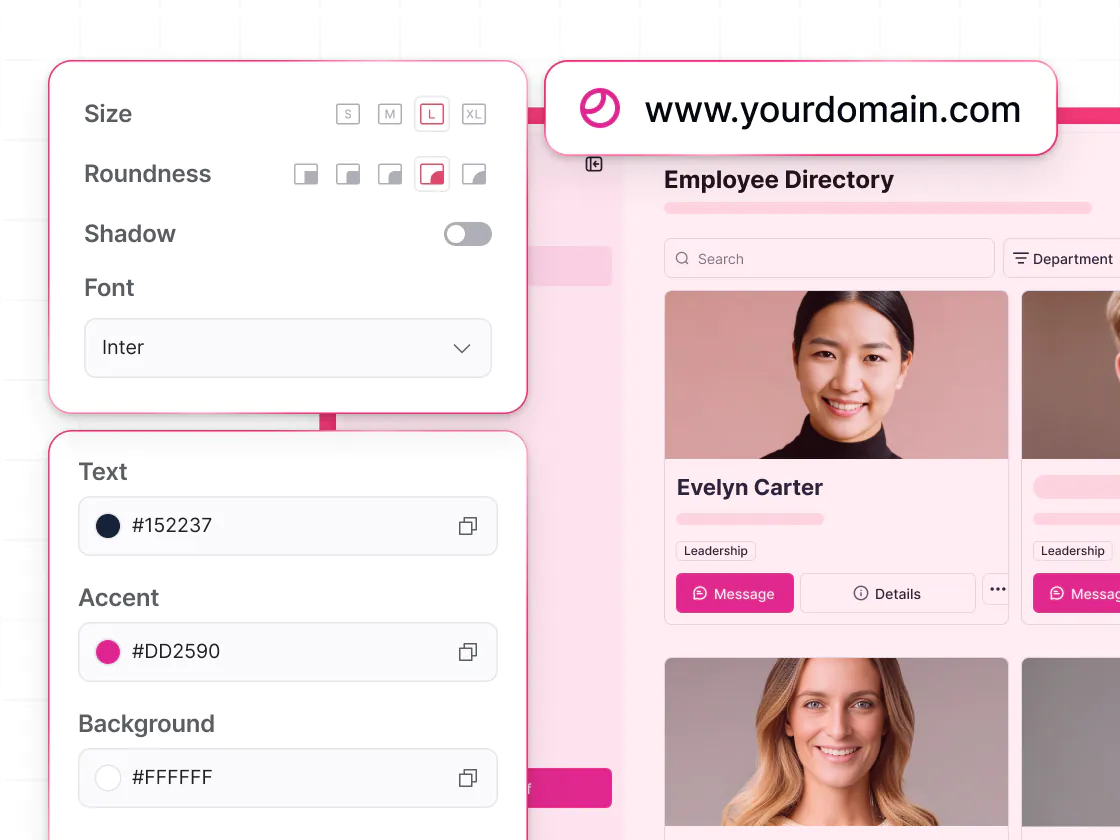
Softr isn’t a full website builder, but it works well for simple marketing sites, landing pages, and service listings that connect to live data—all which you can build alongside your apps, no extra subscriptions required.
Vibe coding and AI to build faster
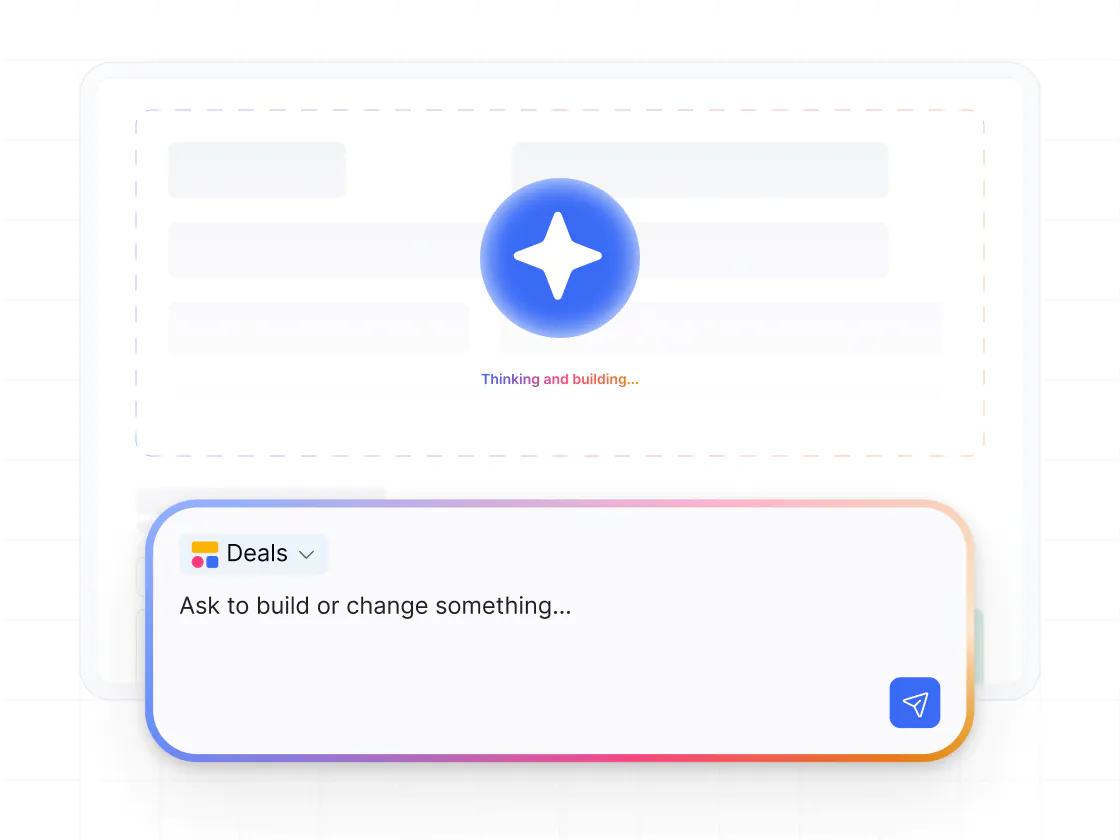
Vibe coding in Softr lets you generate custom tools and UIs from a prompt—inside a real app. Vibe-coded blocks connect to live data, support CRUD actions, follow data permissions, and include version history.
.svg)
See how Softr compares to Webflow
Deciding between Webflow and Softr? With Softr, you get a full-stack app builder, not a pure CMS.
Functionalities | | Webflow |
|---|---|---|
Core focus | Full-stack AI app builder for portals and internal tools | Visual website builder for marketing sites |
Ease of use | Visual, no-code builder | Powerful but design-centric |
Data flexibility | Native databases, plus build on top of 15+ external data sources | Limited data modeling |
Native databases | Built-in relational databases | No native database |
Logged-in users & authentication | Core feature | Not native; requires custom setup |
Permissions & access | Custom user groups and granular permissions | Manual, page-based workarounds |
Client portals | Core use case | Complex to build and maintain |
Forms & workflows | Built-in forms and workflows | Requires third-party tools |
Design flexibility | Customizable app layouts and navigation (can also be used for simple websites) | Highly flexible design for marketing websites and content sites (requires dev) |

Go from zero to app, incredibly fast
Co-build with AI
Simply describe what you need. Let Softr handle everything - Interface, database, workflows.
Iterate with AI or visually
Control most critical parts of your app yourself, including: roles, permissions, and security.
Ship the same day
Invite team members or external clients and partners right away. Build AI apps with no developer handover.



Frequently asked questions
Is Softr a Webflow alternative?
Can I build a website with Softr?
Why not build a client portal in Webflow?
Does Softr support user authentication and permissions?
Can Softr work with Webflow?
What’s Softr best at compared to Webflow?
Join 1M companies building apps with Softr
See how easy it is to automate and run your business.