



Softr vs. Client-portal.io
Need more than a WordPress plugin for portals? Try Softr, the fastest way to build custom business apps with your data.
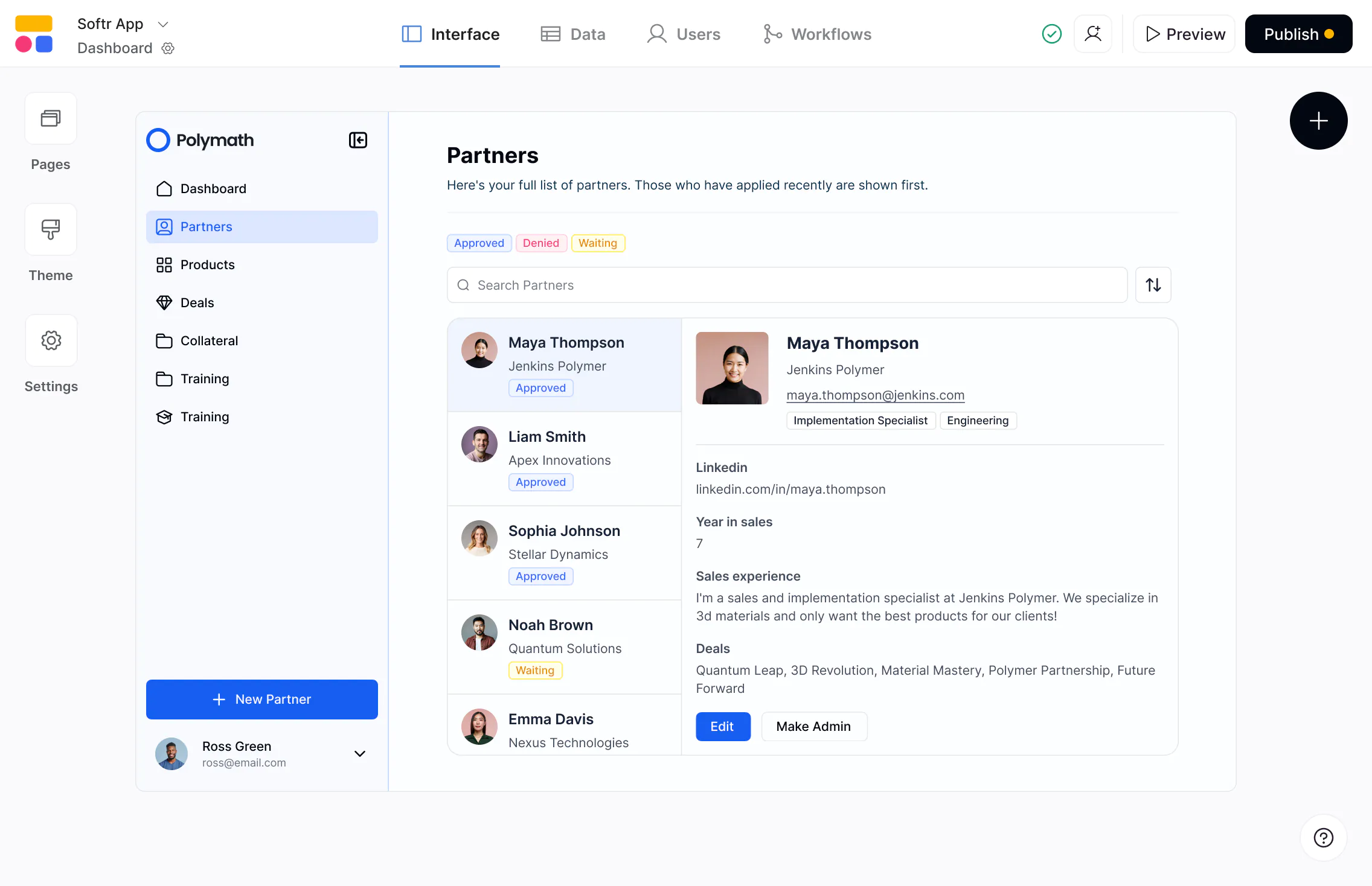










The #1 Client-portal.io alternative
Build scalable, full-stack apps on real business data—with predictable pricing and full control as you grow.

Connect to real data — not just WordPress.
Client-Portal.io runs inside WordPress with no external data connections. Softr connects to Airtable, Notion, HubSpot, Google Sheets, and more with real-time, 2-way sync—so portals stay connected to your live data.

Customize logic and layout to your needs.
Client-Portal.io offers basic modules with limited customization. Softr lets you design layouts, navigation, logic, and branding to match how your clients and teams actually work.

One portal, personalized for every client.
Client-Portal.io requires separate portals or site setups for every client. Softr lets you build once and use granular permissions, so each client sees only their own data and content.

Why businesses are choosing Softr over Client-portal.io
Not tied to WordPress
Client-Portal.io only works as a WordPress plugin, which limits flexibility and data access. Softr runs independently, letting you build stand-alone portals and apps without CMS or plugin constraints.
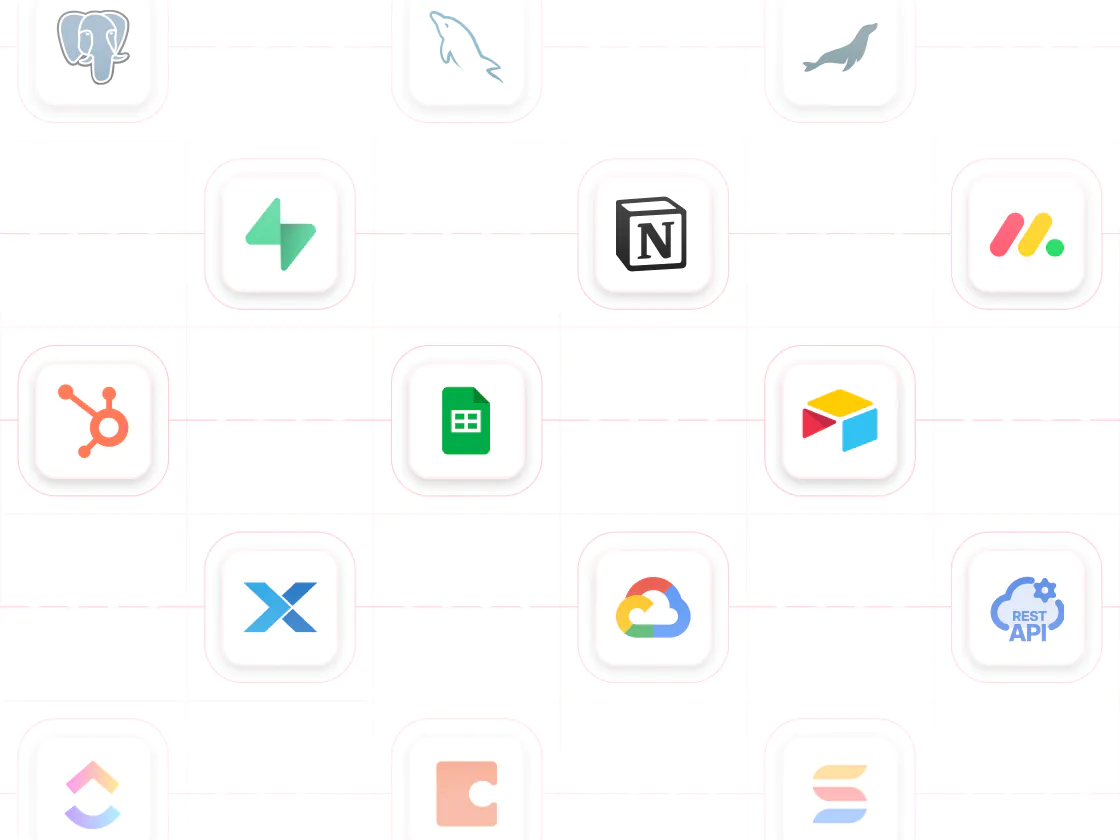
Connected to your live business data
Client-Portal.io isn’t connected to external systems, making it hard to keep up to date. Softr connects to 15+ data sources, keeping portals in sync with the tools your business already uses—without manual updates.
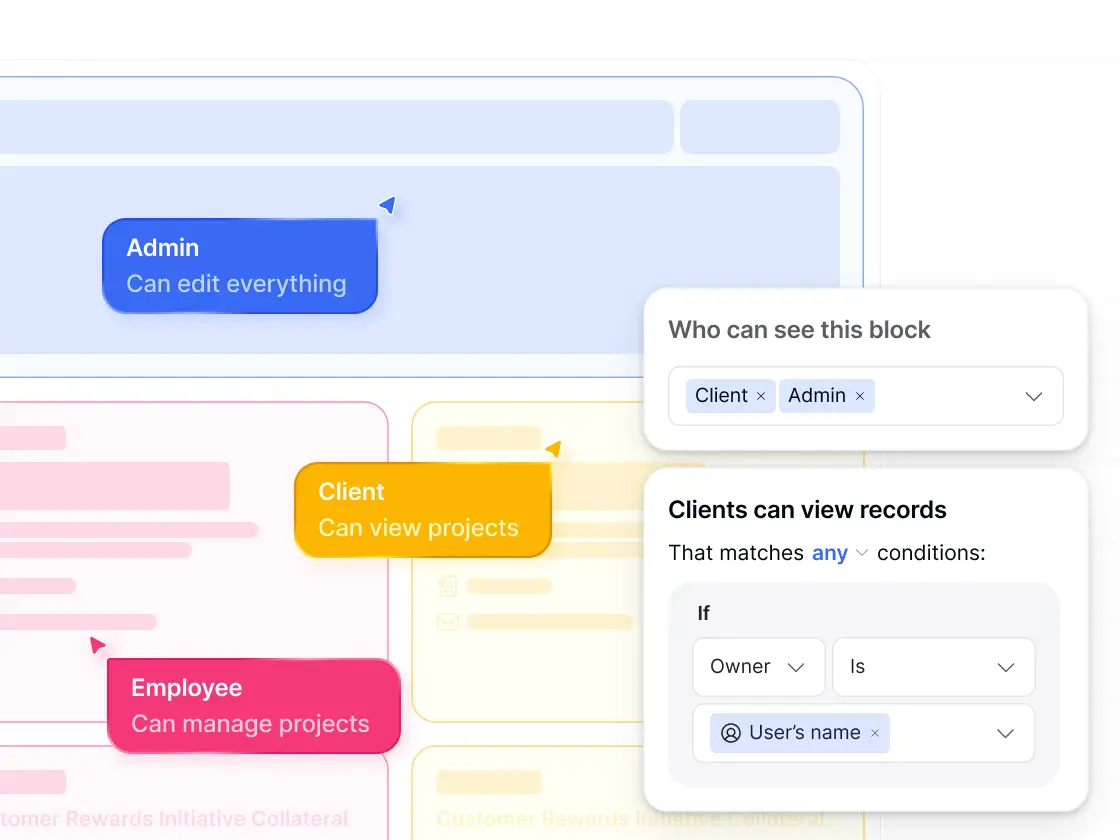
Secure access with real permissions
Client-Portal.io offers basic content gating but no role-based permissions. Softr supports custom user groups, granular permissions, and global data restrictions for more secure client portals.
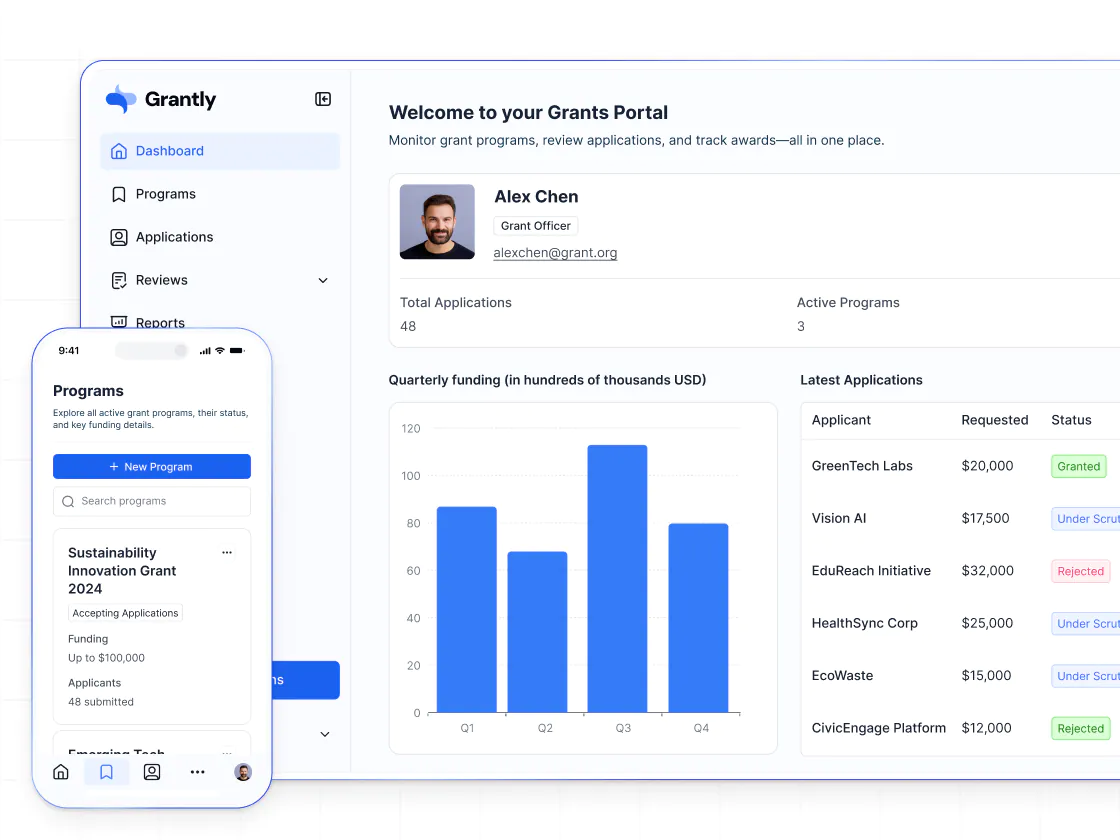
Interactive portals—not just content sharing
Client-Portal.io focuses on letting clients view content. Softr lets you build portals where clients can complete onboarding flows, submit forms, update information, upload files, leave comments, and interact with live data.
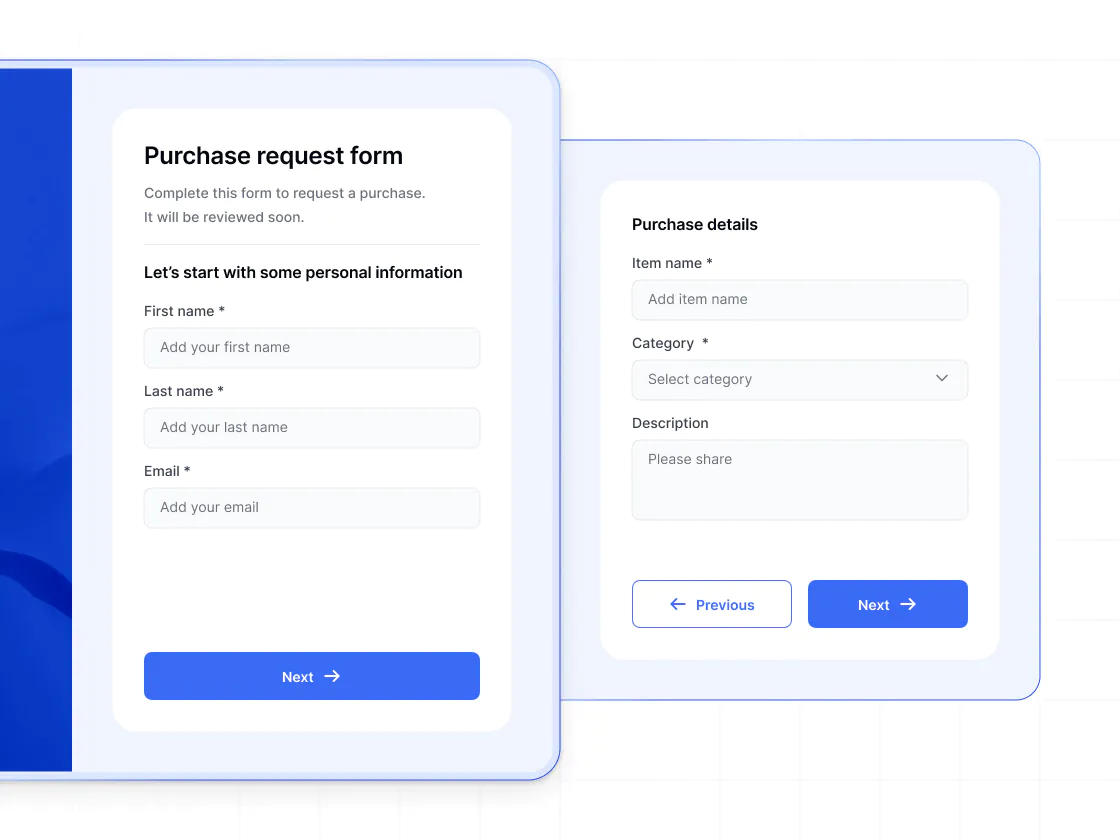
Workflows and forms built in
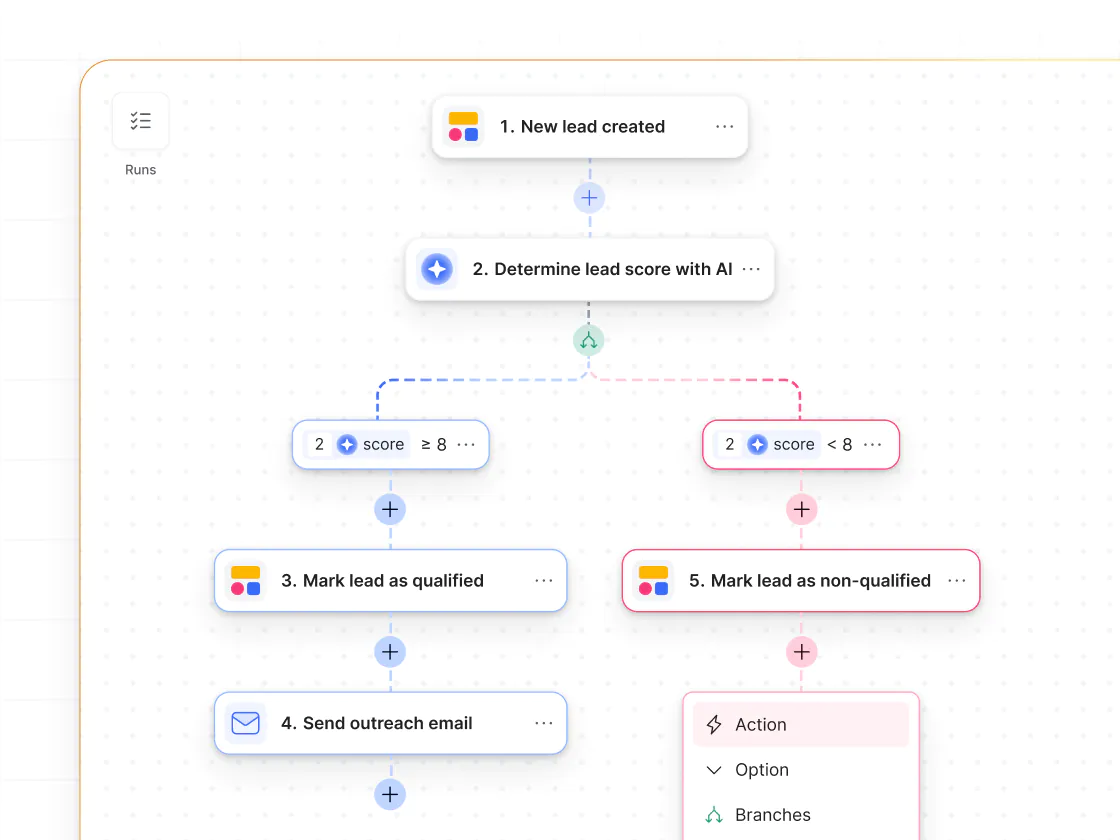
Client-Portal.io supports notifications but doesn't have automation logic. Softr includes native workflows that can be triggered by user actions—like in-app form submissions or button clicks—to automate approvals, updates, and notifications.
Designed to go beyond portals
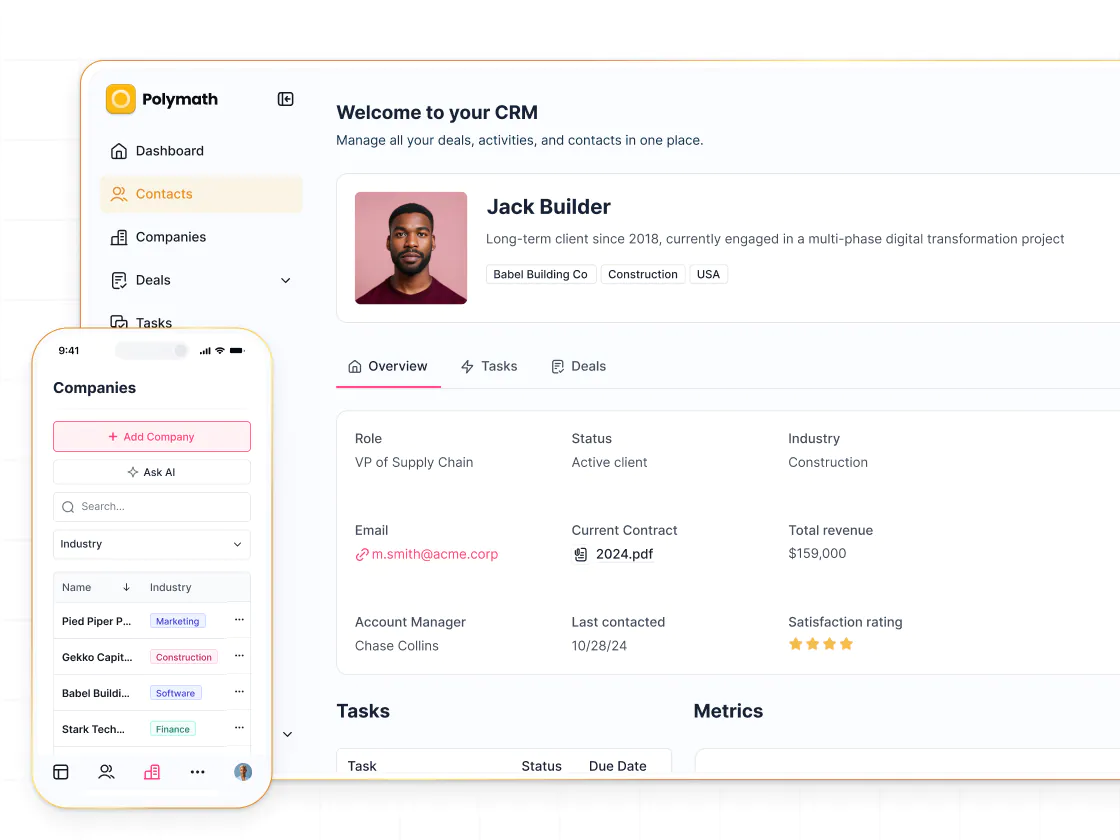
Client-Portal.io is built only for simple portals. With Softr, teams can start with a client portal and expand into project management systems, CRMs, internal tools, or a service-based website—all on the same platform.

Go from zero to app, incredibly fast
Co-build with AI
Simply describe what you need. Let Softr handle everything - Interface, database, workflows.
Iterate with AI or visually
Control most critical parts of your app yourself, including: roles, permissions, and security.
Ship the same day
Invite team members or external clients and partners right away. Build AI apps with no developer handover.



Frequently asked questions
What’s the difference between Softr and Client-portal.io?
Can I build one portal for multiple clients?
Does Softr support forms and workflows?
Can Softr support both internal and external facing apps?
Does Softr support mobile access?
What can I build with Softr beyond client portals?
Join 1M companies building apps with Softr
See how easy it is to automate and run your business.