


Softr vs. Google AppSheet
Hitting limits with AppSheet? Try Softr, the fastest way to build scalable apps and portals for your business ops.
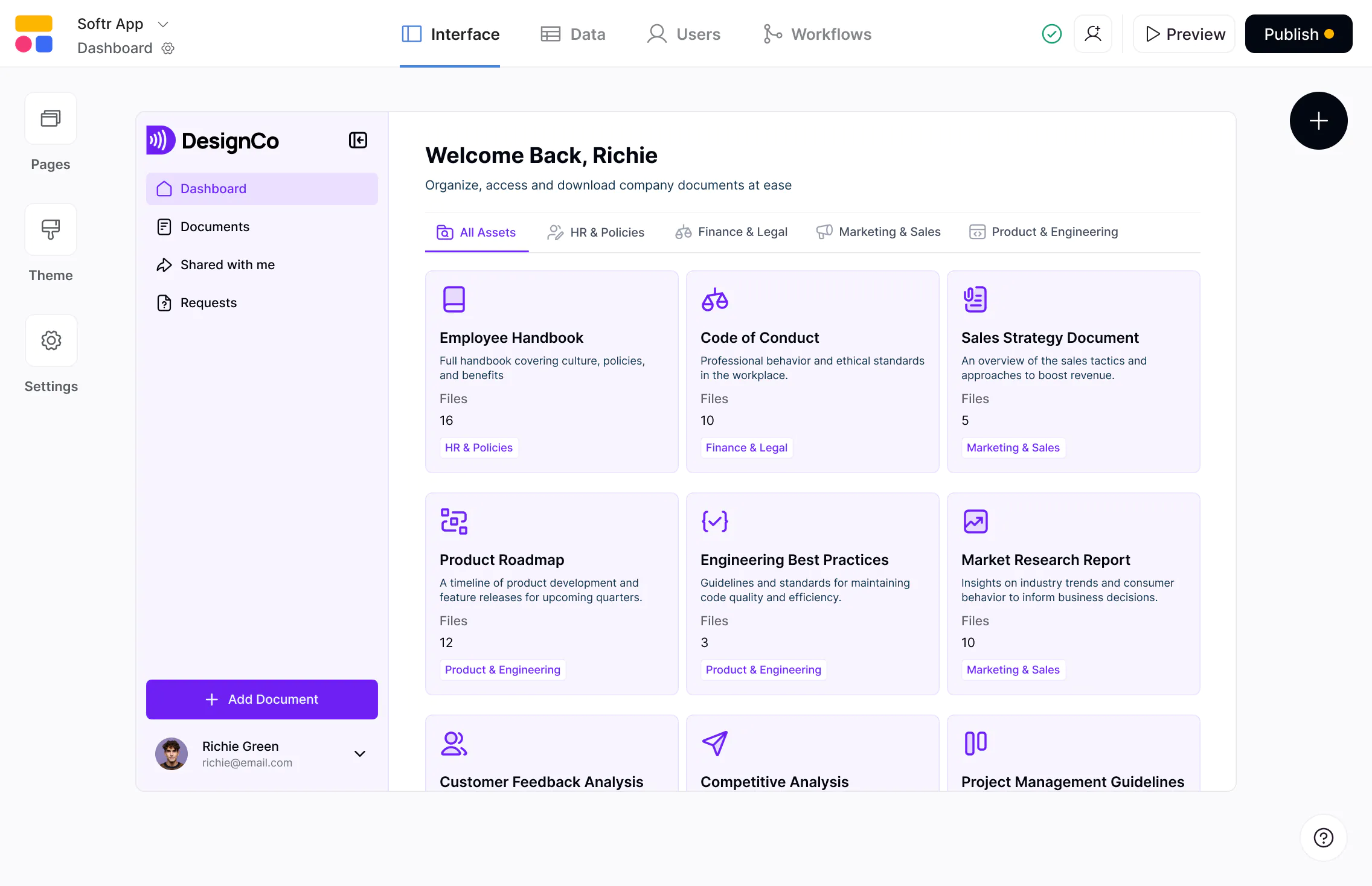










The #1 Google AppSheet alternative for business apps
Build scalable, AI-powered apps on real business data—with predictable pricing and full control as you grow.

Flexible apps on top of multiple data sources.
AppSheet is built primarily for Google Sheets. Softr connects natively to Google Sheets and 15+ other data sources—and adds a more flexible app builder with native databases, and workflow automation.

Built for internal and external tools
AppSheet works best for simple internal team apps. Softr is designed for both internal tool and external use cases, with logins, utility pages, and granular permissions for client portals and internal tools.

Predictable pricing with more value built in.
AppSheet charges per user per month, which can add up quickly as teams grow. Softr offers flat pricing with generous user and record limits across paid plans, making it easier to scale apps without cost surprises.

Why businesses choose Softr over Google AppSheet
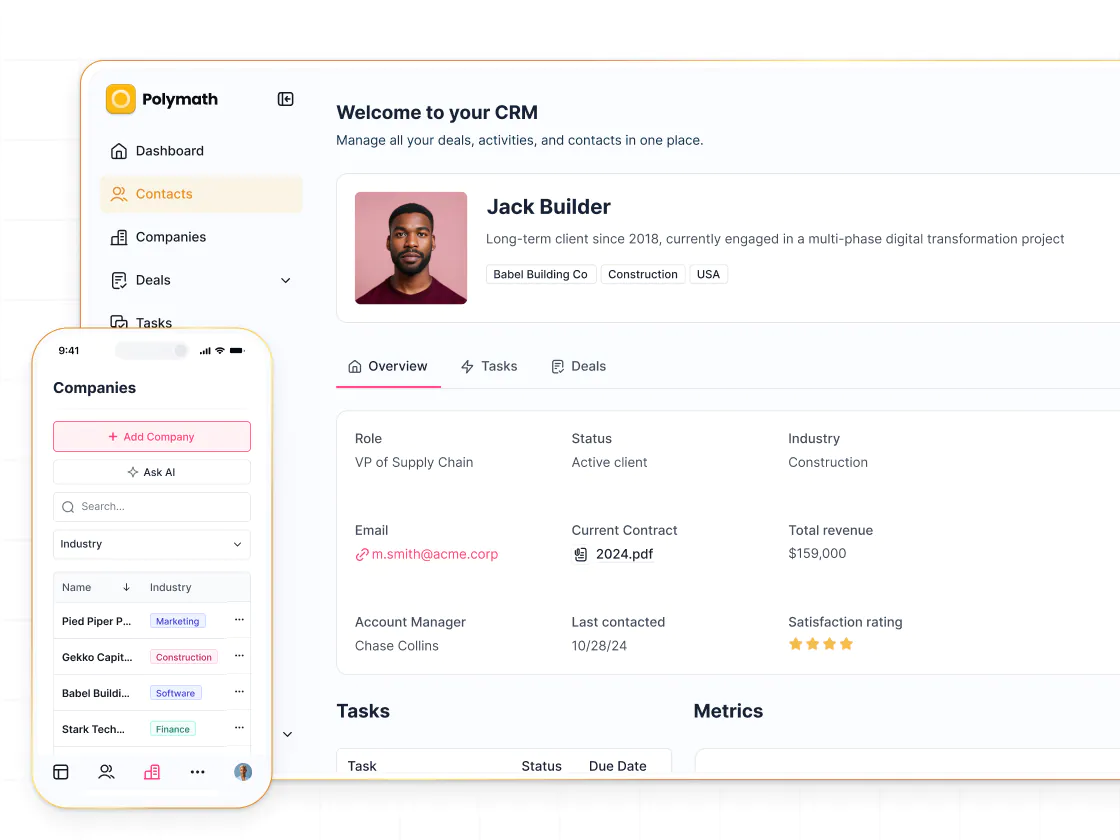
Better suited for business apps
AppSheet is a quick win for turning Google Sheets into basic apps, but its structure stays closely tied to spreadsheets. Softr gives you more flexibility to design real apps with structured data, richer components, and custom logic and layouts.
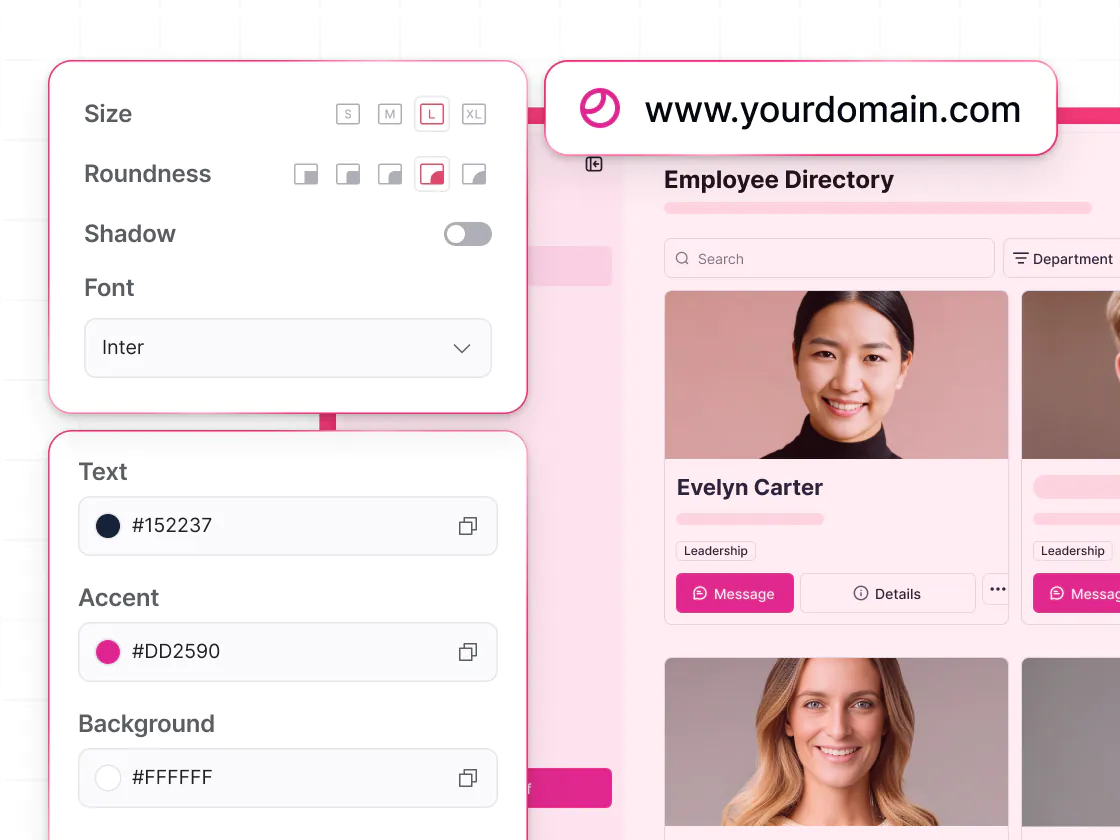
More control over UI and user experience
AppSheet follows a mobile-first UI that can be limiting for complex workflows. Softr gives you greater control over page structure, blocks, and navigation, making it easier to build branded apps and portals.
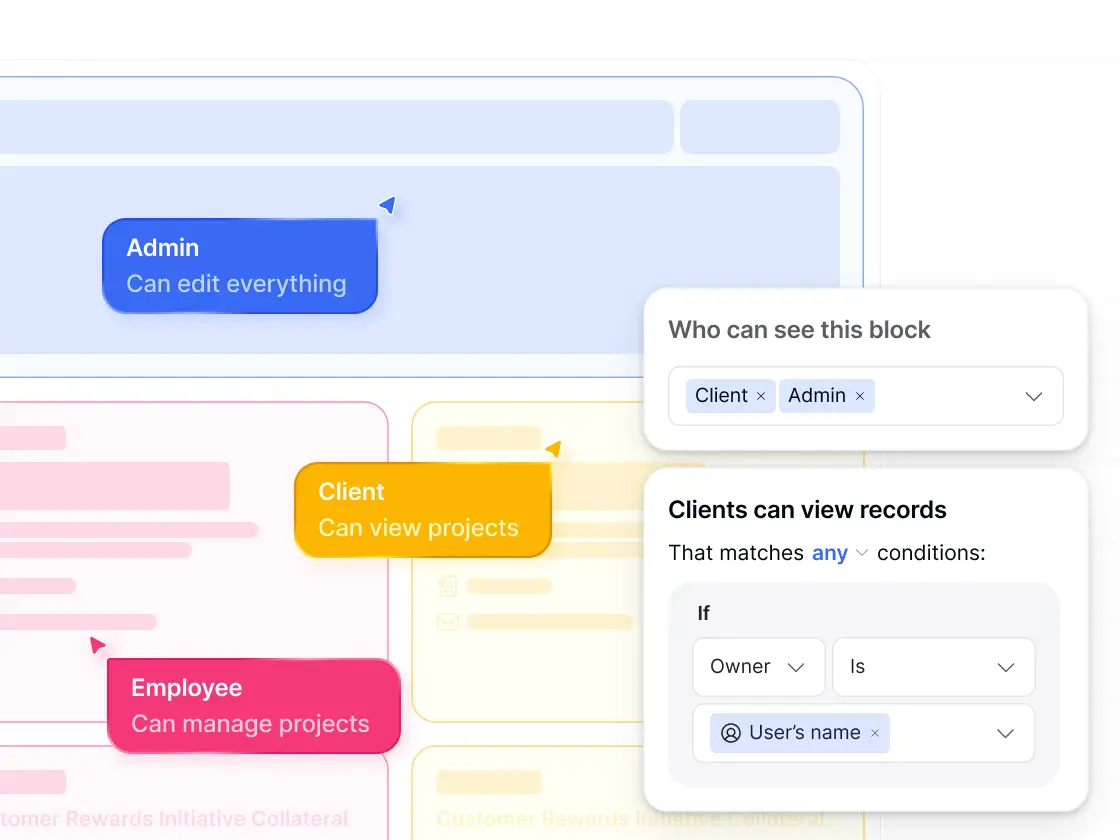
Granular access control
AppSheet offers basic access controls that can be hard to extend across multiple audiences. Softr supports role-based access and granular permissions, so each user only sees what’s relevant—without complex setup.
Databases designed for scalable apps
AppSheet relies on Google Sheets as the backend, which become limiting at scale. Softr Databases provide relational tables, linked records, advanced fields, and better performance as apps grow.
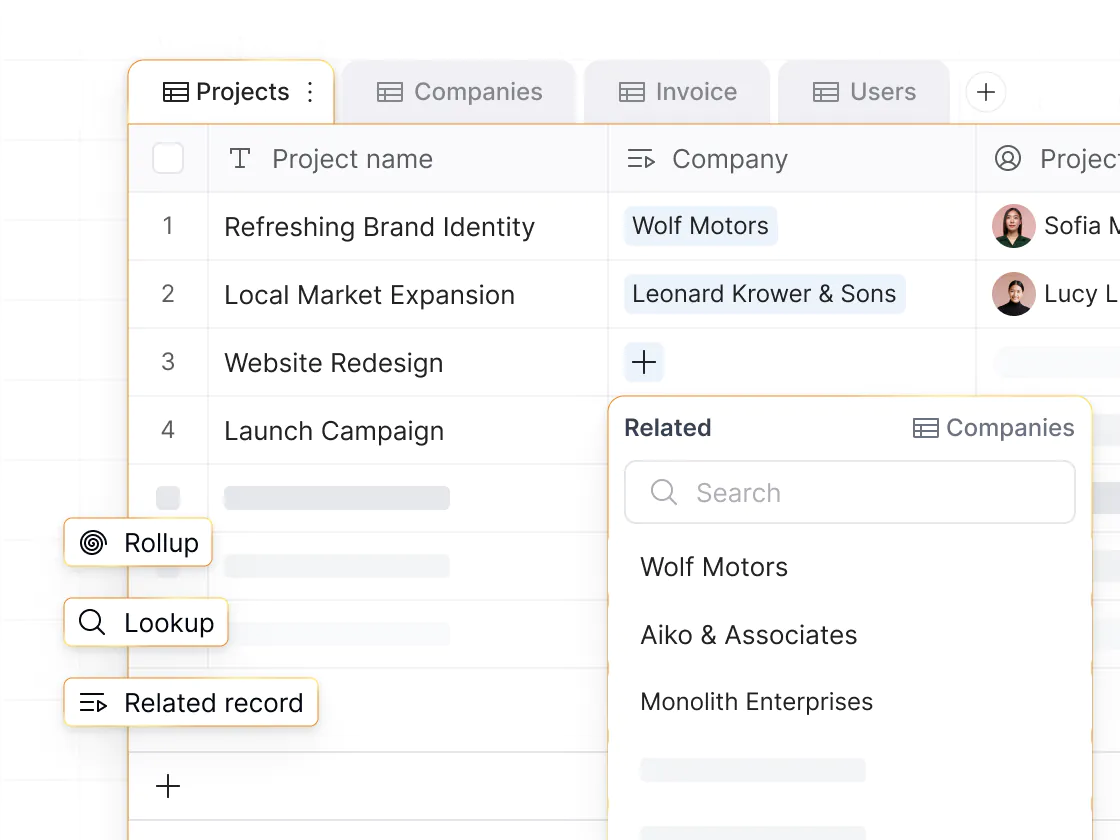
Workflows triggered from app UI
AppSheet supports automation, but workflows are limited. Softr offers native workflows triggered by user actions like form submissions or button clicks, making approvals, updates, and notifications easier to build and maintain.
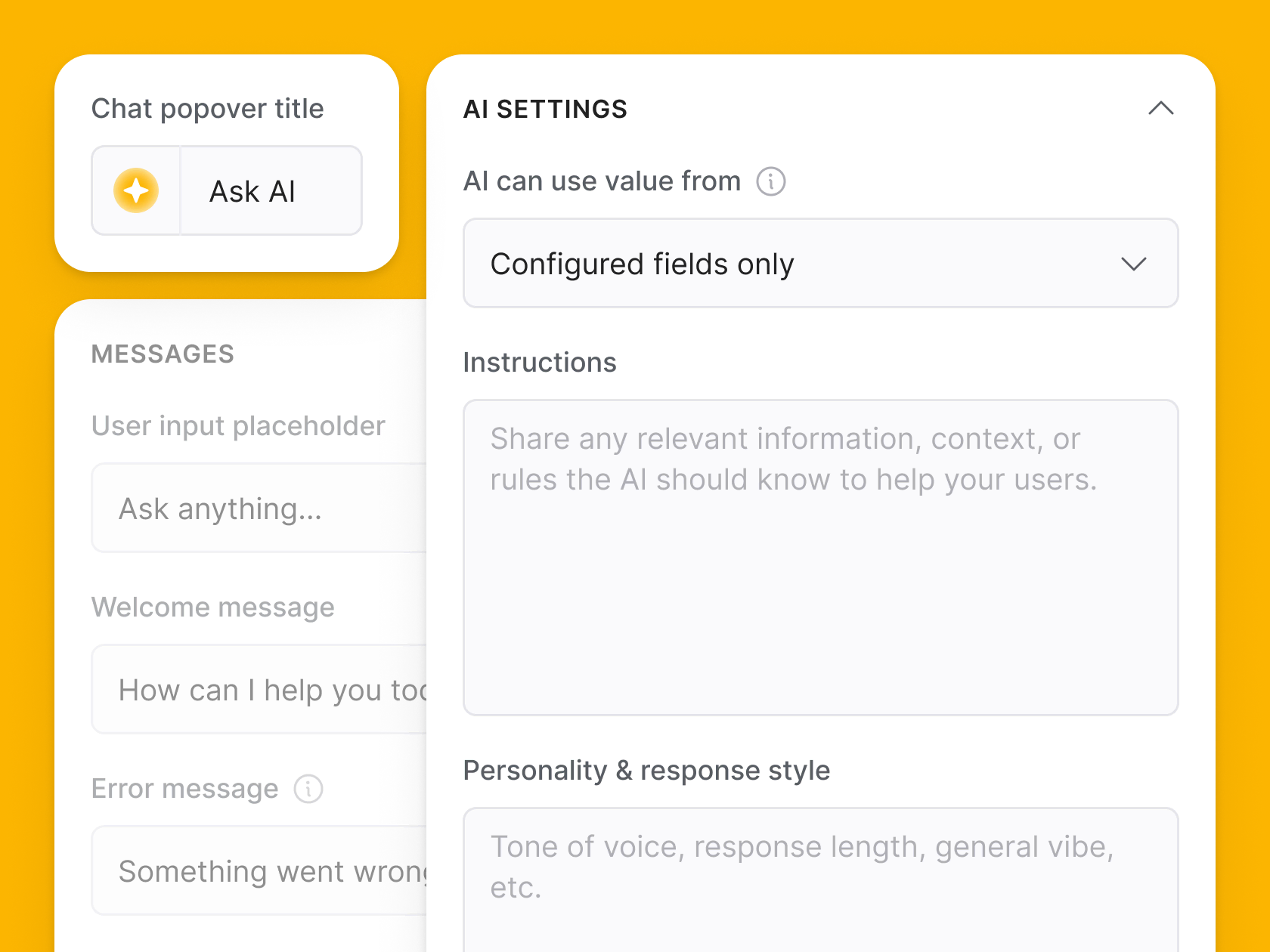
Vibe coding and AI to build faster
Vibe coding in Softr lets you generate custom tools and UIs from a prompt. Vibe-coded blocks connect to live data, support CRUD actions, follow data permissions, and include version history.
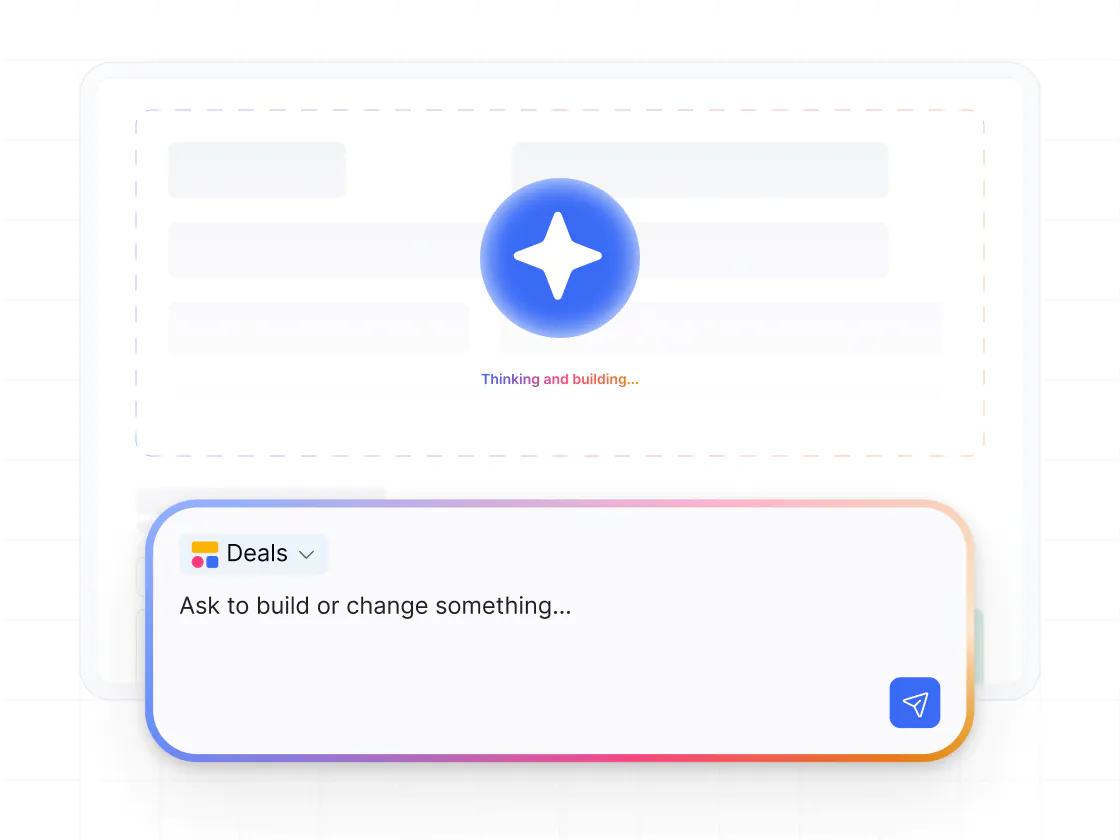

Go from zero to app, incredibly fast
Co-build with AI
Simply describe what you need. Let Softr handle everything - Interface, database, workflows.
Iterate with AI or visually
Control most critical parts of your app yourself - roles, permissions, security.
Ship the same day
Invite team members or external clients and partners right away. No developer handover.



Frequently asked questions
What’s the difference between Softr and Google AppSheet?
Is Softr better than AppSheet for external users?
Does Softr work with Google Sheets?
How do workflows compare between Softr and AppSheet?
How does pricing compare?
What types of apps are better suited for Softr than AppSheet?
Join 1M companies building apps with Softr
See how easy it is to automate and run your business.