



[.blog-callout]
TL;DR
- BigQuery is now a native data source in Softr, joining our growing list of 17+ connections, from our own Softr Databases to Airtable, Google Sheets, and HubSpot.
- Turn your BigQuery data warehouse into dashboards and portals your team and partners can actually use, no SQL or separate analytics tool required.
- Access is currently read-only, and the integration is available on the Business plan and higher. [.blog-callout]
What do we want? More data! How do we get it? With Softr and BigQuery!
We're excited to introduce BigQuery as our newest data source at Softr. Now you can unlock the power of your data warehouse, no messy spreadsheets or complex analytics tools required, and it joins a growing list of 21+ data sources Softr connects to, from our own native Softr Databases to Airtable, Google Sheets, and HubSpot.
Build apps that unlock your data warehouse
While BigQuery centralizes your data, accessing it often requires technical expertise. Softr bridges this gap.
Now, you can:
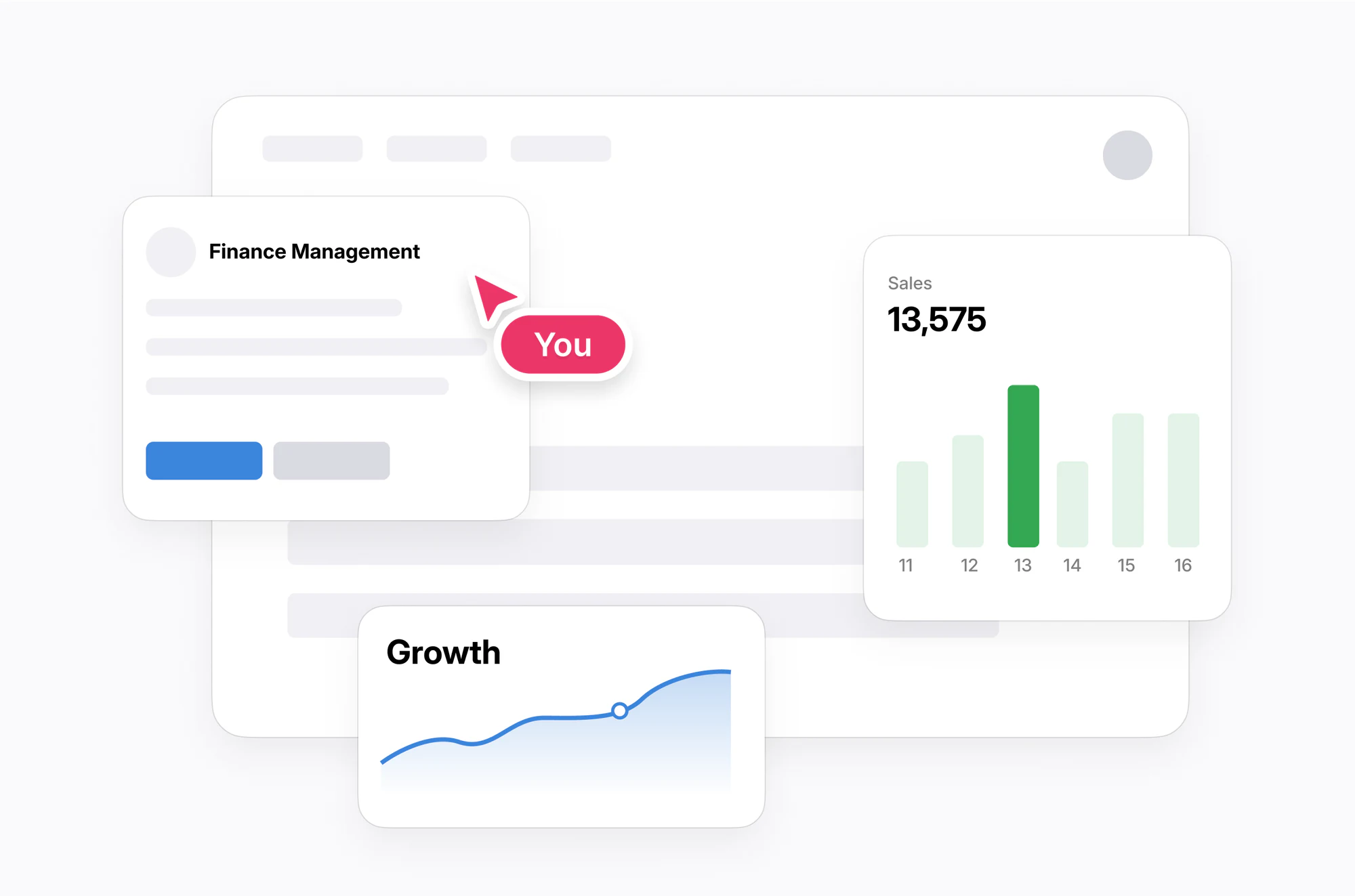
- Build custom dashboards: Create dashboards tailored for marketing, customer success, and other teams or roles, directly in Softr. Describe the dashboard you want to the AI Co-Builder and it lays out the charts and tables for you, or build it manually block by block.
- Share insights securely: Deliver customized reports to external partners through a Softr portal.
- Get started quickly: Connect to BigQuery in a few clicks. For more details, visit our help doc.

Data empowerment for every-day operators
Give your team the tools to unlock the insights hidden in your BigQuery warehouse. No coding or complex software required, customize dashboards to make data relevant for every role. For fully custom visualizations beyond our native chart blocks, the Vibe Coding block can generate bespoke UI components that connect directly to your data source.
Secure data sharing without chaos
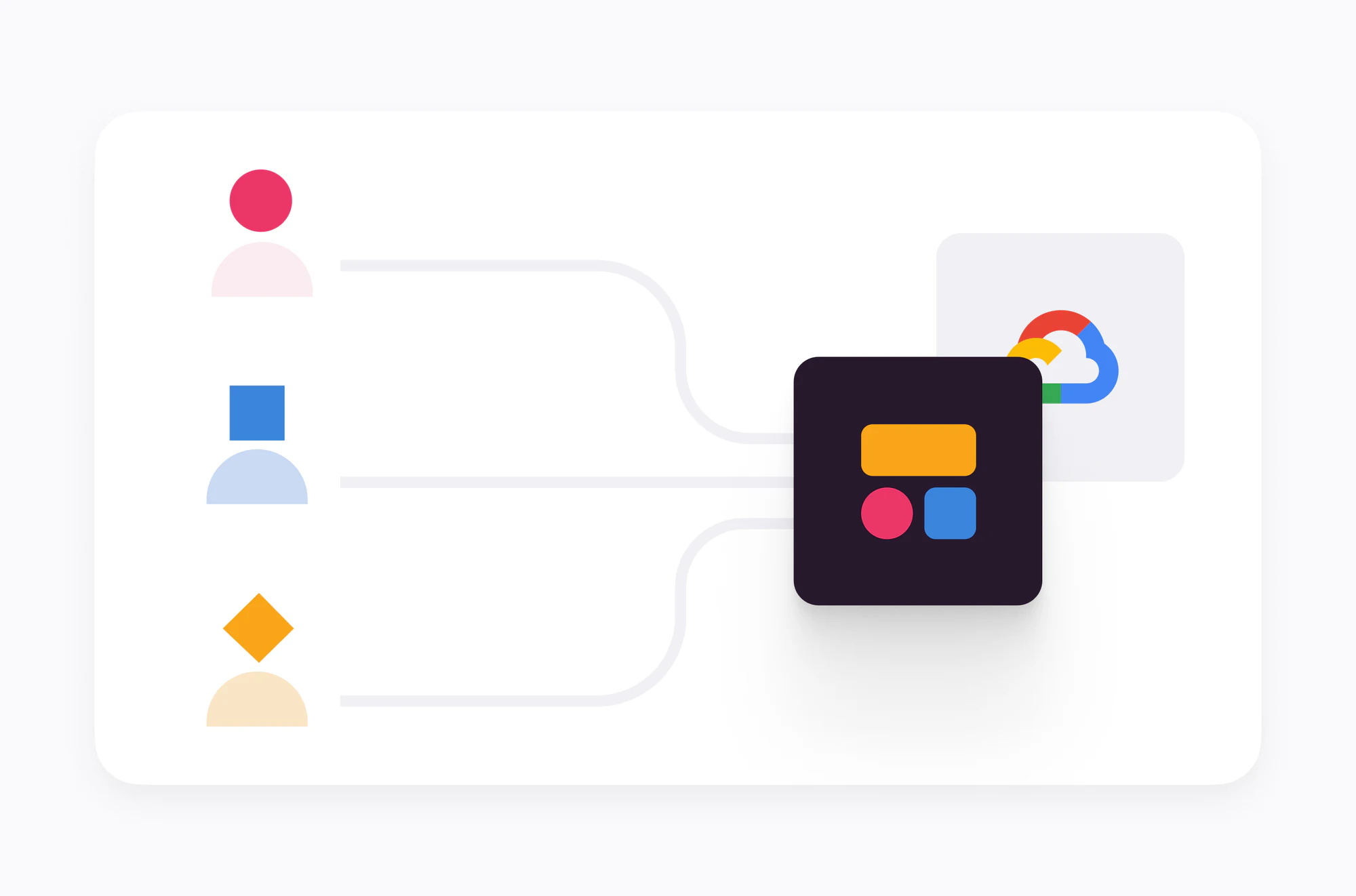
Simplify secure data sharing with clients, partners and vendors. Share apps and dashboards while easily controlling access with Softr.
One marketing agency built a client-facing reporting dashboard in Softr to replace scattered spreadsheets and email updates. The result: a 58% cut in operational costs and 10 hours saved every week that used to go into manually pulling reports together.
Important notes:
- The integration currently supports read-only access to BigQuery.
- Keep in mind BigQuery's pricing, as costs depend on the volume of data analyzed.
- While BigQuery is powerful for complex data analysis and reporting on large datasets, it's not a substitute for a structured operational database. For that, use Softr Databases, our native built-in database, or connect to a structured source like Airtable or SmartSuite.
Get started with BigQuery + Softr
Available on the Business plan and higher.
Frequently asked questions
What is BigQuery, and why connect it to Softr?
Can I write data back to BigQuery from Softr?
Which Softr plan includes the BigQuery integration?
Is BigQuery a replacement for Softr Databases or Airtable?
How do I control who sees what BigQuery data in my Softr app?


